
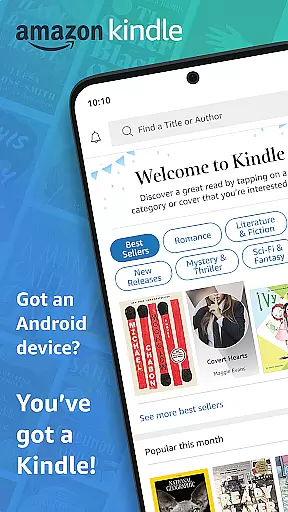
Amazon Kindle is the quintessential reading companion for book lovers, offering access to millions of books, magazines, audiobooks, and more. With its user-friendly interface, it allows readers to explore new releases, best sellers, and titles across various genres. Whether you're interested in novels, non-fiction, or comics, Kindle provides a diverse library at your fingertips.
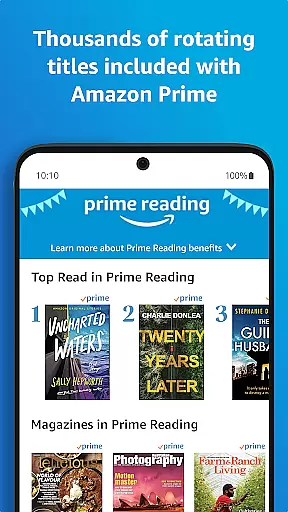
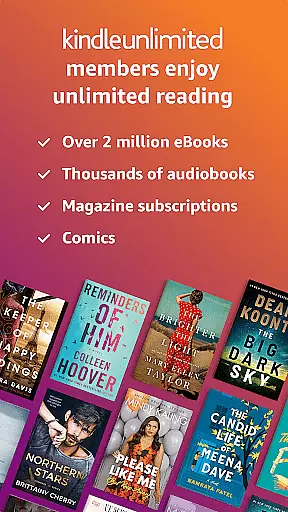
The app goes beyond traditional reading by integrating advanced features like customizable text settings, built-in dictionaries, and X-Ray for deeper insights into characters and themes. It also supports seamless syncing across devices, ensuring you can pick up where you left off no matter which device you use. Kindle Unlimited and Amazon Prime members enjoy additional benefits, including unlimited reading and exclusive content.
Perfect for commuters, busy professionals, or bedtime readers, Kindle ensures you always have something to read wherever you are. Its portability and accessibility make it an essential tool for avid readers who want to maximize their reading time without carrying physical books.
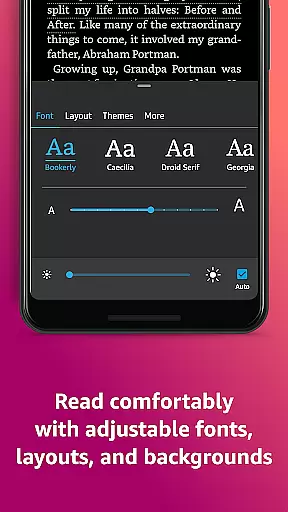
Kindle offers a comprehensive suite of features designed to enhance the reading experience. One standout feature is the ability to customize nearly every aspect of the reading interface. Users can adjust text size, font type, margins, alignment, screen orientation, and even background colors for comfortable day and night reading. The Page Flip functionality lets readers skim through pages effortlessly while saving their place.
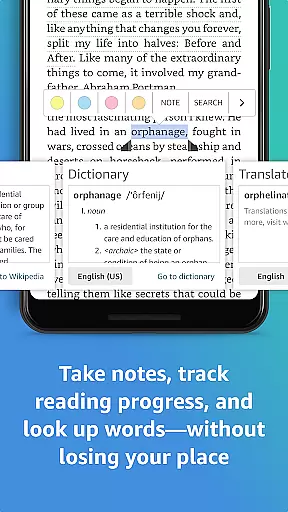
Beyond customization, Kindle integrates powerful learning tools such as a built-in dictionary, Wikipedia lookup, and X-Ray, which provides detailed information about characters, places, and themes within a book. Readers can highlight important passages, take notes, and bookmark pages for future reference—all stored conveniently in one location called My Notebook.
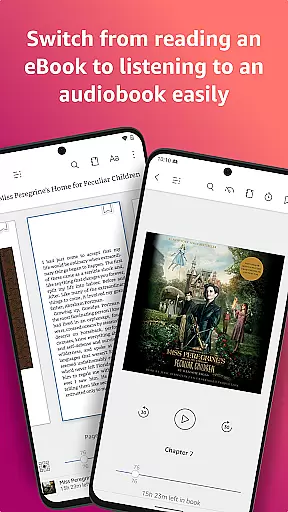
For multitaskers, the app supports Audible narration, allowing users to switch between reading and listening seamlessly. Additionally, cross-device syncing ensures that bookmarks, highlights, and progress are updated in real-time across smartphones, tablets, and e-readers. These innovative features create a dynamic and personalized reading experience tailored to individual preferences.
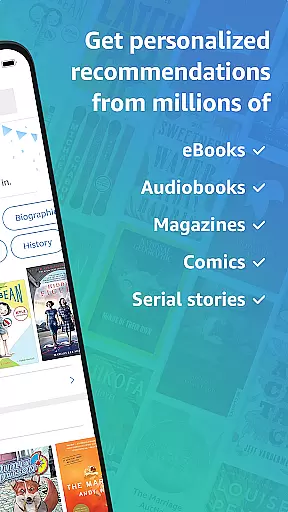
When it comes to digital reading, the size and authenticity of an e-book library are crucial factors for avid readers. The Amazon Kindle app boasts an extensive collection of millions of books, including bestsellers, magazines, newspapers, comics, and manga. This vast library ensures that users have access to a diverse range of reading materials right at their fingertips.
The app doesn't just offer quantity but also assures quality through stringent copyright protocols. Each title available in the Kindle app is verified for copyright authenticity, giving readers peace of mind that they are accessing legitimate content. This commitment to copyright compliance not only supports authors and publishers but also enhances the reader's experience by providing them with accurate and authorized editions of their favorite books.
Furthermore, Kindle Unlimited members enjoy unlimited access to over a million titles, adding extraordinary value for book lovers. With this subscription, users can explore a wide array of genres without worrying about individual purchase costs. Whether you're interested in the latest novels or niche academic texts, the Kindle app's comprehensive library has something for everyone.
For a seamless reading experience across various devices, format compatibility plays a significant role. The Amazon Kindle app excels in this area by supporting a wide range of e-book formats. Readers can indulge in their preferred content without facing issues related to file support, making it convenient to import and read personal e-book collections.
In addition to standard Kindle formats like AZW and MOBI, the app is designed to handle other popular formats such as PDF and TXT files. This versatility allows users to access documents and e-books from different sources without the need for conversion tools or additional software. By accommodating multiple formats, the Kindle app ensures that readers can manage all their reading materials within one platform.
Moreover, the synchronization feature across devices enhances format compatibility by allowing uninterrupted reading sessions. Regardless of format, users can start reading on one device and continue on another, picking up exactly where they left off. This cross-device functionality underscores the Kindle app's dedication to delivering a flexible and user-friendly reading experience.
User-friendly interface
Extensive library options
Customizable reading settings
Seamless cross-device syncing
Integrated Audible narration
Limited free content
Subscription fees required
Ads in some versions
No offline dictionary editing
Occasional sync issues

“I am the Lorax. I speak for the trees.”
 4.80
4.80
Mirror Bible - eye-opening paraphrase translation of the NT by Francois du Toit
4.30
Read the romance stories on the go. Take my breath away, The Spoiled Girl
4.30
8 Dr. Seuss short stories in 1 app!
4.70
Unlock more features in Lithium and show your support. Expand for details.
4.00
King James Bible read offline, AI Priest, Bible Quiz, Guiding Prayers & Plans
4.80
Build family tree & discover DNA, family history heritage, origins and ancestors
4.60
Calculate, Knowledge, Homework
4.40
Liturgy of the Hours and Mass for every day of every year. No Internet needed!
5.00
Daily rosary and gospel reflections for catholic
4.90
Universal Zoom, learn about sizes & distances of the universe and microcosmos
4.80
The Bible Audio Guide
4.80
Contains the 365 daily readings and everything other thing needed for catholics
4.70
Words spoken by native English speakers and full definitions.
4.60
Master AKC Rally signs with in-depth hints, diagrams, and expert guidance.
4.50
Daily Bible app: King James Version with verses and audio for studying&prayer
4.40
Improve your vocabulary and grammar with the 15 biggest Oxford Dictionaries.
4.30
Shop over 13 million new and used books at up to 80% off list price
4.20
All in one Calibre libraries on your phones and tablets.
3.80

User Reviews