

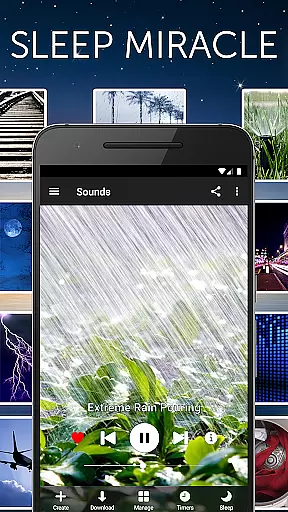
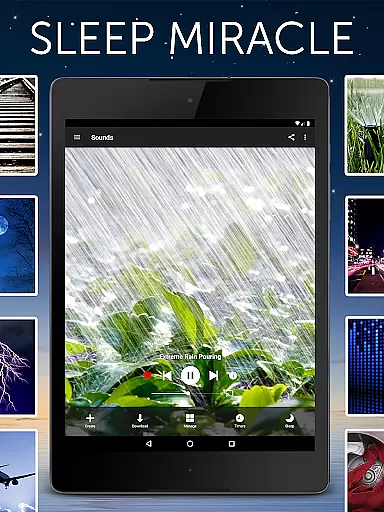
White Noise is a premier sleep aid application designed to help users achieve better rest by providing a variety of ambient sounds. This app is perfect for those who struggle with falling asleep or staying asleep due to environmental distractions. With over 40 high-quality, perfectly looped sounds included, White Noise offers an extensive sound catalog ranging from color noises to natural soundscapes like rain and ocean waves.
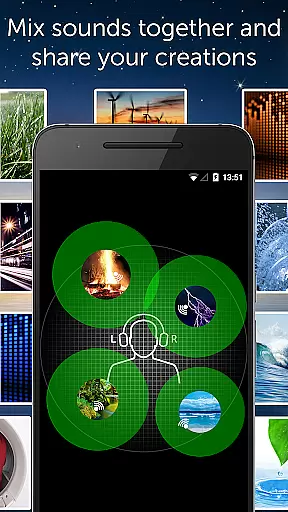
Beyond its core functionality, the app includes advanced features such as background audio support, Chromecast integration, and the ability to mix multiple sounds together. These features create a personalized and uninterrupted relaxation experience. Whether you're at home, traveling, or dealing with a crying baby, White Noise provides the tools necessary to mask unwanted noise interruptions and promote a peaceful night's sleep.
White Noise stands out with its comprehensive suite of features tailored to enhance user experience. The app includes over 40 ambient sounds that are perfectly looped, ensuring seamless playback without any abrupt stops. Users can also explore additional free sounds via the White Noise Market, expanding their auditory library even further.
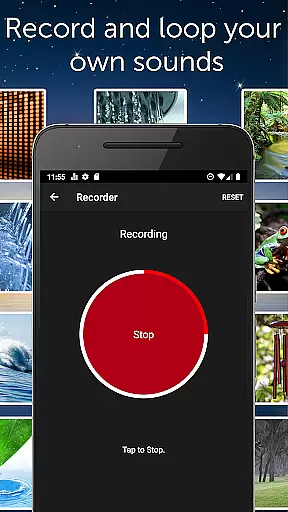
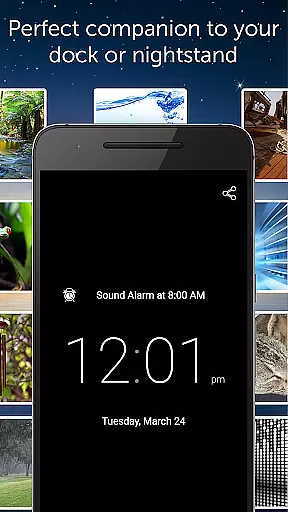
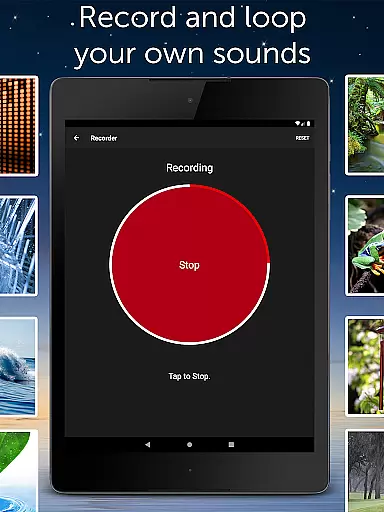
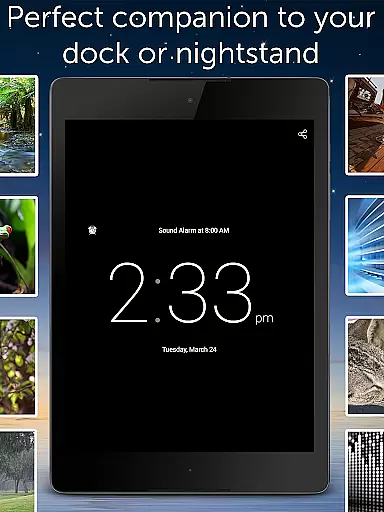
One of the standout functionalities is the ability to record and loop new sounds effortlessly. The app supports background audio, enabling multitasking while enjoying your favorite soundscapes. Advanced settings allow customization of buffer size, volume, balance, and pitch, catering to audiophiles who demand precision. Furthermore, the inclusion of a full-screen digital clock and an advanced alarm system ensures that White Noise is not just a sleep aid but a complete nighttime companion.
Personalized planning in White Noise is designed to help users create tailored soundscapes that suit their individual needs for relaxation and sleep. The app offers over 40 perfectly looped sounds, including color noises, mechanical sounds, and nature-inspired audio like rain and ocean waves. These sounds are carefully curated to cater to diverse preferences, ensuring that every user can find something that resonates with them.
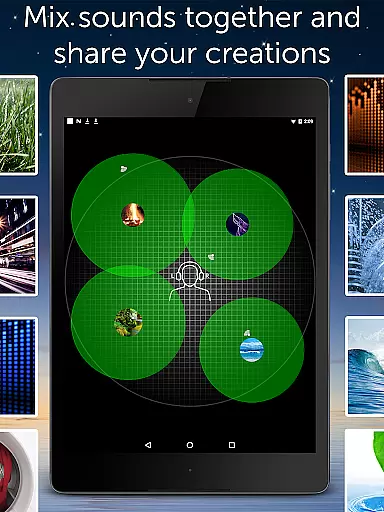
The application allows users to record and loop new sounds effortlessly, adding a personal touch to their auditory experience. By mixing multiple noises together, users can adjust the volume, balance, and pitch of each sound, crafting a unique blend that promotes better sleep and relaxation. This level of customization ensures that the sound environment evolves with the user's changing needs, providing ongoing personalized support.
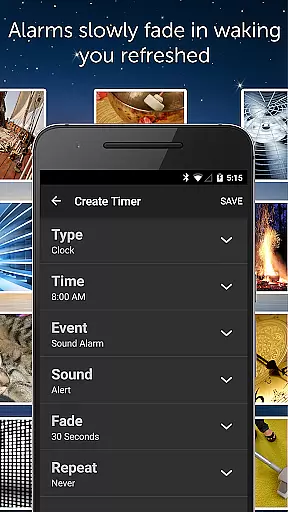
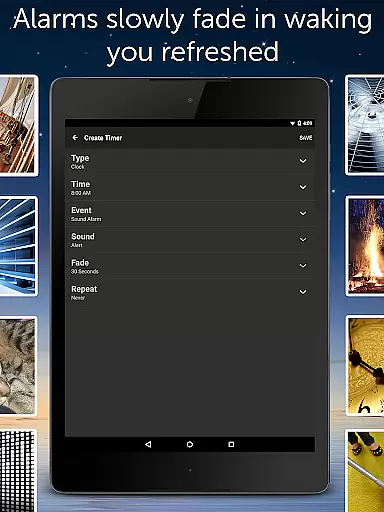
White Noise also features an advanced alarm and timer system that gently fades audio in and out, allowing users to wake up naturally and feel refreshed. This thoughtful design element enhances the personalized planning aspect by adapting to individual sleep cycles and routines. With these capabilities, users can create a customized sleep-inducing environment that evolves with their personal requirements.
Ultimately, the personalized planning offered by White Noise empowers users to take control of their relaxation and sleep experiences. By providing a versatile toolkit for creating bespoke soundscapes, the app addresses various challenges such as blocking distractions, reducing stress, and soothing headaches. This personalized approach not only improves sleep quality but also contributes to overall well-being.
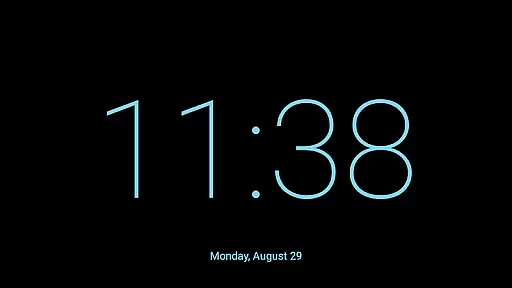
Progress visualization in White Noise is achieved through its advanced alarm and timer system, which helps users monitor their sleep patterns and improvements over time. The app includes a full-screen digital clock with multiple colors and brightness controls, serving as a visual aid on any nightstand. This feature provides users with a clear sense of time and progression throughout the night, enhancing their awareness of sleep cycles.
The app's ability to slowly fade audio in and out creates a natural waking process, reinforcing the visualization of progress. Users can observe how the gradual change in sound correlates with their transition from sleep to wakefulness, promoting a deeper understanding of their sleep quality. Additionally, the star favorite sounds and mixes feature allows users to track which combinations yield the best results, further aiding in visualizing their sleep improvement journey.
White Noise's comprehensive set of pro tools and settings, including custom alarm snooze times and sound adjustments, contribute to effective progress visualization. These features enable users to fine-tune their experience based on observed outcomes, making incremental improvements visible over time. The absence of advertising ensures an uninterrupted focus on personal progress without external distractions.
By integrating these elements, White Noise offers a robust framework for users to visualize their sleep progress effectively. The combination of customizable alarms, favorite tracking, and detailed settings empowers users to make informed decisions about their sleep routines. This progress visualization not only enhances user engagement but also fosters a proactive approach to achieving better sleep and overall health.
Extensive sound library
Customizable soundscapes
Background audio support
Advanced alarm system
No advertisements
Limited free sounds
Chromecast requires Google Home
Advanced settings may overwhelm
Recording feature needs improvement
Interface feels dated



The simplest way to track your 21 Day Program containers, exercises, and water.
 4.50
4.50
See what's really going on inside your head! Real time EEG graphs from your Muse
4.40
Histamine intolerance, low FODMAP diet and irritable bowel syndrome (IBS)
4.00
Binaural Beats - Fully Customizable Waves - Pure Sound - No Loops
4.50
Using Recognise™ has been shown to reduce pain, and improve performance.
4.1
Step Counter, track steps when you walk or run
4.70
Track sleep cycle, relax with white noise, sleep sounds & smart alarm clock
3.80
Easy to use step counter, calorie counter helps lose weight, count steps offline
4.80
Jogging app for calorie counter and distance tracker. Running app to lose weight
4.20
Walk. Earn: Get rewarded for every step! Walk, move, and earn real rewards.
4.70
Build Healthy Habits!
4.60
The Crunch Mobile app - Find a gym, manage favorites, reserve & cancel classes.
4.60
Personal step counter for you, private and accurate
4.50
50 HD sounds to help you relax during the day and sleep great at night!
4.40
Your portable blood pressure tracker. Record, monitor, and analyze BP anytime.
4.30
“Overcoming pain based on EMDR” helps you to alleviate chronic pain and stress.
4.10
Looking to take control of your health? Our psychology-based programs can help.
4.10
Optimization for TRT & Enhanced Athletes
4.1
A simple way to calculate peptide doses and also to convert different units.
4.5

User Reviews