

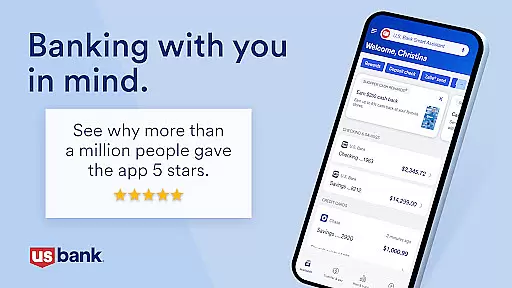
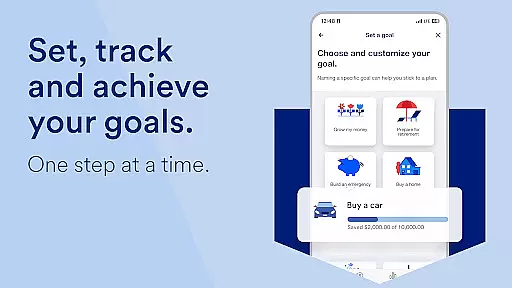
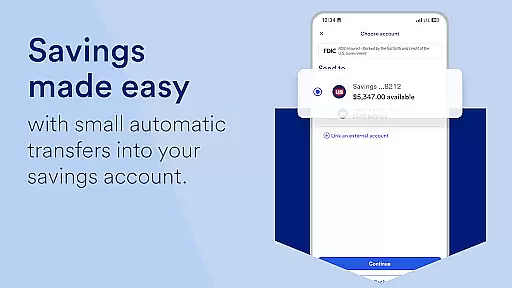
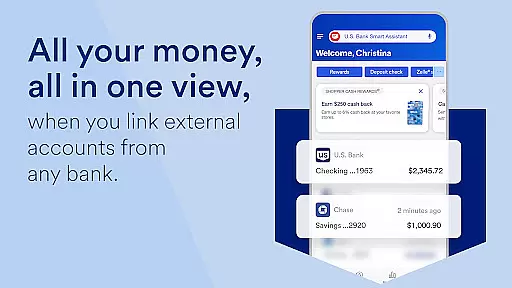
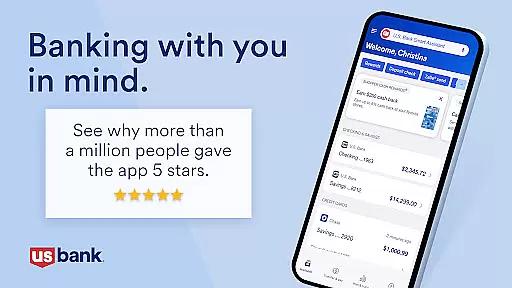
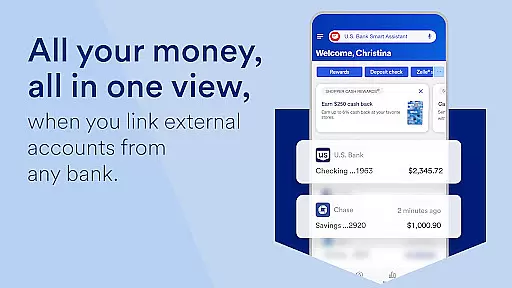
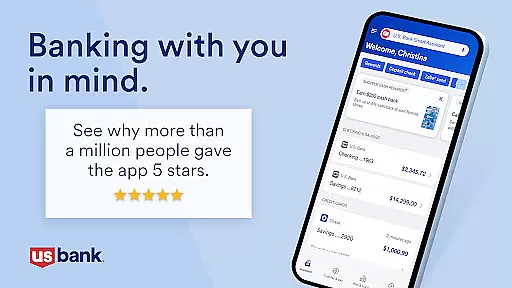
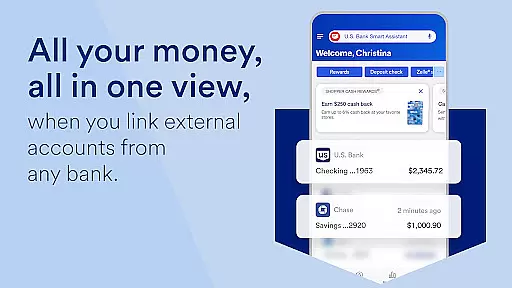
U.S. Bank Mobile Banking is a comprehensive financial management tool designed to provide users with secure and convenient access to their banking services on the go. The app allows customers to log in using their usbank.com credentials, view account balances, monitor spending, and receive alerts for suspicious activities or low balances. With features like fingerprint login and two-factor authentication, it ensures top-notch security while enabling users to manage multiple accounts including checking, savings, credit cards, loans, and more.
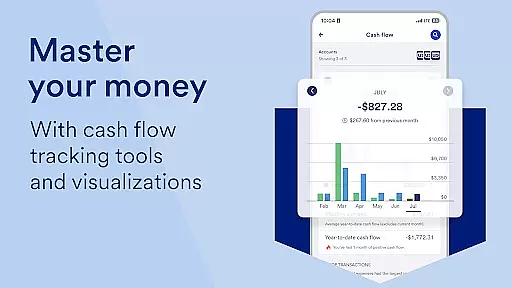
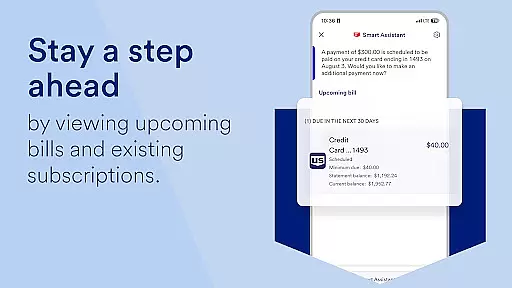
Beyond basic account management, the app offers personalized insights into monthly spending patterns, recommendations for saving money, and an AI-powered Smart Assistant that lets users perform tasks through simple voice commands. Users can easily move money via Zelle, deposit checks, pay bills, and even apply for new financial products directly from their mobile devices. Whether you need help with everyday banking tasks or want to explore investment opportunities with U.S. Bancorp Investments, this app provides all necessary tools at your fingertips.
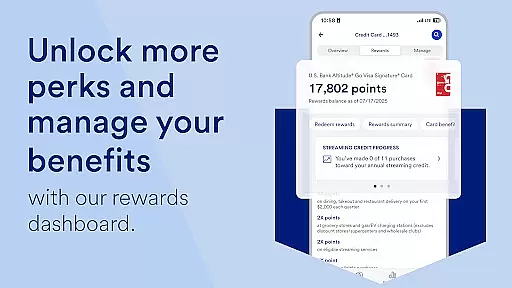
The U.S. Bank Mobile Banking app stands out with its robust feature set tailored to meet diverse customer needs. One of its key highlights is the ability to customize user experience by setting up travel notifications, locking/unlocking cards, adding cards to mobile wallets, and selecting language preferences between English and Spanish. These options give users greater control over their finances while ensuring they have access to support whenever needed.
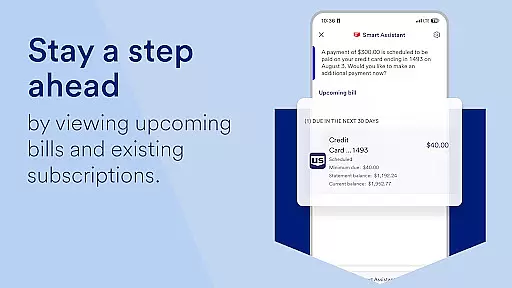
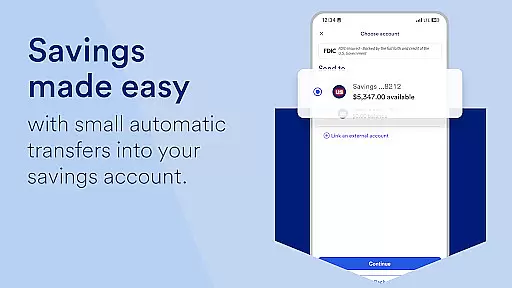
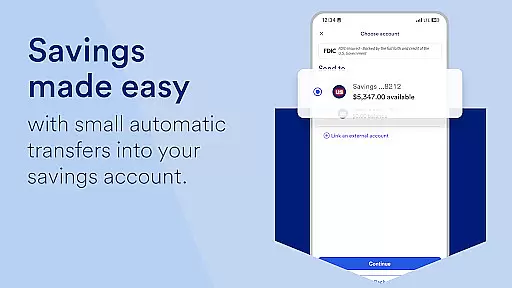
Another standout feature is the integration of the U.S. Bank Smart Assistant, which uses natural language processing to help users manage accounts, transfer funds, and retrieve important information such as routing numbers simply by asking questions. Additionally, the app facilitates seamless money movement through Zelle for peer-to-peer payments, quick check deposits with increased limits, bill payment management, and internal transfers across different types of accounts. For those interested in exploring additional financial products, the app also includes a section dedicated to finding new accounts, credit cards, loans, and small business solutions, often providing instant decisions upon application.
Account and fund security is a critical feature for any financial application, ensuring that users' sensitive information and funds are protected from unauthorized access. U.S. Bank Mobile Banking employs advanced security measures to safeguard user data, including multi-factor authentication and real-time alerts for suspicious activities. These features help prevent fraud by notifying users of duplicate charges, unusual login attempts, or low balances.
The app's security framework is designed to provide peace of mind to its users. By enrolling with credentials used at usbank.com, customers can securely access their accounts and credit scores. Additionally, the ability to set travel notifications and lock or unlock cards directly from the app enhances control over account safety. This proactive approach allows users to manage potential security risks efficiently.
Furthermore, U.S. Bank is committed to protecting customer privacy and security through its Digital Security Guarantee. The bank's comprehensive security measures ensure protection against fraud loss, reinforcing trust in digital banking services. With these robust security protocols in place, users can confidently perform transactions and manage their finances without worrying about unauthorized access or fraudulent activities.
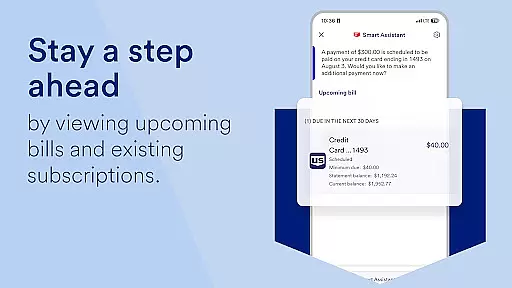
A seamless transaction experience is essential for maintaining user satisfaction in mobile banking applications. U.S. Bank Mobile Banking excels in this area by offering intuitive features that simplify money movement. Users can easily send and request payments using Zelleu00ae, deposit checks quickly with increased limits, and pay billsu2014all within a single interface. This streamlined process ensures that transactions are completed swiftly and efficiently.
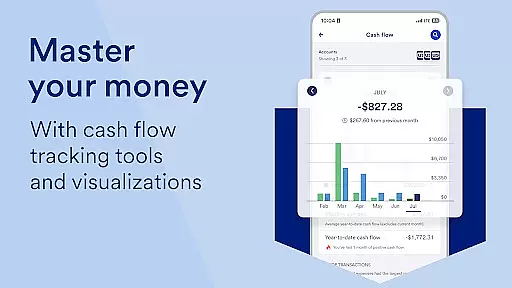
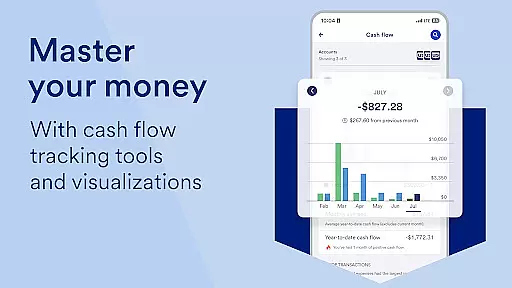
In addition to basic transactions, the app provides personalized insights based on individual spending habits. Monthly reviews of expenditures in key categories like Food & Dining enable users to make informed financial decisions. Recommendations on saving and growing money further enhance the overall transaction experience by empowering users with actionable advice tailored to their financial behavior.
Moreover, the U.S. Bank Smart Assistantu00ae elevates the transaction experience by allowing users to manage accounts and move money through simple voice commands. Whether asking for routing numbers or initiating transfers between accounts, the assistant facilitates hands-free operation, making banking more accessible and convenient. Such innovative features contribute significantly to an enhanced user experience, setting U.S. Bank apart as a leader in mobile banking technology.
User-friendly interface
Comprehensive account management
Advanced security features
Personalized financial insights
Integrated smart assistant
Limited international functionality
Occasional syncing issues
Requires stable internet connection
Some features need enrollment
Ads for additional services

Play for fun, earn for real. Collect rent by owning virtual land & get cashback
 4.60
4.60
BA Financial Calculator PRO – Perfect for CFA/FRM/CPA and finance professionals
4.90
Get a cash advance instantly. File taxes & cover unexpected bills in minutes.
4.60
Payday cash advance & Instant cash advance: Borrow money instantly, Get cash now
4.60
Invest, bank & save in one app. Trade stocks, earn high APY & budget smarter.
4.00
Read and extract public data on NFC Contactless banking card (VISA, MasterCard
4.30
Keep track of your subscriptions with no limitations
4.80
Military retirement pay estimation calculator
4.70
The PayPal app is the secure way to send and receive money, shop and pay in 4.
4.20
Get 250$ Cash Advance to solve emergencies instantly in loan app called LendMe
4.70
Money App - Earn Cash back, Fast Cash Advance, Personal Loan Offers, Banking
4.70
Currency Converter (200+ currencies) with live exchange rates and offline mode.
4.70
“Money Manager” is an optimized application for personal asset management.
4.70
Navigate your unique financial path confidently with help from Credit Karma.
4.70
Debt pay off. Build credit history. AI budget tool. Loan offers.
4.60
Easily invest, save, and plan—all in one app.
4.60
Manage and cancel subscriptions, lower bills, track expenses, create budgets.
4.60
Real-time tracking: Stocks, Indices, Futures, Commodities, ETF, & Funds prices.
4.60
Save, spend & get paid faster²
4.50


User Reviews