

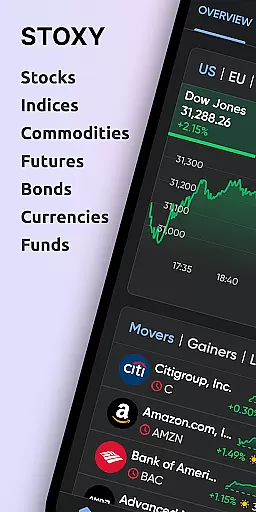
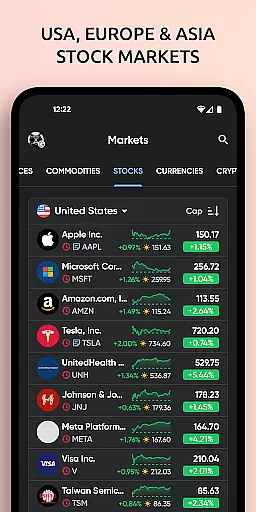
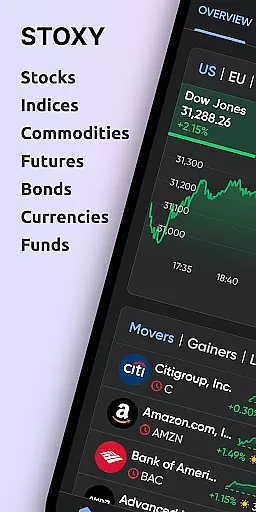
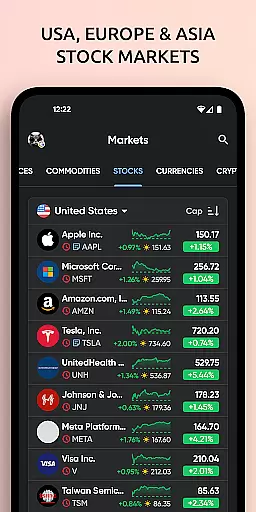
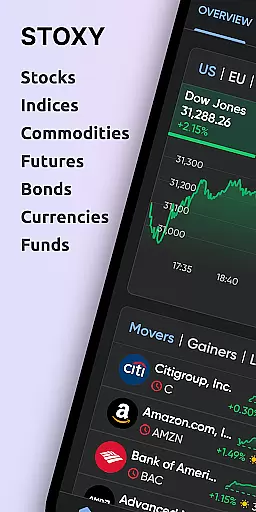
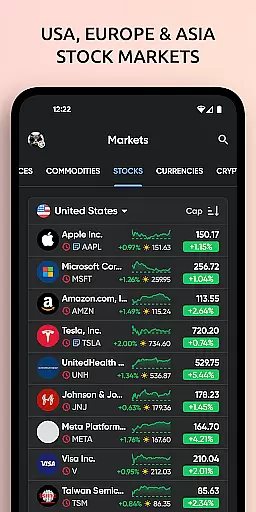
Stoxy PRO is a comprehensive stock market tracking and investment management application designed for both novice and experienced investors. The app provides real-time data from over 50 global exchanges, including major ones like NYSE and NASDAQ, allowing users to monitor stocks, ETFs, commodities, futures, mutual funds, bonds, and cryptocurrencies all in one place. Its powerful analytics and personalized alerts help investors stay ahead of market trends while managing their portfolios effectively.
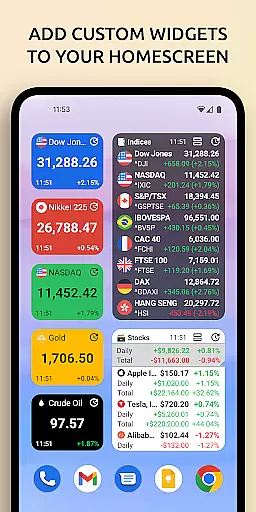
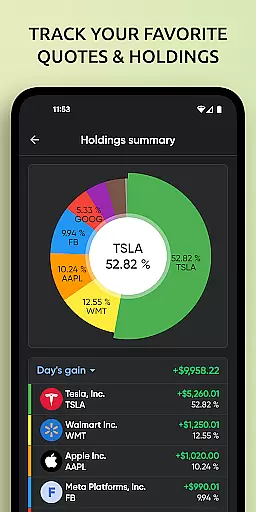
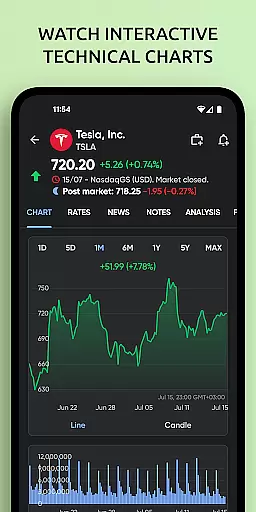
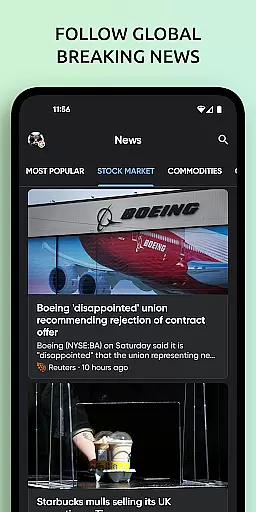
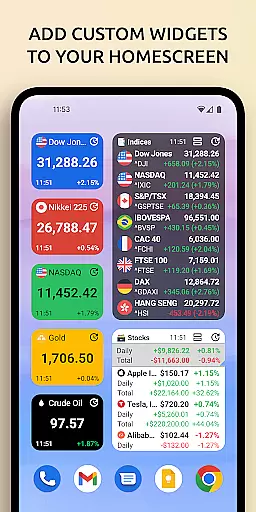
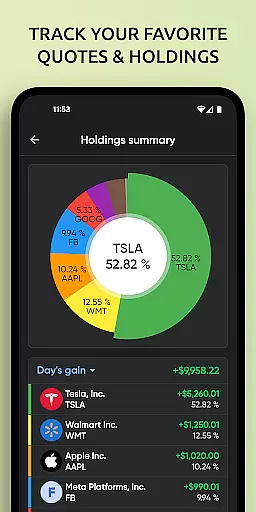
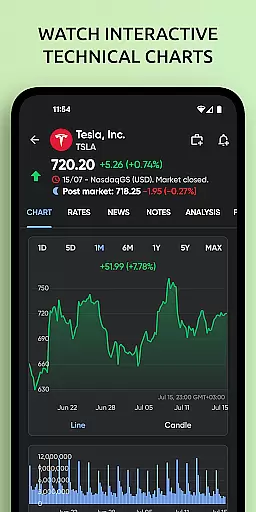
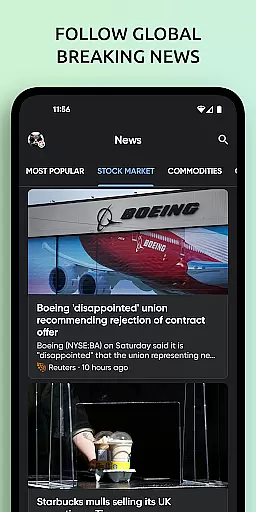
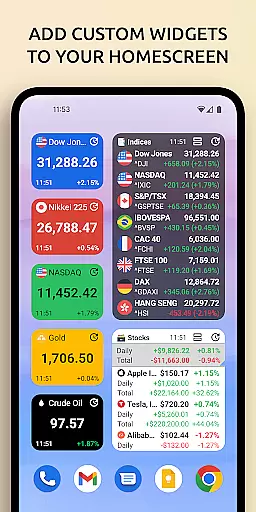
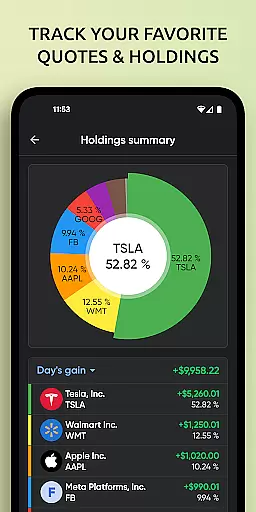
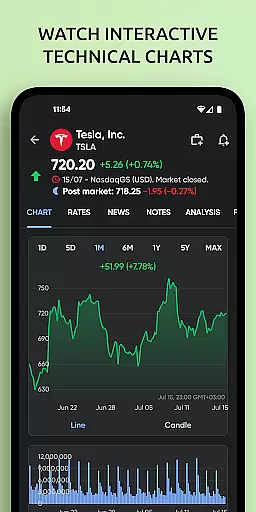
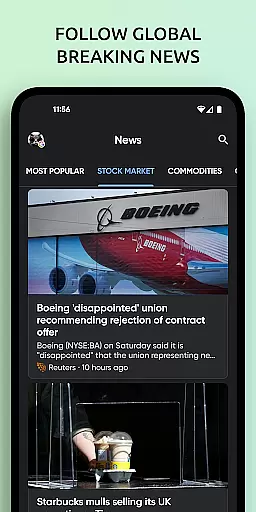
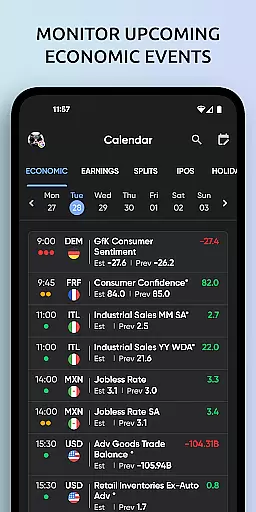
One of the standout features of Stoxy PRO is its intuitive visualization tools. Users can analyze their portfolio's performance through dynamic charts and graphs that display trends, allocations, and historical data at a glance. Additionally, advanced stock screeners, dividend calendars, and curated financial news enable smart investing decisions. With customizable home screen widgets and cloud sync capabilities, Stoxy ensures that critical investment information is always accessible, anytime and anywhere.
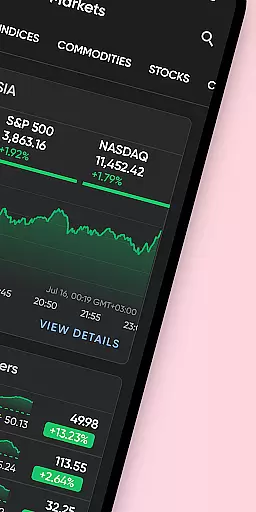
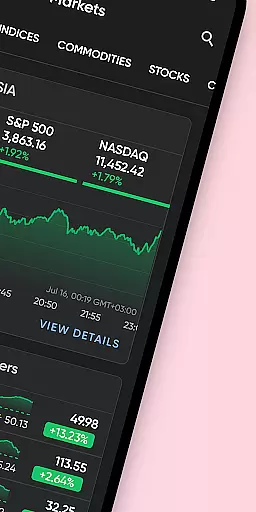
Stoxy PRO offers an extensive range of features that cater to various investment needs. One of its core strengths lies in its real-time data access, covering live stock prices from more than 50 global exchanges. This includes not only prominent indices like Dow Jones and S&P 500 but also commodities, futures, and even cryptocurrencies such as Bitcoin and Ethereum. The app consolidates this vast amount of information into an easy-to-navigate interface, empowering users with instant updates on gains, losses, and key metrics.
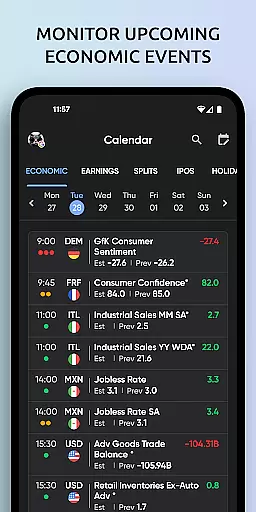
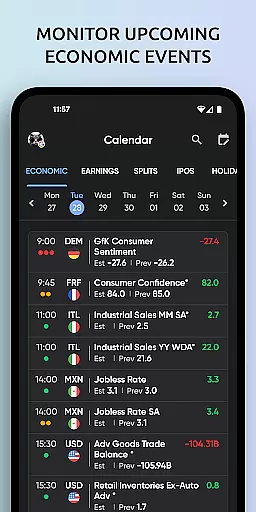
Beyond basic tracking, Stoxy PRO provides advanced tools like stock screeners, which allow filtering based on industry, country, or market cap, alongside dividend and earnings calendars for timely insights. The inclusion of interactive charts, push notifications for price changes, and breaking financial news further enhances its utility. With seamless cloud sync across devices and optional premium upgrades for an ad-free experience, Stoxy PRO delivers a polished and professional-grade investment management solution.
When it comes to financial applications like Stoxy PRO, account and fund security is of utmost importance. This app ensures that your investment data remains protected through advanced encryption protocols. Every transaction and portfolio update is secured using industry-standard security measures.
The application implements multi-factor authentication to prevent unauthorized access. Users can enable additional verification steps, such as biometric login or one-time passwords, for an extra layer of protection. These features ensure that only you have access to your critical investment information.
Stoxy PRO also provides real-time monitoring of account activities. Any unusual login attempts or suspicious actions trigger instant alerts, allowing users to respond quickly to potential threats. With these comprehensive security measures in place, investors can confidently manage their portfolios without worrying about data breaches.
By prioritizing security, Stoxy PRO not only protects your assets but also enhances your overall investment experience. The peace of mind offered by robust security features allows users to focus on making informed decisions and optimizing their financial strategies.
A seamless transaction experience is crucial for any financial management tool, and Stoxy PRO excels in this area. The app offers real-time data access from over 50 global exchanges, ensuring that users receive up-to-the-minute information on their investments. This immediacy allows investors to make timely decisions based on current market conditions.
Stoxy PRO's interface is designed for ease of use, providing intuitive navigation and clear presentation of financial data. Users can effortlessly track stocks, ETFs, commodities, and cryptocurrencies, with dynamic charts and graphs that visualize performance trends. These visual aids help investors understand complex data at a glance, enhancing their decision-making process.
In addition to its robust tracking capabilities, Stoxy PRO supports personalized alerts and notifications. Investors can set price alerts for specific assets and receive instant updates on significant portfolio changes. This feature ensures that users never miss important market movements, enabling them to act swiftly when opportunities arise.
By combining real-time data, user-friendly design, and customizable alerts, Stoxy PRO delivers a superior transaction experience. Investors can manage their portfolios efficiently, staying ahead of market trends and optimizing their investment strategies with confidence.
User-friendly interface
Real-time global data
Advanced analytics
Customizable alerts
Crypto tracking
Premium subscription cost
Complex for beginners
Limited free features
Occasional bugs
High data usage


Play for fun, earn for real. Collect rent by owning virtual land & get cashback
 4.60
4.60
Early payday cash advance up to $150 a day with a max of $1,000 per pay period
4.70
NFC mobile payment app Use your phone as a contactless bank card
4.00
Keep track of your subscriptions with no limitations
4.80
Powerful Money Manager, Expense & Savings Tracker, Budget Planner - Pro Version
4.70
Access State Farm accounts, policies, ID cards and more
4.60
Our Chase Mobile App makes it easy for you to bank on the go 24/7.
4.60
Pay, bank & build credit.
4.70
The PayPal app is the secure way to send and receive money, shop and pay in 4.
4.20
Simple & secure international money transfers - for personal & business needs.
4.80
Easy budgeting planning on a calendar!
4.80
Wells Fargo Mobile allows you to access your investment and bank accounts.
4.80
The DailyPay app lets you access earned wages before your next payday.
4.70
Money transfer made easy. Send money to friends and family with great rates.
4.70
No credit check, no interest, no worries.
4.70
Need help before payday? Get cash advances with no interest or credit checks.
4.60
Put crypto to work & earn rewards. Stake crypto like Ethereum, Solana & Cardano
4.40
Make your paycheck work harder for you with Perpay.
4.10
Bitcoin gpu app helps you remote mine using your cell phone easily .
3.60

User Reviews