

Thunderstorm for Hue is an entertainment app that creates immersive thunderstorm experiences using Philips Hue smart lighting. The app simulates various storm intensities from weak to strong, complete with synchronized light effects and soundscapes.
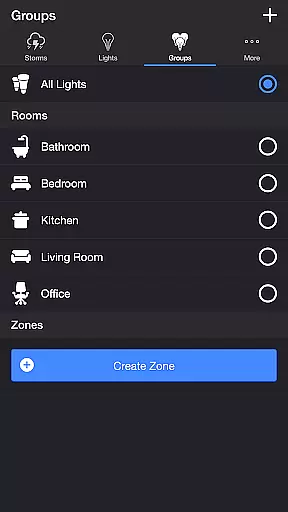
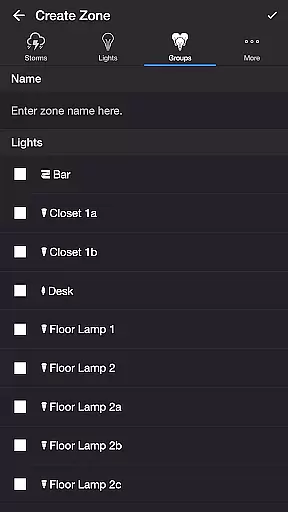
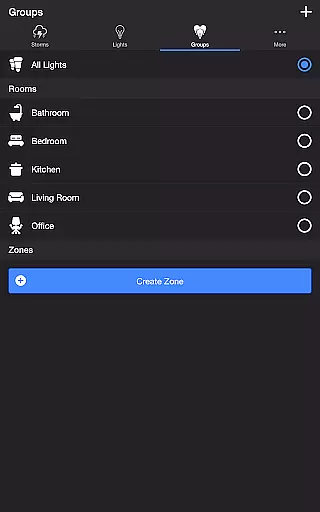
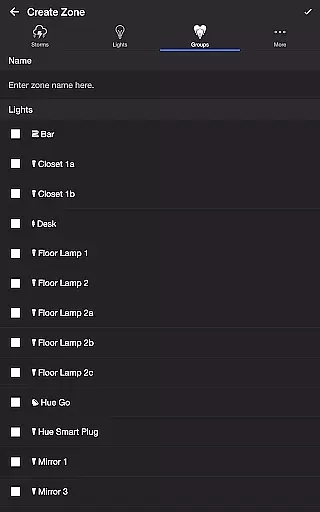
Users can customize every aspect of their storm experience through detailed settings including rain intensity, lightning patterns, and thunder volume. The app supports both individual lights and groups/zones, making it suitable for creating atmosphere in single rooms or throughout the entire home.
This application is particularly valuable for home entertainment, relaxation, or as a sleep aid, providing users with customizable ambient environments that combine dynamic lighting with realistic storm sound effects.
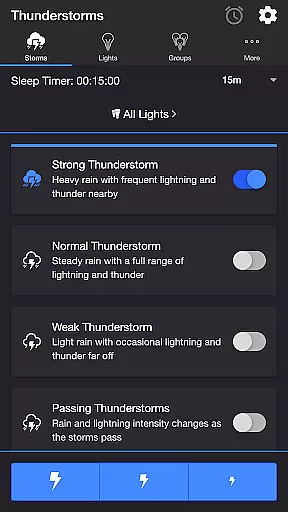
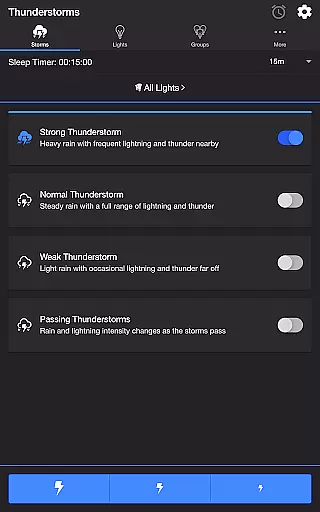
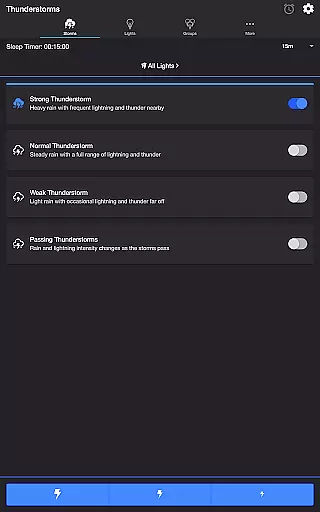
The app offers comprehensive customization options for creating realistic thunderstorm experiences. Users can choose from four distinct storm types - Weak, Normal, Strong, and Passing Thunderstorms - each with unique light and sound characteristics.
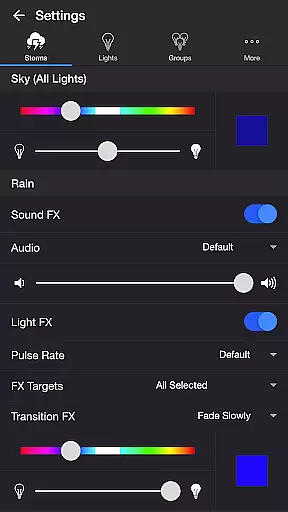
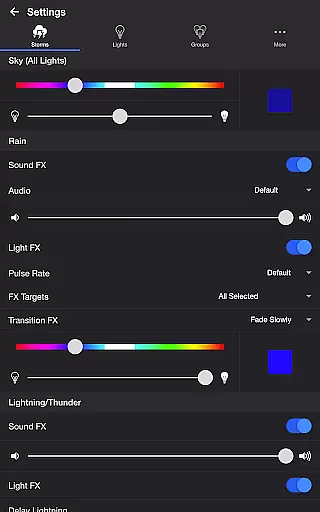
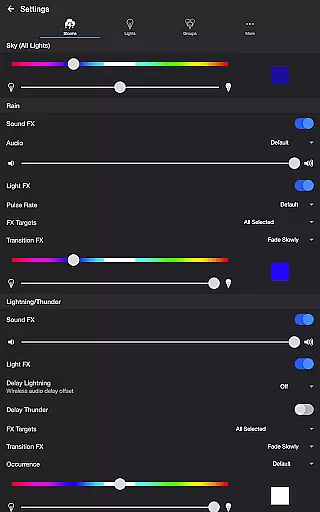
Advanced settings include separate controls for sky color, rain effects (with five audio options), lightning patterns (six variations), and thunder occurrences (six frequency levels). The app also features background sound options including birds, cicadas, crickets, and frogs, enhancing the environmental immersion.
Notable technical features include Bluetooth speaker support, Chromecast integration with adjustable audio delay, automatic mode scheduling, and a sleep timer with fade-out functionality. These features provide users with precise control over their lighting and audio environment.
Thunderstorm for Hue offers an impressive range of content options that cater to diverse user preferences. The app provides four distinct thunderstorm intensities, from Weak to Strong, each with unique light and sound characteristics.
Users can customize their experience through various settings such as rain sound effects, lightning patterns, and background sounds including birds and crickets. These customization options ensure a fresh experience with every use.
The application's content is regularly updated through its Passing Thunderstorms feature, which automatically cycles through different storm strengths at intervals ranging from 15 to 60 minutes.
All these elements work together to create an entertainment experience that maintains user interest through varied and dynamic content presentation.
Thunderstorm for Hue excels in maintaining user engagement through its sophisticated features and customization options. The app's Sleep Timer function, complete with audio fade-out, encourages extended usage sessions while providing convenient session management.
With its comprehensive settings menu, users can spend considerable time fine-tuning their perfect storm environment. Options for adjusting rain intensity, lightning patterns, and background sounds create a personalized experience that promotes regular return visits.
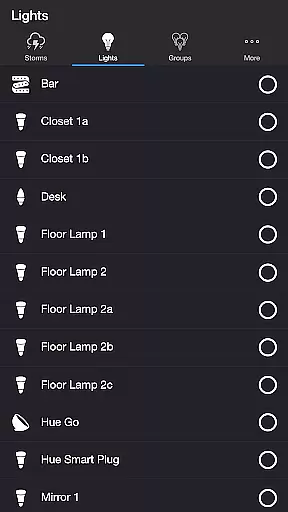
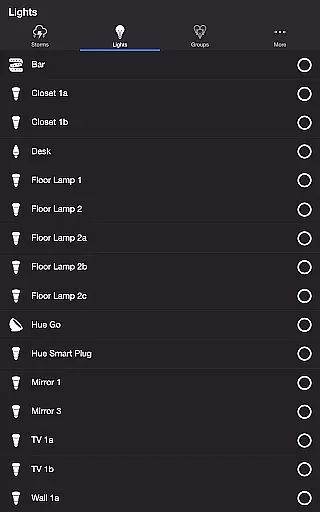
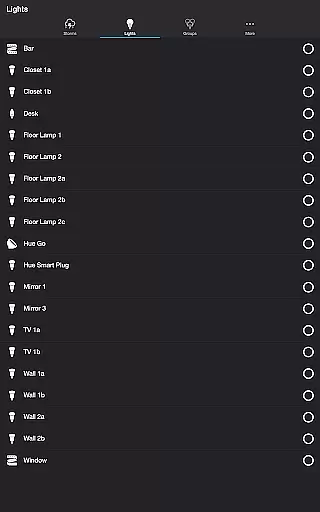
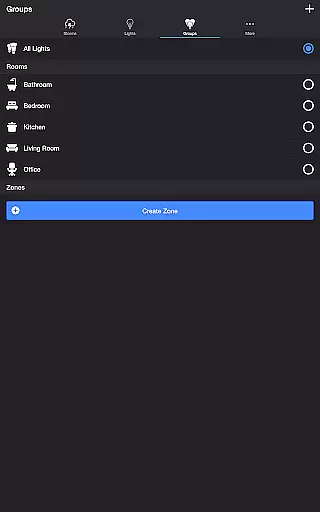
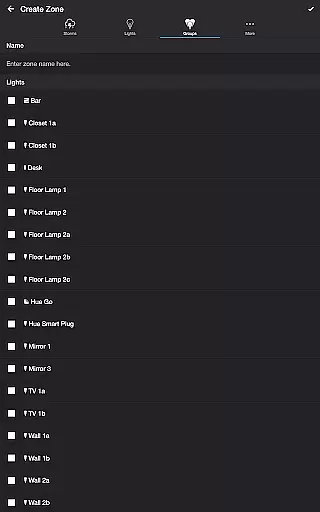
The application's ability to target specific Philips Hue lights and groups helps maintain user retention by allowing seamless integration with existing smart home setups.
These engagement features, combined with the app's entertainment value, contribute to longer average usage sessions and increased likelihood of repeated use.
Highly customizable storm effects
Realistic synchronized lighting
Comprehensive sound options
Intuitive user interface
Reliable performance
Requires Hue Bridge
Premium version needed
Complex for beginners
Occasional bugs
Resource intensive

Ultimate VR movie player for android mobile videos
 4.4
4.4
Journey to the world’s oldest rainforest and meet its Indigenous Custodians.
4.5
Series,Películas y Telenovelas
4.50
The Xbox app keeps you connected to your gaming community.
4.50
Geooh GO is the most feature rich geocaching app available today.
4.50
Watch Reels, Drama Shorts & TV Series Anytime. Download DramaWave Now!
4.70
Original short dramas with diverse genres for a rich viewing experience!
4.80
Your Avatar, Endless Fun
4.60
An app made just for kids
4.20
Just play games to earn gift cards. Keep playing, keep earning.
4.50
Play games. Earn real rewards. Cash out in 3hours via PayPal or gift cards.
4.40
Music visualizer and party effects for Hue
3.90
Your choice of 350+ networks plus movies and full TV series on-demand.
3.70
Necrophone is spirit box ghost hunting app made for spirit communication.
3.70
Fool your friends & Family with Fake ultrasound test report
3.60
Create your Songs. Cover Maker with any Voice, Song Generator
3.30
NFL, NBA, NHL, MLB, local sports coverage, shows, movies & news!
3.20
With the credits you earn play more games
2.90
A wonderful collection of the most beautiful sounds of animals and birds
4.2


User Reviews