

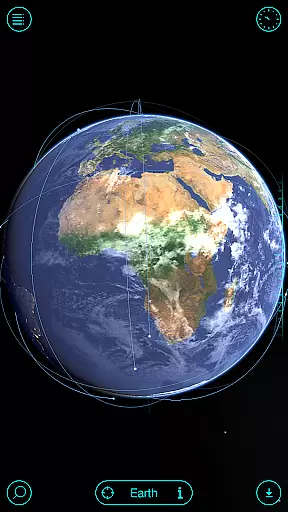
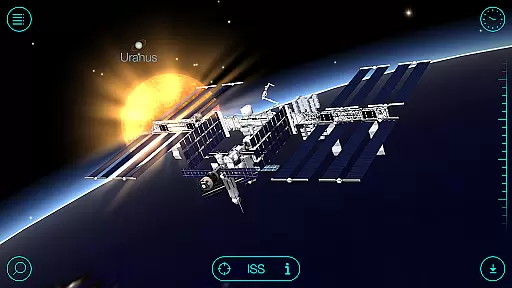
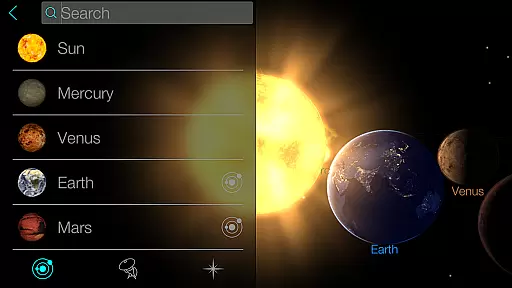
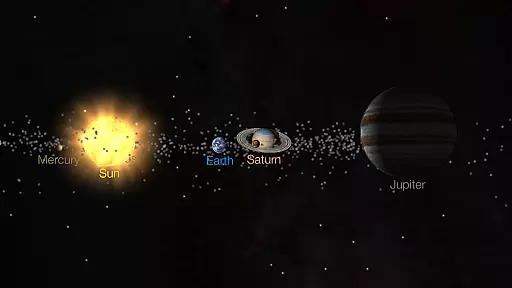
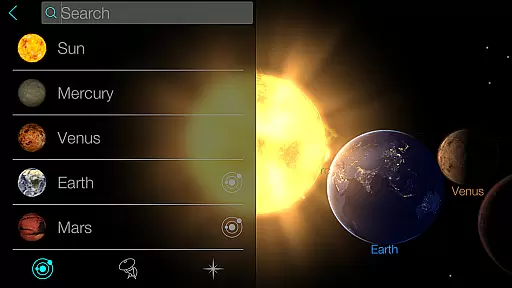
Solar Walk is an educational 3D planetarium app that brings the universe to your fingertips. This interactive tool allows users to explore planets, moons, satellites, comets, and spacecraft in real time. With its stunning visuals and comprehensive information, it serves as a virtual telescope for space enthusiasts and learners.
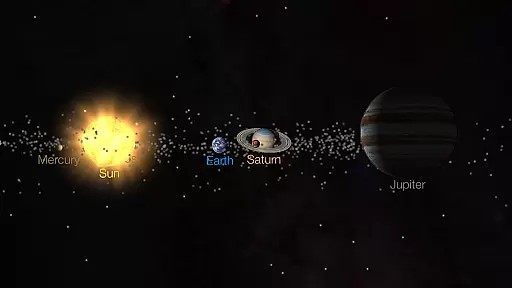
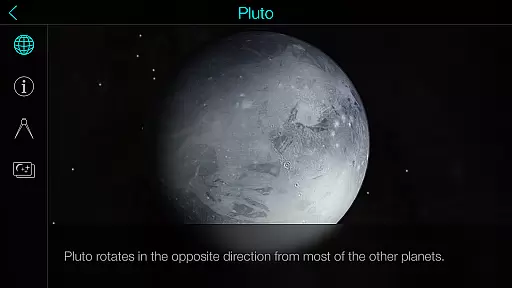
The app offers a unique feature that lets you travel through time to see how the Solar System appeared at different periods. Its orrery 3D mode provides realistic views of celestial bodies, while the encyclopedia function delivers detailed astronomy facts about each object. Whether you're a student, teacher, or just curious about space, Solar Walk transforms your device into a powerful learning platform.
One practical use case is in classrooms, where educators can project the 3D models during lessons about the Solar System. The ability to zoom in on planets and watch educational videos makes complex astronomical concepts more accessible to students. This application bridges the gap between theoretical knowledge and visual understanding, enhancing the learning experience significantly.
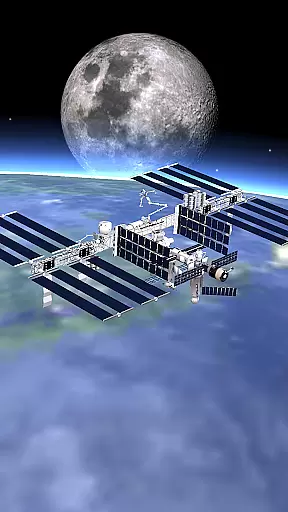
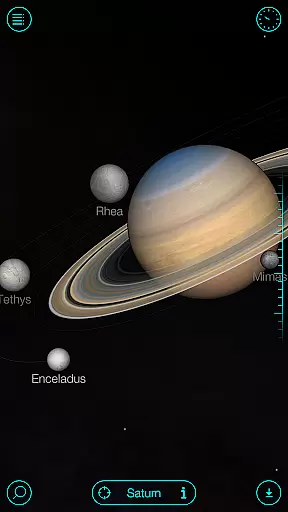
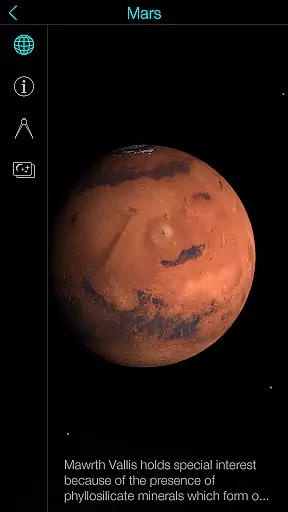
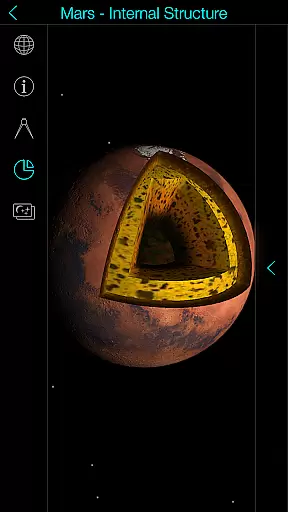
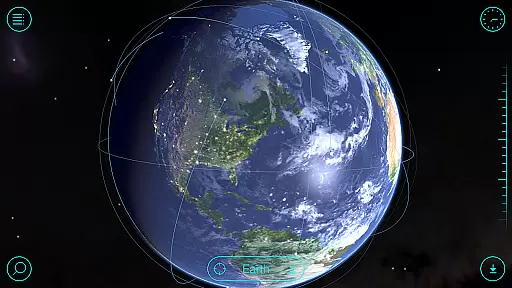
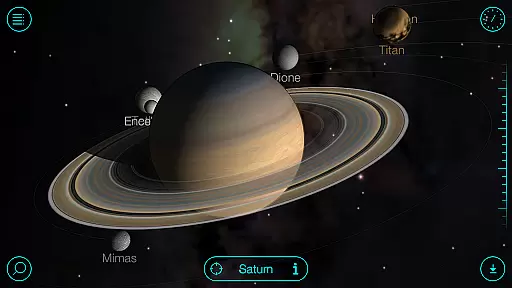
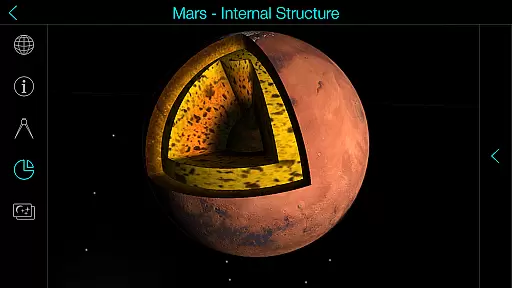
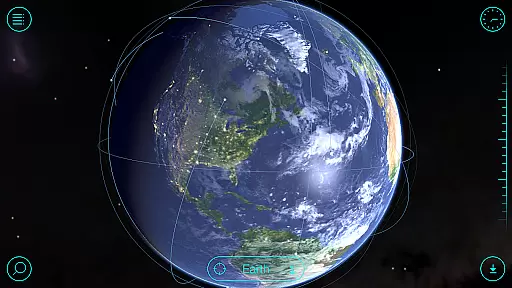
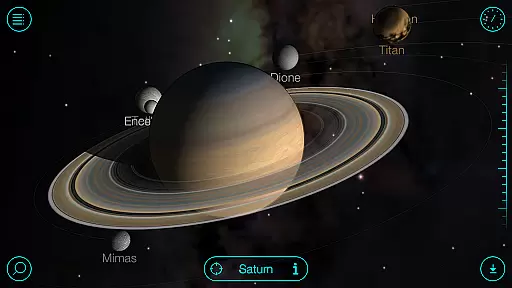
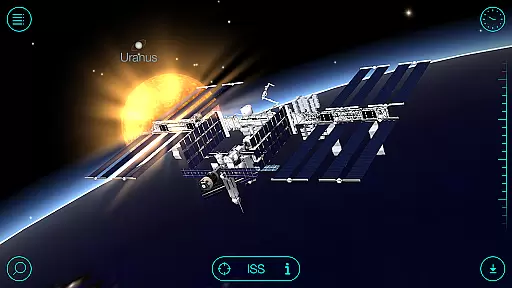
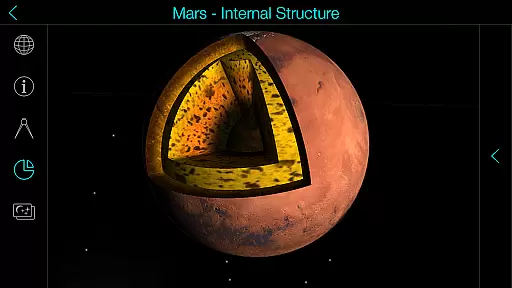
Solar Walk stands out with its rich set of features designed for space exploration. The app includes high-definition 3D models of all major celestial bodies in our Solar System. Users can rotate, zoom, and interact with these models, gaining a deeper understanding of their structure and movement patterns.
A key implementation is the time travel feature, which lets users view historical and future positions of planets. The app also contains an extensive library of educational videos covering topics like moon phases and zodiac constellations. These multimedia resources make learning more engaging and memorable for users of all ages.
The value proposition lies in its dual purpose as both an educational tool and entertainment platform. Students benefit from the detailed information and interactive models, while casual users enjoy the visually stunning representations of space objects. The optional anaglyph 3D mode adds another dimension to the experience, making it particularly valuable for immersive learning environments.
In the realm of educational applications, content accuracy is paramount, especially for an app like Solar Walk that serves as an interactive encyclopedia of the Solar system. This app provides meticulously researched information about celestial bodies, ensuring users are presented with precise astronomy facts and data.
Solar Walk employs detailed 3D models and simulations to represent planets, moons, satellites, and spacecraft. Each model is crafted with attention to scientific detail, offering a trustworthy visual representation of space objects and their movements. The app allows users to explore the universe in real-time, making it an invaluable tool for both amateur stargazers and students of astronomy.
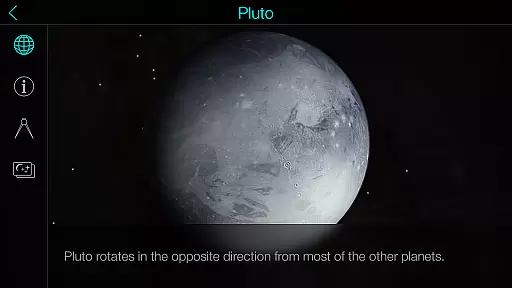
By integrating educational movies and animated presentations, Solar Walk enhances the learning experience. These multimedia resources cover various topics, from Earth's moon phases to zodiacal constellations, providing users with comprehensive insights into complex astronomical phenomena. Such features ensure that the app is not only informative but also engaging.
The value of Solar Walk lies in its ability to transform a device into a portable planetarium, allowing users to learn about space exploration independently. With its authoritative content, the app fosters a deeper understanding of our universe, making it an essential resource for anyone interested in astronomy.
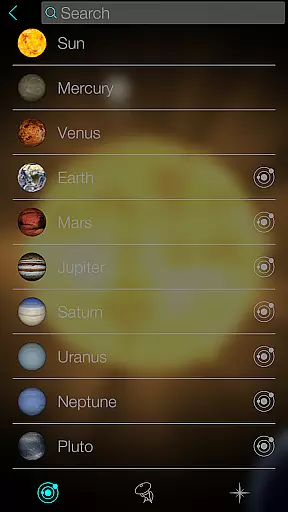
While Solar Walk focuses primarily on delivering accurate astronomical content, it also offers personalized learning paths tailored to individual interests within the realm of space exploration. Users can choose their own journeys through the solar system, selecting specific planets or celestial events they wish to learn more about.
The application provides multiple ways to engage with its content. For instance, users can activate an anaglyph mode for a 3D viewing experience or watch educational videos on topics that intrigue them. This flexibility caters to different learning styles, whether someone prefers visual aids, textual information, or interactive experiences.
Moreover, Solar Walk includes advanced features accessible via In-App Purchases, such as additional educational movies and detailed explanations of astronomical phenomena. These options allow learners to dive deeper into subjects that captivate their interest, effectively creating a customized educational journey through the cosmos.
By enabling virtual flights between celestial bodies and offering true-to-scale view modes, Solar Walk empowers users to tailor their explorations according to their preferences. This personalization ensures that each user's learning path is unique, enhancing engagement and fostering a lifelong passion for astronomy.
User-friendly interface
High-quality 3D graphics
Comprehensive astronomy data
Time travel functionality
Educational video library
Premium content locked
Requires internet connection
Some features need special glasses
Large app size
Advanced details may overwhelm beginners


FAR/AIM, FAR for Flight Crew and FAR for Aviation Maintenance Technicians
 3.80
3.80
Ignite curiosity, spark learning: All babybus videos &games
4.30
Explore myths and gods across cultures with in-depth insights and stories.
5.00
Designed for Calculator 84 users
4.20
Practice Casino Roulette Payouts for Table Game Dealers and Croupiers
4.40
Monkey Preschool Lunchbox: 7 exciting educational games for your preschooler.
4.30
Stack the Countries makes learning world geography fun!
4.50
Stack the States makes learning about the 50 states fun!
4.70
Make your own game and world. Draw and animate characters
3.70
Memorize anything efficiently with AnkiDroid! Many pre-built decks available.
4.80
Childcare Management App: Daily sheets, sign in-out, billing and learning tools
4.70
Guitar chord finder, analyzer, smartly visualized theory, progressions, quizzes.
4.70
Universe simulator: Find & explore planets system, outer space, astronomy events
4.60
A fast and fun way to learn guitar - works with any guitar.
4.60
The Only Official DVSA Theory Test Kit App
4.50
For medical training - Visualize complex vein maps and structures in real-time.
4.10
THE MOST COMPREHENSIVE JUMPMASTER STUDY RESOURCE AVAILABLE.
3.40
A collection of favorite stories from Daniel Tiger's Neighborhood
2.00
Learn and joke with the Silly Turkey!
4.3

User Reviews