

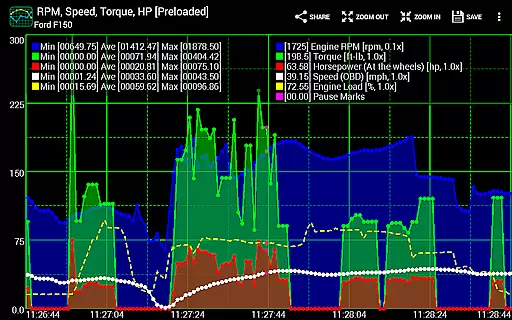
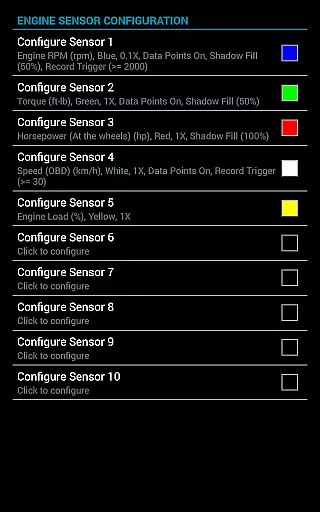
Realtime Charts for Torque Pro is a specialized plugin designed to enhance vehicle performance monitoring for automotive enthusiasts and professionals. This app allows users to graph up to 10 engine sensors simultaneously, providing in-depth analysis of vehicle metrics such as RPM, speed, and MPG.
With advanced features like scatter plot analysis and custom chart creation, the app supports detailed performance tracking. Users can set specific capture triggers based on sensor data, making it an essential tool for diagnostics and tuning. Compatible with Android devices, this plugin requires a wireless OBD2 adapter and the Torque Pro app.
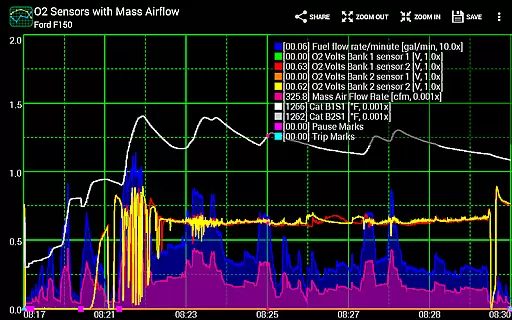
Realtime Charts offers an impressive range of functionalities tailored for automotive analysis. The app's core feature is its ability to monitor and graph multiple engine parameters in real time, allowing users to visualize complex data through customizable charts.
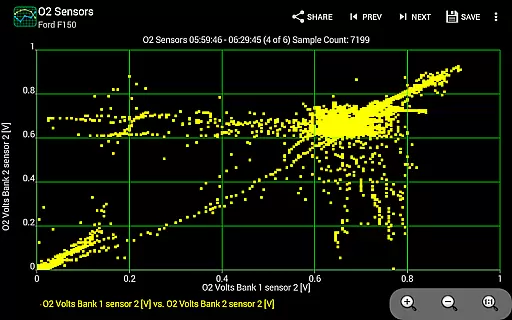
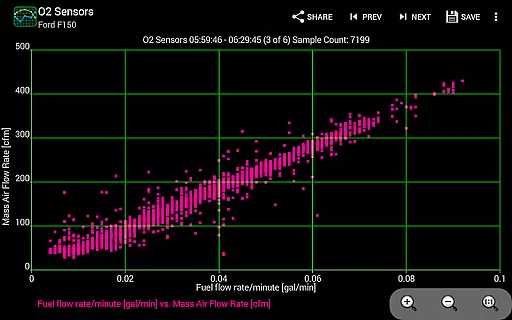
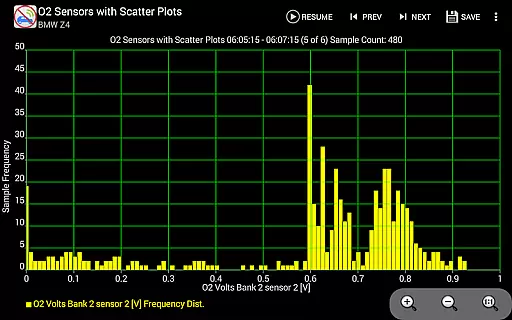
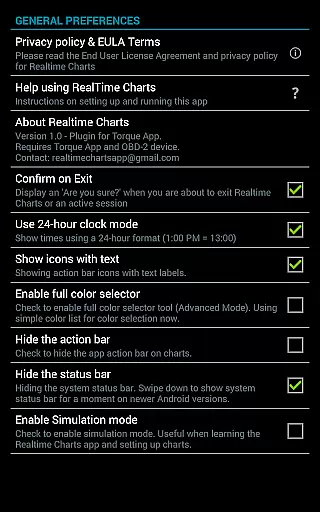
Unique capabilities include real-time scatter plot analysis, session recording with auto-save functionality, and dynamic scaling options for enhanced data interpretation. The app also supports simulation mode for chart design without ECU connection, making it versatile for both active use and planning phases of vehicle analysis.
Realtime Charts for Torque Pro offers an extensive solution for monitoring and analyzing detailed vehicle information. This plugin app allows users to graph multiple engine sensors simultaneously, providing real-time data on parameters such as RPM, speed, MPG, HP, and torque. Each sensor is displayed as a distinct series on the Android device, enabling in-depth performance analysis.
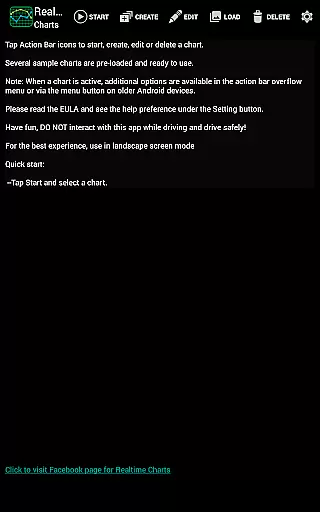
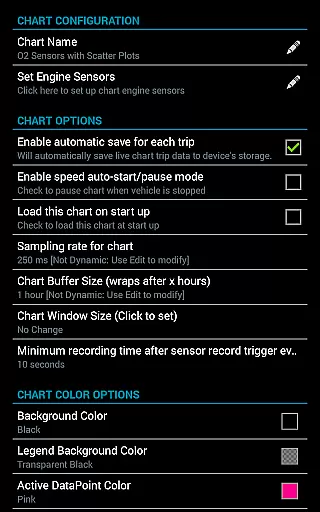
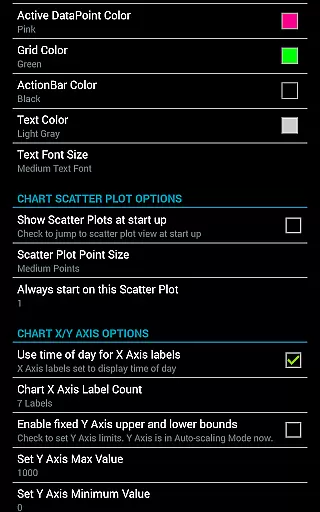
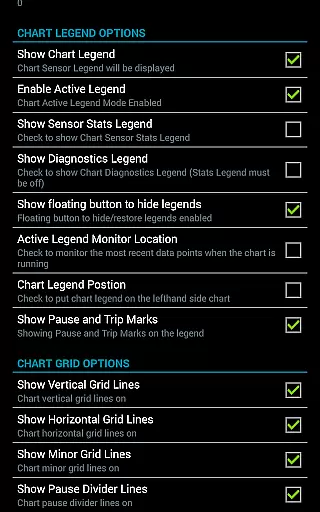
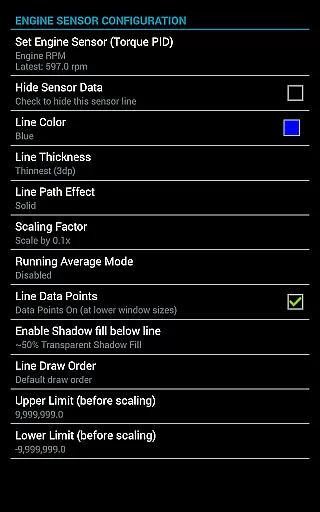
The ability to create custom charts enhances the user's capacity to monitor specific aspects of their vehicle's performance. With support for up to 100 custom charts, users can specify which sensors to track, set sampling frequencies, choose chart colors, and adjust series attributes. This level of customization ensures that automotive enthusiasts can tailor their monitoring experience to their unique needs and preferences.
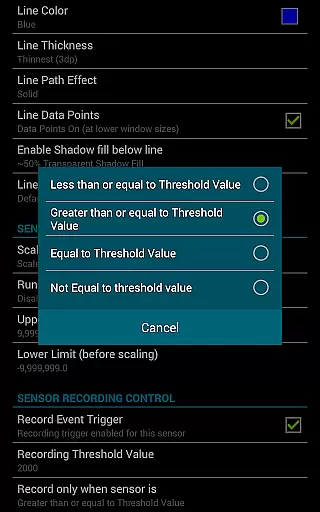
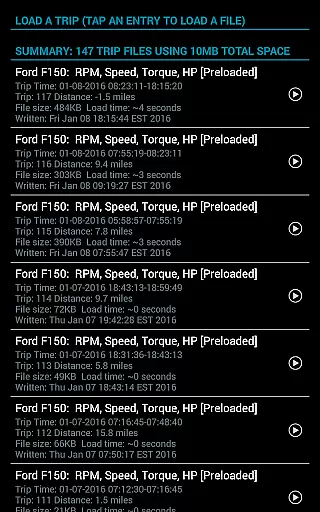
Additionally, Realtime Charts supports advanced features like scatter plot analysis and triggering data capture based on specific sensor criteria. These functionalities allow users to refine their data collection and perform more precise analyses. The app also provides options to save data for later review, ensuring comprehensive tracking of vehicle performance over time.
While Realtime Charts for Torque Pro itself does not focus on pricing within the app, it emphasizes value through its robust feature set. Users need to be aware that to utilize this app, they must have a wireless OBD2 adapter and the Torque Pro app installed on their device. This prerequisite ensures that users understand the necessary investments for a complete experience.
The app provides clear information about its requirements and limitations, ensuring that users are fully informed before proceeding. By detailing the essential components needed, such as the OBD2 adapter and Torque Pro app, potential users can make cost-effective decisions regarding their automotive diagnostic tools.
Moreover, Realtime Charts offers various sophisticated features without in-app purchases or hidden costs. Once users have the required hardware and Torque Pro app, they can take full advantage of the pluginu2019s capabilities, including custom charts, scatter plot analysis, and data export options. This approach fosters trust and satisfaction by delivering transparent and upfront information about the overall cost of ownership.
User-friendly interface
Highly customizable charts
Real-time data visualization
Advanced diagnostic tools
Compatible with multiple devices
Requires separate OBD2 adapter
Dependent on Torque Pro app
Complex for beginners
Specific to Android platform
No iOS version available

Ferrari inspired analog & digital watch face with quick access and premium style
 4.2
4.2
Theme for Car Launcher
4.0
DIY Vehicle Wheel Alignment
4.0
Your Path to Driving Licensing Success Begins Here! Develop your driving skills.
4.40
1M+ high-quality auto parts at your fingertips. Fitment guaranteed.
4.70
Find, search, and browse 40,000+ used cars, SUVs, and trucks.
4.50
Find Your Local Store or Shop Online for the Car, Truck, or SUV Parts You Need
4.70
7-Day Returns on All Cars
4.80
Browse millions of cars, track vehicle listings or sell your car today
4.70
Lexus app currently supports 2010 or newer vehicles (2018 or newer for Hawaii).
4.80
View your car’s service records and find out when maintenance is due.
4.70
A smarter way to park and reserve your spot ahead of time.
4.40
Your car is talking. Start listening.
4.30
Car Sounds Engine Sounds app welcomes Auto Lovers to feel Car Simulator Sound
4.20
Boost profits and hit your goals faster with GigU's amazing tools for gigworkers
4.00
Discover new and used cars in Syria easily! Browse ads and connect with sellers.
3.70
Mobile Phone Parking - So easy to park
3.70
Club Car Wash Mobile App—the fast lane to managing your wash membership.
3.30
Theme for Car Launcher
4.1

User Reviews