

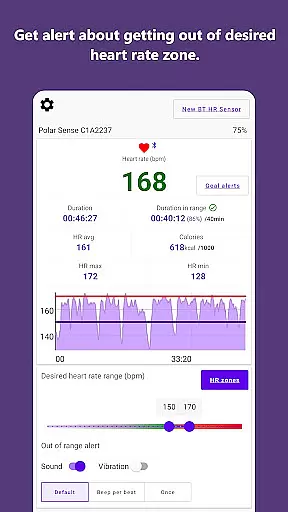
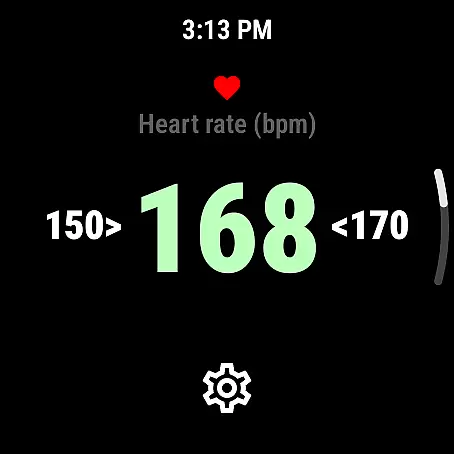
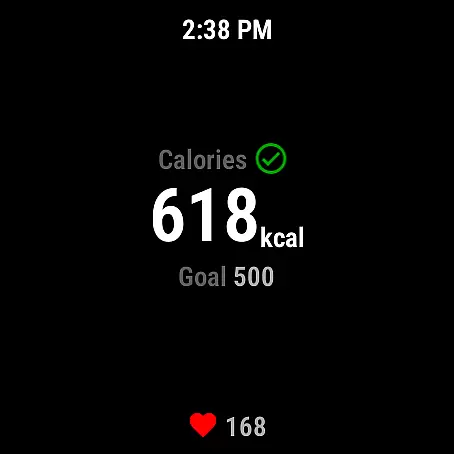
Pulse Range Monitor & Alert is a specialized fitness application designed to help users maintain their heart rate within a personalized range during workouts. The app alerts users through beeps and vibrations when they exceed their set upper or lower heart rate limits, ensuring optimal exercise intensity. This feature allows athletes and fitness enthusiasts to focus on their workout without constantly checking their heart rate monitors.
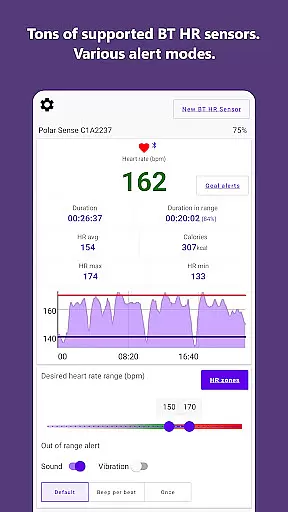
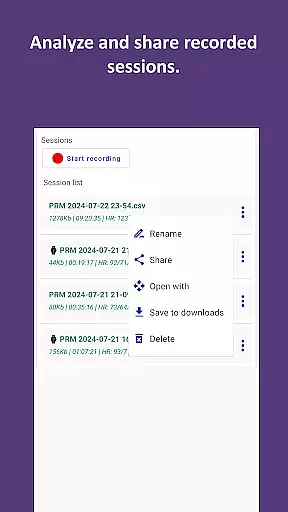
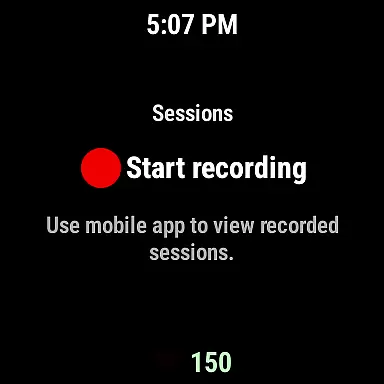
The app supports both mobile devices and Wear OS, offering flexibility in how users monitor their heart rates. It can work with external Bluetooth or ANT+ heart rate sensors from brands like Polar, Garmin, and Wahoo, as well as sports watches that broadcast heart rate data. Additionally, users can save their workout sessions to CSV files for later analysis or sharing, making it an excellent tool for tracking progress over time.
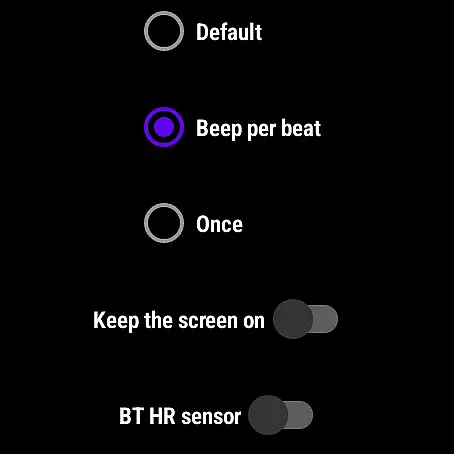
Pulse Range Monitor & Alert offers several key features that enhance the user's workout experience. Firstly, the app provides real-time heart rate monitoring and alerts, notifying users via audible beeps and vibrations when they go beyond their specified heart rate zones. This ensures users can maintain their desired intensity levels without interruption.
Another notable feature is its compatibility with various external heart rate sensors and sports watches, including popular models from Polar, Garmin, and Wahoo. The app also supports Wear OS, allowing users to utilize internal or external Bluetooth heart rate sensors directly on their smartwatches. Furthermore, Pulse Range Monitor & Alert can run in the background alongside other fitness apps, providing seamless integration into the user's existing workout routine.
For those interested in detailed analysis, the app enables users to save their workout data to CSV files. This functionality facilitates further examination and sharing of performance metrics, helping users refine their training strategies and achieve better results.
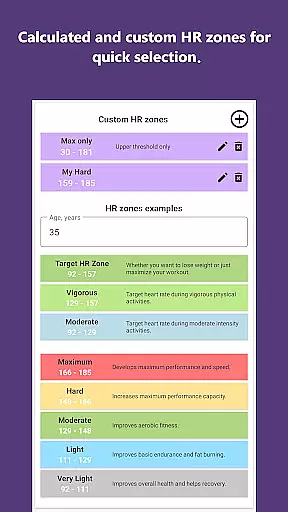
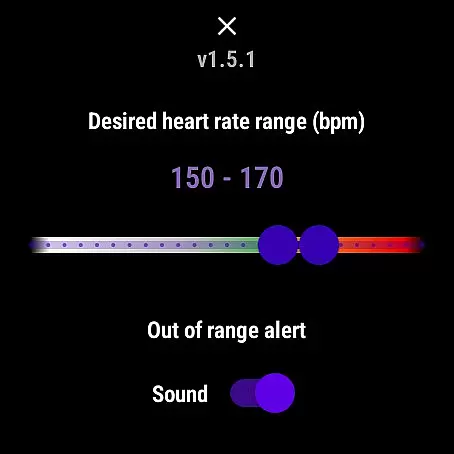
Personalized planning in Pulse Range Monitor & Alert allows users to set individual upper and lower heart rate limits tailored to their specific fitness goals. This feature is crucial for maintaining an optimal workout intensity.
The app achieves personalized planning through its ability to notify users via beeps or vibrations when they exceed their set heart rate boundaries. This real-time feedback helps users stay within their desired training zones without constant monitoring.
Users benefit from this feature as it enables them to exercise more effectively, ensuring they are working out at the right intensity to meet their fitness objectives. It also supports saving sessions for later analysis, enhancing long-term personal fitness planning.
This functionality adds significant value by providing a personalized approach to heart rate monitoring, which can lead to improved cardiovascular health and optimized workout routines.
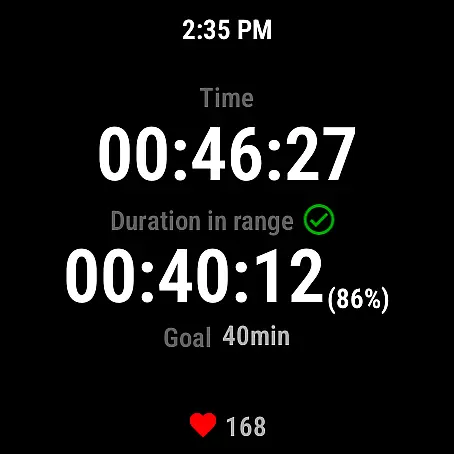
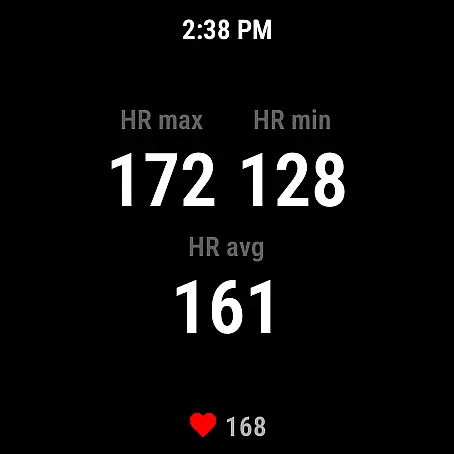
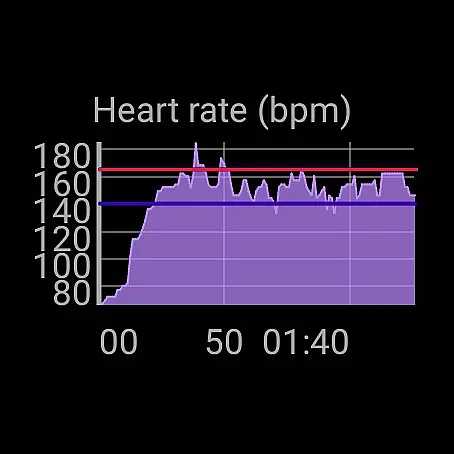
Progress visualization in Pulse Range Monitor & Alert offers users a clear representation of their heart rate data over time. This feature is essential for understanding workout patterns and making informed decisions about training intensity.
The app visualizes progress by allowing users to save their current session's heart rate data into a CSV file. This enables users to review, analyze, and share their performance metrics with ease.
By leveraging this feature, users gain insights into their fitness journey, helping them track improvements and adjust their workouts accordingly. The ability to export data also facilitates sharing with trainers or healthcare professionals.
Ultimately, progress visualization enhances user engagement by providing tangible evidence of improvement, motivating continued adherence to fitness regimens and promoting overall wellness.
User-friendly interface
Real-time heart rate alerts
Compatibility with multiple devices
Background operation
Data export options
Requires external sensor
No medical use
Limited accuracy verification
Premium features may cost extra
Dependent on third-party hardware

The Wear OS BeechBand app is designed to alleviate anxiety and other conditions
 4.0
4.0
Insanity blocks of intense physical activity, short breaks of 30 seconds.
4.5
Optimization for TRT & Enhanced Athletes
4.2
Measure real-time wrist & ambient temperature with your Galaxy Watch (Wear OS)
3.20
A brain game that moves you
4.70
Raccoon AI Calorie Counter. Intermittent Fasting & Timer. Macro, Carb, Protein
4.50
Dexcom G7 Continuous Glucose Monitoring
3.70
Comprehensively record and manage your health
4.50
Control your blood pressure, heart rate and blood sugar in a fast way.
4.00
Medbridge GO gets you moving - get back to doing what you love, faster!
4.90
Show your support for the development of FitNotes - Gym Workout Log
4.90
Weight loss app: home workout for women to lose weight & burn calories.
4.80
Load the bar with this barbell & plate calculator. It's leg day, not brain day!
4.70
Point, scan, and unlock truth in every bite.
4.50
See what's really going on inside your head! Real time EEG graphs from your Muse
4.40
Monitor, analyze, track, and convert blood sugar & help you control diabetes.
4.10
Pedometer that gives you sweatcoins for steps. It pays to walk!
4.10
Histamine intolerance, low FODMAP diet and irritable bowel syndrome (IBS)
4.00
3D Body Measurement System
3.60

User Reviews