

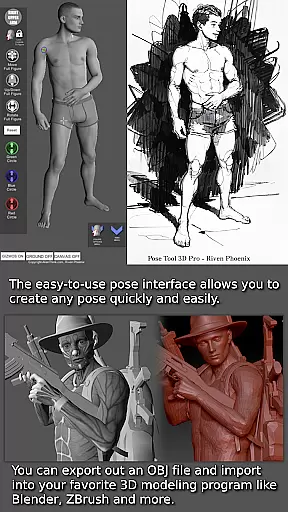
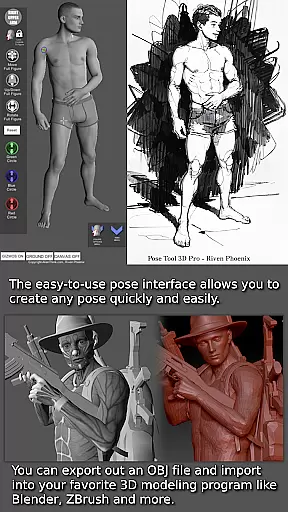
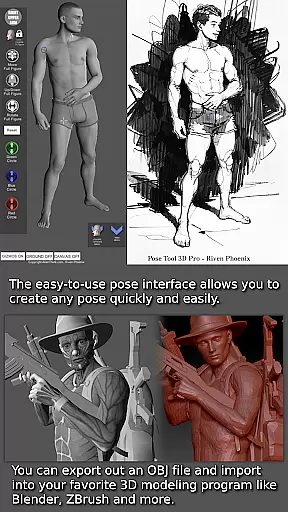
Pose Tool 3D is an essential app for artists, illustrators, and animators seeking a powerful figure posing tool. Declared one of the Top 10 must-have apps by ImagineFX magazine, this app provides users with a versatile reference model that can be posed in countless ways. With its user-friendly interface, you can quickly create any pose using both male and female figures. The app's unconstrained geometry allows for realistic and extreme poses, making it ideal for various artistic projects including manga, character design, storyboarding, and comic books.
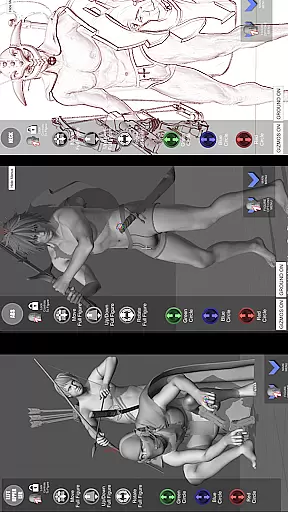
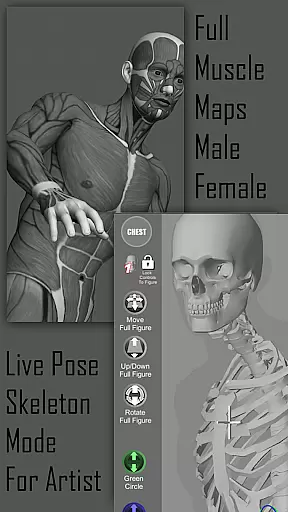
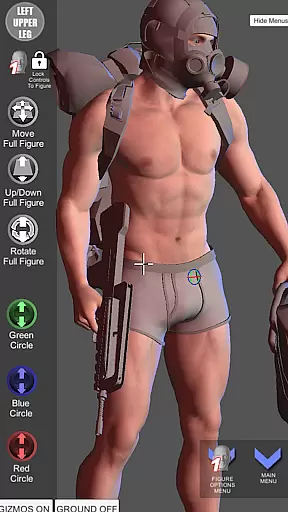
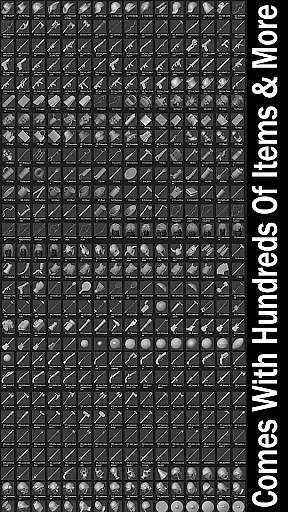
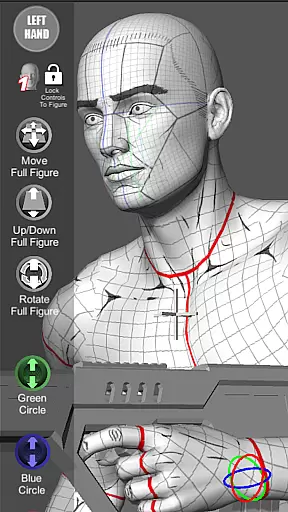
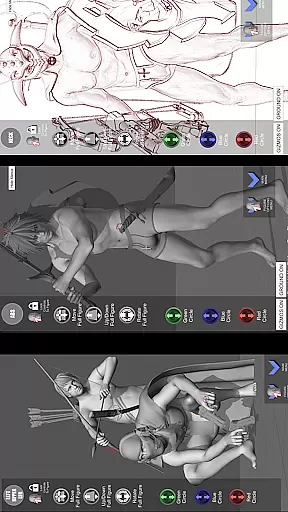
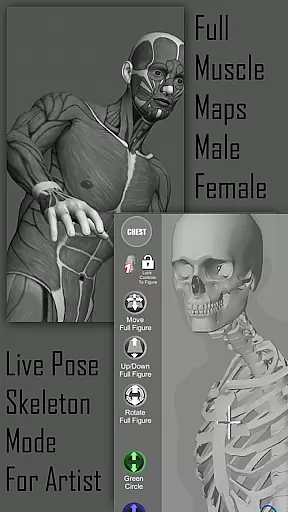
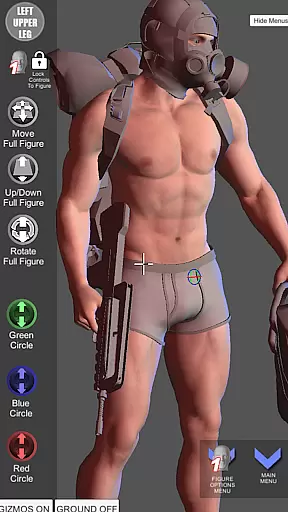
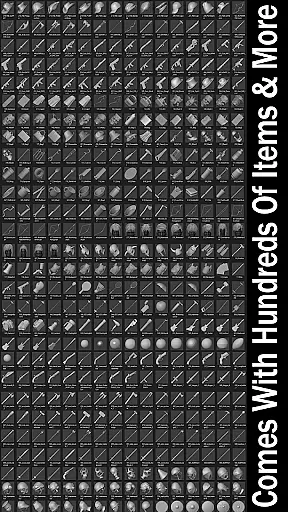
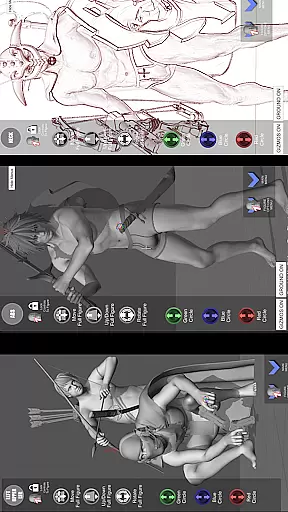
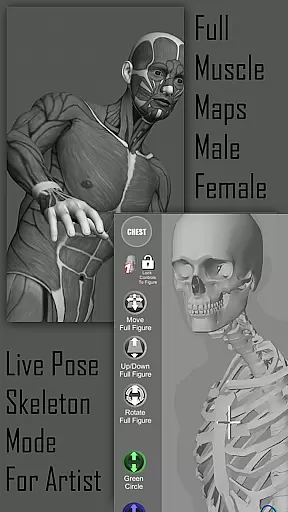
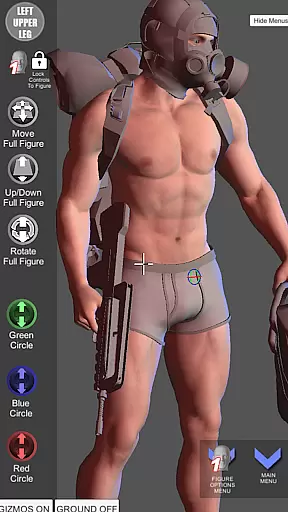
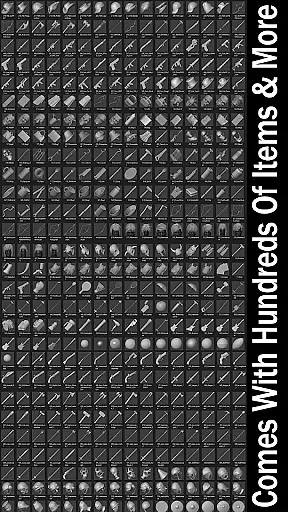
One of the standout features of Pose Tool 3D is its extensive inventory system with hundreds of items, including everyday objects and weapons that can be attached to figures' hands and body parts. This adds depth and detail to your compositions, enhancing realism. Additionally, the inclusion of muscle maps offers a deeper understanding of anatomy, helping artists create more believable poses. Whether you're a beginner or a professional, this app supports different drawing modes and offers tools like perspective grids and a 3-point lighting system to elevate your artwork.
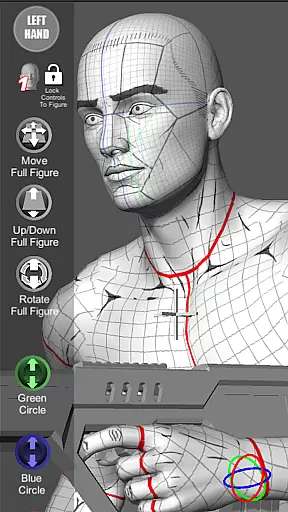
The Pose Tool 3D app boasts a wide array of features designed to enhance the creative process. One of the most powerful aspects is its touch controls, which allow for intuitive manipulation of figures. Using one finger, you can orbit around the figure, while a single tap selects body parts. Two-finger pinching enables zooming and panning simultaneously, allowing for dramatic shot setups. The ability to pose hips and reset them at any time adds flexibility for complex angles.
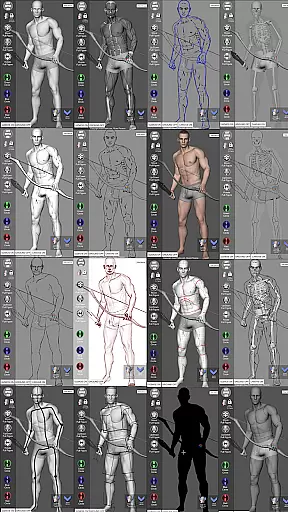
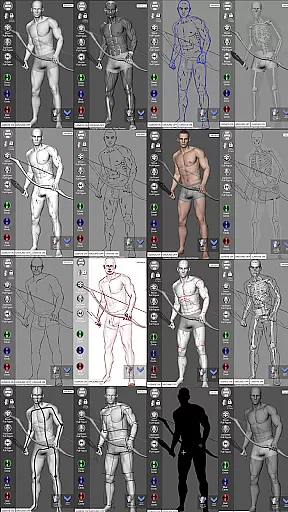
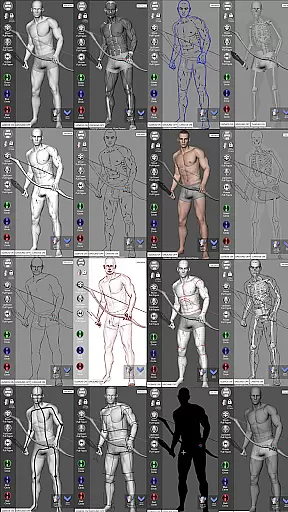
Beyond touch controls, Pose Tool 3D includes an impressive menu system with functionalities such as easy pose buttons, saving and loading poses, and resetting figures to a T-pose. Artists can utilize multiple modes, including pencil sketch, comic sketch, skeleton, and life drawing modes, among others. The app also supports various body types, from average to muscular, providing diverse options for character creation. With additional features like gesture systems, lock camera mode, and a random pose maker, Pose Tool 3D equips artists with everything needed to bring their visions to life.
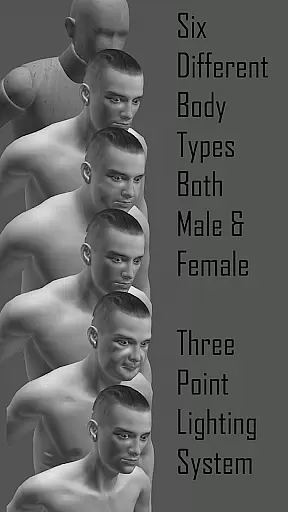
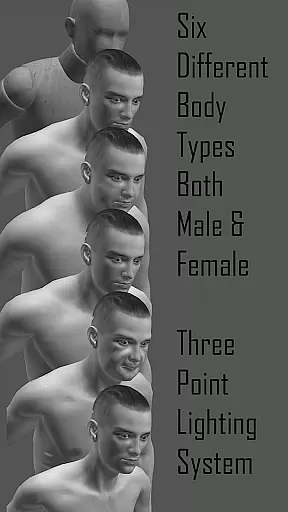
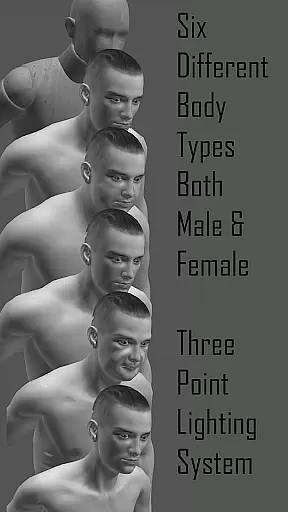
For artists and creators, having access to a diverse and extensive comic library is essential for inspiration and reference. Pose Tool 3D offers an impressive collection of male and female figures with six variations each, providing users with a wide range of body types to choose from. These include average, heavy, old, skinny, muscular, and mannequin body types, catering to various artistic needs.
In addition to the variety of human figures, the app also includes different drawing modes such as Mannequin Mode, Black Mode, Pencil Sketch Mode, and Comic Sketch Mode. This versatility allows artists to experiment with styles and find the perfect aesthetic for their work. The inclusion of muscle maps further enhances the depth of the library by offering detailed anatomical references.
The app's inventory system boasts hundreds of items and weapons that can be attached to figures, enriching compositions and adding realism. With features like Save Current Pose, Load Saved Pose, and Random Pose Maker, Pose Tool 3D ensures that artists have all the tools needed to create dynamic and engaging comic art.
When using reference materials for comic creation, ensuring content authenticity and proper licensing is crucial for legal protection and artistic integrity. Pose Tool 3D addresses this concern by providing users with original and properly licensed content. Each figure and object within the app has been designed with attention to detail and accuracy, guaranteeing that artists have access to reliable references.
The app includes everyday objects and weapons that are thoughtfully integrated into the posing system. These items are not only visually accurate but also come with the assurance of being legally usable in artistic projects. Artists can confidently incorporate these elements into their work without worrying about copyright infringement.
Pose Tool 3D stands out by offering unique features like the 3 Point Lighting System and Camera Lucida Mode, which enhance the authenticity of poses and scenes. By prioritizing content authenticity and licensing, the app empowers artists to focus on their creative process while maintaining professional standards.
User-friendly interface
Extensive inventory system
Versatile drawing modes
Realistic muscle maps
Multiple body types
Limited free features
Occasional bugs
Steep learning curve
Subscription cost
Heavy on resources


Follow your favorite manga and get notifications for new chapters!
 4.50
4.50
Joke book collection with the funniest dad jokes and riddles for you to enjoy!
4.60
Find free mangas in Spanish
4.70
Goat sound simulator. This app makes for fun.
4.3
The fastest and most convenient comic book reader - comics of all formats
4.40
매일 매일 새로운 네이버 웹툰
4.50
Catalog your collection. Just scan covers with your device camera. (US $20/yr)
4.80
Toomics is a premium comic service with every genre for all readers to enjoy!
4.00
Instant access to over 30,000 Marvel comics with new issues added every week.
4.70
The pure application on the Manga SWAT website
4.80
TMOLector is an app to read all kinds of manga and stories!
4.50
Webtoons, comics, web novels, and e-books are all here! RIDI, my own space to enjoy stories
4.30
from HipComic: Value Your Comic Book Collection with Just the Snap of a Photo.
3.80
Your key to unlocking manga and webtoons on the go
3.50
More fun from BOM! Hurry up and do the following self-test, if you meet more than one item, come and experience the brand new world of comics!
3.40
Create your personalized cartoon comic strips & comic books.
3.20
Hot-blooded / Romance / Science Fiction All themes, Smart Recommendation + HD Reading
3.10
Comic reader app: open ZIP, RAR, CBZ, CBR, and PDF files
3.00
Welcome to SnapSaga - your ultimate manga and novel destination!
4.1


User Reviews