

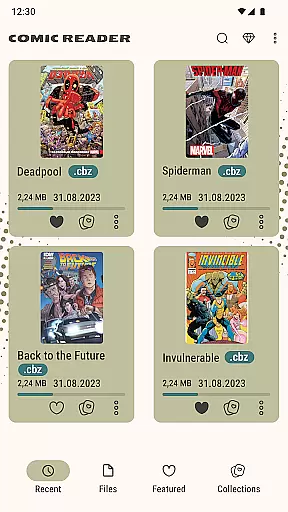
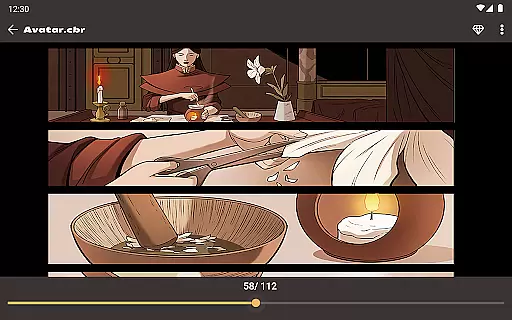
Comic Book Reader is a versatile offline comic reader designed for comic enthusiasts who want to enjoy their favorite content without an internet connection. Supporting popular formats like CBR, CBZ, CB7, CBT, JPEG, PNG, and GIF, this app ensures that users can access a wide range of comics, manga, graphic novels, and magazines seamlessly.
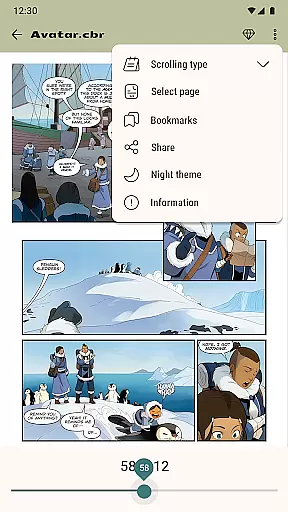
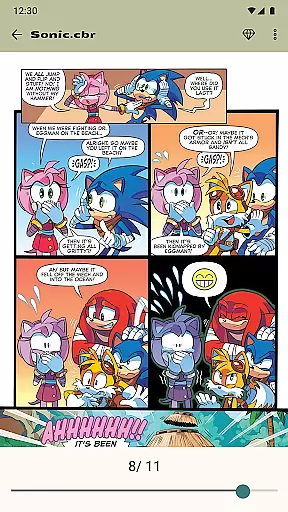
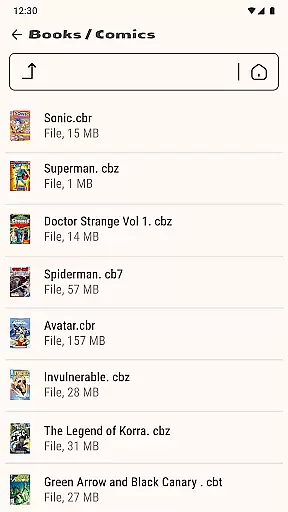
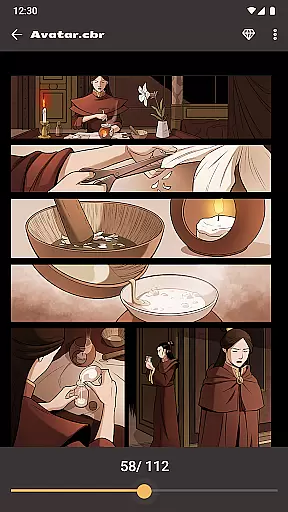
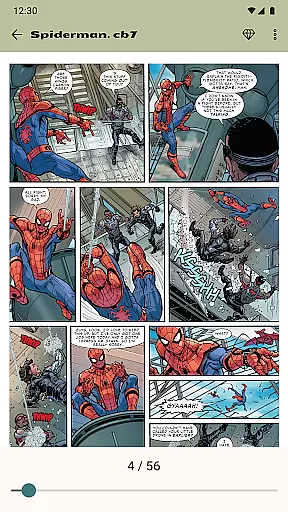
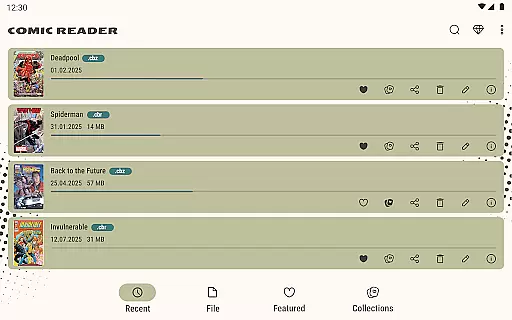
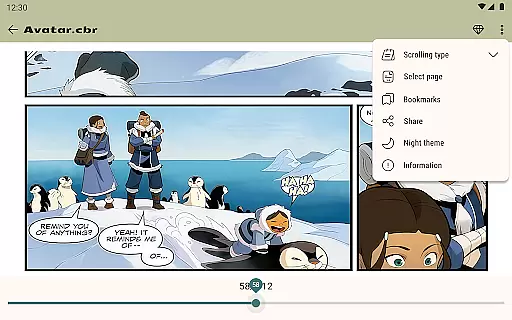
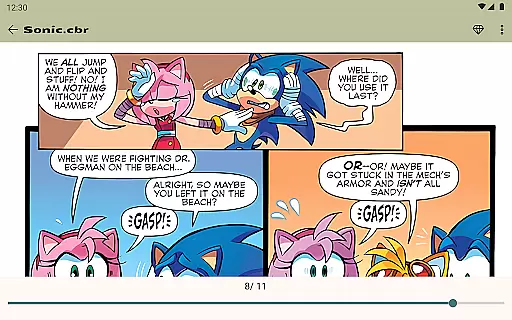
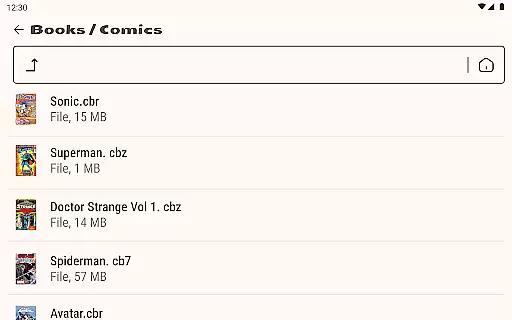
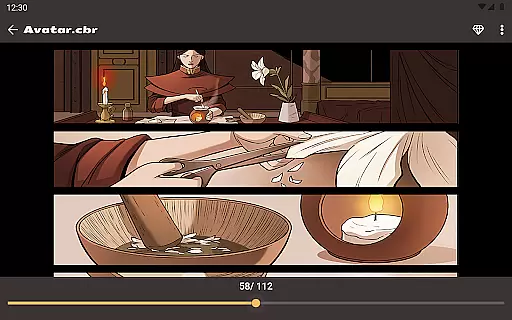
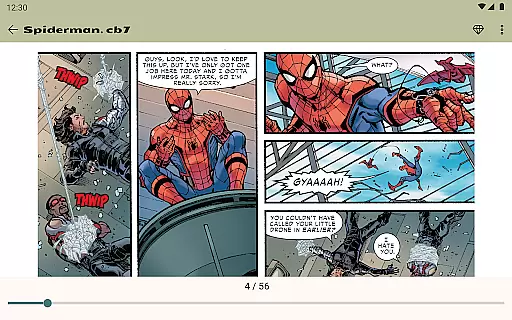
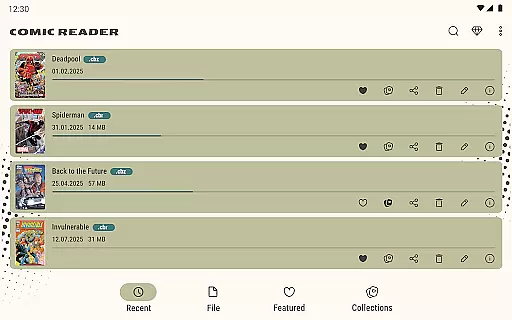
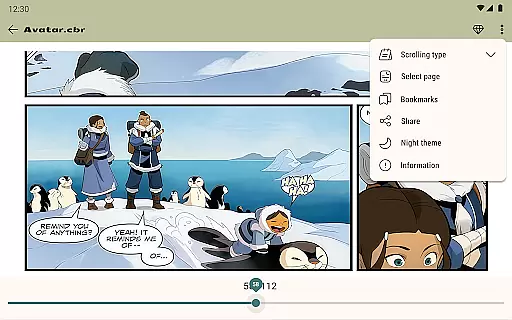
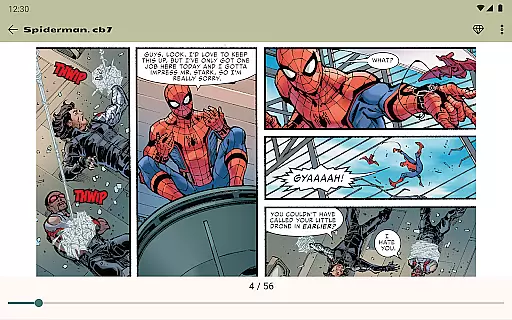
The app offers essential features such as night mode, day mode, page zoom, bookmarks, and the ability to jump to any page by number, ensuring a comfortable reading experience. Its built-in file manager allows users to add, rename, delete, and share files directly within the app. Whether you're traveling or simply prefer offline access, Comic Book Reader provides a reliable solution for all your comic-reading needs.
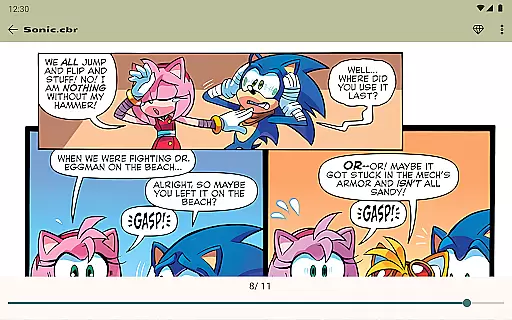
Comic Book Reader stands out with its comprehensive feature set tailored for comic lovers. The app's full offline support makes it ideal for travel, subway commutes, and flights, ensuring uninterrupted access to your library. With instant loading of CBR & CBZ files, users can enjoy fast and smooth reading sessions without delays.
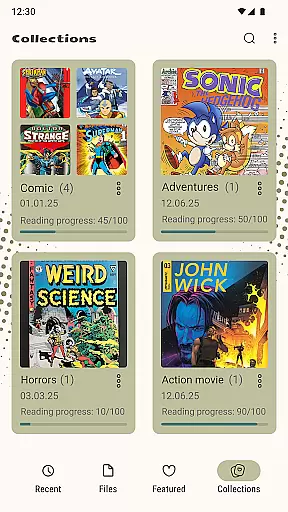
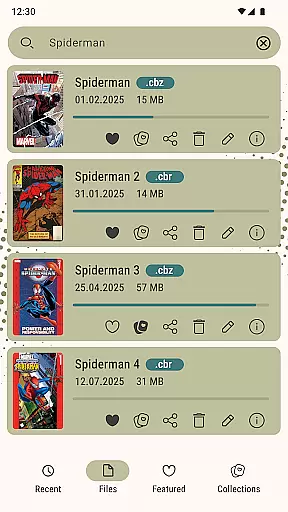
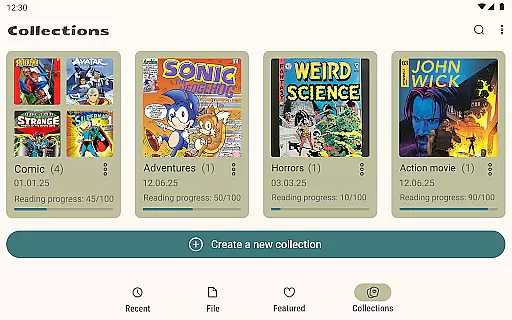
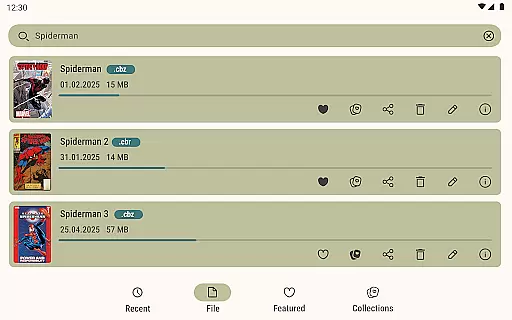
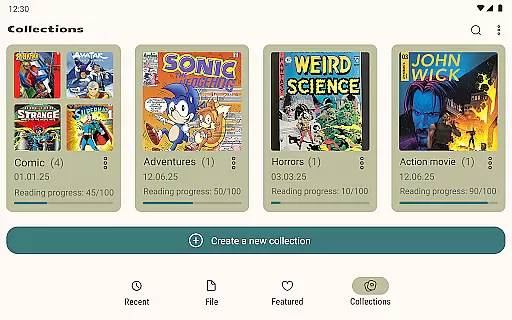
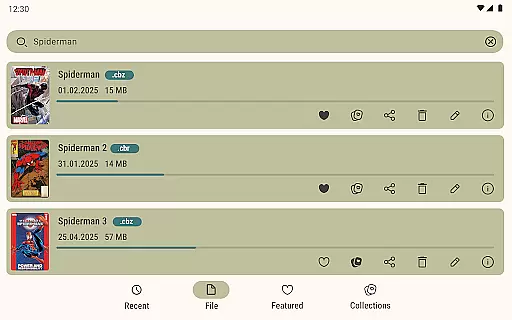
Additional features include saving reading progress, which prevents losing your page, and dual display modes—night mode and day mode—for optimal eye comfort. The built-in file manager enhances user convenience by allowing them to manage their files effortlessly. Moreover, the app supports searching your library by title, bookmarking pages, and sharing comics via messengers and social networks. For those seeking an ad-free experience, a one-time purchase option is available to remove ads permanently.
Comic Book Reader offers an extensive and diverse library that caters to a wide range of interests. The app supports all major comic formats including CBR, CBZ, CB7, CBT, JPEG, PNG, and GIF. This ensures that users can access their favorite comics, manga, graphic novels, and magazines in the format they prefer.
The application's offline functionality allows users to download and store their entire comic collections directly on their devices. With full offline support, it becomes the perfect companion for travel, subway commutes, or flights where internet connectivity might be limited or unavailable.
Additionally, Comic Book Reader provides instant loading capabilities for CBR & CBZ files, ensuring a seamless reading experience without delays. Users can easily manage their library with features like adding, renaming, deleting, and sharing files through the built-in file manager. This makes organizing and accessing your digital comic collection both efficient and user-friendly.
Ensuring content authenticity is a top priority for Comic Book Reader. The app guarantees that all supported formats are handled with care to preserve the original quality and integrity of the comics. By supporting popular formats such as CBR, CBZ, CB7, CBT, JPG, PNG, and GIF, the app maintains high standards of content delivery.
Comic Book Reader respects copyright laws and encourages users to enjoy legally obtained content. It provides tools such as saving reading progress, night mode, day mode, page zoom, bookmarks, and the ability to jump to any page by number. These features enhance the reading experience while promoting responsible consumption of digital media.
For those looking to expand their reading options, Comic Book Reader also supports sharing comics to messengers and social networks. Moreover, users have the option to remove ads with a one-time purchase, allowing for an uninterrupted reading session. If you encounter any issues or have suggestions, the support team is readily available at help.atools@gmail.com, ensuring prompt assistance and continuous improvement of your comic reading journey.
User-friendly interface
Full offline functionality
Supports multiple formats
Instant file loading
Customizable reading modes
Ad-supported free version
Limited advanced features
No cloud sync
Basic file management
Occasional bugs


Anime TV App: Watch all anime online,anime tv subtitles online with big anime tv
 3.80
3.80
Dive into creative online comics, short video, graphic novels and web novels!
4.60
Goat sound simulator. This app makes for fun.
4.3
File management and show images, comics and pictures in compressed cbr, pdf file
4.70
This application will enable donated users only function in Perfect Viewer.
4.90
from HipComic: Value Your Comic Book Collection with Just the Snap of a Photo.
3.80
Read comics & manga
4.70
Kodansha official Manga app
4.30
Read Manga, Comics & Manhwa of Romance, Action, Fantasy, Drama, BL and more!
4.40
Read and track manga across the web with ease
4.90
100k comics, manga & webcomics, including Batman, Invincible, Hellboy & more
4.60
Manga reader for manga, manhua, manhwa & webtoon, online & offline, update daily
4.50
Draw the comics with glow brushes! Easy and relax!
4.40
Discover manga stories & stream anime series with unlimited entertainment access
4.40
Manga Reader for Comics, Webtoons & Manhwa. Read Mangas, Chat Stories and Novel.
4.30
Official digital-manga store. Quality translations that support artists.
3.10
Hot-blooded / Romance / Science Fiction All themes, Smart Recommendation + HD Reading
3.10
Comic reader app: open ZIP, RAR, CBZ, CBR, and PDF files
3.00
Read manga, comics, and manhwa
4.2

User Reviews