

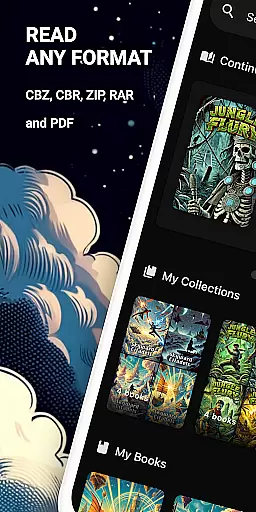
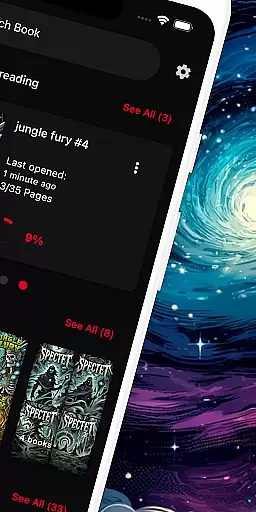
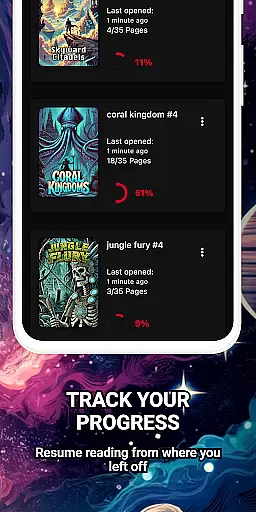
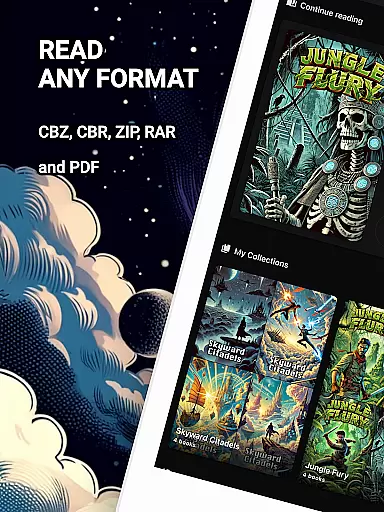
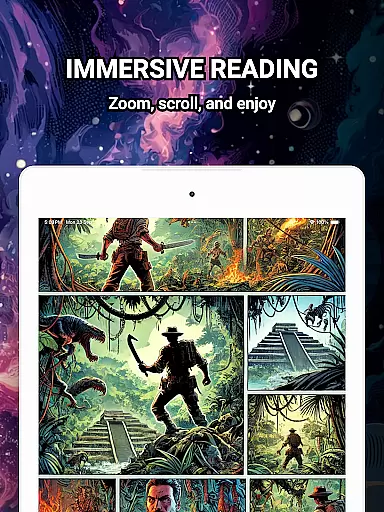
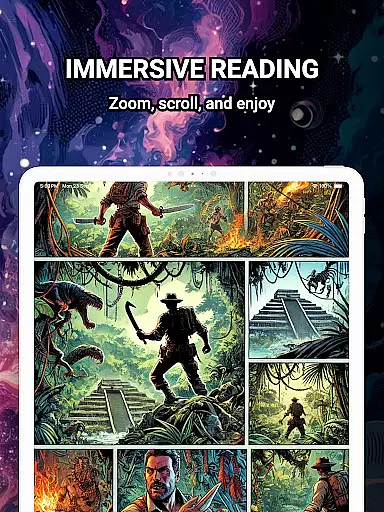
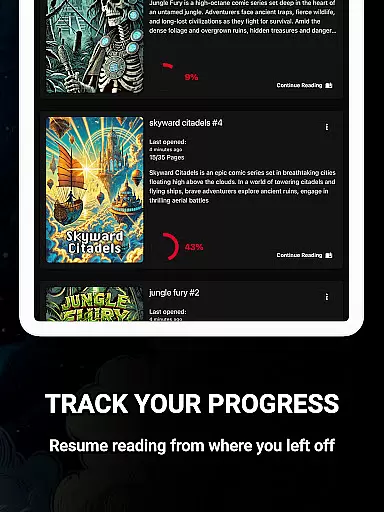
ComiQuest is a versatile comic reader app tailored for fans of CBR, CBZ, and PDF formats. It offers seamless navigation and smart library features that allow users to effortlessly manage their comic collections. Whether you're into graphic novels, manga, or webtoons, ComiQuest provides an ad-free reading experience with advanced functionalities like automatic reading progress tracking and eye comfort mode.
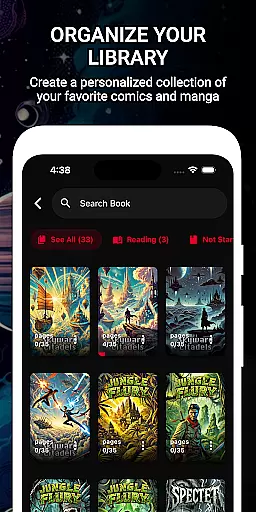
The app's intuitive design ensures easy file access from local storage or USB drives, while its organizational tools help sort comics into custom collections. With support for unlimited imports and continuous feature updates through its premium offering, ComiQuest stands out as a comprehensive solution for comic enthusiasts looking to enhance their reading experience.
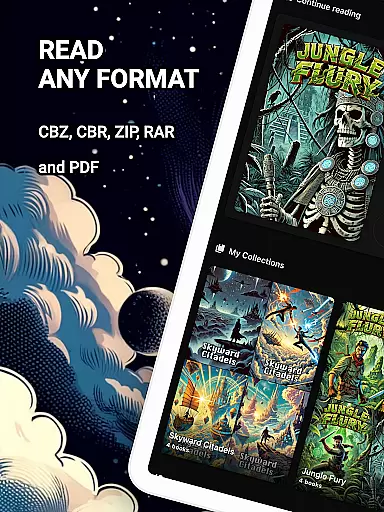
ComiQuest boasts a range of features designed to elevate the comic reading experience. The app supports popular file formats such as CBR, CBZ, and PDF, enabling users to open their collections without conversion. Its powerful import capabilities allow direct access to files from various storage options, ensuring a hassle-free setup process.
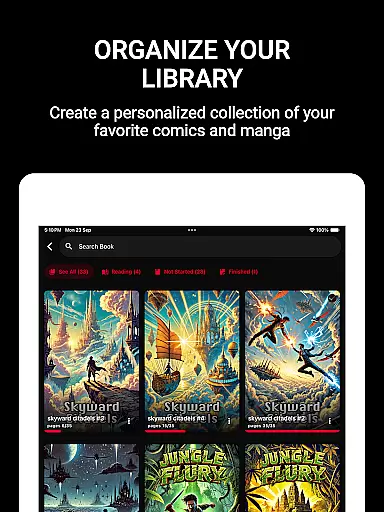
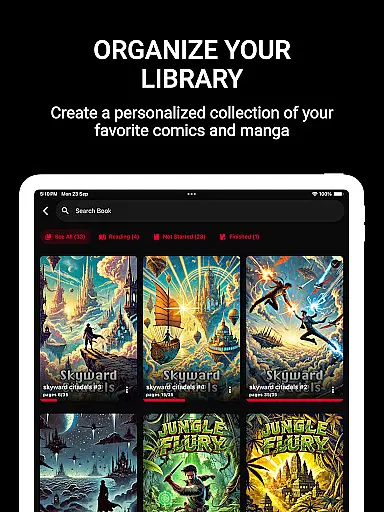
One of the standout features is the ability to organize comics into custom collections, making it easier to manage extensive libraries. Additionally, the app includes an experimental blue light filter for CBR and CBZ files, promoting eye comfort during extended reading sessions. For those seeking an uninterrupted experience, the premium version unlocks unlimited imports and continuous updates, solidifying ComiQuest's position as a top choice for comic aficionados.
ComiQuest offers an extensive comic library that supports multiple formats including CBR, CBZ, and PDF. This ensures that users can access a wide variety of comic books without the need for conversion or switching between different apps.
The app allows easy file access from local storage or USB drives, making it convenient to import and manage your entire collection. Whether you are a fan of graphic novels, manga, or webtoons, ComiQuest provides a seamless experience in organizing and enjoying your comics.
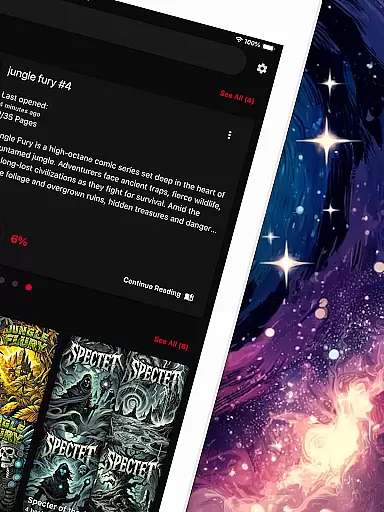
With the ability to sort comics into custom collections, users can keep their library tidy and easy to navigate. This feature is particularly beneficial for enthusiasts who have large and diverse collections, ensuring that every comic is just a few taps away.
ComiQuest places a strong emphasis on content authenticity and licensing. By supporting direct imports from personal storage, it ensures that users are accessing their legally owned content. This approach respects copyright laws and promotes legitimate use of comic books.
The app's 100% ad-free reading experience further underscores its commitment to providing a clean and legal platform for comic enthusiasts. Users can focus on their comics without distractions, knowing that their content is authentic and legally acquired.
Additionally, ComiQuest's premium features, such as unlimited imports and custom collections, encourage users to build and enjoy their personal libraries while respecting intellectual property rights. This creates a trustworthy environment for both readers and content creators.
User-friendly interface
Supports multiple formats
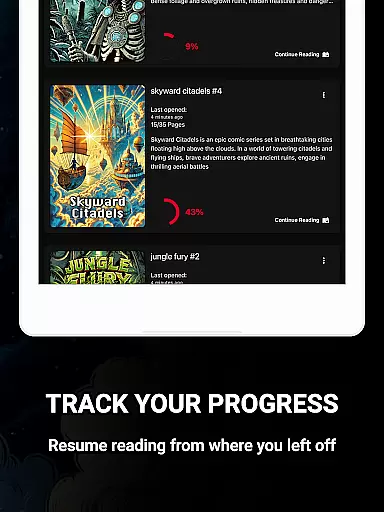
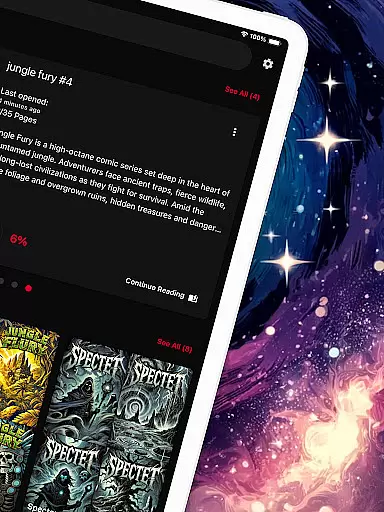
Automatic progress tracking
Ad-free experience
Eye comfort mode
Premium features locked
Limited free imports
Experimental eye filter
No cloud sync
USB drive dependency


Official digital-manga store. Quality translations that support artists.
 3.10
3.10
Goat sound simulator. This app makes for fun.
4.3
The pure application on the Manga SWAT website
4.80
The fastest and most convenient comic book reader - comics of all formats
4.40
Toomics is a premium comic service with every genre for all readers to enjoy!
4.00
The most popular comic book reader.
4.80
from HipComic: Value Your Comic Book Collection with Just the Snap of a Photo.
3.80
Read comics & manga
4.70
Read comics, manhwa, manga & novels Official webtoons with daily updates
4.30
Catalog your collection. Just scan covers with your device camera. (US $20/yr)
4.80
Free Comic Book Collection Management & Price Guide
4.60
Scan comics instantly! Find comic value, price, and key collector details fast.
4.50
Read your favorite mangas for free
4.50
Kodansha official Manga app
4.30
The anime tv for fans Sud and Dub
4.20
Browse and read all your comics and mangas from YACReaderLibrary
4.20
Your key to unlocking manga and webtoons on the go
3.50
+Not your everyday comic. Everyday.
3.50
A free paradise specially built for comic lovers. When you step into this comic universe full of surprises, it is like opening a door to endless joy. You are immediately immersed in the wonderful world brought by reading and enjoy the infinite charm of reading.
4.2


User Reviews