

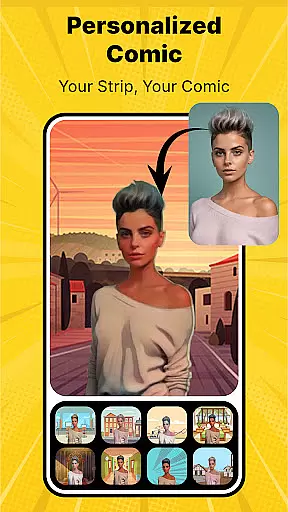
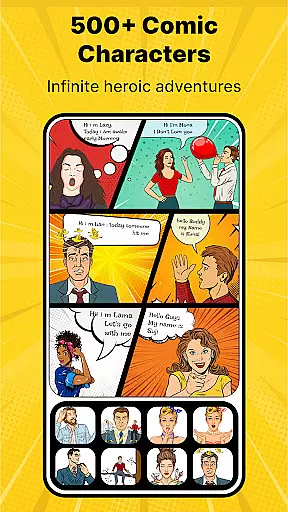
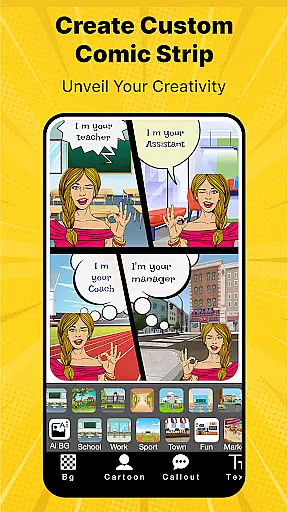
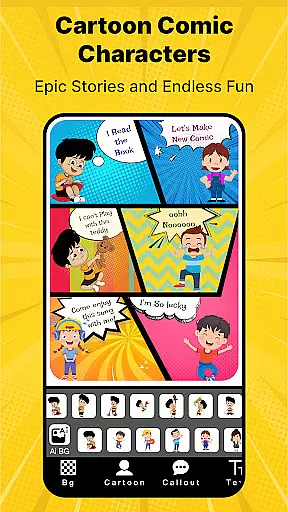
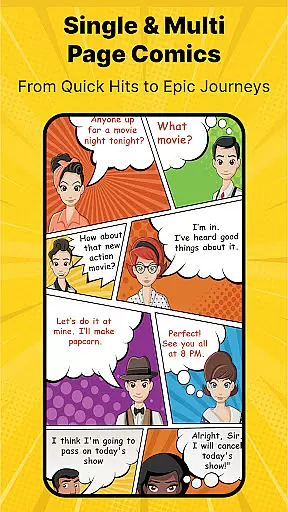
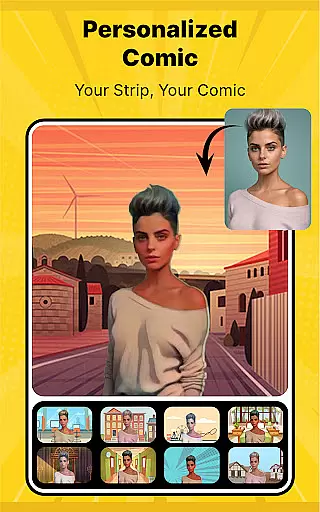
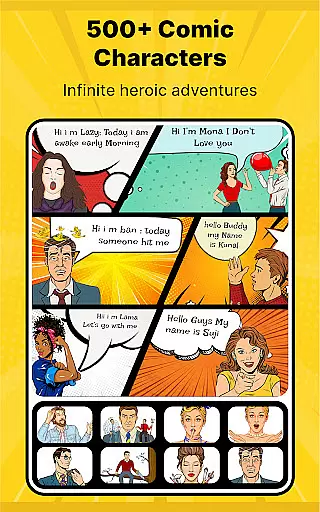
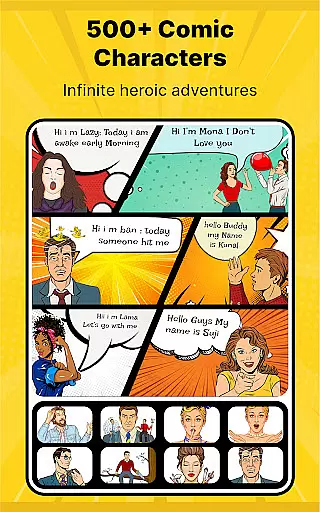
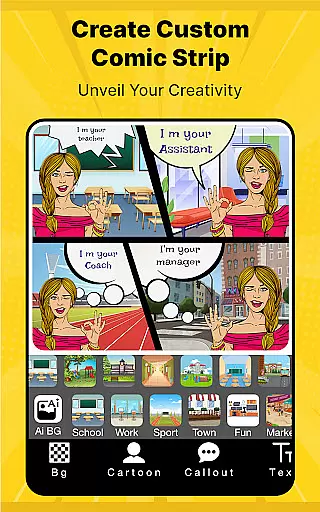
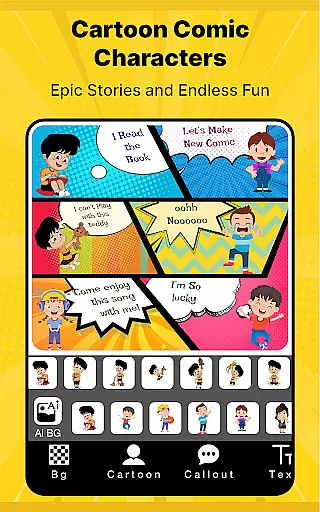
Cartoon Comic Strip Maker is a creative tool designed for comic enthusiasts and storytellers to craft their own comic strips, storyboards, and memes. With over 100 character options including anime, avatars, and superheroes, users can select characters that match their envisioned emotions and actions. The app provides various background images and speech bubbles, allowing you to weave your narrative with ease.
This app not only serves as a canvas for creativity but also as an educational platform where users learn to convey complex stories and concepts through visual and textual means. Whether it's for professional storyboarding, personal storytelling, or entertaining friends and kids, Cartoon Comic Strip Maker equips you with the tools to produce artwork you can be proud of. Share your creations on social media platforms like Facebook and Twitter to engage and entertain your audience.
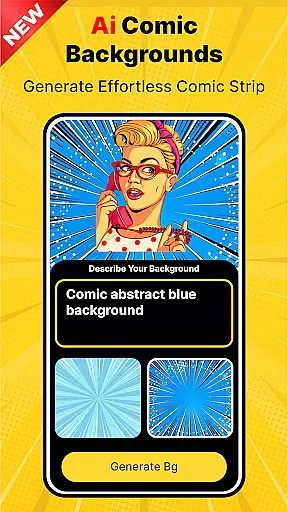
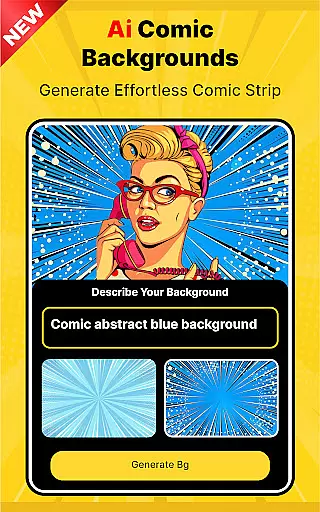
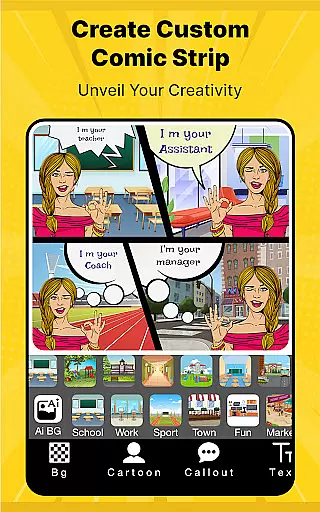
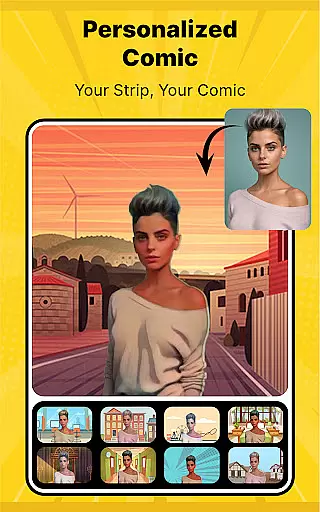
Cartoon Comic Strip Maker stands out with its rich selection of features tailored for comic creators. It offers diverse character choices ranging from anime to superheroes, each available in different emotional states to better express the storyline. Users can choose from various HD backgrounds and speech bubble types to enhance their storytelling.
The app allows saving your work as PDFs or images, making it versatile for different sharing and printing needs. Additionally, Cartoon Comic Strip Maker includes professionally crafted strip pages by cartoonists and artists, ensuring high-quality output. These features collectively provide a comprehensive toolkit for unleashing creativity and producing professional-grade comics.
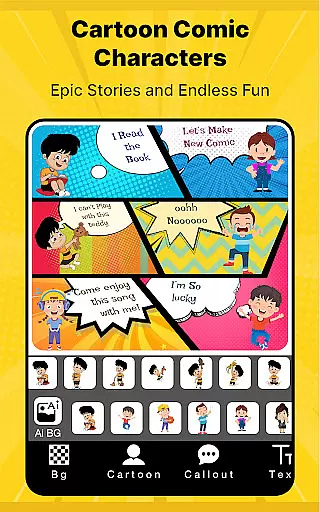
Cartoon Comic Strip Maker offers an extensive library of over 100 characters, including anime, avatars, and superheroes. This vast selection allows users to create diverse comic strips that cater to various themes and ideas.
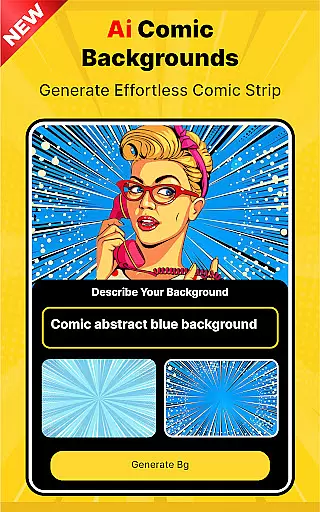
The app provides a rich assortment of HD backgrounds and different types of speech bubbles, enhancing the creative process. Users can choose characters with different emotions, making it easier to express complex stories and concepts through images and dialogue.
With professional cartoonist and artist-made strip pages, this app ensures high-quality output for every user. Whether creating storyboards, storytelling pieces, or content for social media, Cartoon Comic Strip Maker supports multiple formats, including PDF and image files.
Cartoon Comic Strip Maker emphasizes content authenticity by offering legally licensed characters and images. Users can trust that the assets they use are properly authorized, ensuring their creations remain compliant with copyright laws.
The app includes features like multi-layer verification for character usage and background images, safeguarding against unauthorized content. This approach not only protects users but also supports artists and creators by respecting their intellectual property rights.
By providing professionally crafted strip pages and licensed content, Cartoon Comic Strip Maker fosters a safe environment for creativity. Users can confidently share their stories on platforms like Facebook and Twitter, knowing their work is built on authentic and legally sound material.
User-friendly interface
Wide character selection
Versatile export options
Educational value
Social sharing capability
Limited free content
In-app purchases required
Occasional bugs
Ads present
Learning curve for beginners






More fun from BOM! Hurry up and do the following self-test, if you meet more than one item, come and experience the brand new world of comics!
 3.40
3.40
Joke book collection with the funniest dad jokes and riddles for you to enjoy!
4.60
Read officially manga titles from Japan including Attack on Titan
3.80
The most popular comic book reader.
4.40
Comic Scanner - Book Value - Identify and sell your comic collection with AI.
3.80
Read your favorite mangas for free
4.50
Browse and read all your comics and mangas from YACReaderLibrary
4.20
Artists wanting to use decent hand reference on the go, this app is for you!
4.70
Read official webcomics, webtoons, Korean manga & webnovels
3.70
Catalog your collection. Just scan covers with your device camera. (US $20/yr)
4.80
Find free mangas in Spanish
4.70
Comics and stories from Japan
4.60
The ultimate app for comic lovers
4.50
The most powerful and fast image/comics viewer.
4.10
Toomics is a premium comic service with every genre for all readers to enjoy!
4.00
Your key to unlocking manga and webtoons on the go
3.50
Experience the largest selection of DC comics anywhere with DC UNIVERSE INFINITE
3.40
The best app for digital comics - Welcome to Lezhin!
3.10
A free paradise specially built for comic lovers. When you step into this comic universe full of surprises, it is like opening a door to endless joy. You are immediately immersed in the wonderful world brought by reading and enjoy the infinite charm of reading.
4.5

User Reviews