

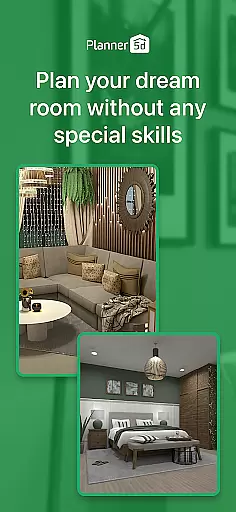
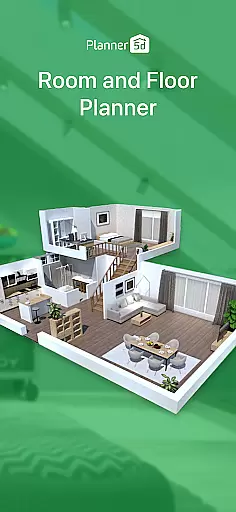
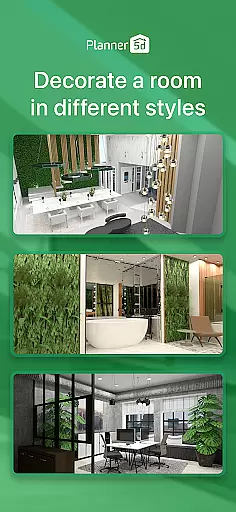
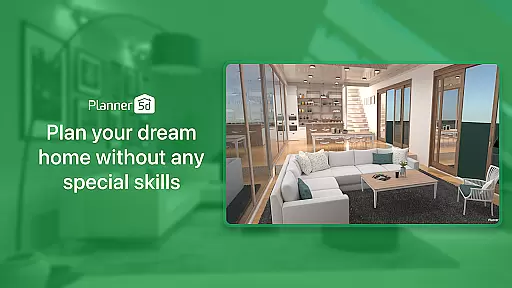
Planner 5D is the leading AI-powered home design and room planning application, catering to both home enthusiasts and professional designers. This comprehensive tool allows users to create detailed 2D and 3D floor plans, visualize interior and exterior spaces, and utilize a library of over 10,000 furniture and décor items.
With advanced features like AR Room Planner, realistic 3D visualization, and cross-platform compatibility, the app supports projects ranging from simple redecoration to complete home renovations. Its intuitive interface and powerful design tools make it easy for anyone to bring their dream home to life.
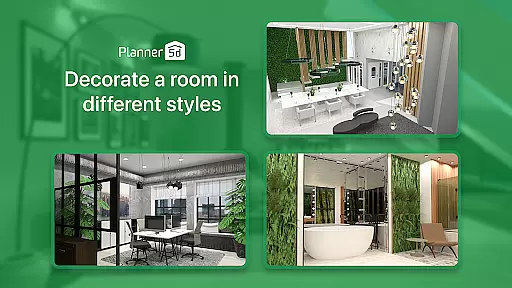
Whether you're redesigning a single room or planning an entire house, Planner 5D provides all the necessary tools to execute your vision with precision and creativity. The app's versatility makes it suitable for various design needs, including residential spaces, offices, and commercial establishments.
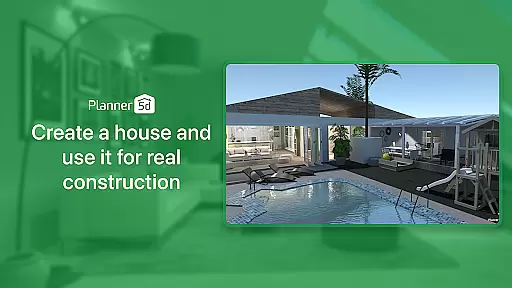
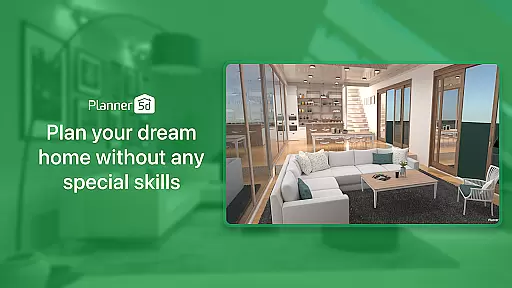
Planner 5D stands out with its robust set of features tailored for home design and renovation projects. The app includes an AR Room Planner that lets users configure layouts using real room dimensions, providing a lifelike preview of their designs. The 3D Home Design functionality enables realistic visualization of spaces, ensuring every detail is captured.
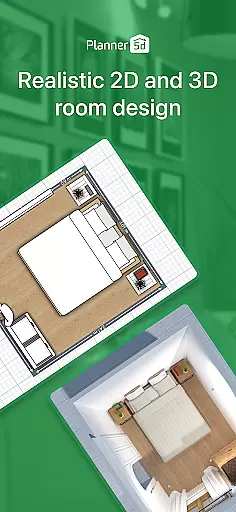
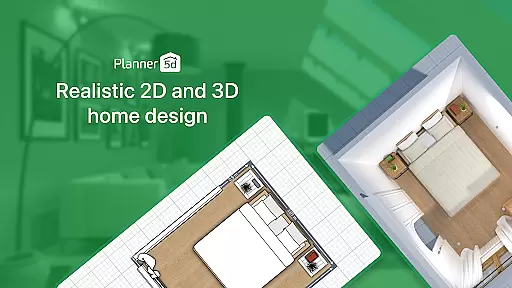
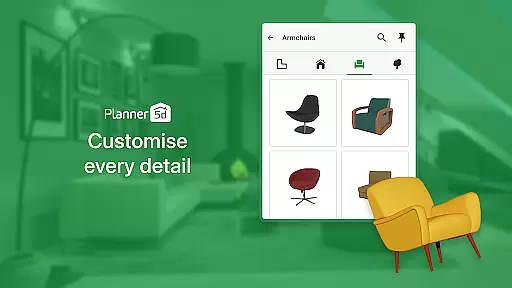
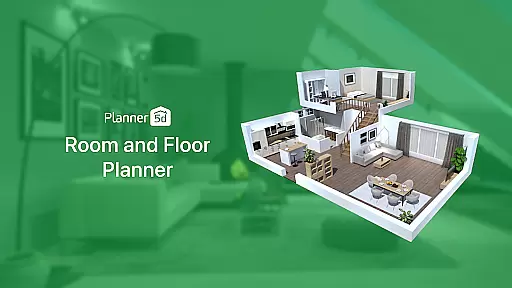
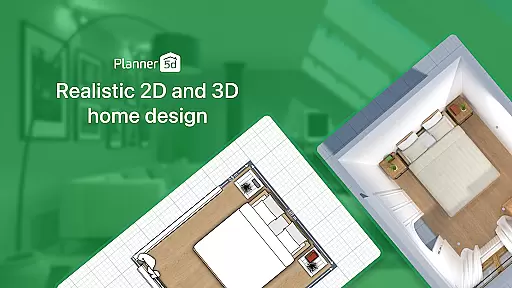
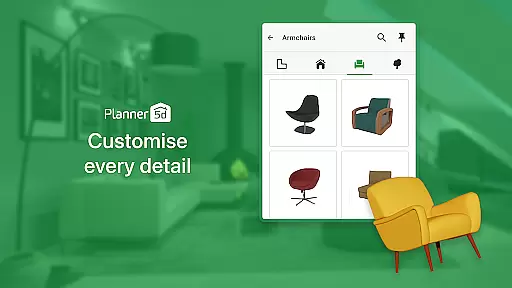
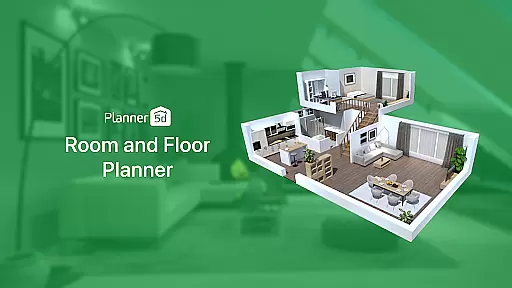
Users can create detailed 2D floor plans and convert them into immersive 3D models. With over 10,000 furniture and décor items in the catalog, customization options are virtually limitless. Advanced architectural tools support precise planning, while the HD snapshot feature generates high-quality renders with accurate lighting and colors.
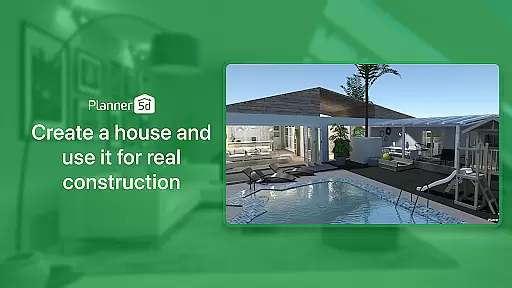
Additional features include landscape design capabilities, offline mode for uninterrupted work, and Chromecast support for easy presentation on larger screens. These functionalities collectively empower users to design, modify, and share their projects seamlessly across devices.
In the realm of home design and renovation, having authentic and reliable property listings is crucial for envisioning accurate projects. Planner 5D ensures that every design element and item in its extensive library genuinely reflects real-world dimensions and aesthetics.
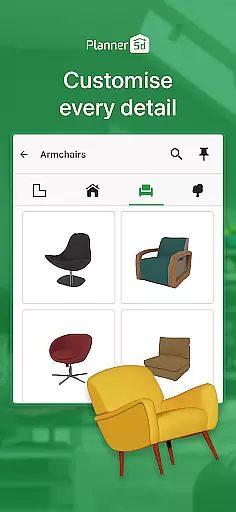
The app provides over 10,000 items for home du00e9cor, each carefully crafted to represent realistic furniture and fixtures. This meticulous attention to detail guarantees that users can create designs that are not only imaginative but also feasible when translated into reality.
Users benefit from this commitment to authenticity by being able to plan their spaces with confidence. Whether redesigning a single room or an entire house, they know that the virtual representation will closely match the physical outcome.
This dedication to providing genuine property listings empowers both enthusiasts and professionals. It bridges the gap between digital planning and actual execution, ensuring that every design choice made within Planner 5D is grounded in reality.
Effective home management extends beyond mere aesthetics; it encompasses how spaces are utilized and optimized. Planner 5D offers robust features that allow users to maximize their home's potential through intelligent design tools.
With functionalities like AR Room Planner, users can input real room dimensions and configure layouts accordingly. This feature enables them to visualize changes accurately, ensuring optimal use of available space while maintaining aesthetic appeal.
The inclusion of advanced architectural drawing support and CAD tools further enhances these capabilities. Users can create precise 2D floor plans that seamlessly convert into immersive 3D models, offering unparalleled insight into spatial dynamics.
By integrating such comprehensive home management features, Planner 5D equips users with everything needed to undertake substantial renovations or simple redecorations with equal ease and precision.
User-friendly interface
Extensive furniture library
Realistic 3D visualization
Cross-platform compatibility
Active community support
Premium features locked
Steep learning curve
Limited free templates
In-app purchases required
Occasional performance lags


Map-based search app for apartments and homes for rent.
 4.60
4.60
B-hyve Pro App for landscape irrigation professionals
4.70
Turn your phone into a wifi cam with smart features and umlimited reach.
4.20
Parcel Pending Resident App
4.50
Rent on-the-go with TurboTenant’s app made just for renters
4.50
Smart AI plant care schedules, Real plant experts, support & Thriving community!
4.20
Innovative and budget-friendly housing options
4.60
Book your local plumber 24/7, track your service order & get exclusive coupons
4.00
Plan your remodel AI home renovation easily using planner 5D and home decor AI.
4.40
Connect with reliable pros for maintenance services, plumbing, and home design!
4.80
The Merkury Smart app makes it easy to control your smart devices.
4.50
For all of your Airthings devices
4.30
Control your thermostat, comfort, and home monitoring from your phone
4.30
AI floor creator to design your dream house, plan rooms & style your home
4.00
USHUD.com helps you find the best homes for sale in your area
4.00
Find the perfect paint color with advanced tools to explore and visualize color.
3.80
Draw your floor plan smartly. Make house design blueprint with home planner app
3.60
Universal TV remote Control for Roku TV brands via WiFi remote
4.1
Universal TV Remote for TV, control all Smart TVs with your mobile phone.
4.0


User Reviews