

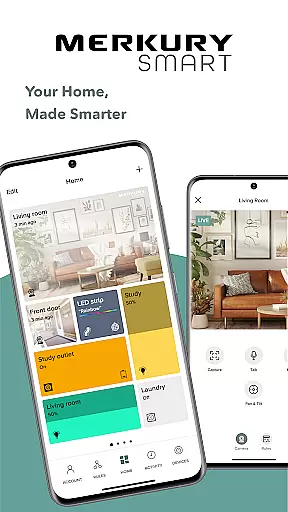
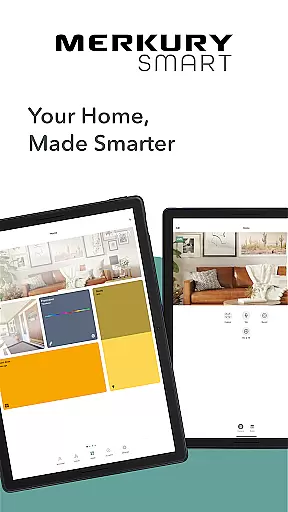
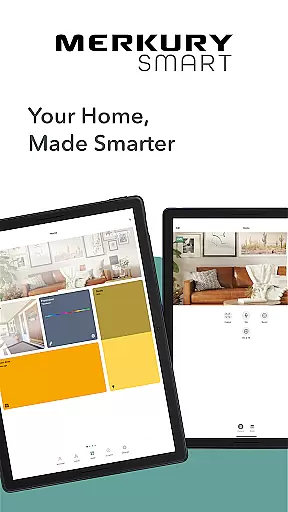
Merkury Smart is a comprehensive home automation application designed to work seamlessly with a range of Merkury smart devices. The app allows users to control and monitor their Merkury Indoor and Outdoor Smart Cameras, Auto-Follow Smart Camera, Smart Color Bulb, Smart Plug, Smart LED Strip, Smart Doorbell Camera, Smart Wi-Fi Floodlight Camera, and Smart Wi-Fi Outlet Extender.
With its intuitive interface, the app provides live HD streaming, motion detection alerts, and customizable recording rules. Users can review past activities through recorded videos and photos. The app's multi-camera support enables monitoring of various locations from a single account, ensuring maximum security and convenience. Additionally, it offers vibrant lighting solutions with customizable LED strips and smart bulbs that bring color and brightness to any space.
Whether you're at home or away, Merkury Smart empowers you to manage your smart home devices effortlessly, providing peace of mind and enhancing your living environment.
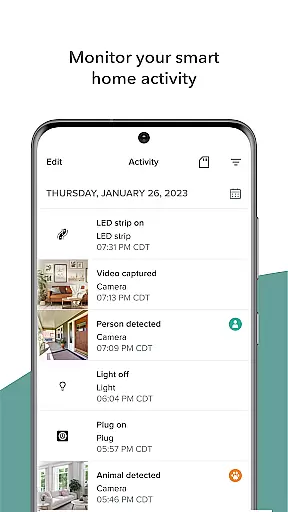
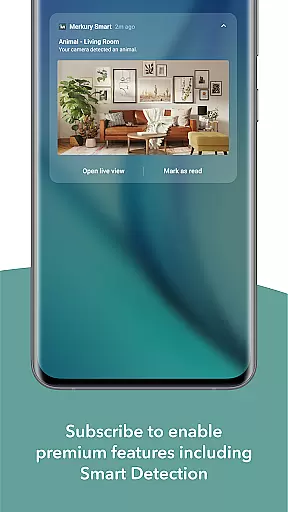
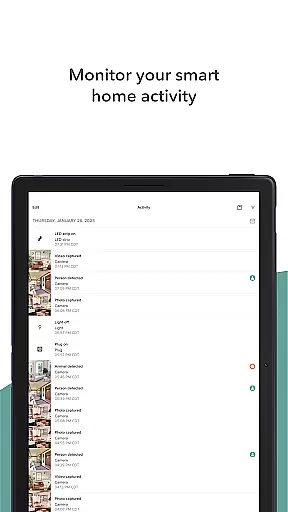
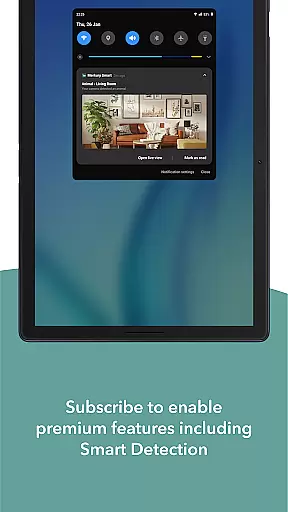
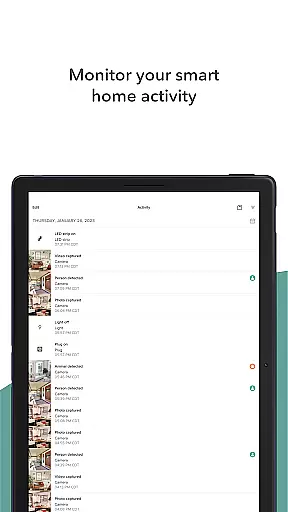
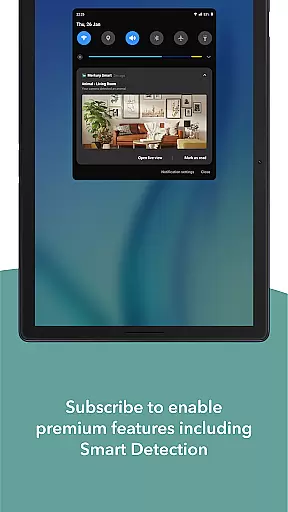
Merkury Smart stands out with its diverse feature set tailored for home automation enthusiasts. One of its key features is the ability to watch live HD video streams from connected cameras, allowing real-time monitoring of your property. The app sends instant notifications when motion is detected and allows users to set up automatic recording rules to capture important events as they happen.
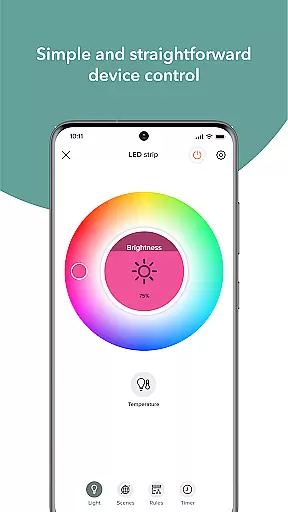
For those who need to review past incidents, the app stores recorded HD videos and photos, which can be easily downloaded and shared. Its do-it-yourself simplicity makes it easy to add multiple cameras to a single account, enabling secure access across different locations. Moreover, the app supports vibrant LED strips and smart bulbs, offering thousands of color and temperature options to illuminate your space according to your preference.
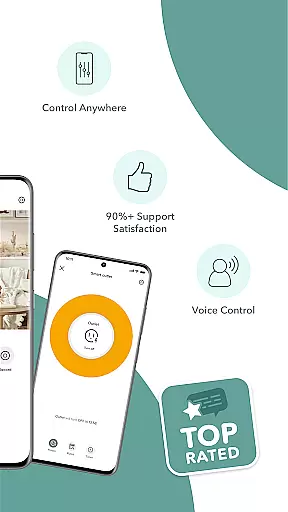
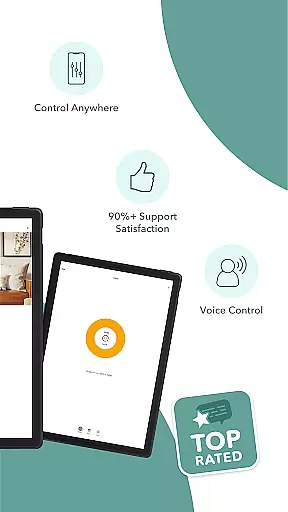
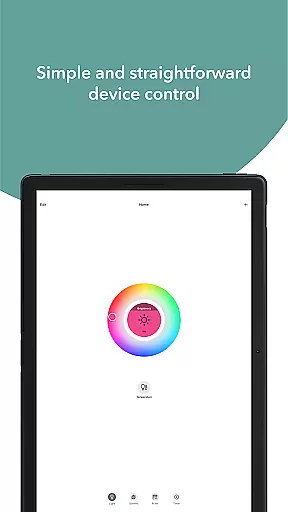
The Merkury Smart app also includes a smart plug feature, allowing remote control of appliances and electronics. With built-in Wi-Fi, the smart bulbs can be dimmed or turned on/off using voice commands or the app itself. This versatile functionality ensures that users have complete control over their smart home ecosystem from anywhere in the world.
When it comes to managing smart home devices, ensuring the authenticity and accuracy of device listings is crucial. The Merkury Smart app provides users with a reliable platform to manage their smart home ecosystem. Each connected device, from smart cameras to LED strips, is accurately listed within the app interface.
The app ensures that all property listings, in this case, smart devices, are genuine and verified. This verification process gives users peace of mind knowing that they are interacting with legitimate devices. Whether it's an indoor camera or a smart bulb, each device is represented with correct specifications and functionalities.
Users benefit from this authenticity by experiencing seamless integration and control over their smart home devices. With accurate listings, users can efficiently monitor and manage their devices, ensuring optimal performance and security. This reliability fosters trust between the user and the smart home system.
Ultimately, the Merkury Smart app's commitment to property listing authenticity enhances the overall smart home experience. Users can confidently expand their smart home setup, knowing that each new addition will be accurately represented and fully functional within the app.
Effective home management is at the core of the Merkury Smart app's functionality. By offering a centralized platform for controlling various smart devices, the app simplifies the complexities of modern home automation. From live HD streaming of security cameras to managing smart plugs, the app provides comprehensive tools for efficient home management.
One standout feature is the ability to set up rules for automated responses. For instance, users can configure motion detection alerts and automatic video recordings. These features not only enhance security but also provide valuable insights into home activities. Additionally, the app supports multiple locations, allowing users to manage properties beyond their primary residence.
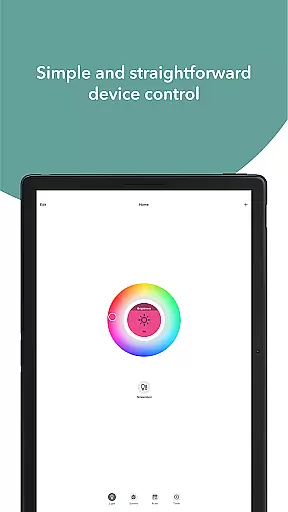
Moreover, the Merkury Smart app excels in customization and convenience. Users can adjust settings for smart bulbs and LED strips, creating vibrant atmospheres tailored to different occasions. The intuitive interface makes it easy to control these devices from anywhere, ensuring that your home is always picture-perfect.
In summary, the Merkury Smart app empowers users with advanced home management features. By combining security, automation, and customization, it delivers a holistic smart home experience that adapts to users' lifestyles and preferences.
User-friendly interface
Comprehensive device compatibility
Remote access and control
Customizable automation rules
Vibrant lighting options
Dependent on stable internet
Limited third-party integration
Premium features may require subscription
Occasional connectivity issues
Privacy concerns with cloud storage

For all of your Airthings devices
 4.30
4.30
Universal TV Remote for TV, control all Smart TVs with your mobile phone.
4.0
Rent on-the-go with TurboTenant’s app made just for renters
4.50
Control Fire TV & mirror your phone screen instantly over Wi-Fi.
3.30
Smart AI plant care schedules, Real plant experts, support & Thriving community!
4.20
The only mappable smart lights for custom decoration.
4.50
Design your dream home with 3D planning app, Visualize your dream home in 3D.
4.20
MLS-powered real estate app to find homes for sale & apartments for rent
4.70
An easier way to make payments and maintenance requests from anywhere.
3.50
Real estate app to find homes for sale or rent in the right neighborhood for you
4.70
Search for Homes, Rentals, Agents & Schools
4.70
A Smarter Home in Seconds
4.70
AI-powered home design, interior design, home decor, and room design solutions
4.50
Resident Center, powered by Buildium, is designed with simplicity in mind.
4.50
Security App with HD Video, 2-way Audio, and event detection for Home monitoring
4.40
Universal Tv Remote Control for all Tv. Cast for chromecast & all Tv Controller
4.20
Our app allows Sunrun customers to monitor systems, pay bills, and get support.
3.80
Use Home by ShowingTime to easily manage showings, tours, feedback and more
3.60
Unlock AI-based barcode scanning and support the development of Grocy Android
4.5


User Reviews