

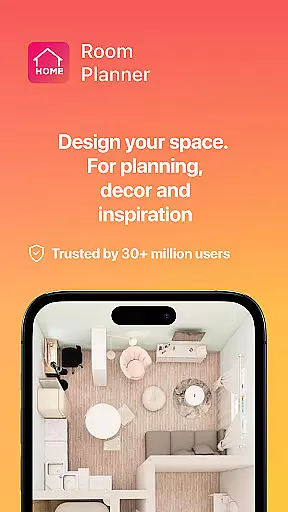
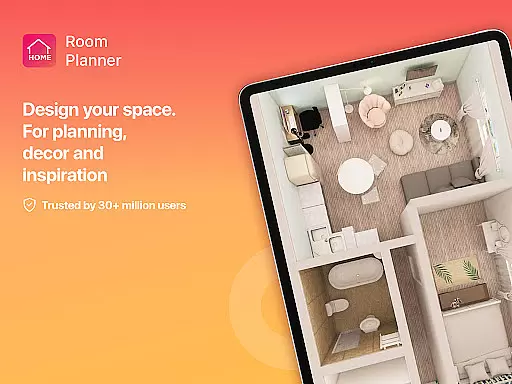
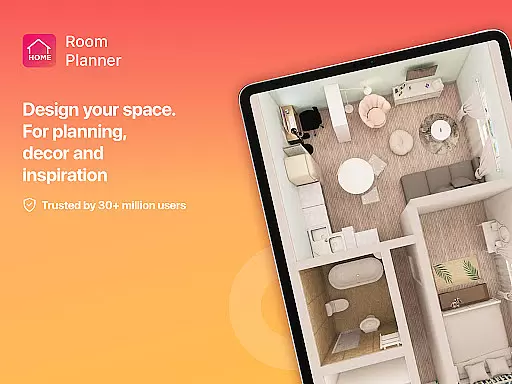
Home Planner is a comprehensive home design and 3D modeling tool that empowers users to create detailed floor plans with precision. The app offers advanced visualization features, allowing users to see their designs in immersive 3D and virtual reality. With over 200,000 furniture items available in its catalog, users can experiment with endless styles and layouts. Whether redesigning a single room or planning an entire house, Home Planner provides professional templates and powerful customization options.
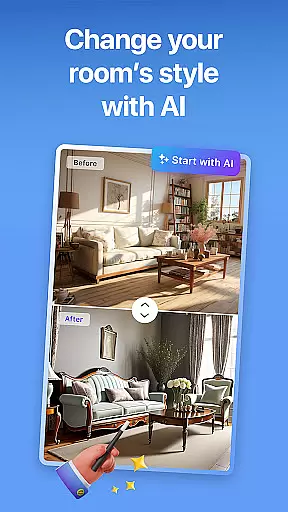
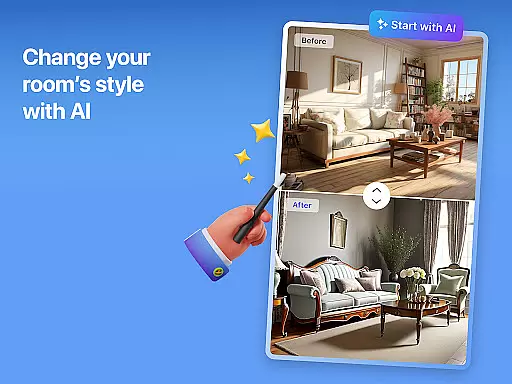
The app's smart remodel AI tools assist in every step of the design process, from measuring spaces to finalizing décor choices. High-quality renders and realistic snapshots ensure users can visualize their projects with stunning accuracy. Offline functionality and seamless sharing make collaboration easy, while flexible subscription options unlock premium features for enhanced creativity.
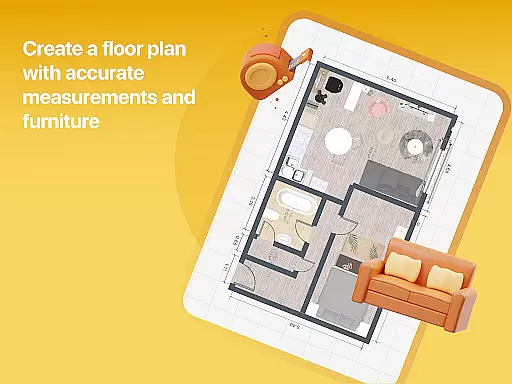
Home Planner stands out with its robust set of features tailored for both amateur designers and professionals. The app includes precise measuring tools and a built-in tape measure, ensuring accurate floor plans. Its 3D modeling capabilities allow users to explore designs from multiple angles, providing a realistic preview of the final space. The inclusion of virtual reality further enhances this experience by letting users step inside their creations.
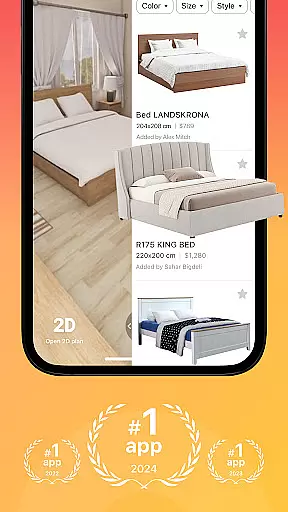
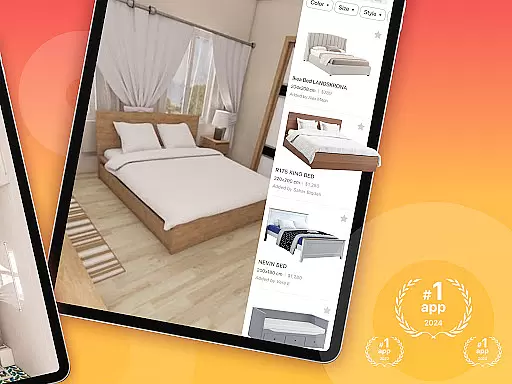
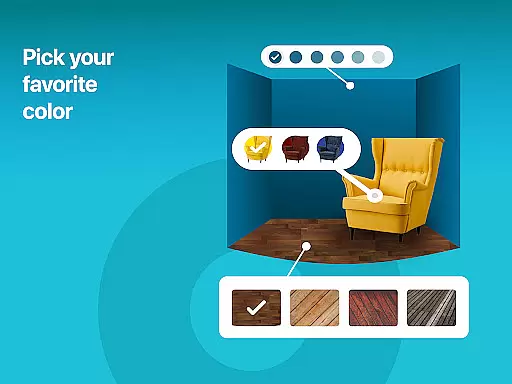
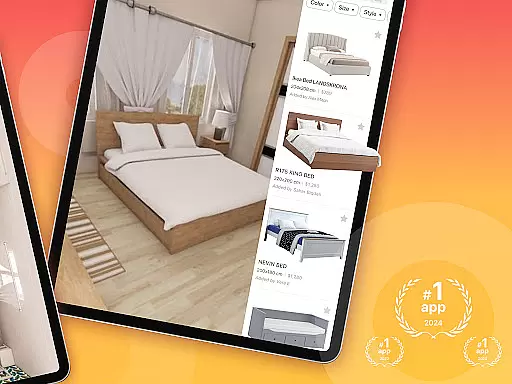
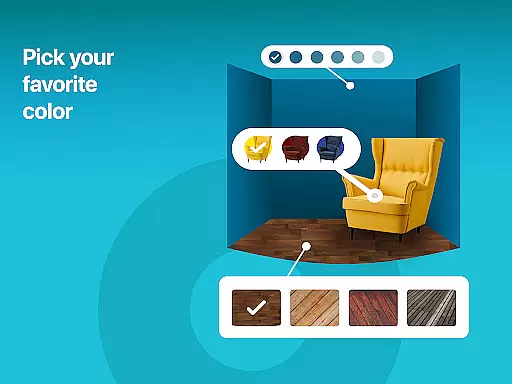
A massive product catalog with over 200,000 furniture items enables limitless customization. Users can adjust every detail, from wall colors to flooring types, making each design truly unique. Pre-made projects and themed templates simplify the creative process, offering inspiration for any project scale. High-quality renders and lifelike snapshots help refine designs, while offline functionality ensures uninterrupted productivity.
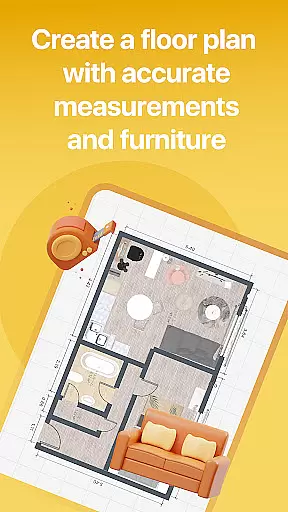
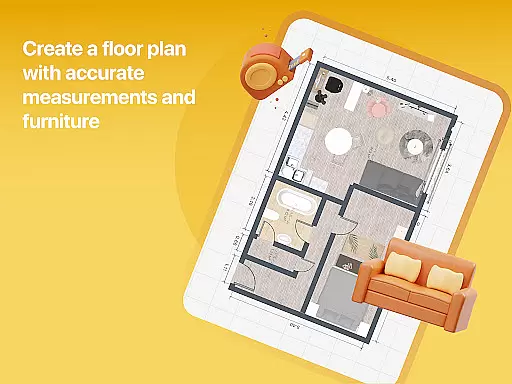
When it comes to designing or remodeling a home, having accurate and reliable property information is essential. Room Planner ensures that every design element, from wall dimensions to furniture placement, reflects real-world measurements and authentic spatial arrangements. This level of precision is achieved through the app's built-in measuring tools and meticulous attention to detail.
The app allows users to create floor plans with exact dimensions, ensuring that every inch of space is accounted for in their designs. By providing an extensive catalog of over 200,000 furniture items, all accurately modeled to scale, Room Planner guarantees that users can experiment with layouts knowing that each piece will fit perfectly within their actual spaces.
For those unsure where to begin, Room Planner offers professionally designed templates and pre-made projects. These resources not only inspire creativity but also ensure that even novice designers can achieve realistic and achievable results. With these features, users can trust that their virtual designs can be translated into physical spaces without discrepancies.
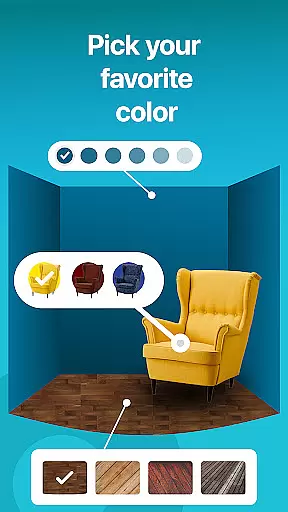
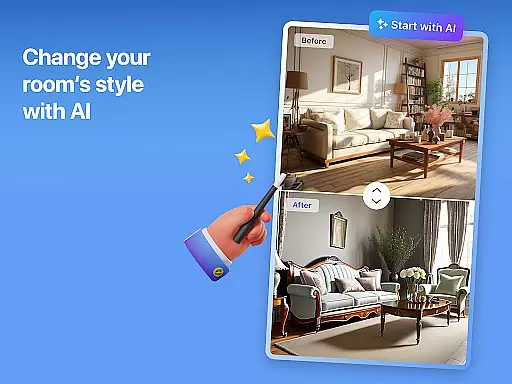
Room Planner goes beyond simple design capabilities by offering comprehensive home management features that streamline the entire remodeling process. The app provides powerful tools for visualizing changes in room aesthetics, such as wall colors, flooring types, and furniture styles. This flexibility allows users to customize every aspect of their space, ensuring their final design truly reflects their personal style.
In addition to its customization options, Room Planner supports seamless collaboration through easy sharing functionalities. Users can share their designs with partners, contractors, or interior designers, facilitating clear communication and efficient project management. Whether working on-site or remotely, this feature ensures everyone involved is on the same page.
Furthermore, Room Planner includes advanced 3D modeling and virtual reality previews, enabling users to experience their designs before making any physical changes. High-quality renders and lifelike snapshots help refine details like lighting and material textures, ensuring the envisioned design matches the final outcome. These robust home management features make Room Planner an indispensable tool for anyone undertaking a home renovation project.
User-friendly interface
Extensive furniture catalog
Advanced 3D modeling
Virtual reality preview
Flexible subscription plans
Premium features locked
Steep learning curve
Limited free templates
Occasional bugs
High system requirements










B-hyve Pro App for landscape irrigation professionals
 4.70
4.70
Rent on-the-go with TurboTenant’s app made just for renters
4.50
Resident Center, powered by Buildium, is designed with simplicity in mind.
4.50
Smart AI plant care schedules, Real plant experts, support & Thriving community!
4.20
The only mappable smart lights for custom decoration.
4.50
Book your local plumber 24/7, track your service order & get exclusive coupons
4.00
View houses and apartments for rent, updated daily.
4.80
Fire & Power Safety
4.50
Control your Vivint Smart Home with the next generation Vivint App.
4.30
Connect with reliable pros for maintenance services, plumbing, and home design!
4.80
Turn old phones into security cameras, baby monitors, pet cams, and more.
4.70
Convert your Phone to HiSense Smart TV Remote Control
4.70
A Smarter Home in Seconds
4.70
Security App with HD Video, 2-way Audio, and event detection for Home monitoring
4.40
Turn your phone into a wifi cam with smart features and umlimited reach.
4.20
Samsung remote app helps control all Samsung Smartthings TVs. Fast and Stable!
4.10
Our app allows Sunrun customers to monitor systems, pay bills, and get support.
3.80
IP camera view and playback, for your WiFi cam or home security cctv system.
3.70
Draw your floor plan smartly. Make house design blueprint with home planner app
3.60


User Reviews