

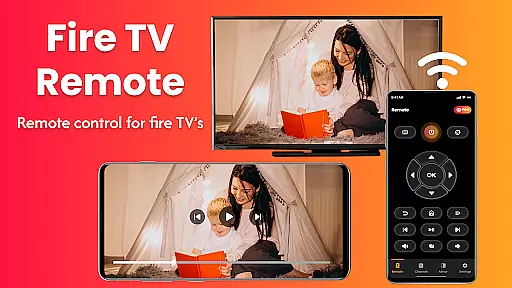
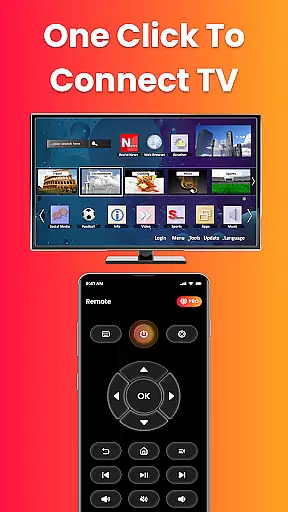
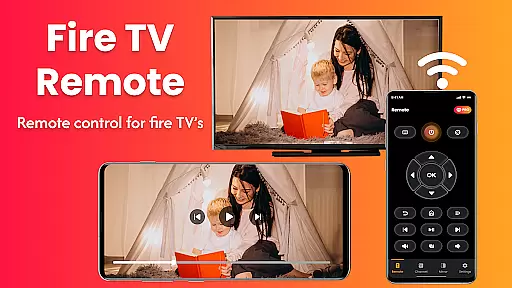
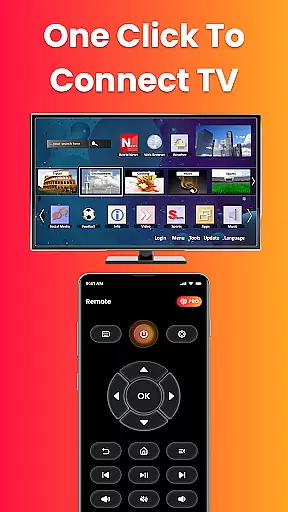
Fire Remote TV Control is a dedicated application that transforms your Android phone into a comprehensive remote control for Fire TV and Fire Stick devices. It offers full navigation, playback controls, volume management, and screen mirroring capabilities without the need for pairing codes or complex setups. Designed exclusively for Fire TV users, this app provides an instant connection over Wi-Fi and supports all versions of Fire TV Sticks, Fire TV Cube, and Fire TV Edition smart TVs.
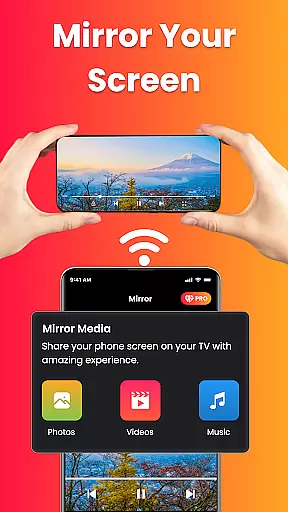
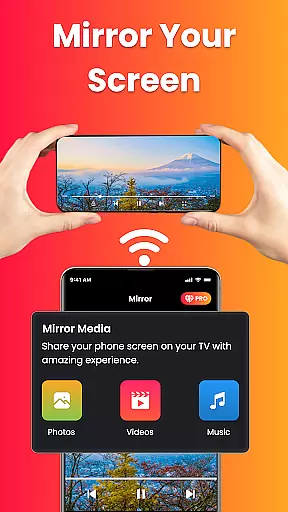
The app's standout feature is its ability to mirror your phone's screen directly to your Fire TV with just one tap. This makes it ideal for sharing photos, streaming videos, browsing apps, or even presenting work content on a larger display. With its intuitive interface, lightweight design, and battery-efficient performance, Fire Remote TV Control ensures a smooth user experience tailored specifically for the Fire TV ecosystem.
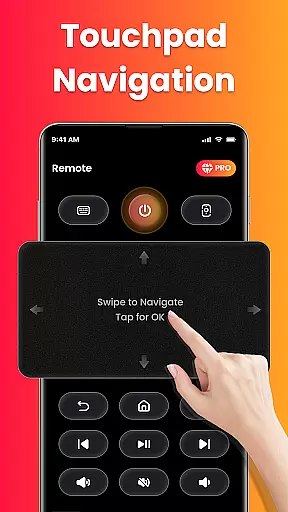
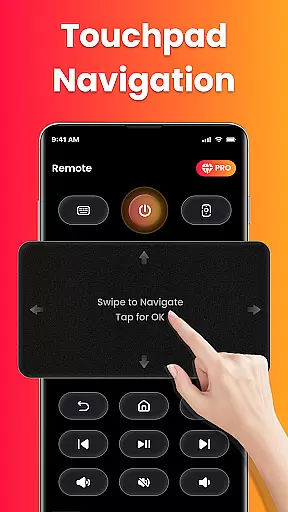
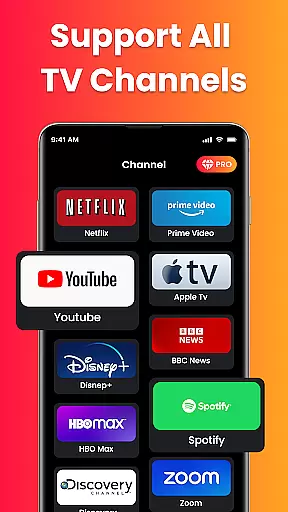
Fire Remote TV Control boasts several key features that enhance the way you interact with your Fire TV. First, it functions as a complete remote control solution, allowing users to navigate menus using either directional pad controls or touch gestures. The app also includes playback controls such as play, pause, rewind, fast forward, and stop, along with volume management options like mute/unmute and power control where supported.
Another notable feature is the built-in on-screen keyboard which facilitates quick typing and searching within Fire TV applications. Additionally, the app supports screen mirroring, enabling users to cast their phone’s screen directly onto their Fire TV. This functionality is particularly useful for displaying mobile videos, photos, slideshows, or presentations wirelessly. All these features are accessible instantly through Wi-Fi connectivity without requiring any login, registration, or pairing code, making it incredibly convenient for everyday use.
In the context of smart home and entertainment management apps like Fire Remote TV Control, ensuring property listing authenticity is crucial for user trust. This app provides accurate compatibility information, clearly stating supported devices such as Fire TV Stick versions, Fire TV Cube, and specific smart TVs.
The application's description explicitly lists compatible Amazon Fire TV products, preventing misleading users with unsupported device claims. By focusing exclusively on Fire TV ecosystem support, it maintains transparency in its service offerings.
Users benefit from this authenticity assurance when selecting their remote control solutions, knowing exactly which devices will work seamlessly with the app. The absence of false advertising regarding compatibility enhances user confidence and satisfaction.
This commitment to transparent property listing helps users make informed decisions about using the app for their home entertainment needs, establishing reliability in its functionality within the House & Home category.
Fire Remote TV Control excels in offering comprehensive home management features tailored for Fire TV users. Its primary function transforms Android phones into universal remotes, providing complete navigation, playback controls, and volume management without requiring additional hardware.
The inclusion of screen mirroring capability sets this app apart in home management. Users can effortlessly cast their phone's screen to their Fire TV, enabling wireless sharing of photos, videos, and presentations directly from their mobile devices to the big screen.
Additional features like an on-screen keyboard for quick searches and instant Wi-Fi connection without pairing codes demonstrate the app's focus on simplifying home entertainment management. These tools help streamline daily smart home operations.
By consolidating essential remote functions and advanced screen-sharing capabilities in one interface, this app significantly enhances user convenience in managing their home entertainment systems, making it a valuable asset in the House & Home category.
User-friendly interface
Instant Wi-Fi connection
Comprehensive remote functions
Efficient screen mirroring
Battery-efficient performance
Limited to Fire TV ecosystem
No Chromecast support
Third-party application
Requires same Wi-Fi network
No advanced customization

Use Home by ShowingTime to easily manage showings, tours, feedback and more
 3.60
3.60
Universal TV remote Control for Roku TV brands via WiFi remote
4.3
Control your Daikin, Amana & Goodman heating & cooling systems from anywhere
4.40
Find paints using a Color Muse & ColorSnap® Match
3.60
Our app allows Sunrun customers to monitor systems, pay bills, and get support.
3.80
This Fire TV Remote control's your Fire TV Device and Insignia Fire TV Remote
3.70
Control your Vivint Smart Home with the next generation Vivint App.
4.30
WiZ smart light system
4.40
Connect with reliable pros for maintenance services, plumbing, and home design!
4.80
View houses and apartments for rent, updated daily.
4.80
B-hyve Pro App for landscape irrigation professionals
4.70
Search for Homes, Rentals, Agents & Schools
4.70
Plants, Beauty, Collectibles
4.60
AI-powered home design, interior design, home decor, and room design solutions
4.50
Parcel Pending Resident App
4.50
For all of your Airthings devices
4.30
Smart AI plant care schedules, Real plant experts, support & Thriving community!
4.20
Book your local plumber 24/7, track your service order & get exclusive coupons
4.00
An easier way to make payments and maintenance requests from anywhere.
3.50

User Reviews