

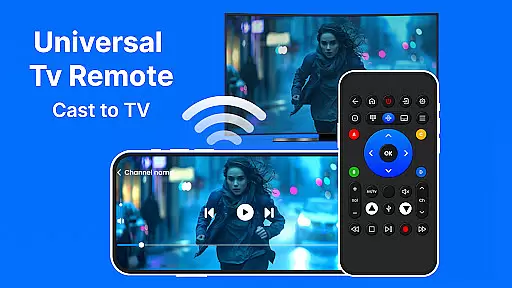
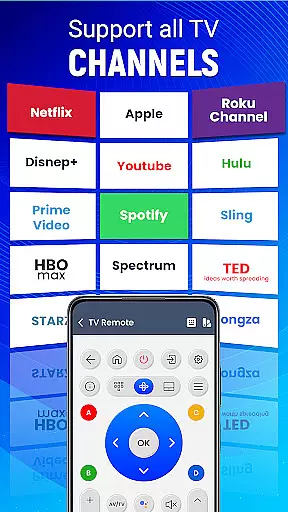
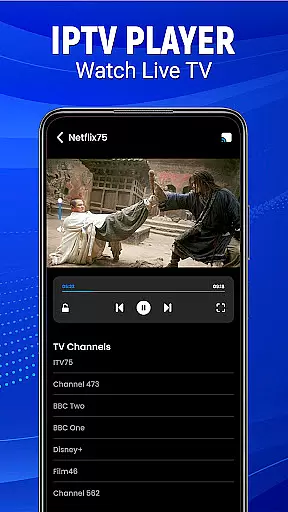
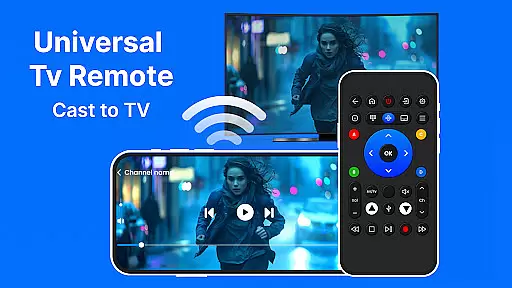
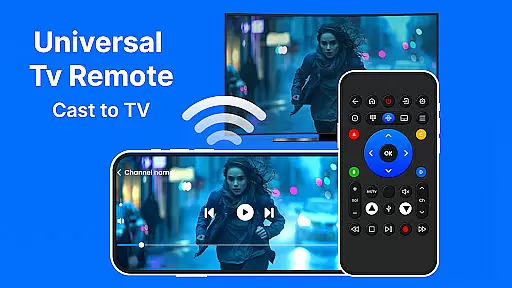
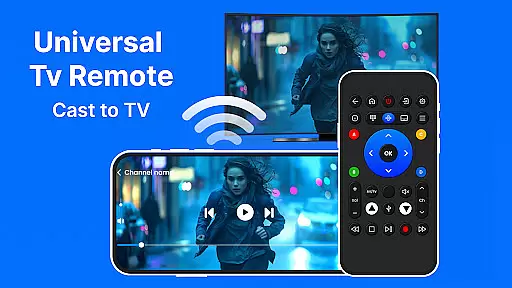
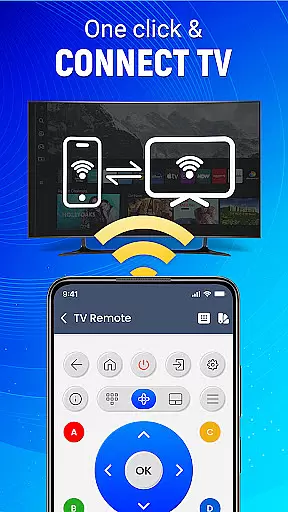
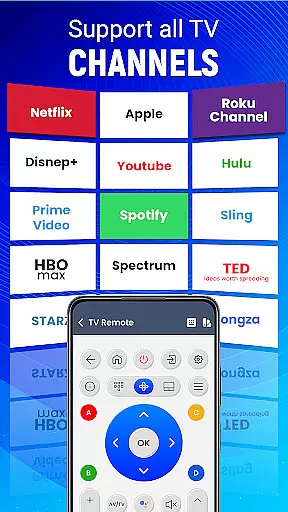
Universal TV Remote-Cast to TV is a versatile home utility application that transforms your smartphone into a universal remote control for televisions. This app supports all major TV brands and offers seamless connectivity through both infrared and Wi-Fi connections, making it an essential tool for modern smart homes.
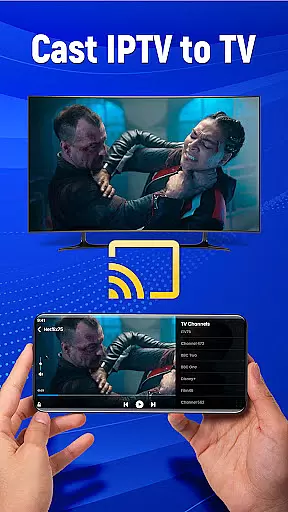
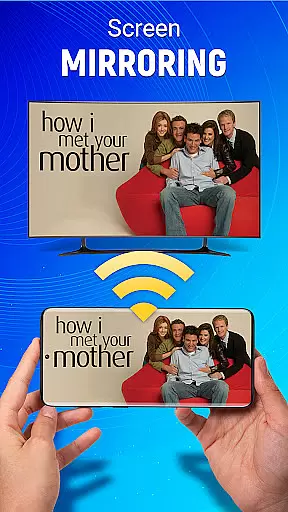
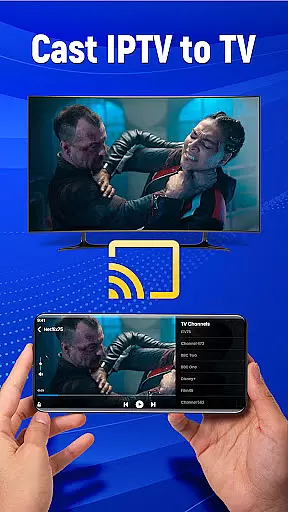
The application provides users with advanced features such as voice command functionality, gesture navigation, and screen mirroring capabilities. These features allow you to control your television's essential functions, cast your mobile screen to the TV, and customize remote settings according to your preferences. Whether you're looking to change channels, adjust volume, or stream content from your phone, this app delivers a comprehensive solution.
One of the key advantages of Universal TV Remote-Cast to TV is its ability to replace multiple physical remotes with a single digital interface. This not only reduces clutter but also enhances user convenience by providing a centralized control system for all your entertainment needs. The app's intuitive design and reliable performance make it an indispensable companion for managing your home entertainment system efficiently.
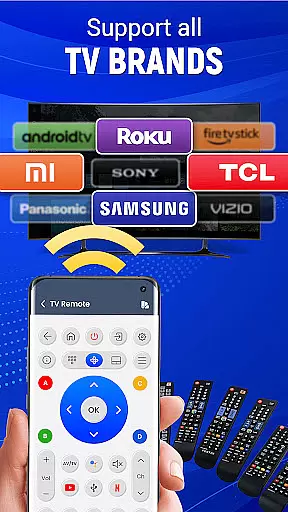
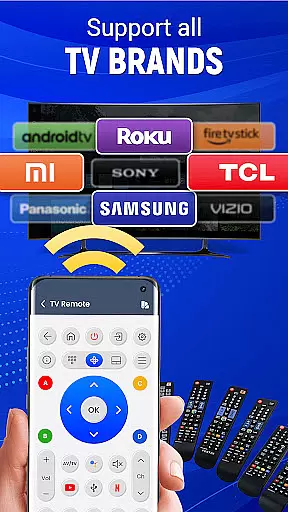
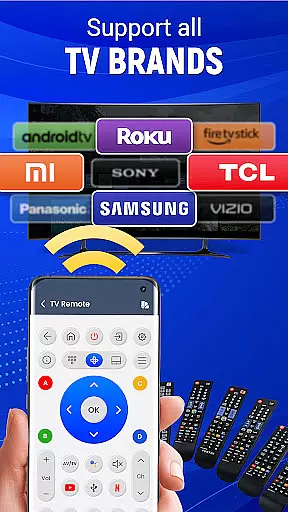
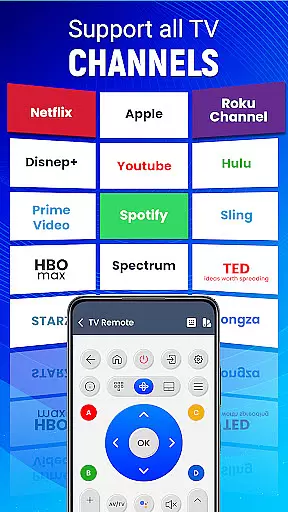
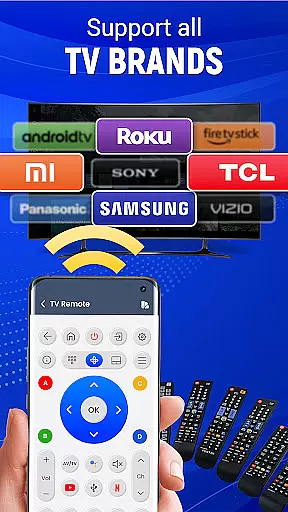
Universal TV Remote-Cast to TV stands out with its comprehensive feature set designed to enhance user experience. The app's most notable capability is its universal compatibility with virtually all television brands, ensuring that users can control any TV model regardless of manufacturer. This extensive brand support eliminates the need for multiple specialized remote applications.
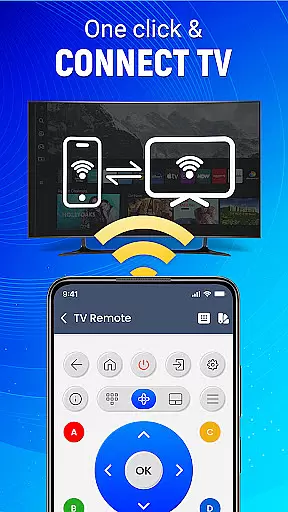
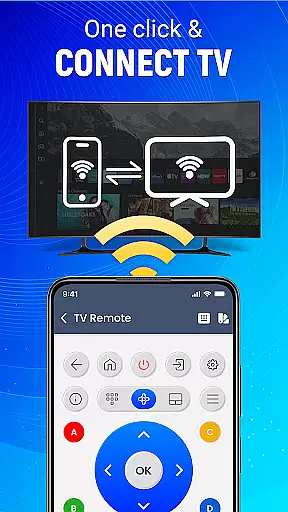
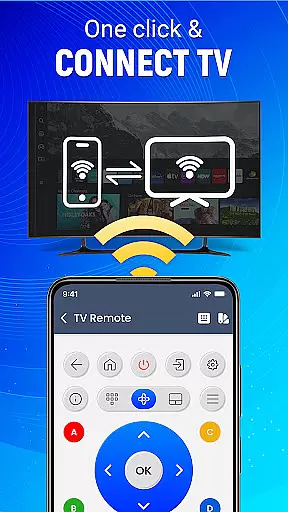
A key innovation is the dual connectivity option through both infrared and Wi-Fi technologies. The infrared function works similarly to traditional remotes, while the Wi-Fi connection enables more advanced features like screen mirroring and media streaming. The inclusion of voice command functionality adds another layer of convenience, allowing users to operate their TVs hands-free. Additionally, the app's gesture navigation system provides intuitive touch controls for faster and more precise operations.
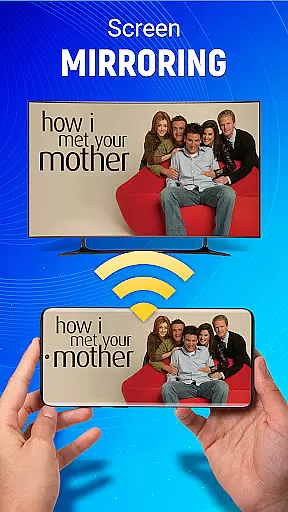
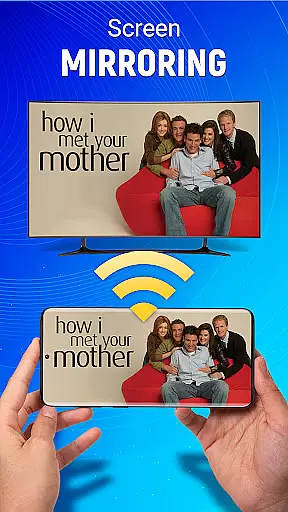
The application also offers customizable remote layouts, enabling users to personalize their control interface. This feature, combined with the ability to save preferred settings and channel presets, creates a tailored viewing experience. The screen mirroring functionality extends the app's utility beyond basic remote control, allowing users to display mobile content on their television screens wirelessly. These features collectively position Universal TV Remote-Cast to TV as a complete home entertainment management solution.
In the context of smart home management applications like Universal TV Remote-Cast to TV, ensuring property listing authenticity is crucial for user trust and seamless device integration. This feature guarantees that each supported television brand and model is accurately represented in the app's database.
The application maintains a comprehensive and verified list of compatible televisions, including major brands and models. Through systematic updates and manufacturer partnerships, the app ensures all listed devices are authentic and fully supported. This meticulous verification process prevents connection issues and enhances user experience.
For users, this means reliable device pairing and functionality. When selecting their television model from the app's database, they can be confident in the accuracy of the information. The app provides detailed specifications for each listed model, including connectivity options and supported features.
This commitment to authenticity extends beyond mere compatibility lists. The application's developers actively monitor new television models entering the market, swiftly integrating them into the system. Users benefit from knowing their specific television model will work as intended with the remote control app, eliminating guesswork and potential frustration.
Universal TV Remote-Cast to TV offers sophisticated home management features that transform mobile devices into powerful smart home control centers. These capabilities extend far beyond basic remote functions, providing users with comprehensive control over their entertainment systems.
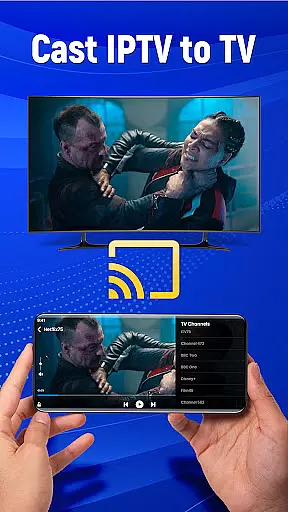
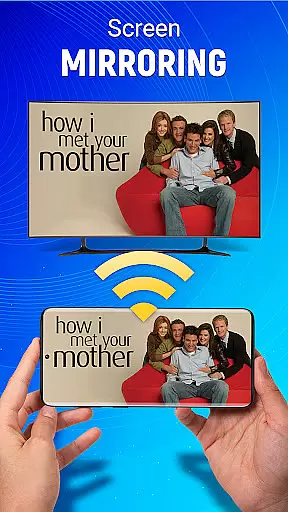
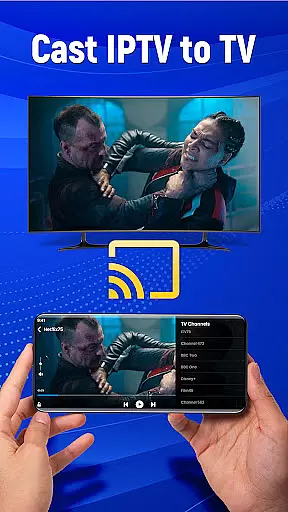
The application's home management suite includes advanced screen mirroring technology, enabling seamless content sharing between mobile devices and televisions. Users can effortlessly display photos, stream videos, and project applications without complicated setup procedures. The integrated Wi-Fi and infrared connection options ensure stable performance across various environments.
Additional smart features include customizable remote settings, gesture-based navigation, and voice command support. These elements combine to create an intuitive control interface that adapts to individual preferences. The application also supports multiple device management, allowing users to switch between different televisions within the same interface.
Furthermore, the app's intelligent system recognizes connected devices and automatically adjusts available controls accordingly. This dynamic adaptation ensures optimal functionality regardless of the television model or room configuration. Users benefit from having all essential entertainment controls consolidated in one convenient location, enhancing their overall home management efficiency.
User-friendly interface
Wide device compatibility
Voice control feature
Screen mirroring capability
Customizable remote layout
Requires compatible hardware
Occasional connectivity issues
Limited advanced functions
Ads in free version
Learning curve for setup
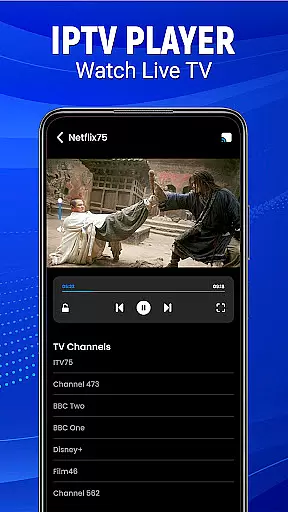

Map-based search app for apartments and homes for rent.
 4.60
4.60
Resident Center, powered by Buildium, is designed with simplicity in mind.
4.50
Smart AI plant care schedules, Real plant experts, support & Thriving community!
4.20
IP camera view and playback, for your WiFi cam or home security cctv system.
3.70
USHUD.com helps you find the best homes for sale in your area
4.00
Floor Plan Creator Home Design with 2D interior design and 3d view.
3.90
Your guide to apartments & rental homes. Find your next place to rent with AG.
4.60
Find contractors for all home renovation projects. Remodeling, repair, and more.
4.20
MLS-powered real estate app to find homes for sale & apartments for rent
4.70
Real estate app to find homes for sale or rent in the right neighborhood for you
4.70
Find your next home, house, apartment, condo, casa, flat, rental, studio, or bed
4.70
Plan your remodel AI home renovation easily using planner 5D and home decor AI.
4.40
3D House Design and AI Room Planner - from floor plans to full interior design.
4.40
Turn your phone into a wifi cam with smart features and umlimited reach.
4.20
Design your dream home with 3D planning app, Visualize your dream home in 3D.
4.20
Samsung remote app helps control all Samsung Smartthings TVs. Fast and Stable!
4.10
Our app allows Sunrun customers to monitor systems, pay bills, and get support.
3.80
Find paints using a Color Muse & ColorSnap® Match
3.60
Unlock AI-based barcode scanning and support the development of Grocy Android
4.1

User Reviews