

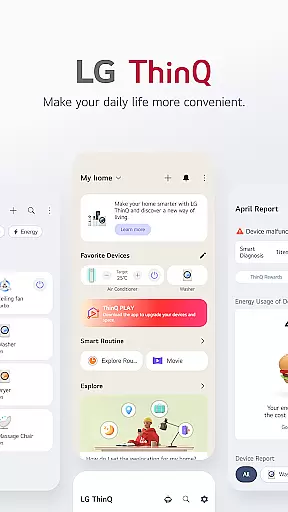
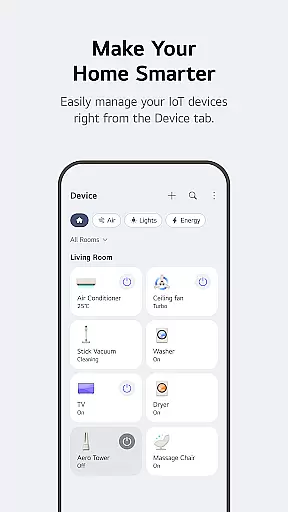
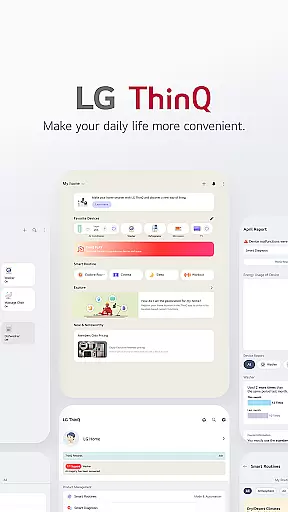
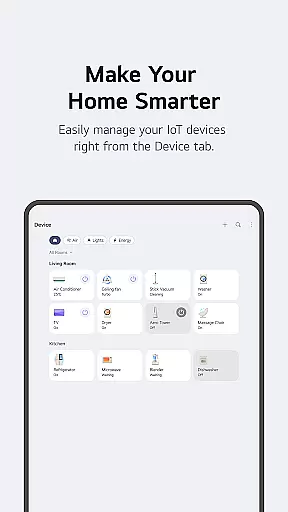
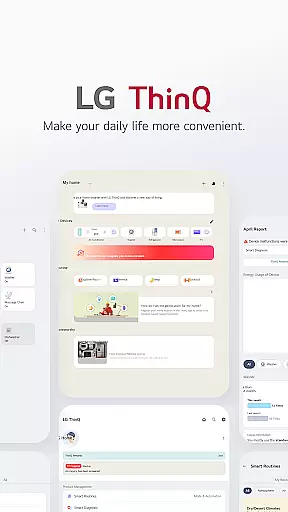
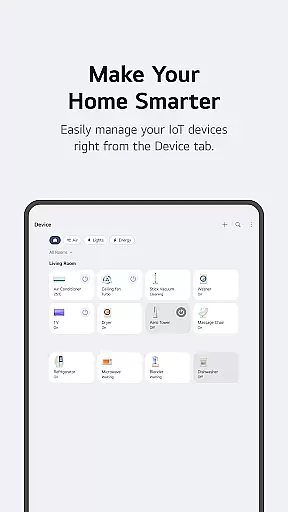
LG ThinQ is a comprehensive smart home solution that connects and controls IoT-enabled LG home appliances. The app serves as a central hub for managing your smart devices, offering features like remote control, energy monitoring, and personalized recommendations. With its intuitive interface, users can easily create automated routines, receive product care notifications, and access AI-powered customer support through the 'Chat with LG' feature.
The application's strength lies in its ability to integrate various smart home functions into one platform. Whether you want to optimize energy usage, upgrade appliance functionalities, or troubleshoot issues, LG ThinQ provides the tools to enhance your smart living experience. This makes it particularly valuable for homeowners looking to streamline their smart home management.
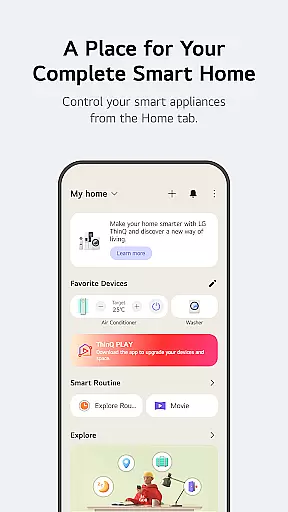
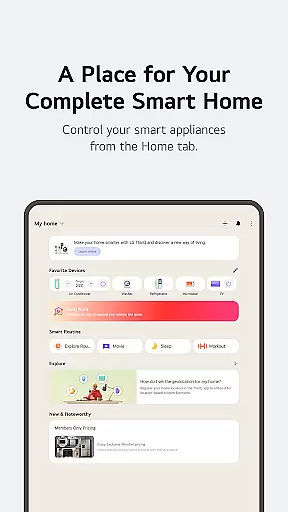
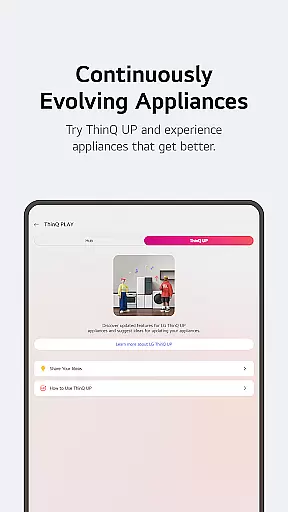
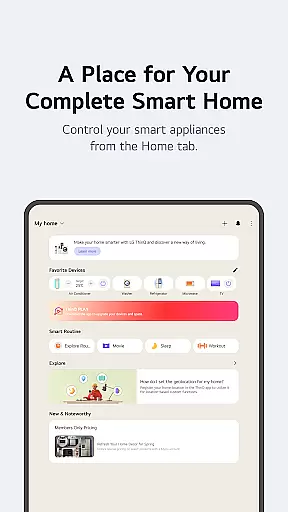
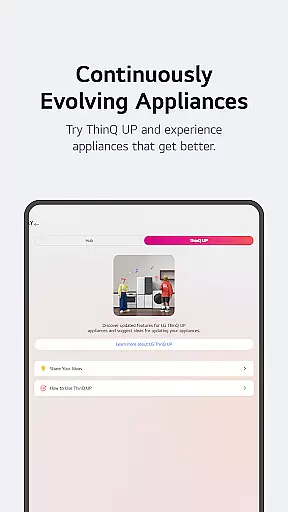
LG ThinQ stands out with its diverse range of smart home capabilities. The Home tab allows users to remotely control IoT appliances, receive tailored usage recommendations, and discover new ways to utilize app features. Through ThinQ Play, users can download additional apps for LG ThinQ On(AI Home Hub) and introduce new functionalities to existing products based on personal preferences.
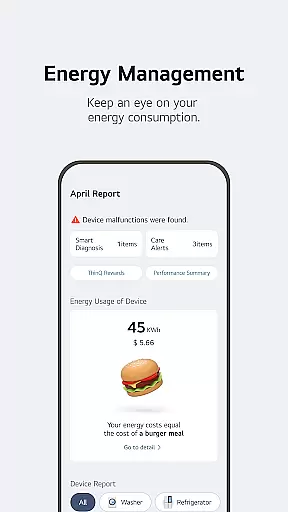
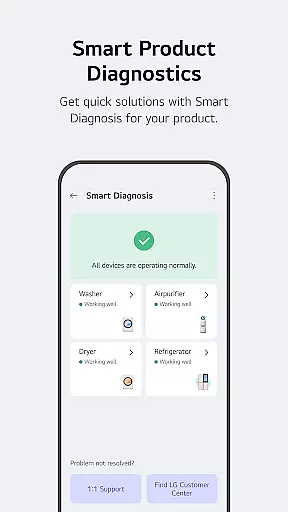
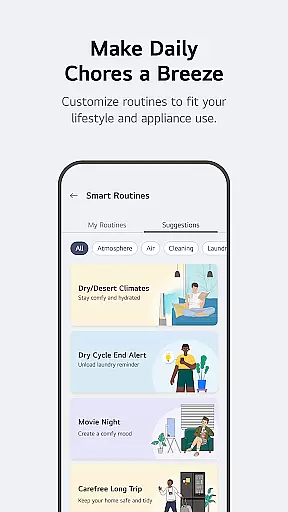
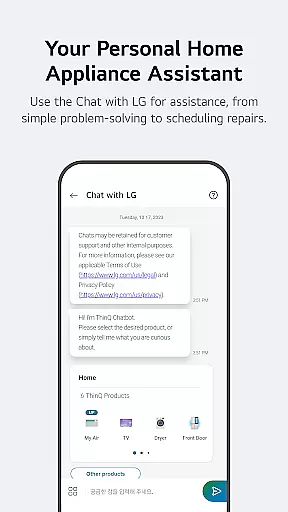
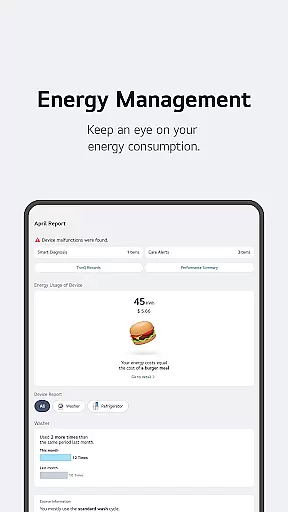
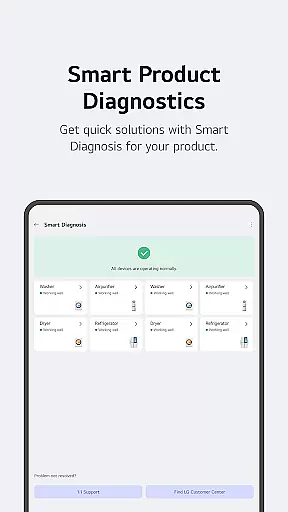
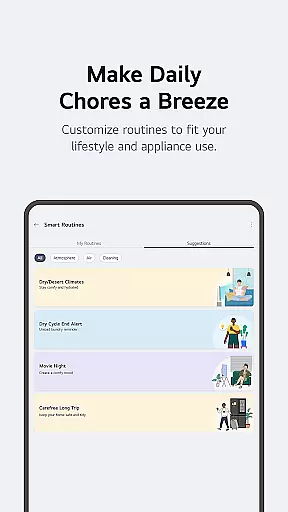
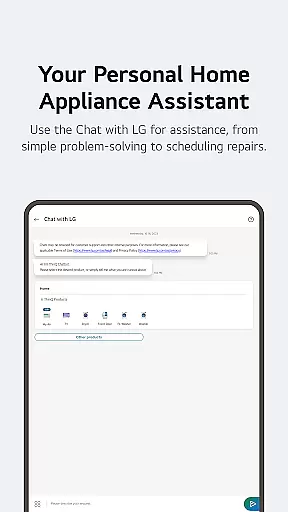
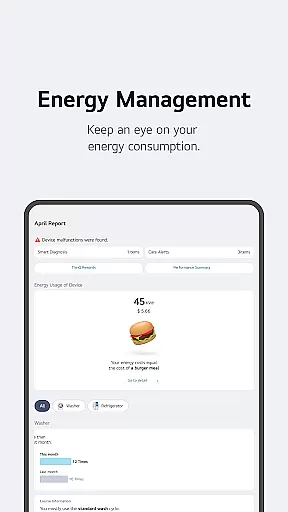
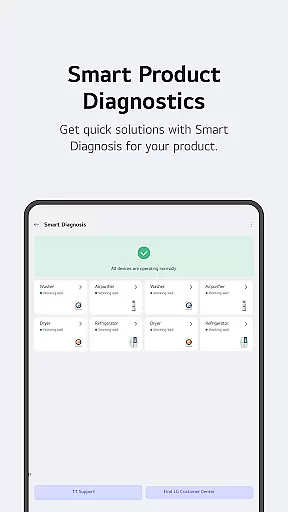
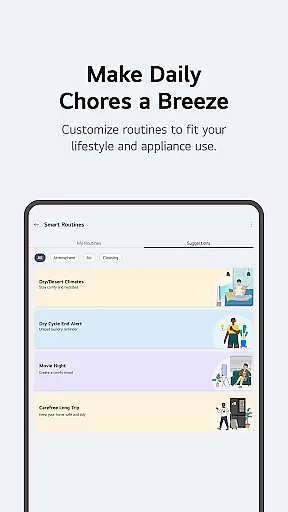
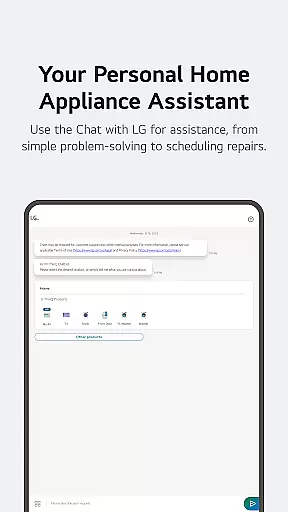
One of the app's notable innovations is its Smart Routines feature, which enables automatic device control based on user-defined schedules or conditions. Additionally, the Energy Monitoring tool helps users compare their power consumption with neighbors and set saving goals. The integrated Smart Diagnosis and service request system ensures efficient product maintenance, while the AI-powered chatbot delivers customized support for LG appliances.
These features collectively create a seamless smart home ecosystem that adapts to users' lifestyles, making daily tasks more efficient and enhancing overall convenience.
LG ThinQ app offers comprehensive coverage of lifestyle categories by integrating smart home appliances into a single platform. The Home tab allows users to control IoT-enabled appliances effortlessly, providing personalized recommendations based on usage history. This ensures that users can manage their home environment efficiently and conveniently.
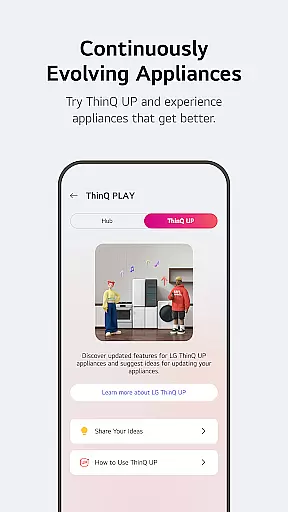
The app extends its functionality through ThinQ Play, enabling users to download various apps for LG ThinQ On (AI Home Hub). This feature enhances product utility by introducing new functionalities tailored to individual lifestyles and preferences. Users can upgrade both their products and living spaces according to their unique needs.
Smart routines further enrich the lifestyle experience by automating daily tasks. For instance, lights and air purifiers can turn on automatically at wake-up time, while energy-saving routines activate when users are away on vacation. These automation capabilities ensure that the app adapts seamlessly to different lifestyle patterns.
LG ThinQ app ensures content authenticity and expert credibility by offering verified care services directly within the app. Users can troubleshoot issues, request service visits, and receive professional inspections from certified engineers. This guarantees that all provided information and solutions are reliable and accurate.
The app's AI-powered 'Chat with LG' feature provides tailored responses based on the specific conditions of each product. By leveraging advanced AI algorithms, the app delivers precise and actionable advice, enhancing user confidence in the accuracy of the information received.
Additionally, the app complies with regional regulations and adapts its services to match local requirements. This commitment to compliance and localization reinforces the credibility of the content delivered through the app, ensuring users receive trustworthy and relevant information.
User-friendly interface
Comprehensive device control
Energy-saving tools
AI-powered support
Customizable routines
Limited device compatibility
Region-specific features
Occasional connectivity issues
Premium feature costs
Steep learning curve

Unique BIG BOLD TIME with amazing colors and customisations.
 3.70
3.70
Fly your Solo like a boss.
4.10
Cute animated Thanksgiving watchface for your WearOS smartwatch
4.1
Smart home security protection
3.20
Earn money & gift cards when you take surveys, play games, scan receipts & more.
4.50
Celebrate the holidays with Advent Calendar: daily surprises and festive fun!
4.5
A unique and customizable watch face which rotates its layout every minute.
4.80
Vehicle ownership simplified. Get the myChevrolet® app today.
4.60
Earn money for every survey and game you play, and get real rewards every time
4.50
My Diary - Daily Journal with lock: Diary journal app and secret diary with lock
4.80
Get roadside help, discounts, travel tools & more — AAA is with you everywhere.
4.80
Crochet made easy: step-by-step tutorials, beginner patterns & projects
4.60
The all-new Cync app. The simple, connected app for Cync and C by GE.
4.50
The go to app for taking unlimited notes!
4.50
The Work of Byron Katie— the mobile app for inner peace.
4.40
Material You inspired colors with BIG and Bold looks for Wear OS watches.
4.20
Paranormal EVP, Ghost Box, Spirit box, ITC, Haunted, Spirit communication device
3.70
An Eerie Musical Trigger Toy for Spirits to Play with!
3.50
Discover how to help puppies stay calm around noise with this helpful app.
4.2


User Reviews