

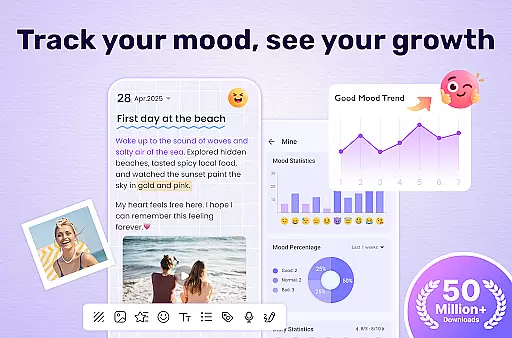
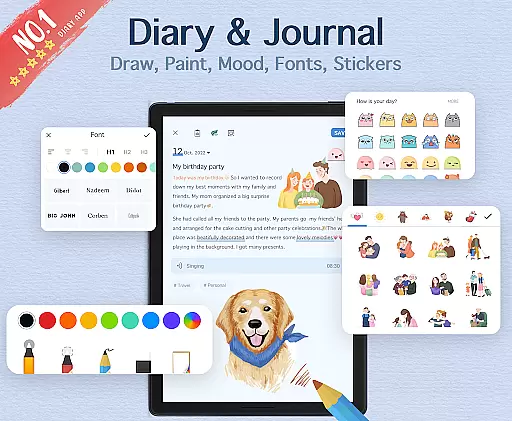
My Diary is a feature-rich digital journaling app designed for users seeking a secure and creative way to document their daily lives. This lifestyle application offers a comprehensive suite of tools that go beyond basic text entry, allowing users to create rich multimedia diary entries complete with photos, videos, and various customization options.
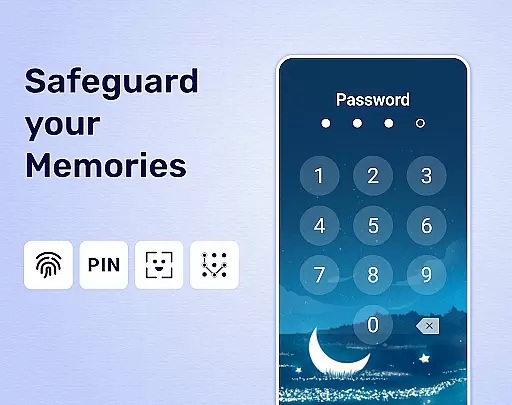
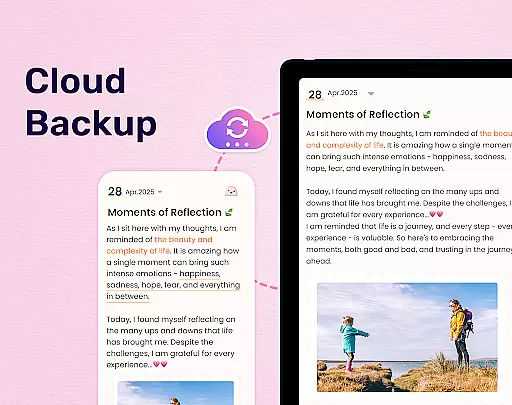
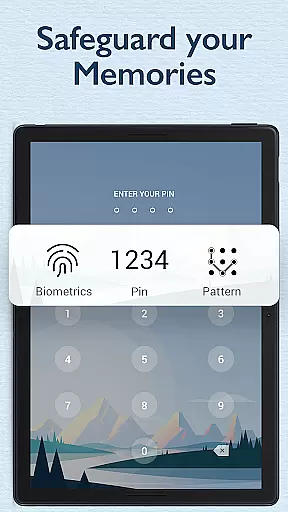
The app's standout features include advanced security measures such as password protection and fingerprint authentication, ensuring users' private thoughts remain confidential. With cloud synchronization capabilities through Google Drive and Dropbox, My Diary provides seamless access across multiple devices while maintaining automatic backup functionality. The inclusion of artistic themes, mood tracking stickers, and eye protection mode demonstrates the app's commitment to both aesthetics and user comfort.
Particularly beneficial for those who value privacy and creative expression, My Diary serves as an excellent tool for personal reflection and memory preservation. Whether documenting daily routines, special occasions, or emotional journeys, this app transforms traditional journaling into a dynamic digital experience while maintaining the intimacy of personal record-keeping.
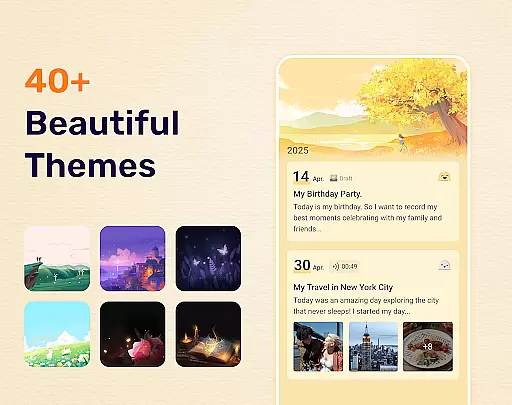
My Diary distinguishes itself through its extensive feature set tailored specifically for modern digital journaling. The app's security system is robust, offering multiple layers of protection including passcode locks, fingerprint authentication, and local device encryption. Users can personalize their journaling experience with customizable themes, background options, and night mode settings that adapt to different writing environments.
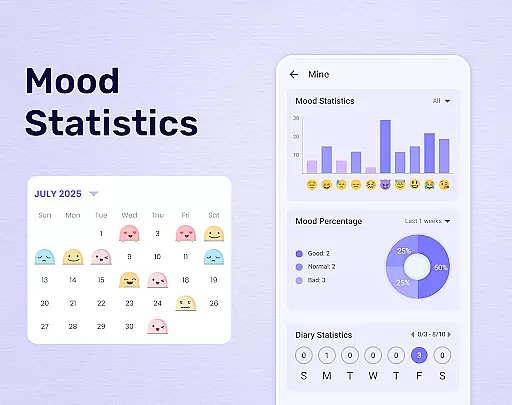
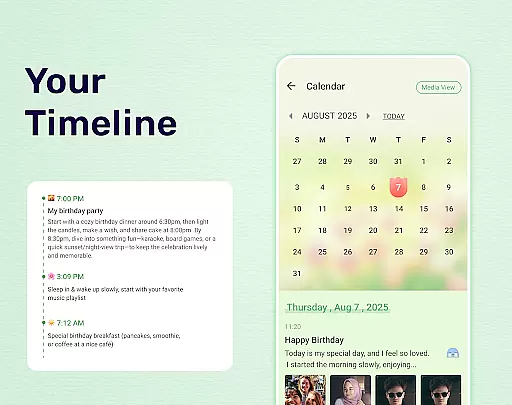
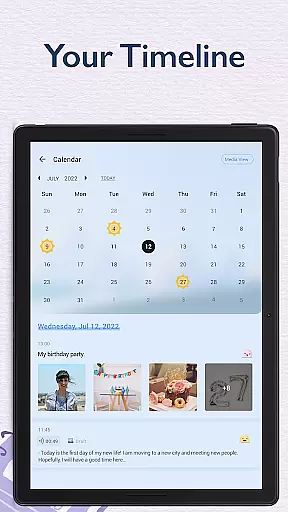
A key innovation is its multimedia integration capability, allowing users to incorporate photos, videos, and audio recordings into their entries. The app supports various file formats and maintains high-quality media presentation. Its organizational tools are equally impressive, featuring tag-based categorization, calendar views with mood tracking, and powerful search functionality that helps users manage extensive diary collections efficiently.
Additional notable features include automatic cloud backup options, multiple export formats (PDF, TXT), printing capabilities, and an eye protection mode that reduces screen strain during extended writing sessions. These features collectively create a comprehensive journaling solution that addresses both practical needs and creative aspirations, making it suitable for various types of journaling enthusiasts from casual users to dedicated diarists.
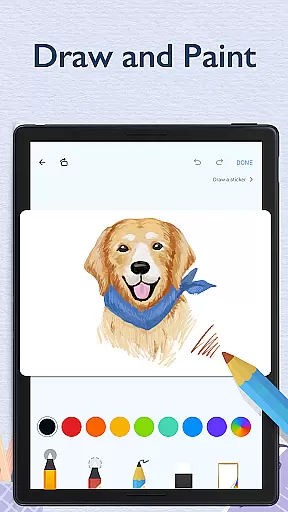
My Diary offers extensive coverage of lifestyle categories, making it more than just a digital journal. It supports various forms of expression including text, photos, and videos, allowing users to capture their journeys, moods, and private moments in diverse ways.
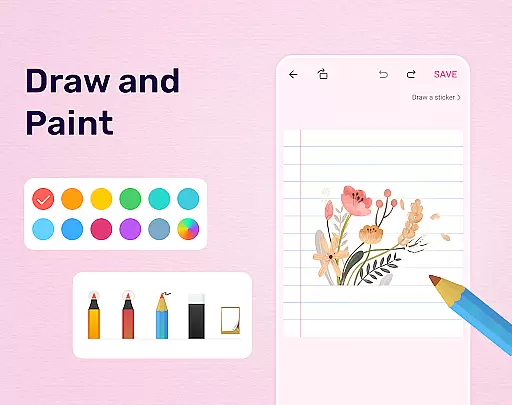
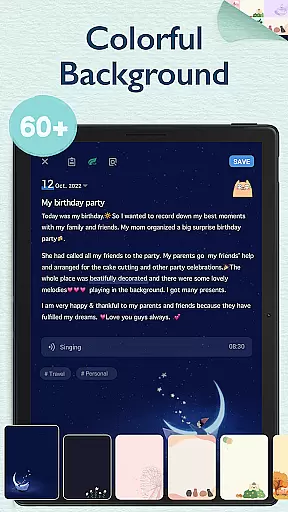
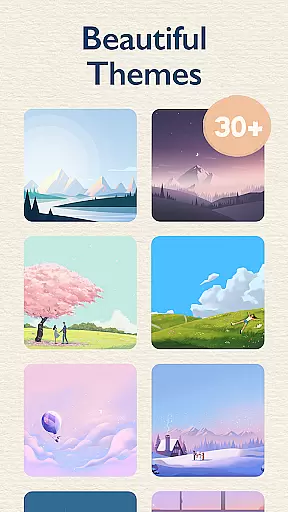
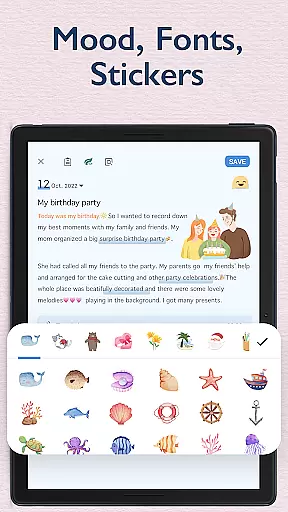
The app provides multiple themes and customization options such as stickers, fonts, and backgrounds, which enhance the personalization of each diary entry. Whether you're documenting your travels or tracking your mood with emojis, My Diary caters to different aspects of life.
With dedicated modes like eye protection and night dark theme, the app ensures comfort during usage at any time of day. These features highlight its commitment to supporting a holistic lifestyle experience for its users.
By integrating functionalities that range from health-conscious settings to creative tools, My Diary stands out as an all-encompassing lifestyle companion. This variety not only enriches the user's daily journaling but also promotes a balanced and expressive lifestyle.
Authenticity is at the core of My Diary, ensuring that every piece of content created is genuine and secure. The app includes a lock feature with password protection, giving users peace of mind when recording sensitive thoughts or memories.
Users can further authenticate their identity through fingerprint unlocking, adding an extra layer of security. This focus on safeguarding personal information underscores the app's dedication to maintaining content authenticity.
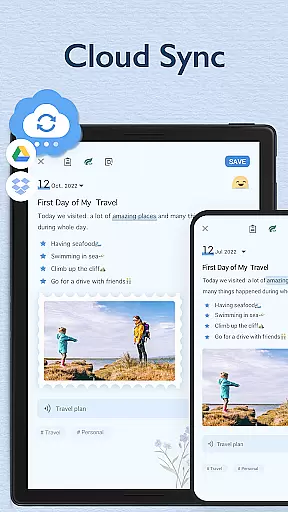
Additionally, My Diary allows for cloud synchronization via Google Drive or Dropbox, which not only secures data against loss but also verifies that entries remain unchanged over time. Such measures reinforce trust in the integrity of stored information.
While My Diary may not be directly linked to expert credibility in terms of certified professionals, its robust privacy features and reliable backup solutions provide assurance that your documented experiences are kept authentic and confidential.
User-friendly interface
Strong security features
Versatile customization options
Cloud sync functionality
Multimedia integration
Premium features locked
Occasional bugs reported
Limited free storage
Ads in free version
Learning curve present

Designed to delight, impress and energize your festive spirit every single day
 4.4
4.4
This app is intended to support professional EMDR therapy.
4.50
Unique "Isometric" style digital watch face for Wear OS
4.50
See wait times and check into a hair salon ahead of time with Online Check-In.
4.80
Make money, get paid cash rewards & gift cards for every survey. Earn today!
4.60
An Eerie Musical Trigger Toy for Spirits to Play with!
3.50
Wear your favorite memories, loved ones, pets or travel photos on your watch
4.1
Futuristic watchface inspired by Back to the Future: sleek, retro, timeless
4.3
Control your Tapo smart devices from anywhere.
4.60
Have your Tehillim with you at all times
4.70
Colorful selection floral watch face with gyro for Wear OS
4.60
Zodiac & Horoscope Launcher: Daily Sign Predictions & Astrology
4.40
Paranormal Spirit Bell Trigger Device
4.30
Fly your Solo like a boss.
4.10
Use your device sensors to detect energy and convert it into spoken words.
4.10
Spiritus Ghost Box is an Audio and Visual ITC tool for paranormal research.
4.00
Connect to your Shark ROBOT™ from anywhere using the SharkClean™ App.
3.60
Communicate with your vehicles and Powerwalls anytime, anywhere
3.60
Take Hobby Lobby with you wherever you go!
3.40


User Reviews