

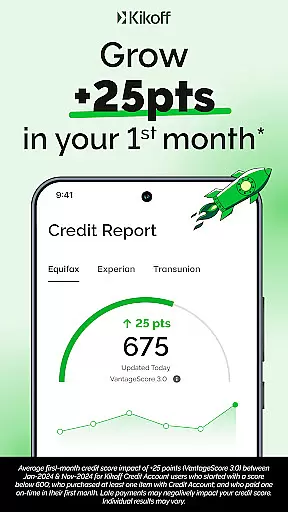
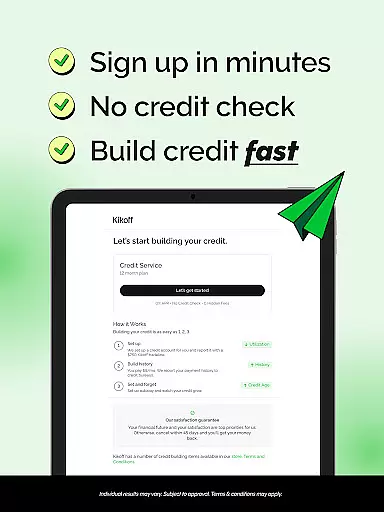
Kikoff is a financial application designed to help users build and improve their credit scores through smart, easy-to-manage plans. The app offers two subscription options: the Basic plan for $5/month and the Premium plan for $20/month. Each plan provides a credit line reported to major credit bureaus like Equifax, Experian, and TransUnion, allowing users to establish a solid payment history with on-time payments.
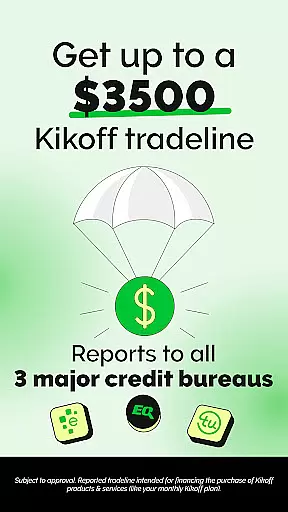
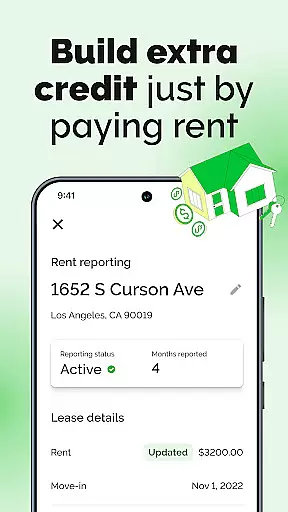
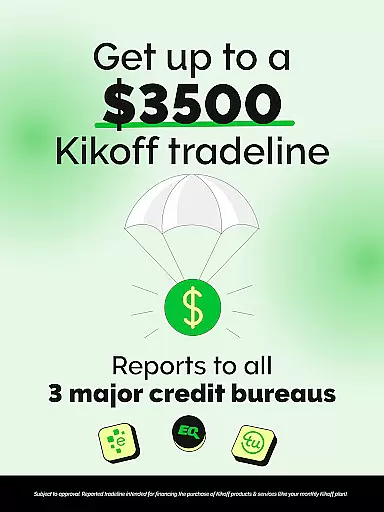
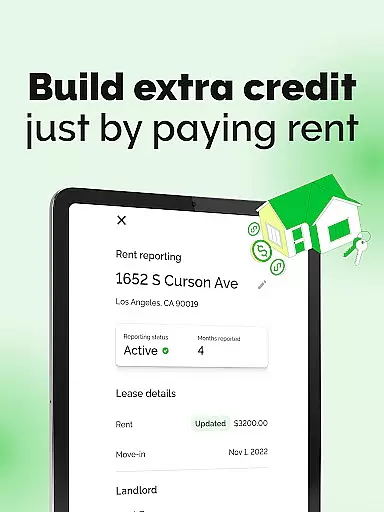
One of Kikoff's standout features is its ability to lower credit utilization with tradelines worth $750 or $2,500. Users can make purchases limited to Kikoff and pay back only what they spend, with the lowest popular payment being $5/month. Additionally, Kikoff offers advanced features such as AutoPay, which automates the credit-building process, and Rent Reporting for Premium users, ensuring rent payments also contribute to credit improvement.
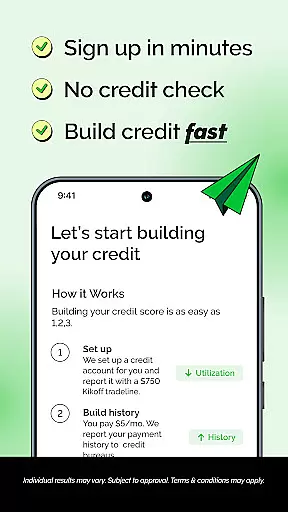
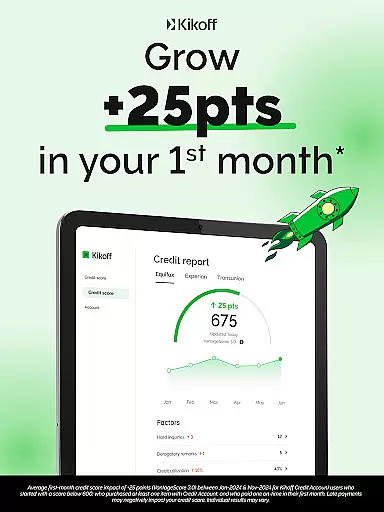
This app is ideal for individuals looking to build credit from scratch or improve an existing low score. With no credit check required and a quick application process, Kikoff makes credit building accessible and worry-free. By maintaining a low utilization rate and establishing consistent payment history, users can see significant improvements in their credit scores over time.
Kikoff stands out due to its comprehensive approach to credit building, offering multiple features that cater to different user needs. One of the primary features is the provision of a tradeline that lowers credit utilization, available in amounts of $750 or $2,500. This tradeline allows users to make purchases within the Kikoff ecosystem and repay only what they spend, making it a flexible and manageable option for improving credit scores.
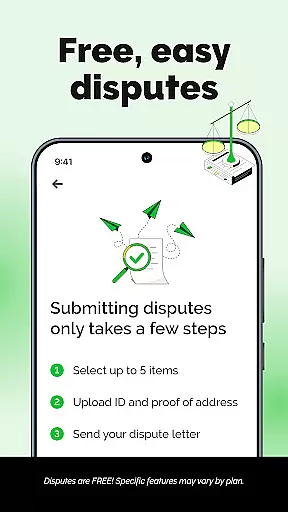
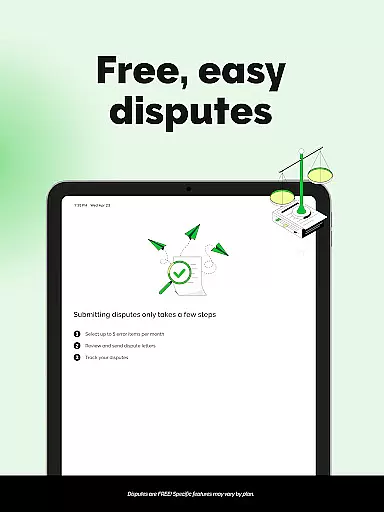
In addition to tradelines, Kikoff offers AutoPay functionality, enabling users to automate their credit-building process after the initial account setup. For those on the Premium plan, Rent Reporting is available, allowing users to have their rent payments reported to credit bureaus, further enhancing their credit profile. The app also flags errors on credit reports, ensuring users' credit information remains accurate and up-to-date.
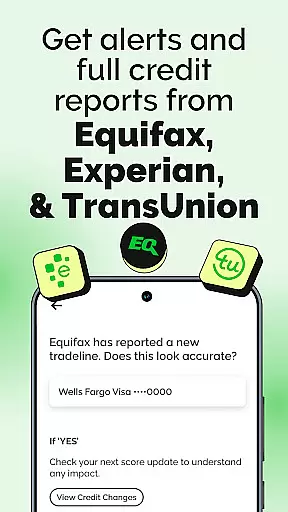
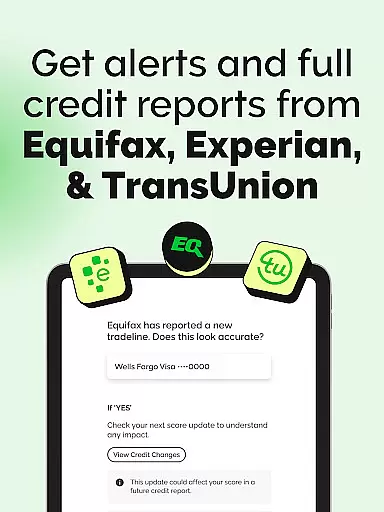
Kikoff's reporting capabilities extend to all three major credit bureaus—Equifax, Experian, and TransUnion—ensuring that every on-time payment contributes positively to the user's credit history. With transparent pricing and no hidden fees or interest, Kikoff provides a reliable and straightforward solution for individuals aiming to build or rebuild their credit efficiently and effectively.
When it comes to financial applications like Kikoff, account and fund security are of utmost importance. This app ensures the safety of user data through advanced encryption protocols, safeguarding sensitive information against unauthorized access. By implementing stringent privacy protection measures, Kikoff maintains the integrity of personal and financial details.
Kikoff employs a multi-layered security verification process for all account activities. Users can expect features such as two-factor authentication and real-time fraud monitoring, which serve to protect against potential threats. These security implementations ensure that every transaction or credit-building activity is conducted in a secure environment.
The benefit to users is significant peace of mind; they can focus on building their credit without concern for the safety of their funds or data. With Kikoff's dedication to security, customers experience an enhancement in overall financial well-being, knowing their credit journey is protected by industry-leading practices.
A seamless transaction experience is crucial for any finance application, and Kikoff excels in providing efficient and user-friendly interactions. The app facilitates transactions with remarkable ease, allowing users to make purchases limited to Kikoff's platform, ensuring that repayment aligns perfectly with their spending.
Real-time notifications are a key feature of Kikoff's transaction service, keeping users informed about their payment activities immediately as they occur. Additionally, the availability of AutoPay enables customers to automate their credit-building process, making timely payments automatically and reducing manual oversight.
By offering clear transaction histories and transparent reporting to major credit bureaus, Kikoff empowers its users with control over their financial growth. This straightforward yet powerful approach not only simplifies money management but also reinforces positive financial habits, leading to improved credit scores over time.
User-friendly interface
No credit check required
Flexible payment options
AutoPay feature for automation
Rent Reporting for Premium users
Subscription fees apply
Limited to Kikoff purchases
Premium plan is costly
Requires consistent usage
Dependent on third-party lenders

Get a cash advance instantly. File taxes & cover unexpected bills in minutes.
 4.60
4.60
Managing your money just got easier. Get the new Mobile app.
4.70
Easily invest, save, and plan—all in one app.
4.60
Your Big Financial Friend
4.70
Car Insurance Made For You.
4.50
Invest, bank & save in one app. Trade stocks, earn high APY & budget smarter.
4.00
View BSC Transactions for multiple accounts
3.90
Amazing Financial Calculator. Based on HP 10bII, but easier to use!
4.40
Manage budget, save money, or file tax. Build, track & improve your credit score
4.40
Currency Converter supports all currencies of the world.
5.00
Wells Fargo Mobile allows you to access your investment and bank accounts.
4.80
Early payday cash advance up to $150 a day with a max of $1,000 per pay period
4.70
Download the MySynchrony App to manage your accounts securely and conveniently!
4.60
Need help before payday? Get cash advances with no interest or credit checks.
4.60
Banking, Budgeting & Investing
4.60
The US Debt Clock .org App gives you a Real-Time glimpse of US Financial Stats
4.60 4.50
4.50
Make Real Cash by Playing Games! Fetch Playful Rewards, Win & Triumph
4.50
Put crypto to work & earn rewards. Stake crypto like Ethereum, Solana & Cardano
4.40


User Reviews