

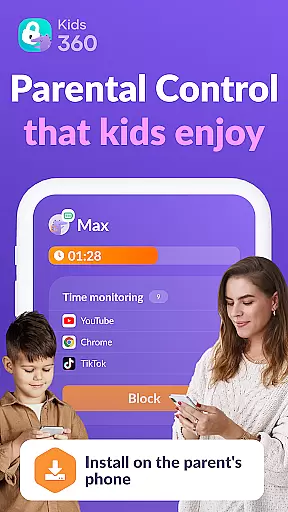
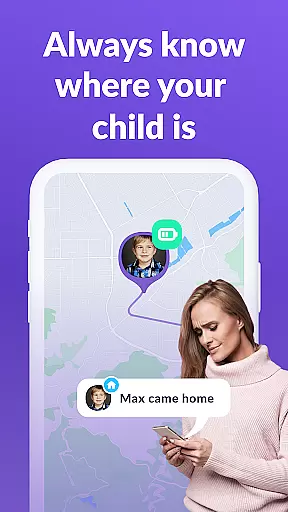
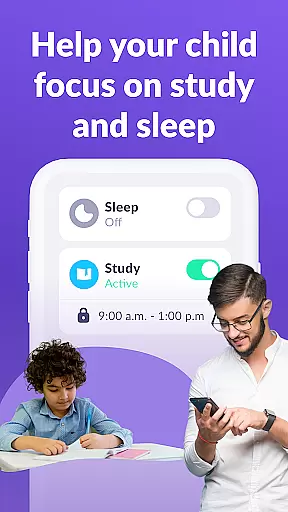
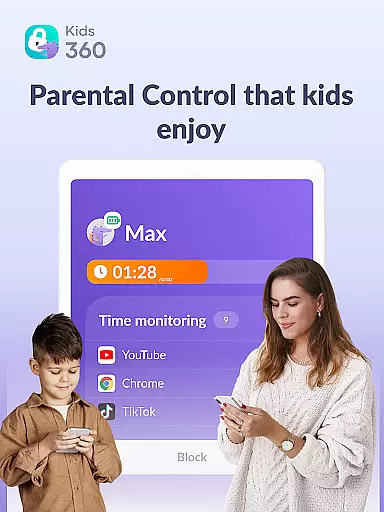
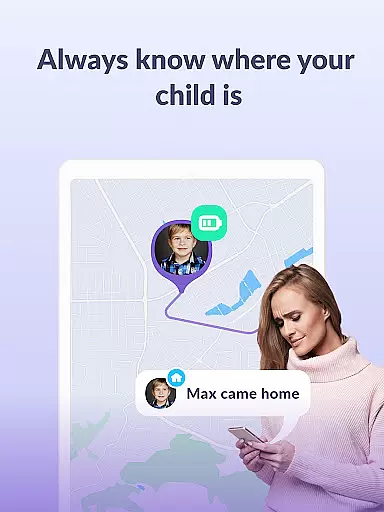
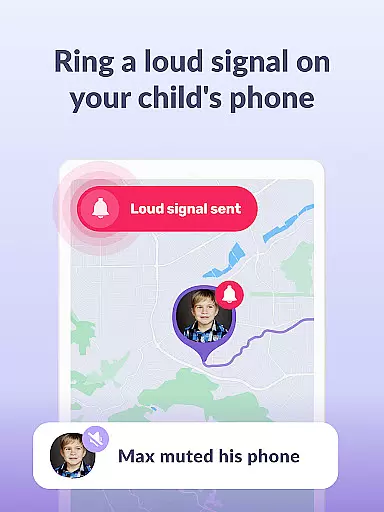
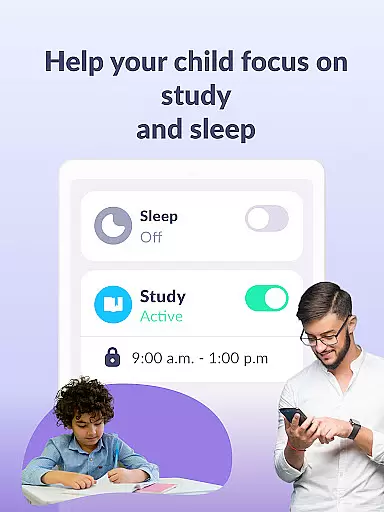
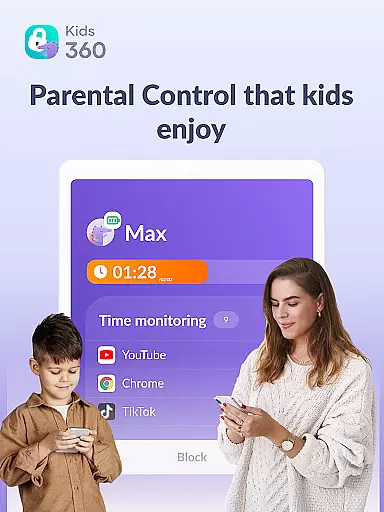
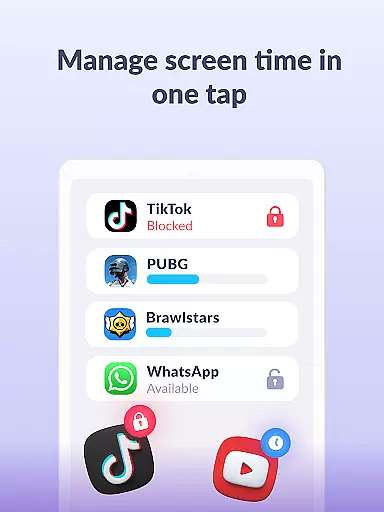
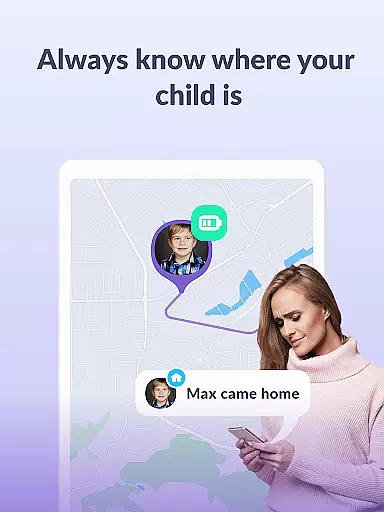
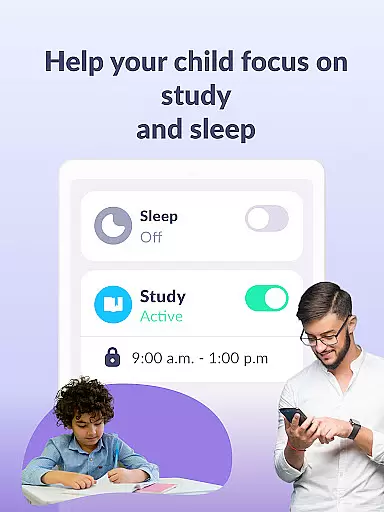
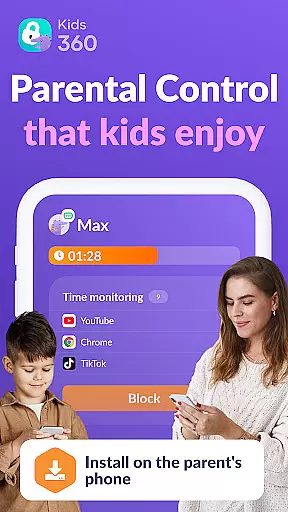
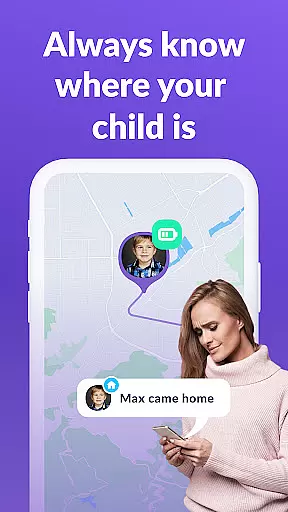
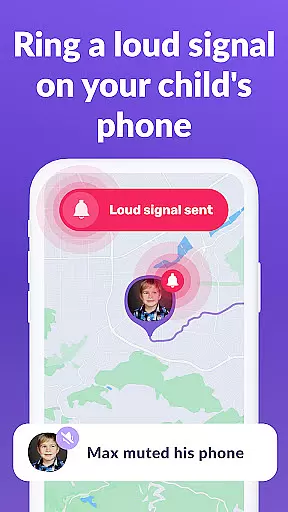
Kids360 is a comprehensive parental control app designed to help parents manage their children's device usage effectively. The app offers features such as screen time management, app blocking, and GPS tracking to ensure family safety. With Kids360, parents can set time limits on apps, games, and social media, ensuring that children focus on productive activities during school hours and sleep well at night.
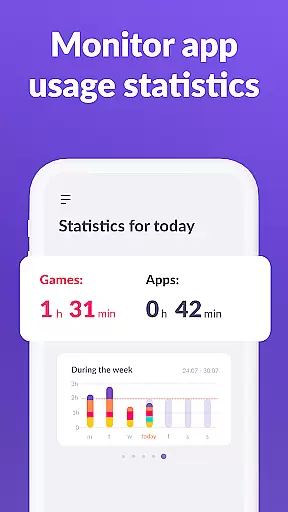
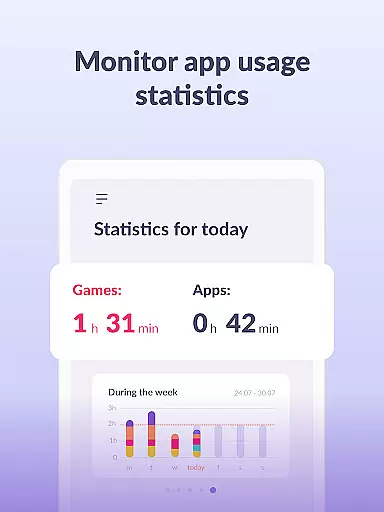
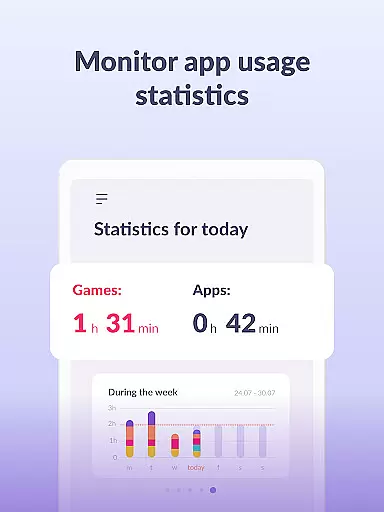
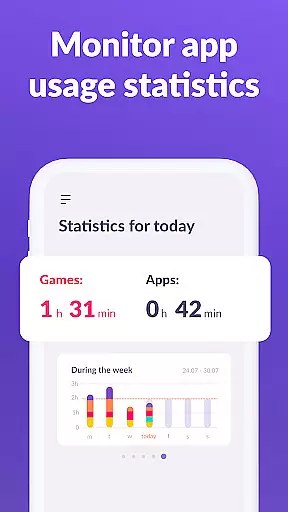
Beyond basic monitoring, Kids360 provides detailed statistics about app usage, giving parents insights into how much time their child spends on specific apps and games. This helps identify potential distractions and promotes healthier device habits. Additionally, essential communication apps remain accessible, allowing parents to stay in touch with their children while restricting unnecessary entertainment apps.
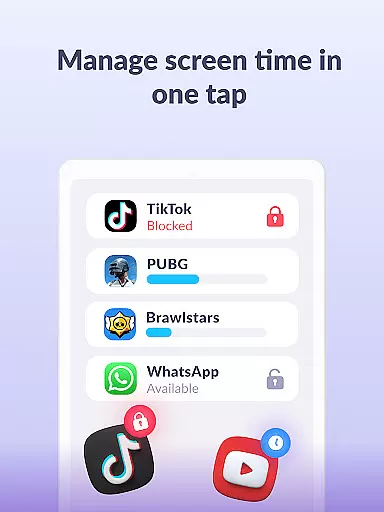
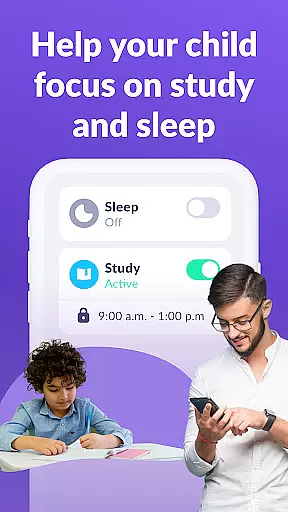
Kids360 stands out with its robust feature set tailored for modern parenting needs. One of the key functionalities is the app usage limiter, which allows parents to restrict access to distracting apps and games, functioning like a child lock. The usage schedule feature enables parents to create structured routines for school and bedtime, promoting better study habits and rest.
The app also includes detailed screen time analytics, showing exactly how much time a child spends on their phone and which apps occupy them the most. Parents can track this data over time to make informed decisions about device usage. Furthermore, Kids360 ensures constant communication by keeping essential apps always available, even when other apps are restricted. These features collectively empower parents to guide their children’s digital experiences responsibly.
In the realm of parenting applications, content credibility is paramount. Kids360 ensures that all information provided is thoroughly vetted by child development experts and psychologists. This guarantees that parents receive guidance and recommendations rooted in scientific research and professional experience.
The app's features are designed based on established educational frameworks and psychological theories. By collaborating with experts in child psychology, education, and digital safety, Kids360 offers a reliable source for parents seeking to manage their children's digital consumption effectively.
Parents benefit from this expert validation by having peace of mind that the strategies and limits they set using Kids360 are not only effective but also conducive to their child's healthy development. The app becomes an essential tool in nurturing a balanced approach to screen time and digital engagement.
Ultimately, the credibility and expert-backed nature of Kids360 empower parents to make informed decisions about their children's device usage. This ensures that the time spent on devices contributes positively to their growth and learning, aligning digital habits with developmental milestones.
Accurate growth tracking is a critical feature for parenting apps like Kids360. The application meticulously records and analyzes a child's digital activity, providing precise data on screen time, app usage, and behavioral patterns. This allows parents to monitor their child's digital growth and adjust settings to foster healthier habits.
Kids360 employs advanced algorithms to track usage statistics across various applications and games. By categorizing activities and measuring time spent on each, the app delivers detailed insights into how children interact with their devices. These analytics help identify potential areas of concern or interest, guiding parents in setting appropriate boundaries.
With accurate tracking, parents can establish tailored schedules and limits that reflect their child's unique needs and progress. This personalized approach ensures that restrictions evolve alongside the child's development, promoting a balanced digital environment that supports both education and leisure.
The precision offered by Kids360's growth tracking tools translates into actionable insights for parents. By understanding exactly how their children engage with technology, caregivers can implement strategies that enhance developmental outcomes while safeguarding against excessive or inappropriate use.
Effective screen time management
Comprehensive app blocking options
Detailed usage statistics
Essential apps always accessible
24/7 customer support
Requires child’s consent for installation
Limited free trial period
Paid subscription for full features
Permissions needed for full functionality
Dependent on another app for setup









Track your pregnancy & your baby's growth in 3D. Get support from our community
 4.60
4.60
With BabyCam you can monitor your baby using your mobile phone, tablet, PC or TV
4.40
Sleep better with white noise app! Discover rain sounds, fan noise and more.
4.70
Magic chalkboard coloring and drawing!
4.20
Protect kids online safety through GPS tracking,screen time control,app blocking
4.20
The 10 development leaps of your baby | newborn milestones & leap days tracker
4.10
Pinardin - Smart Parental Control, Online Safety & GPS Tracking!
4.80
Findnumber: Real-time location tracker for ultimate family security
4.20
The Most Trusted Co-Parenting App.
4.60
All-In-One Pregnancy Tracker, Your Baby's Milestones, Growth Stages & Parenting.
4.90
Track baby’s development & growth week by week with BabyCenter’s pregnancy app!
4.90
Track Pregnancy, Baby Feeding, Sleep, Diaper Changes, Postpartum Health & More!
4.80
Fun Ideas for Parents
4.70
Track your pregnancy, kick & contraction counter, baby & mom's heartrate monitor
4.60
Parental control App for Location, Remote Camera, Screen Mirroring, Block Apps.
4.60
FamilyMode helps you manage your family’s digital lives—at home or on the go.
4.30
Watching baby, helping parents
4.10
Happiest Baby App replaces the SNOO App (the mobile companion to SNOO & SNOObie)
3.20
Play activities, milestones, expert-led classes, baby tracker, and more!
3.00

User Reviews