

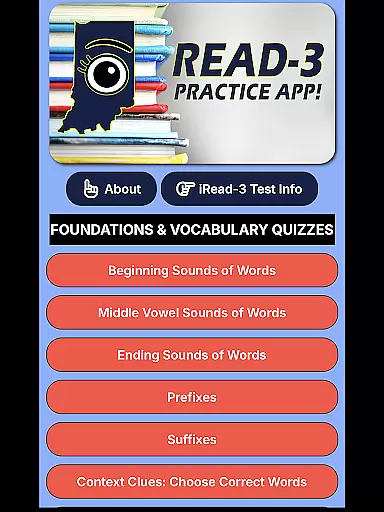
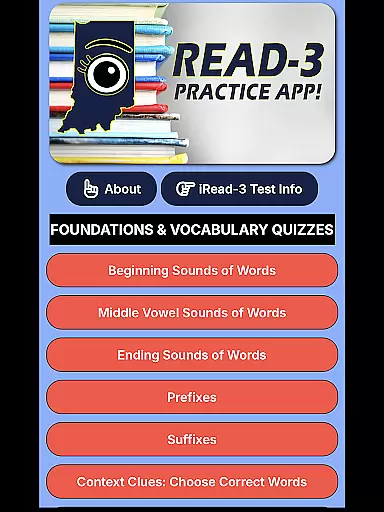
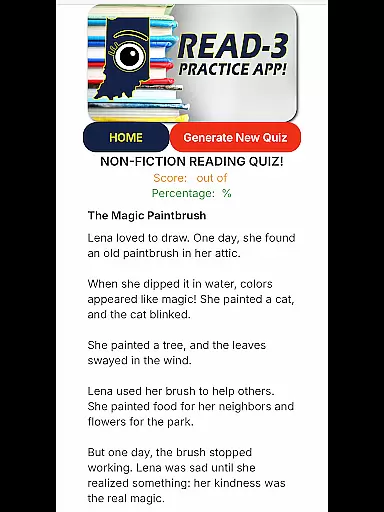
iRead-3 Practice App is an essential educational tool designed to help 2nd and 3rd grade students in Indiana prepare for the iRead-3 standardized exam. The app offers unlimited practice with realistic test-style questions and full-length practice tests, ensuring students gain confidence and familiarity with the exam format.
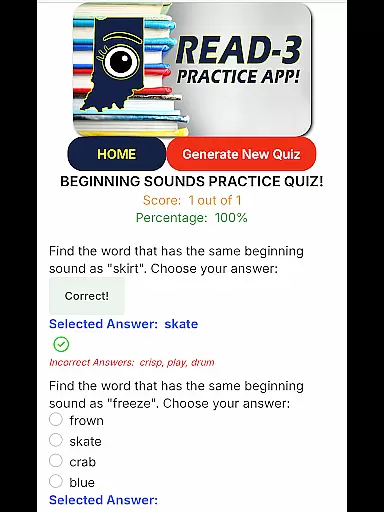
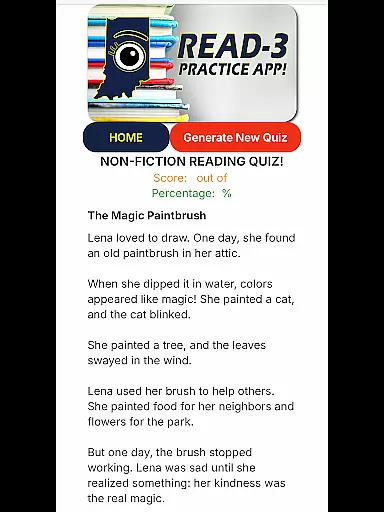
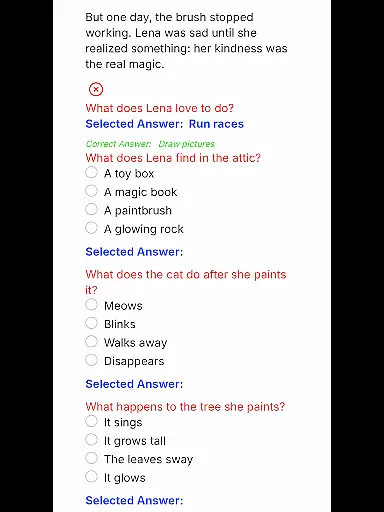
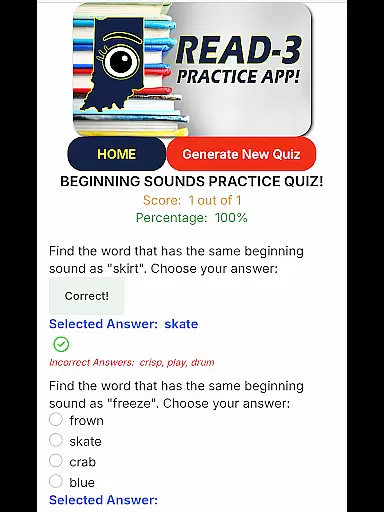
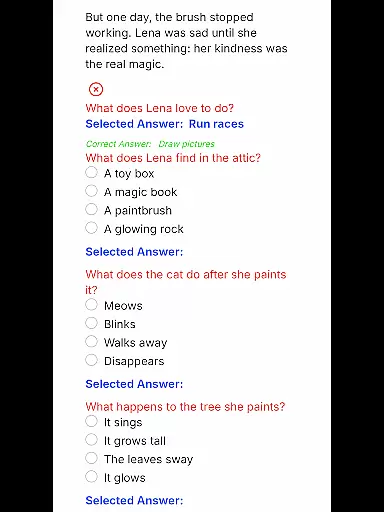
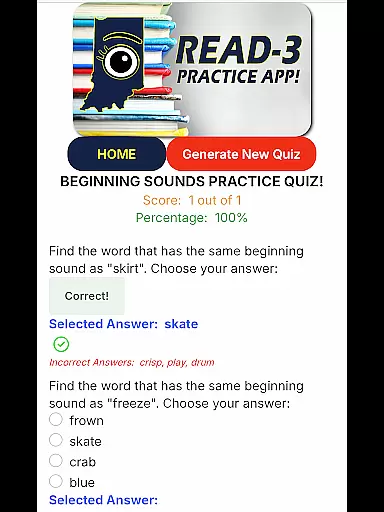
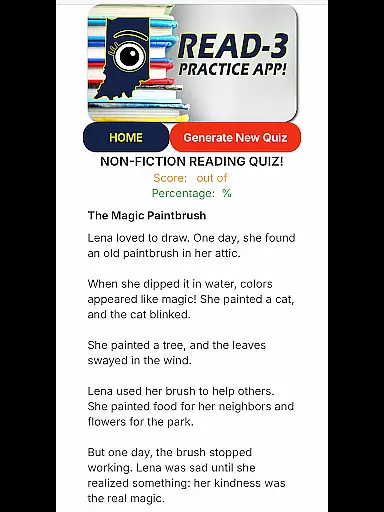
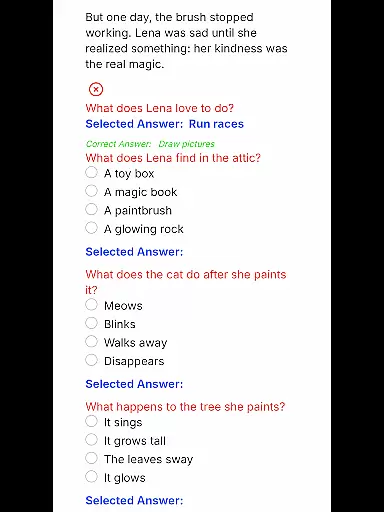
One of the standout features of this app is its ability to generate a new set of questions each time a student selects a reading comprehension category, providing fresh practice opportunities. Additionally, the app simulates the real test experience by presenting multiple-choice questions on a digital screen, just like the official exam.
This app is particularly useful for young learners who need repetition and skill-building to succeed in their exams. By offering comprehensive coverage of all content areas assessed on the iRead-3, it ensures that students are thoroughly prepared to pass the exam by the end of 3rd grade.
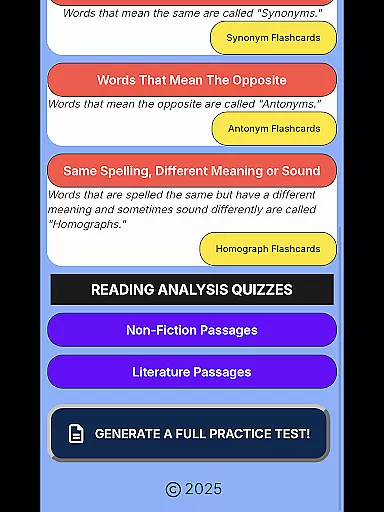
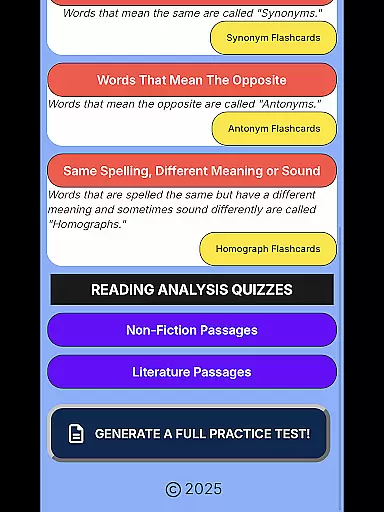
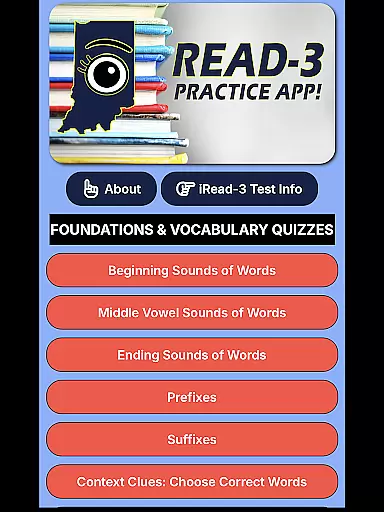
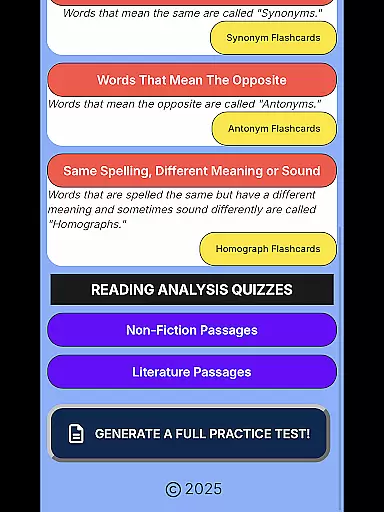
The iRead-3 Practice App boasts several key features that make it an invaluable resource for students preparing for the iRead-3 exam. One of the main highlights is its comprehensive coverage of every content area assessed on the official exam, ensuring no topic is left unpracticed.
Another significant feature is the app's ability to generate a new set of questions each time a student practices, which keeps the learning experience dynamic and engaging. This feature helps reinforce learning by providing varied practice opportunities. Additionally, the app includes full practice exams that simulate the real test environment, giving students a true exam-day feel.
By mirroring the real test experience with multiple-choice questions presented on a digital screen, the app builds both confidence and familiarity with the exam format. This approach not only prepares students academically but also mentally, equipping them with the skills needed to excel in their assessments.
In the realm of educational applications, content accuracy and authority stand as pivotal elements for effective learning. The iRead-3 Practice App exemplifies this by offering meticulously crafted questions that mirror the Indiana iRead-3 standardized exam's format and substance. This ensures that every practice session not only imparts knowledge but also instills confidence in young learners preparing for a significant academic milestone.
The app's design incorporates input from educational experts familiar with Indianau2019s educational standards, ensuring that all material is both age-appropriate and aligned with curriculum expectations. By simulating the official exam's structure and question types, it provides an authentic test-taking experience, reinforcing the skills necessary for success on exam day.
Furthermore, the emphasis on authority in content creation means that parents and educators can trust the app to deliver reliable information. With fresh questions generated for each practice session, students receive varied and comprehensive preparation, covering all assessed content areas. This rigorous approach aids in building a solid foundation in reading comprehension, ultimately supporting the student's academic journey.
Personalized learning paths represent a cornerstone of modern educational strategies, allowing for tailored instruction that meets individual student needs. The iRead-3 Practice App embraces this concept by providing adaptive practice sessions that cater to the unique learning pace of each 2nd and 3rd grader. This personalization ensures that students can progress at a rate that suits their abilities, enhancing both engagement and comprehension.
By enabling students to select specific reading comprehension categories, the app generates a new set of questions each time, effectively adapting to the learner's growing proficiency. This feature prevents repetition and keeps the learning experience dynamic and challenging. As students engage with diverse questions, they encounter various contexts and formats, which enriches their understanding and application of reading concepts.
Moreover, the availability of full-length practice exams allows learners to simulate the exam environment, further customizing their preparation strategy. These simulations help identify areas of strength and opportunities for improvement, guiding students along a personalized path to mastery. Through such targeted practice, the app equips young learners with the skills needed to excel in the Indiana iRead-3 exam and beyond.
Realistic Test Simulation
Unlimited Practice Questions
Comprehensive Content Coverage
Engaging Learning Experience
Confidence Building Tool
Limited to Indiana Students
No Free Trial Option
Requires Digital Device
Premium Paid Features
Dependent on Internet Connection

FAR/AIM, FAR for Flight Crew and FAR for Aviation Maintenance Technicians
 3.80
3.80
Pass your FAA written with flying colors - Study Buddy can help.
4.30
Experience the sky, planet earth and the solar system like never before
4.90
Explore the City of the Sun in Augmented Reality
3.70
Listen, request and record pronunciations in more than 450 languages. Everywhere
3.90
An aviator’s preparation, study and test tool for FAA Knowledge Exams.
4.30
The best way to study for your amateur radio license exam.
4.90
Learn Japanese in an immersive educational game set in Japan!
4.90
Memorize anything efficiently with AnkiDroid! Many pre-built decks available.
4.80
Explore myths and gods across cultures with in-depth insights and stories.
5.00
Learning the ancient Viking language made simple
4.70
Engage in learning science and math with the award-winning PhET simulations!
4.70
Learn Words Daily in Just Minutes - Boost Your Language Skills Fast!
4.60
Intuitive Transformer Lab - By a Lineman, For Linemen & Apprentices
4.50
Astronomy app ? Discover the universe scope, explore solar system model in 3D.
4.20
Build math skills in: addition, subtraction, multiplication and division.
4.10
An aviator’s preparation, study and test tool for FAA Knowledge Exams.
4.00
Hasbro's Classic Board Game - Make Cavity Sam better or get the buzzer!
3.50
AR planetarium app that brings the solar system to you via XREAL Glasses.
4.0


User Reviews