

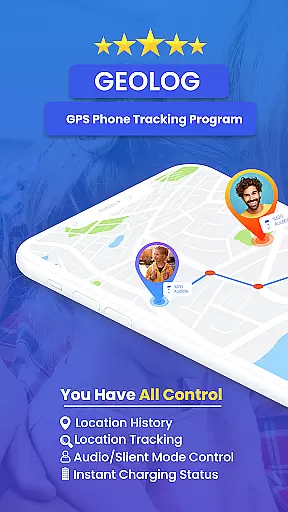
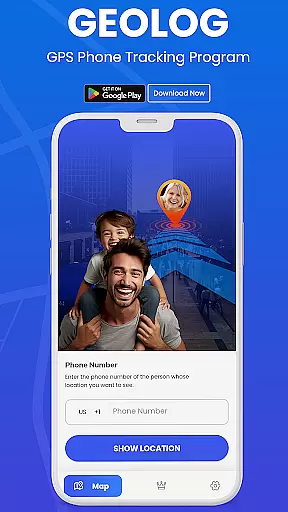
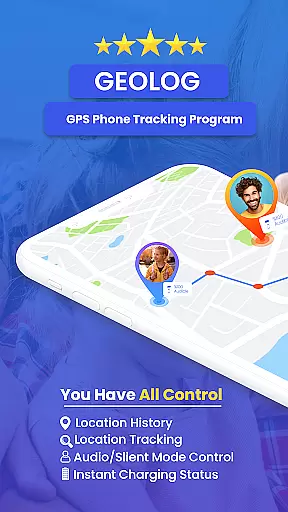
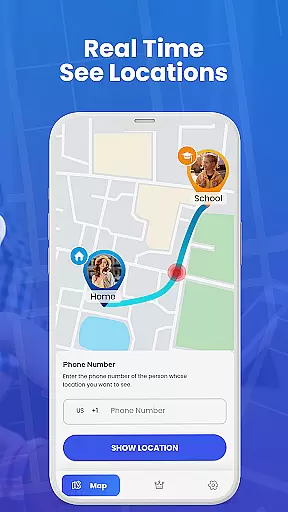
GPS Phone Location Tracker is a comprehensive family safety and location tracking application designed to provide real-time monitoring of your loved ones. Utilizing advanced GPS technology, the app ensures accurate and reliable location updates, making it an essential tool for parents who want to keep their children safe.
The app offers versatile usage options suitable for both families and businesses. While families can track their children's whereabouts, businesses can efficiently manage field employees through precise location data. The app operates seamlessly on mobile devices such as smartphones and tablets, using GPS, Wi-Fi, and cell towers to determine instant locations.
Beyond its core tracking capabilities, the app emphasizes privacy and security. It requires mutual approval and private code sharing to ensure that only authorized users can access location information. This makes GPS Phone Location Tracker not just a powerful tool but also a responsible choice for modern digital safety needs.
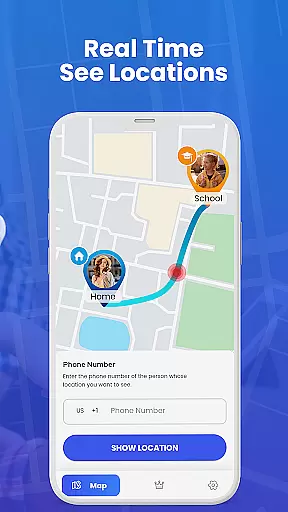
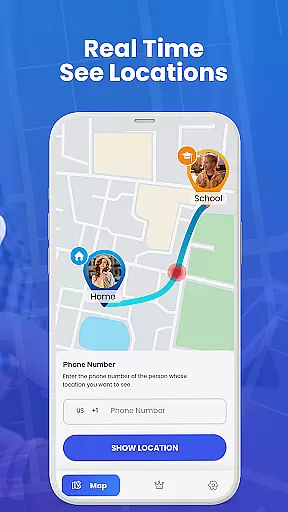
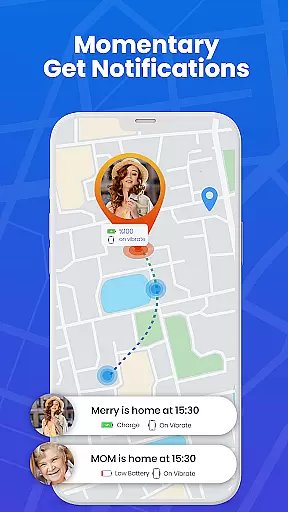
One of the standout features of GPS Phone Location Tracker is its fast and reliable GPS tracking system. The app leverages cutting-edge GPS technology to deliver accurate real-time updates, ensuring you always know the exact location of your family members or employees. Its instant location determination works through GPS, Wi-Fi, and cell towers, providing multiple layers of location accuracy.
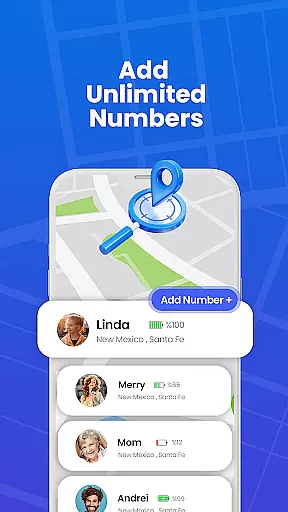
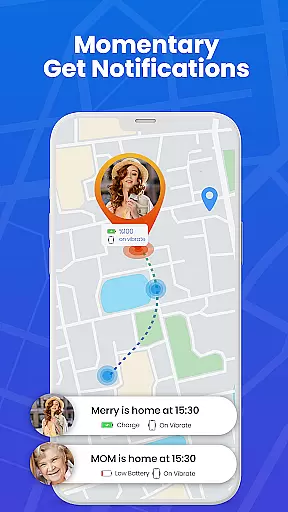
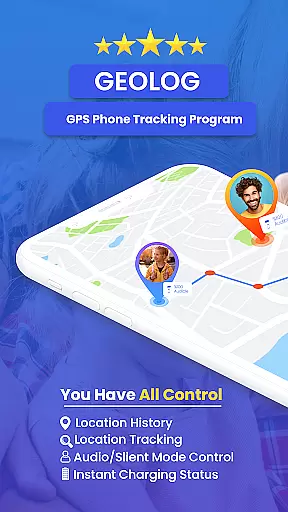
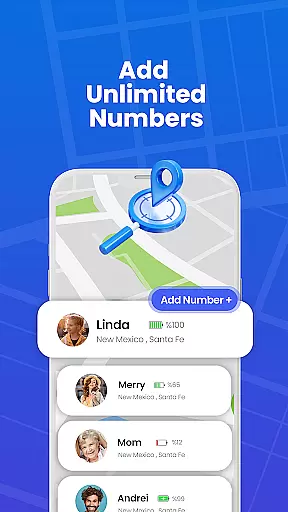
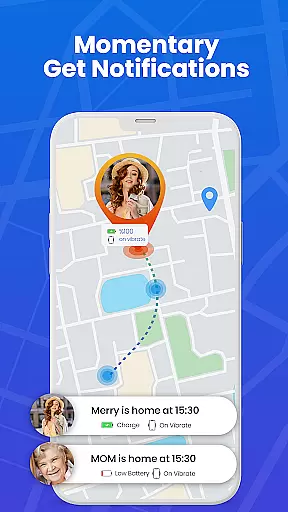
In addition to its robust tracking capabilities, the app includes several user-friendly functionalities. For instance, it allows easy sharing of locations through mutual approval and private code sharing, giving users control over who can track them. The app also provides detailed battery information, helping users manage their device's power consumption while using continuous GPS tracking.
Designed with versatility in mind, this app serves various purposes beyond family safety. Businesses can optimize operational processes by tracking field employees, while individuals can use it for personal safety. Importantly, the app is engineered to be battery-efficient, addressing one of the common concerns associated with continuous GPS usage.
When it comes to parenting applications, the credibility of the content and expert validation are crucial factors that determine the reliability of the app. GPS Phone Location Tracker excels in these aspects by providing features that are specifically designed with the guidance of child safety experts.
The application employs advanced GPS technology to ensure real-time location tracking, which is a feature endorsed by security professionals for its accuracy and dependability. This means parents can trust the app to provide precise locations of their family members, giving peace of mind when it comes to their children's safety.
Moreover, the app includes functionalities such as mutual approval and private code sharing, which are developed based on recommendations from privacy experts. These features not only enhance security but also respect user privacy, ensuring that location sharing is done consensually and discreetly.
By focusing on expert-approved features and maintaining high standards of content credibility, GPS Phone Location Tracker establishes itself as a trustworthy tool for parents who prioritize the safety and privacy of their family.
Growth tracking accuracy in parenting apps refers to the precision with which an application can monitor and record the development milestones of children over time. While GPS Phone Location Tracker focuses primarily on location services, it indirectly supports growth tracking through consistent and reliable monitoring of a child's whereabouts.
The app provides accurate real-time updates on a childu2019s location using fast and reliable GPS tracking. This allows parents to have a clear picture of their children's daily movements, which can be indicative of their habits and behavioral patterns as they grow.
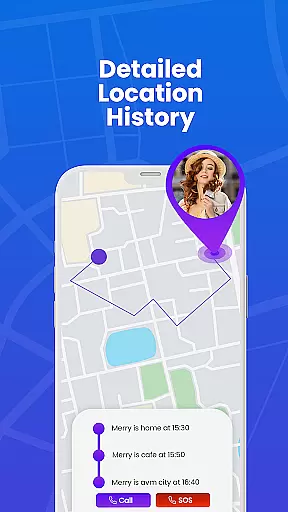
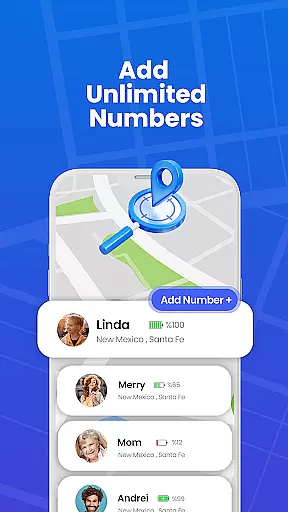
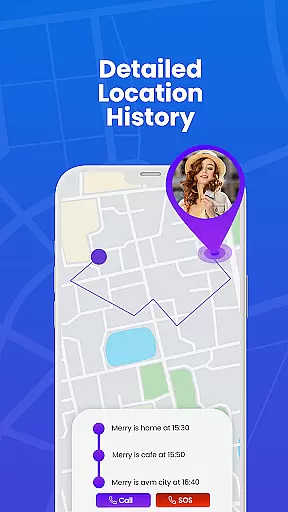
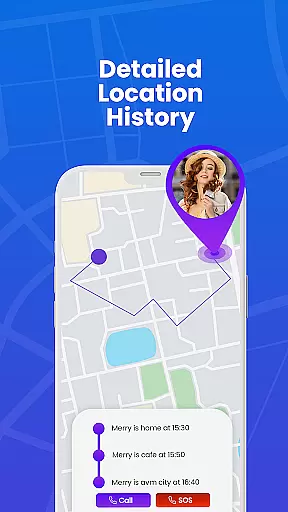
In addition to location tracking, the app offers unlimited history tracking, which serves as a repository of a child's past locations. Parents can review this data to understand their child's routine and notice any changes that might be relevant to their developmental progress.
Although not a direct growth tracking tool, GPS Phone Location Tracker contributes to a parent's ability to observe patterns and make informed decisions regarding their child's well-being and development stages.
Real-time tracking
User-friendly interface
Accurate GPS data
Privacy-focused design
Versatile usage options
Battery consumption
Limited free features
Requires constant internet
Premium subscription cost
Occasional GPS delays




Daily Routine & Timer for kids, ADHD, & Autism
 4.80
4.80
Affirmations | Stories | Bible
4.10
Watching baby, helping parents
4.10
The 10 development leaps of your baby | newborn milestones & leap days tracker
4.10
It is a screen time management tool for games and mobile applications
4.50
Parental control App for Location, Remote Camera, Screen Mirroring, Block Apps.
4.60
Speech Therapy Exercises For All!
4.40
App/Game blocker & GPS tracker
4.50
Track baby’s development & growth week by week with BabyCenter’s pregnancy app!
4.90
Track Pregnancy, Baby Feeding, Sleep, Diaper Changes, Postpartum Health & More!
4.80
Track your pregnancy, kick & contraction counter, baby & mom's heartrate monitor
4.60
Block apps, set screen time limits, and customize usage schedules
4.50
Comprehensive Parental Control & Child Safety — Hear & Protect Your Child World
4.30
Cherish every beat - capture your baby's heart sounds with our app
4.30
Protect kids online safety through GPS tracking,screen time control,app blocking
4.20
Learn according to the age of your child and consult with other moms.
4.20
Discover fun videos, kids songs, bedtime stories and games
3.60
A Coloring for the Whole Family! Discover the Joy of Family Love Through Colors!
3.60
SemLog aims to raise awareness among families and their children
3.40


User Reviews