

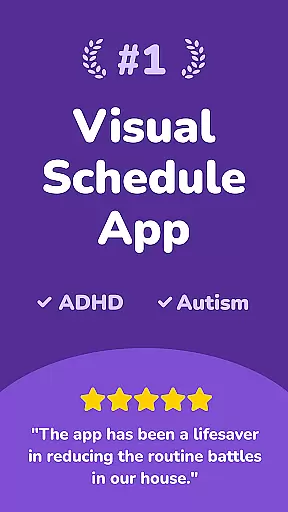
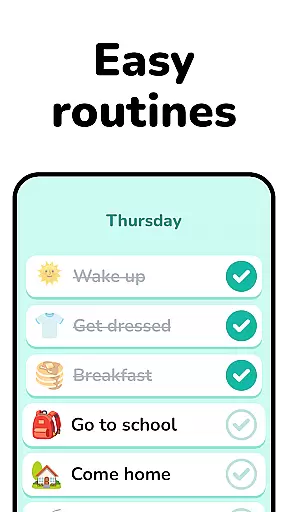
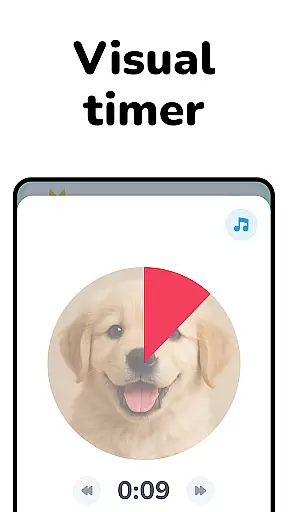
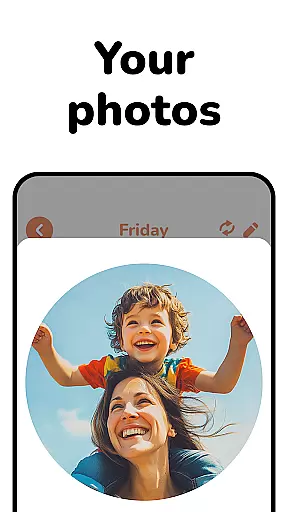
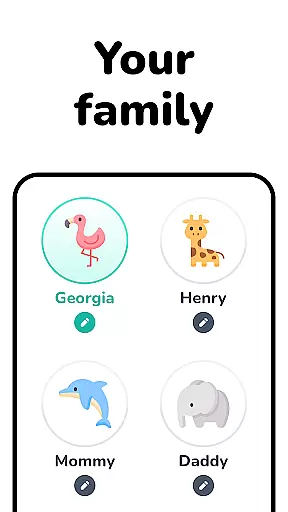
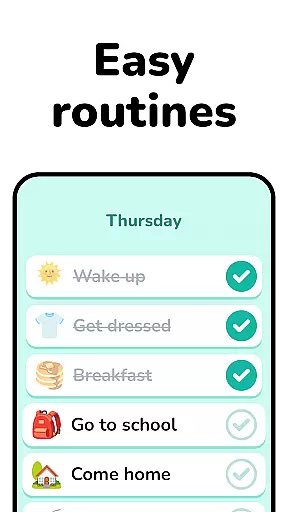
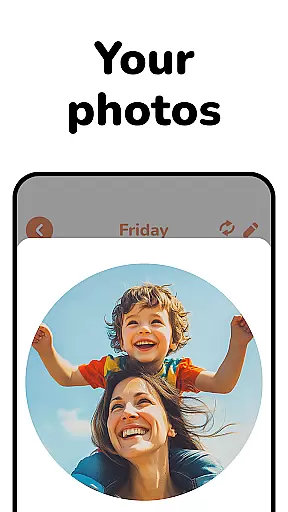
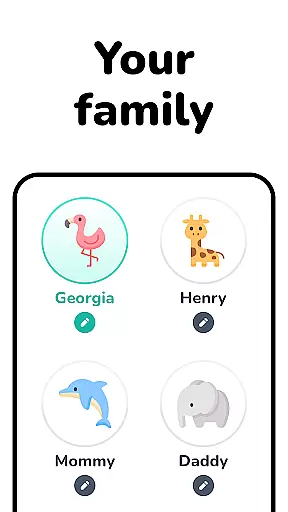
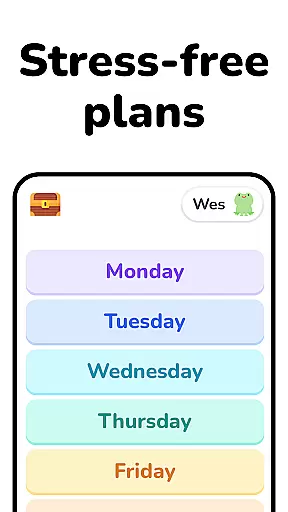
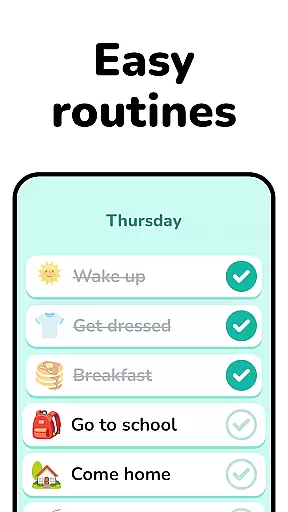
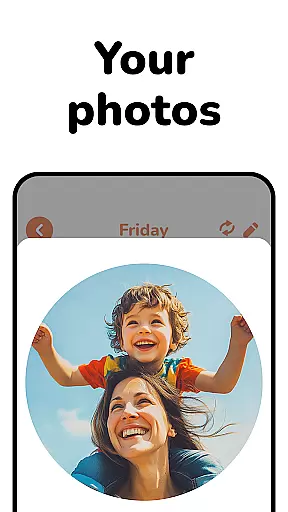
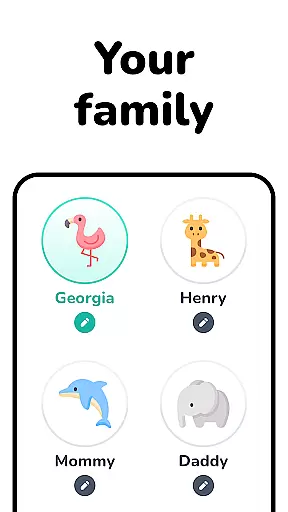
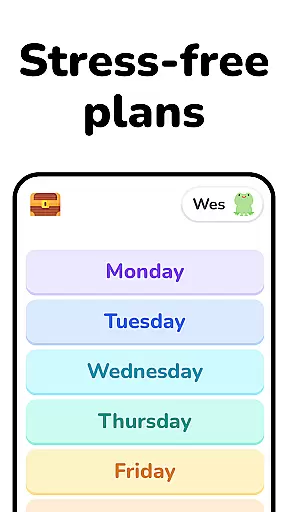
Lil Planner is a parenting app designed to help families create visual schedules for children in an engaging and effective way. The app focuses on making daily planning more interactive, particularly for toddlers, preschoolers, and neurodivergent kids who benefit from structured routines.
With features that increase focus, build good habits, reduce anxiety, and minimize meltdowns, Lil Planner simplifies transitions and fosters independence. Its visually appealing design ensures ease of use for both parents and children, turning organization into a fun family activity.
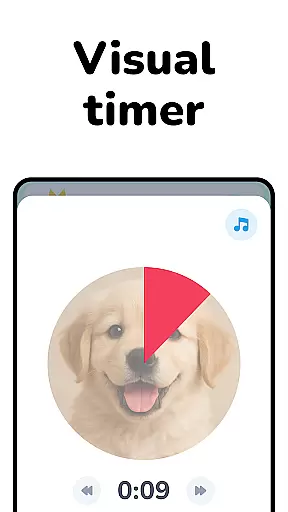
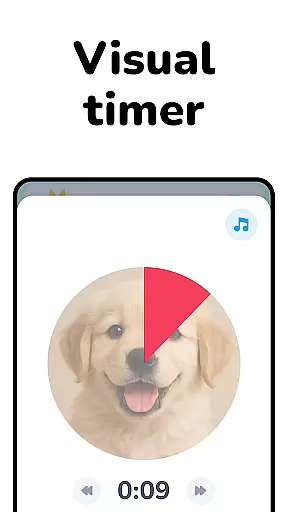
The app offers several standout features tailored to support various needs. First, its big, easy-to-read interface makes navigation intuitive for young users and those with learning differences. Second, the customizable schedules allow parents to tailor plans specifically to their child's requirements.
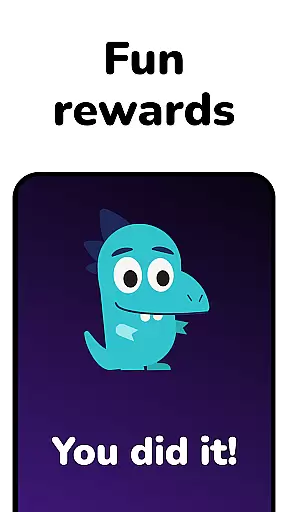
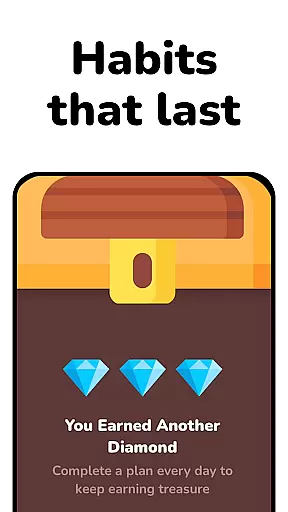
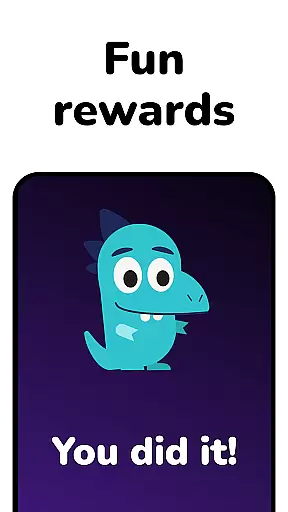
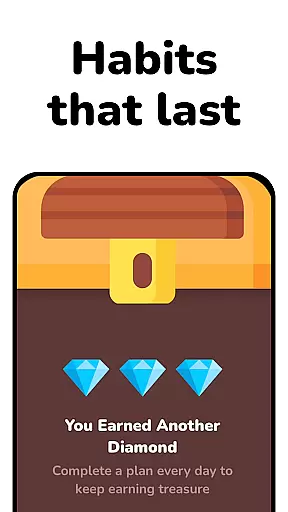
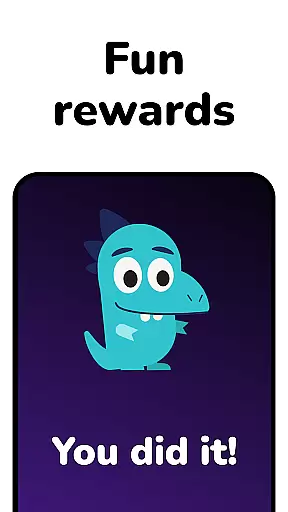
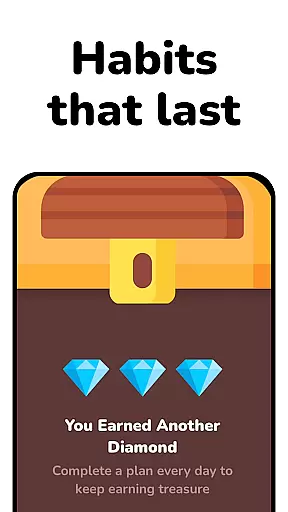
Additionally, Lil Planner incorporates elements of gamification to keep kids engaged while planning. Whether it’s for ADHD, autism, or simply helping visual learners stay organized, this app provides tools that make scheduling enjoyable and sustainable for the whole family.
When it comes to parenting tools, the credibility of the content is paramount. Lil Planner has been designed with input from both parents and experts in child development. This ensures that the strategies and methods promoted through the app are grounded in professional understanding.
The app focuses on creating visual schedules which are a proven method for increasing focus, building good habits, and reducing anxiety among children. These features have been validated by experts in early childhood education and developmental psychology, making Lil Planner a reliable choice for families.
Parents can trust Lil Planner to provide them with tools that are not only fun but also beneficial for their children's growth and learning. The emphasis on visual learning and structured planning is aligned with widely accepted educational practices.
Growth tracking in parenting apps provides valuable insights into a childu2019s development. Lil Planner offers accurate tracking by allowing parents to create detailed visual schedules that reflect their child's daily activities and progress over time.
By engaging with Lil Planner, parents can monitor behavioral changes and improvements in areas such as focus, habit formation, and emotional regulation. The app's design supports consistent tracking which is crucial for identifying patterns and milestones in a child's growth.
This ongoing documentation helps parents make informed decisions about their childu2019s needs and interventions if necessary. With Lil Planner, families gain a scientifically-backed tool that aids in understanding and nurturing their childu2019s unique developmental journey.
User-friendly design
Engaging visuals
Customizable schedules
Supports neurodivergent kids
Encourages family bonding
Limited advanced features
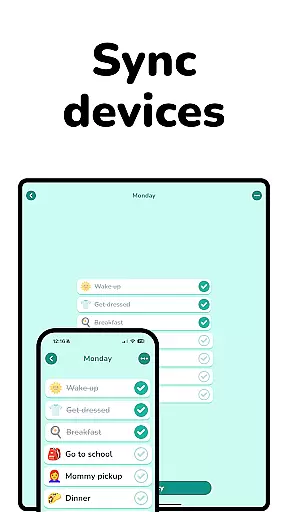
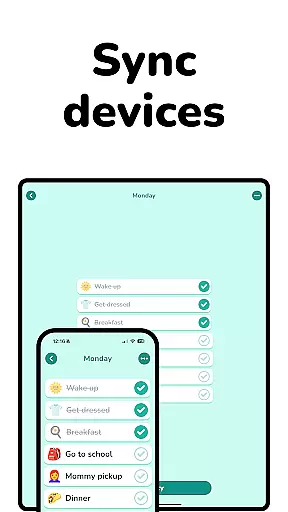
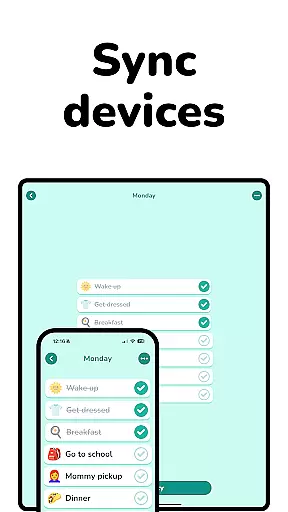
No multi-device sync
Premium subscription required
Occasional bugs
Small user base

Comprehensive Parental Control & Child Safety — Hear & Protect Your Child World
 4.30
4.30
Free symptom & med tracker with expert-reviewed tips.
4.30
Block apps, set screen time limits, and customize usage schedules
4.50
All-In-One Pregnancy Tracker, Your Baby's Milestones, Growth Stages & Parenting
4.70
Sleep better with white noise app! Discover rain sounds, fan noise and more.
4.70
Family GPS locator app — child location tracker. GPS kids tracker, family safety
4.70
Keep Your Family Safe with Pollog Family Assistants
4.10
Keep track of your stored breastmilk
4.40
Track your labor contractions
4.90
3D Baby size, Fruit comparisons, Smart Checklist, Trending Names & Training.
4.90
Track baby’s development & growth week by week with BabyCenter’s pregnancy app!
4.90
SENSORYSOOTHE and SENSORSAFE: Making car seats smarter and families safer.
4.70
All-in-one pregnancy app, contraction timer, kick counter & due date calculator
4.40
Find unique + popular baby names for your little peanut.
4.30
Cherish every beat - capture your baby's heart sounds with our app
4.30
Fake call application designed for parents and adults to discipline their children through the children's police.
4.20
Monitor screen time and build healthy habits with Family Safety
3.90
A Coloring for the Whole Family! Discover the Joy of Family Love Through Colors!
3.60
Play activities, milestones, expert-led classes, baby tracker, and more!
3.00

User Reviews