
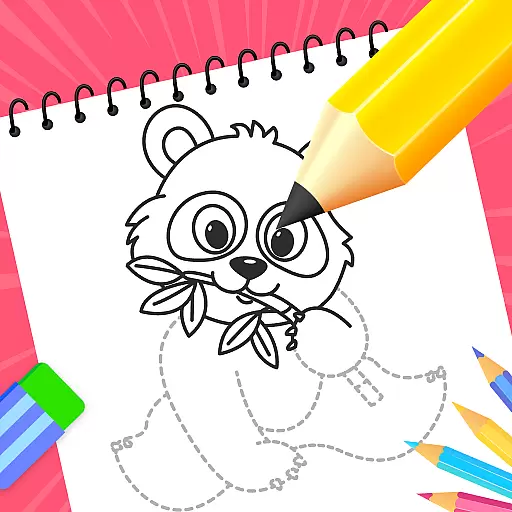
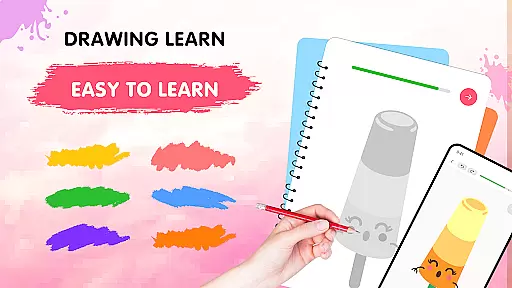
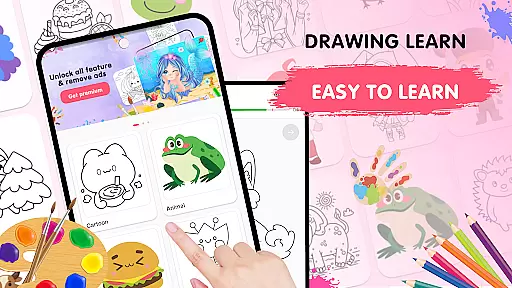
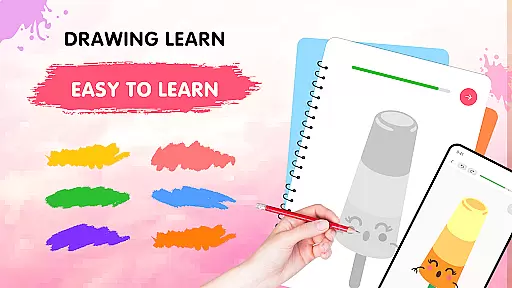
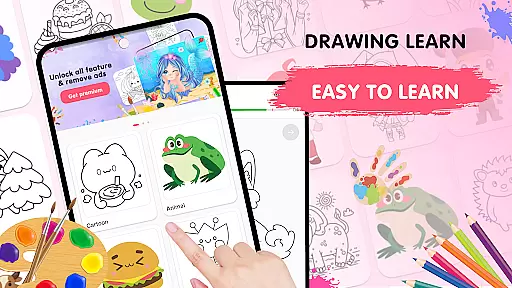
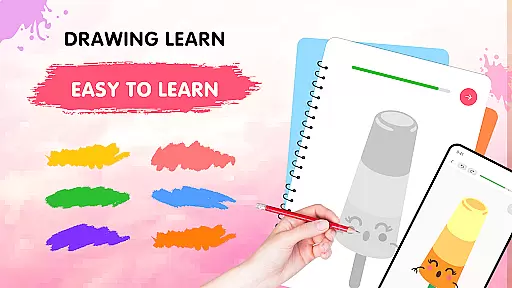
Easy Draw: Learn How to Draw is an innovative educational app designed to help users develop their artistic skills. This personal art tutor offers a guided drawing experience suitable for all skill levels, from beginners to advanced artists.
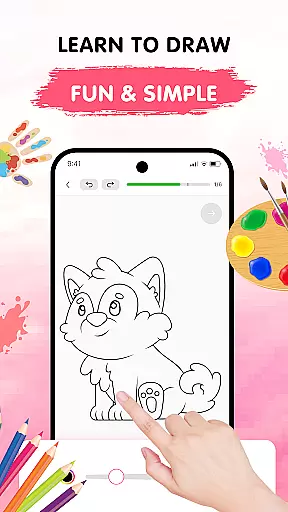
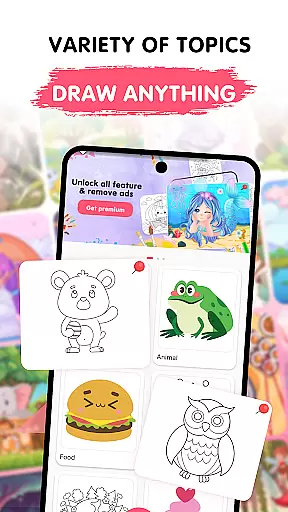
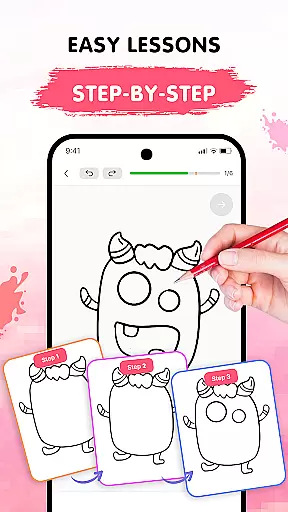
The app features a wide range of drawing lessons covering various themes such as animals, cartoons, food, and more. Each lesson is broken down into manageable steps, allowing users to learn at their own pace. With intuitive tools like adjustable brushes, vibrant color palettes, and easy-to-use editing options, Easy Draw makes the creative process both enjoyable and educational.
Perfect for students looking to improve their drawing techniques or hobbyists seeking a relaxing creative outlet, Easy Draw provides a comprehensive platform for artistic growth. Users can save their artwork, track progress, and share creations with others, making it an ideal learning companion for aspiring artists.
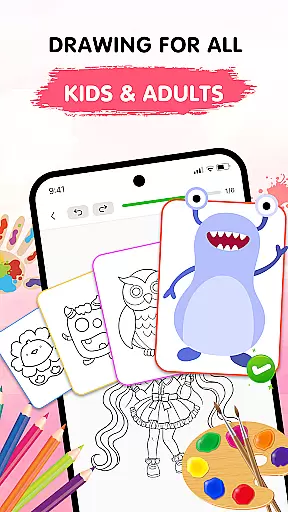
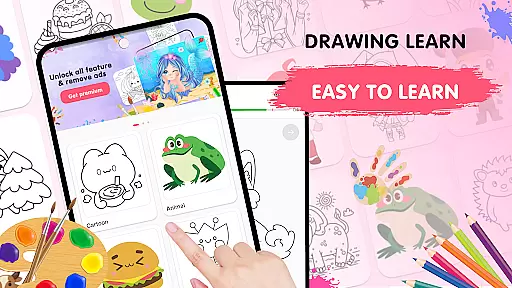
Easy Draw stands out with its comprehensive set of features designed to enhance the learning experience. The app offers a diverse library of drawing tutorials across multiple categories, ensuring there's something for every interest and skill level.
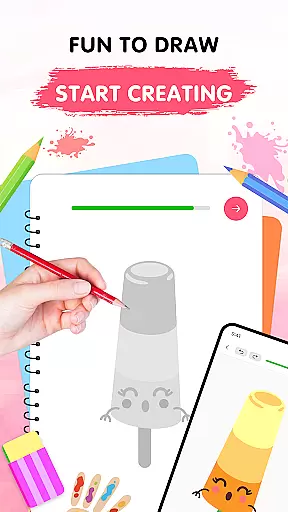
One of the key strengths of Easy Draw is its step-by-step guidance system. Each drawing lesson is carefully structured into bite-sized steps, providing clear instructions that help users build confidence while developing their technique. The app also includes essential drawing tools such as undo/redo functions, erasers, and reset options, giving users the freedom to experiment without fear of mistakes.
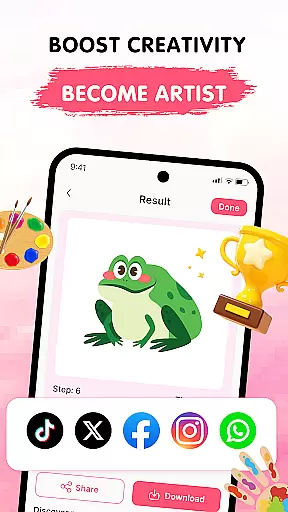
Additional professional-grade features include adjustable brush settings for precise control, a rich color palette for creative expression, and seamless export options for sharing finished artwork. These features work together to create an immersive learning environment that supports artistic development while maintaining an enjoyable user experience.
In the realm of digital learning, content accuracy is paramount, especially for an educational app like Easy Draw: Learn How to Draw. This application ensures that each drawing lesson is crafted with precision and care, adhering to established artistic principles. The step-by-step tutorials are designed by experts in the field, ensuring that users receive guidance that mirrors traditional art education standards.
Easy Draw stands out through its commitment to authoritative content. Every theme, from animals to environments, is thoroughly researched to provide realistic and engaging models for learners. This dedication not only enhances the learning experience but also builds trust with users who expect reliable information when developing their skills.
The value of accurate and authoritative content in Easy Draw extends beyond just teaching drawing techniques. It fosters a deeper understanding of various subjects through visual representation. Users can explore diverse topics such as the universe or food, enriching their knowledge while honing their artistic abilities. This dual benefit makes the app an invaluable tool for both education and personal growth.
One of the standout features of Easy Draw: Learn How to Draw is its ability to offer personalized learning paths tailored to individual user needs. Unlike generic drawing apps, Easy Draw adapts to different skill levels, providing customized tutorials that evolve with the learner's progress. This adaptability ensures that beginners and advanced users alike can find suitable challenges and continue to grow their skills effectively.
The app employs an intelligent algorithm that tracks user performance and preferences, suggesting new lessons that align with their unique learning journey. Whether someone prefers working on cartoon characters or exploring complex environmental scenes, Easy Draw adjusts its recommendations accordingly. This personalized approach keeps users engaged and motivated, as they are constantly presented with relevant and exciting content.
Moreover, the flexibility of Easy Drawu2019s learning paths contributes significantly to user retention and satisfaction. By allowing individuals to learn at their own pace and according to their interests, the app creates a stress-free environment where creativity can flourish. This emphasis on personalization not only enhances the educational value but also transforms the learning process into an enjoyable and fulfilling experience.
User-friendly interface
Comprehensive drawing lessons
Adjustable drawing tools
Vibrant color options
Free sharing capabilities
Limited advanced techniques
Occasional performance issues
Basic social features
In-app purchases required
Learning curve for beginners

Learn math, step-by-step
 4.30
4.30
A 2024 digital study guide for the Expert Infantryman and Expert Soldier's Badge
4.1
Your best partner for learning Japanese words. Based on a best-selling textbook.
2.90
Quiz App to help case managers studying for CCMC Certification, 200+ Questions
3.40
Hasbro's Classic Board Game - Make Cavity Sam better or get the buzzer!
3.50
Our most popular app series returns, better than ever!
3.90
Stack the States makes learning about the 50 states fun!
4.70
Learn Japanese in an immersive educational game set in Japan!
4.90
Plant identifier: Identify plants, trees, weeds, flowers. Disease diagnosis.
4.30
Hebrew Vocab
4.90
Experience the sky, planet earth and the solar system like never before
4.90
The best way to study for your amateur radio license exam.
4.90
A fast and fun way to learn guitar - works with any guitar.
4.60
Intuitive Transformer Lab - By a Lineman, For Linemen & Apprentices
4.50
Practice Casino Roulette Payouts for Table Game Dealers and Croupiers
4.40
THE ESTABLISHED "GO TO" ARMY BOARD PREPARATION APP!
4.30
Astronomy app ? Discover the universe scope, explore solar system model in 3D.
4.20
MONOPOLY JUNIOR brings Hasbro's classic the board game to life.
3.00
Enrich the experience of your visit to the Pantheon with our audiotour.
1.60

User Reviews