

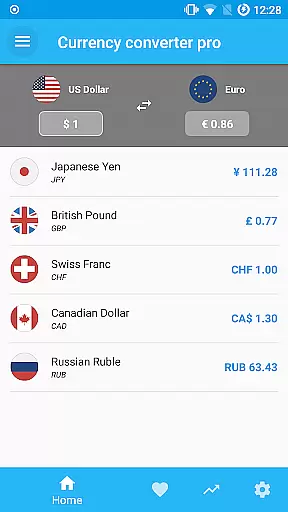
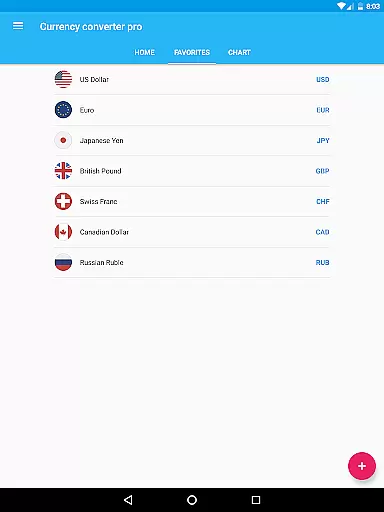
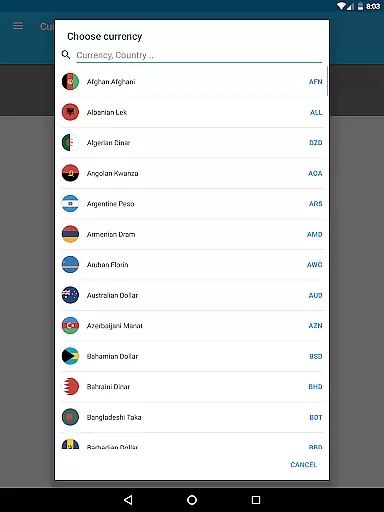
Currency Converter Pro is a powerful financial tool designed for seamless currency conversion across over 180 global currencies, including popular cryptocurrencies like Bitcoin and Ethereum. The app stands out with its offline functionality, ensuring users can access updated exchange rates even without an internet connection.
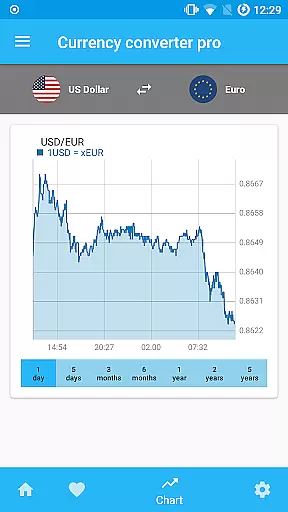
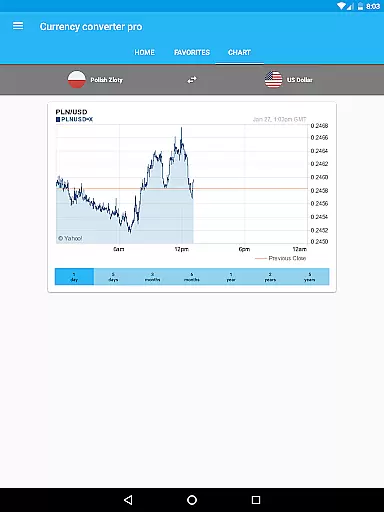
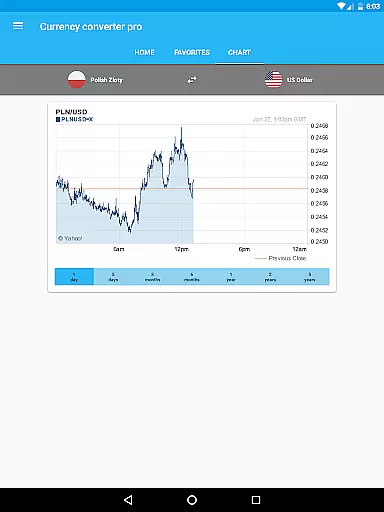
With a sleek material design interface, the app offers both live and historical exchange rate data, interactive charts spanning up to five years, and customizable widgets for tracking favorite currencies. Whether you're traveling, trading, or managing international finances, this app provides accurate and reliable conversions tailored to your needs.
One of the standout features of Currency Converter Pro is its offline mode, which stores the latest exchange rates locally on your device, allowing you to convert prices without internet access. This ensures no roaming fees while traveling and uninterrupted usage in areas with poor connectivity.
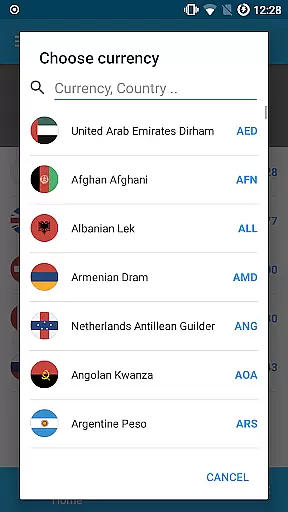
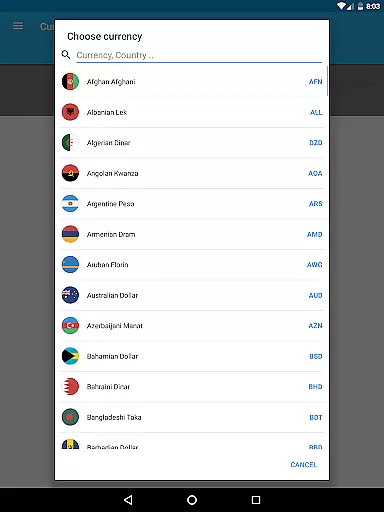
The app also includes advanced tools such as interactive historical charts, a search function for adding currencies by country name, and live updates for consistent and reliable data. Additionally, the ad-free experience, quick update cycles, and customizable widget make it a top choice for users seeking both functionality and aesthetics in a currency converter.
When it comes to financial applications, security is paramount. Currency Converter Pro ensures the safety of user data through regular updates and secure offline functionality. The app stores exchange rate data locally on the device, which means sensitive information never leaves the user's control.
The absence of ads not only enhances user experience but also reduces potential security risks associated with third-party advertisements. This approach guarantees that users can convert currency values without exposing themselves to unnecessary vulnerabilities.
Furthermore, the app employs a reliable update mechanism that keeps exchange rates current without compromising user privacy. With its robust offline mode, Currency Converter Pro provides peace of mind for travelers and professionals who need accurate conversions even when internet access is unavailable or unreliable.
Currency Converter Pro offers an exceptional transaction experience by providing quick and easy access to updated exchange rates for over 180 currencies. Its user-friendly interface allows for seamless conversions directly from the widget, making it convenient for users to get real-time information without navigating deep into the app.
The inclusion of popular cryptocurrencies like Bitcoin and Ethereum expands its utility beyond traditional fiat currencies. Users can effortlessly switch between different currencies, including these digital assets, ensuring they have the most relevant financial information at their fingertips.
Additionally, the app's customizable widget and interactive historical charts enhance the overall user experience. These features enable users to track currency trends and make informed decisions based on both current and past performance data, all within a sleek material design framework that prioritizes usability and aesthetics.
Offline functionality
Updated exchange rates
User-friendly design
Historical data access
No ads
Limited advanced analytics
Few customization options
Occasional update delays
Basic widget design
Premium-only features





Pay rent on your schedule.
 4.70
4.70
Need help before payday? Get cash advances with no interest or credit checks.
4.60
Early payday cash advance up to $150 a day with a max of $1,000 per pay period
4.70
The simplest way to budget, bank, save and invest.
4.50
Your Big Financial Friend
4.70
Car Insurance Made For You.
4.50
Earn cash back. Build credit.
4.60
Mine Bitcoin in the cloud! Earn BTC daily with high-speed mining power.
4.30
Trade NFL, NBA, Crypto, Tech
4.50
BA Financial Calculator PRO – Perfect for CFA/FRM/CPA and finance professionals
4.90
Companies owe you money.
4.80
Manage your Discover account conveniently from anywhere.
4.80
“Money Manager” is an optimized application for personal asset management.
4.70
Cash Advance, Credit Cards, Credit Lines, Score Monitoring, Saving, Budgeting
4.70
Early payday & cash advances with no-fee mobile banking!
4.60
Manage your account, make a payment, and redeem your rewards on the go.
4.50
Get up to 500, get paid early, earn interest and find work with no hidden fees.
4.40
Secure Amex Account Access: View Balance, Make Payments, Redeem Rewards & more
3.60
Retirement plan, IRA, retail and HSA customers serviced by Empower.
3.10

User Reviews