

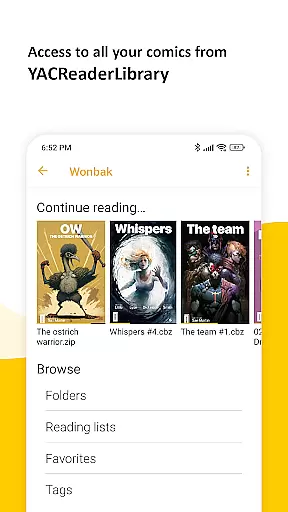
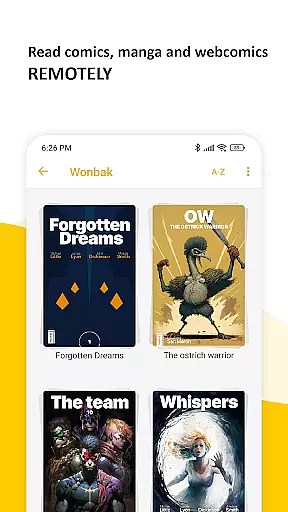
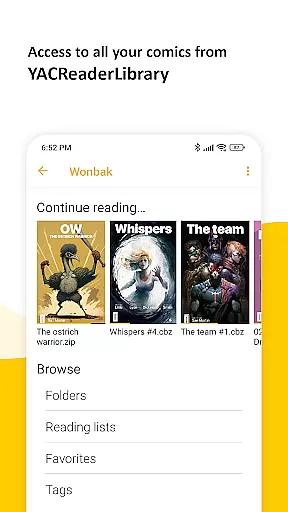
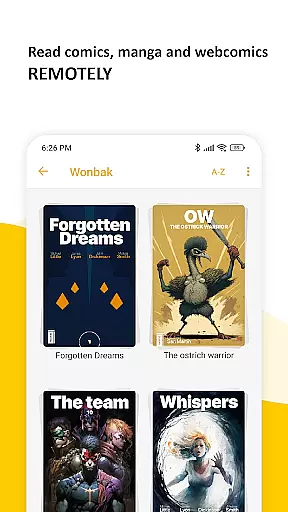
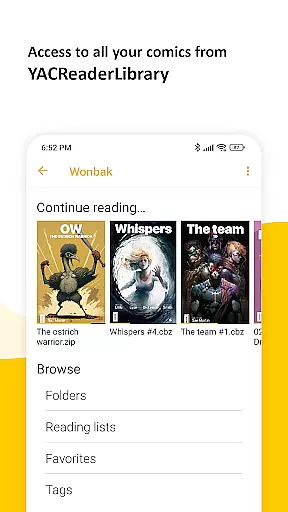
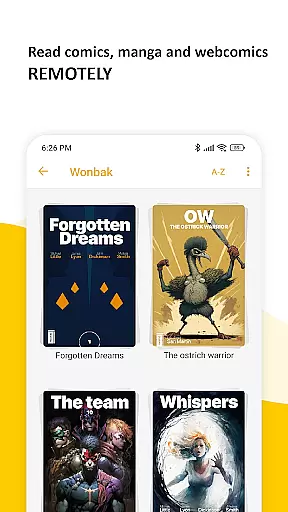
YACReader Remote is a feature-rich comic and manga reader app designed for Android users. This application allows you to browse, read, and manage your entire comic library remotely from YACReaderLibrary. With support for both online and offline reading, it offers seamless synchronization of reading progress across multiple devices.
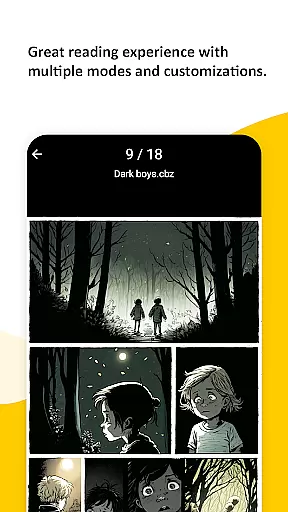
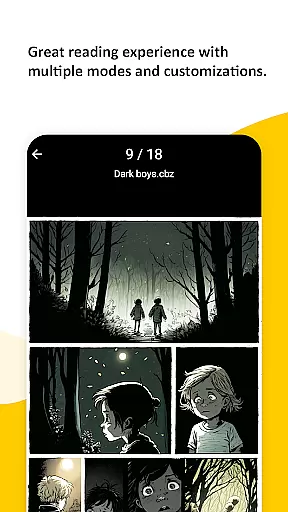
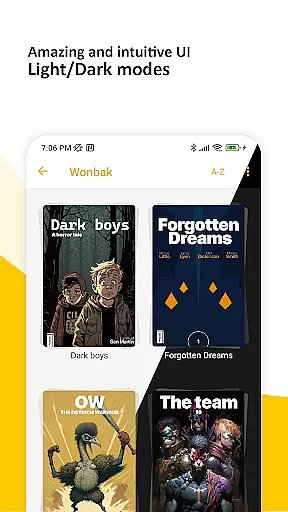
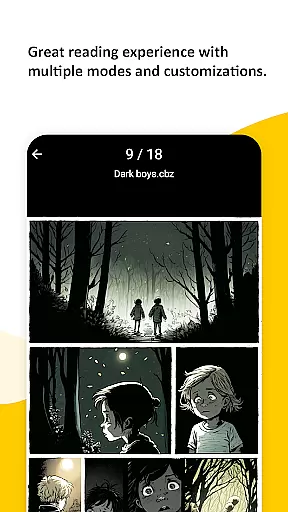
The app stands out with its advanced reading features including multiple fitting modes, specialized manga reading options, continuous vertical scroll for web-based content, double-page mode, and auto-scroll functionality. Whether you're a fan of traditional comics or Japanese manga, YACReader Remote provides an exceptional reading experience tailored to your preferences.
Perfect for comic enthusiasts who want to access their collection on the go, YACReader Remote ensures that your library is always accessible, regardless of your location. Its decade-long presence on platforms like Windows, macOS, Linux, and iOS guarantees a reliable and refined user experience.
YACReader Remote boasts an array of impressive features that enhance the comic reading experience. One of its key highlights is the advanced reader functionality, which includes multiple fitting modes to suit different reading styles. Users can enjoy specialized manga reading options, ensuring an authentic experience for fans of this format.
In addition to its versatile reading modes, the app supports continuous vertical scrolling, making it ideal for reading web-based content. The double-page mode provides a realistic book-like experience, while the auto-scroll feature allows for hands-free reading at your own pace. These innovative features collectively create a dynamic and customizable reading environment.
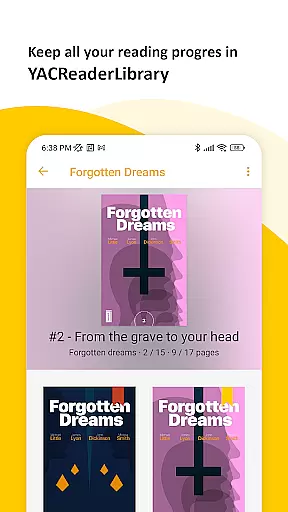
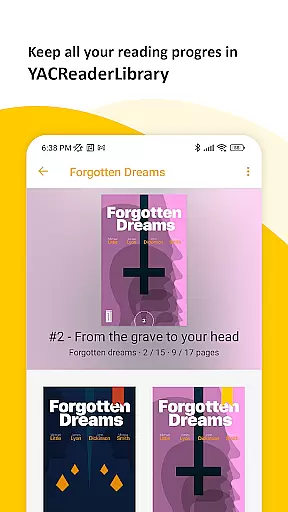
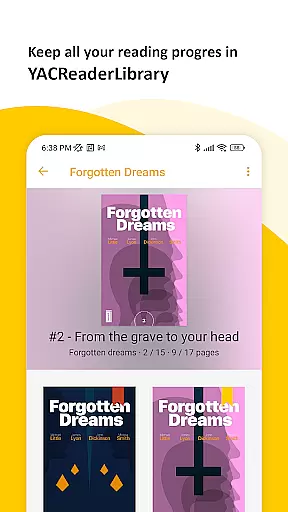
Another standout aspect is the ability to synchronize your reading progress across devices. By importing your library from YACReaderLibrary, you can switch between online and offline modes without losing track of your last read page. This synchronization ensures that your entire comic collection is always up-to-date and accessible, regardless of which device you're using.
YACReader Remote offers an extensive comic library that caters to a wide range of tastes and preferences. With the ability to browse and read comics and mangas directly from YACReaderLibrary, users can access a vast collection of content remotely. This ensures that whether you are a fan of superhero tales or intricate manga storylines, there is something for everyone within the app's expansive digital shelves.
The application allows users to import their entire library into a local repository, making it possible to enjoy offline reading without any internet connection. This feature not only expands the variety of available content by allowing personal collections to be integrated but also ensures that your progress is synchronized across multiple devices. Such synchronization means you can start reading on one device and continue exactly where you left off on another, providing unparalleled convenience.
Moreover, YACReader Remote continuously updates its library with new additions, ensuring that readers always have fresh material to explore. The platform supports various formats, which enhances the diversity of comics and mangas accessible through the app. By maintaining compatibility with numerous file types, YACReader guarantees that no matter how your collection is stored, it will be readily available at your fingertips.
Authenticity and proper licensing are crucial factors when consuming digital media, and YACReader Remote takes these aspects seriously. Every comic and manga available through this platform is sourced legally, ensuring that creators receive due credit and compensation for their work. This commitment to legitimacy provides peace of mind for users who want to enjoy their favorite stories guilt-free while supporting original authors.
In addition to legal sourcing, YACReader employs rigorous content verification processes to maintain high standards of quality and accuracy. Each title undergoes thorough checks to confirm its origins and ensure compliance with copyright regulations. These measures help prevent unauthorized reproductions from appearing in the library, safeguarding both consumers and creators against potential infringements.
Furthermore, YACReader actively collaborates with publishers and independent artists to expand its offerings while respecting intellectual property rights. Through partnerships and agreements, the app secures necessary permissions to distribute works widely, fostering a healthy ecosystem where creativity thrives. Users benefit from knowing they are engaging with genuine content endorsed by rightful owners, enhancing trust and satisfaction within the community.
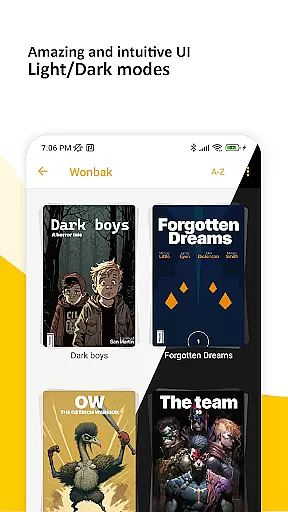
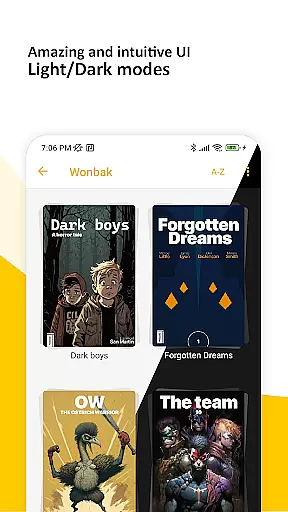
User-friendly interface
Advanced reading modes
Cross-device sync
Offline reading support
Active community support
Limited platform availability
Occasional sync issues
No cloud backup
Heavy on storage
Complex setup process

Instantly create comic-style art with AI.
 3.90
3.90
Anime TV App: Watch all anime online,anime tv subtitles online with big anime tv
3.80
Dive into creative online comics, short video, graphic novels and web novels!
4.60
Read your favorite mangas for free
4.50
File management and show images, comics and pictures in compressed cbr, pdf file
4.70
Artists wanting to use decent hand reference on the go, this app is for you!
4.70
A gathering place for a massive collection of genuine comics.
4.50
Instant access to over 30,000 Marvel comics with new issues added every week.
4.70
Read comics & manga
4.70
The pure application on the Manga SWAT website
4.80
Find free mangas in Spanish
4.70
100k comics, manga & webcomics, including Batman, Invincible, Hellboy & more
4.60
Crunchyroll Manga—unlimited, uninterrupted reading with offline access & more!
4.50
Discover manga stories & stream anime series with unlimited entertainment access
4.40
Arabic manga reader
4.00
AsuraScans read manga, manhua, manhwa, and webtoon
3.90
Read official webcomics, webtoons, Korean manga & webnovels
3.70
Comic reader app: open ZIP, RAR, CBZ, CBR, and PDF files
3.00
A free paradise specially built for comic lovers. When you step into this comic universe full of surprises, it is like opening a door to endless joy. You are immediately immersed in the wonderful world brought by reading and enjoy the infinite charm of reading.
4.4


User Reviews