

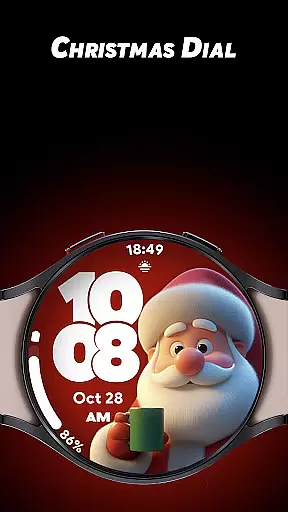
Christmas Dial is a festive watch face app designed specifically for Wear OS users who want to celebrate the holiday season in style. This app offers a delightful combination of customization options and practical features, making it perfect for those who adore Christmas.
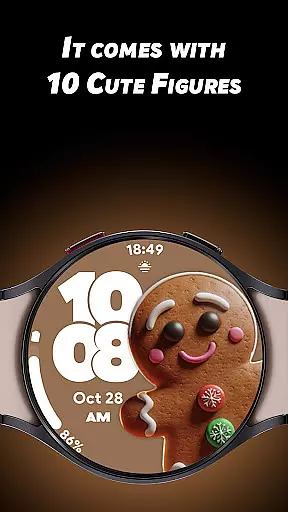
With 10 cute Christmas-inspired figures and multiple background color choices, users can create their own unique holiday-themed watch face. The app also supports 4 custom complications, allowing users to display personalized information such as steps, battery status, and weather updates. Whether you're counting down to Christmas or simply love the holiday spirit, Christmas Dial brings joy to your wrist.
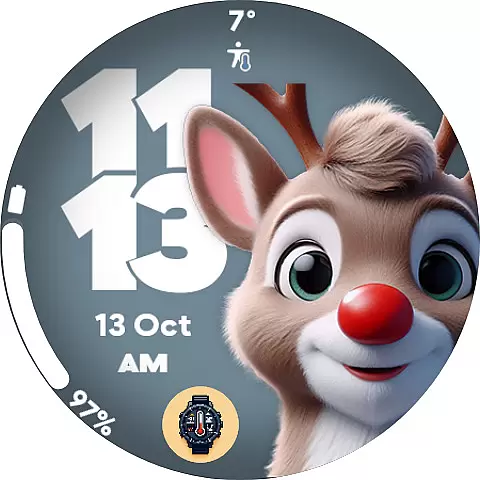
Christmas Dial stands out with its rich selection of customization options and thoughtful features. The app includes 10 adorable Christmas figures, ranging from Santa Claus to snowmen, giving users plenty of choices to match their festive mood.
Beyond its charming design, Christmas Dial offers practical functionality. Users can choose between 12-hour and 24-hour time formats, ensuring compatibility with different preferences. The optimized Always-On Display (AOD) mode helps conserve battery life while still showcasing the beautiful holiday theme. Additionally, the ability to disable shadows provides further personalization, letting users tailor the appearance to their liking.
Christmas Dial offers a delightful selection of festive customizations that cater to the holiday season. With 10 Christmas-inspired figures, including Santa Claus and snowmen, users can embrace the spirit of the holidays right on their Wear OS smartwatch.
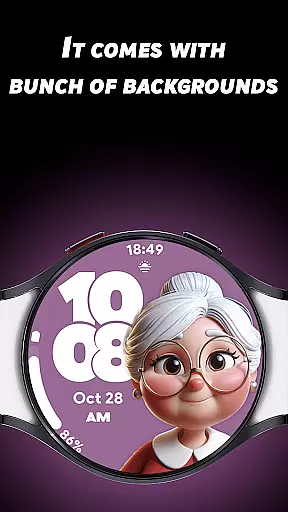
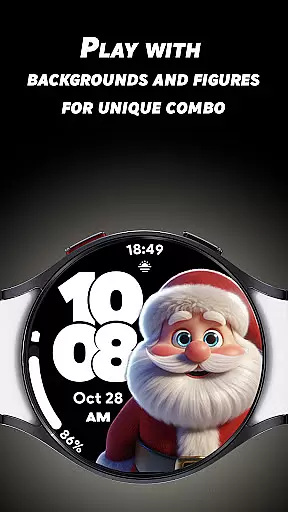
The watch face also provides multiple background color options, allowing users to match their style and mood. This level of personalization ensures that each user can create a unique festive combo that resonates with their individual preferences.
In addition to its thematic elements, Christmas Dial includes practical features such as 4 custom complications. These allow for personalized information display, like steps, battery status, and weather updates, making it not just a treat for the eyes but also a functional tool for daily use.
Christmas Dial stands out by offering authentic holiday-themed content designed specifically for Wear OS users. The watch face's design incorporates well-known Christmas symbols, ensuring an engaging and genuine holiday experience.
Each figure and customization option has been carefully crafted to maintain the integrity and charm of traditional holiday motifs. Users can trust that the watch face delivers an authentic representation of the Christmas season.
Furthermore, the inclusion of features like 12/24-hour time formats and a battery-friendly Always-On Display mode demonstrates the developer's commitment to combining festive aesthetics with practical usability. This blend of fun and function establishes Christmas Dial as a credible lifestyle enhancement for the holiday season.
Festive designs
Customizable options
Battery-friendly AOD
Supports complications
Multiple time formats
Limited to Wear OS
No advanced features
Holiday-specific theme
Fewer customization options
Requires Wear OS device

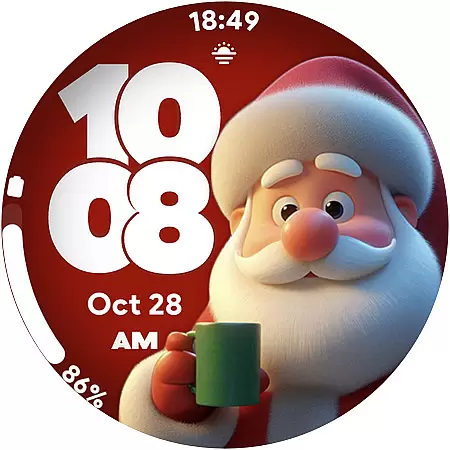
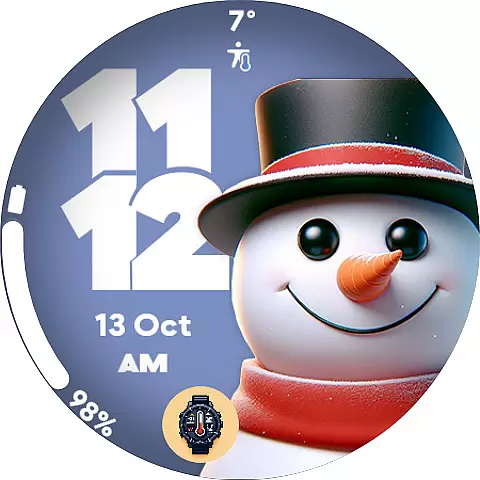
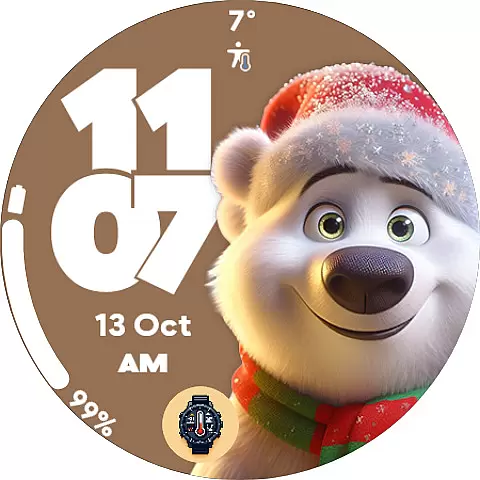
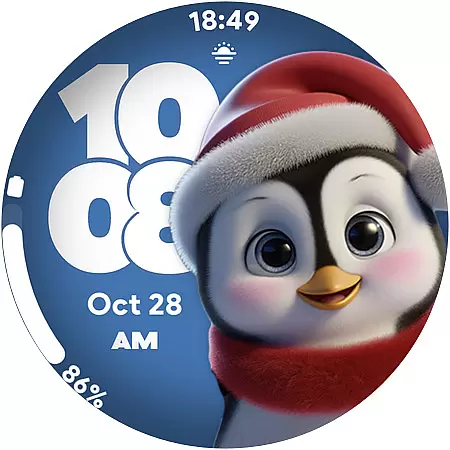

Unique BIG BOLD TIME with amazing colors and customisations.
 3.70
3.70
Daily lessons from A Course in Miracles with scheduled reminders
4.80
Stay connected with your loved ones & vehicles | Share live GPS location updates
4.60
Discover your Nationality, Family Origin, and Ancestry from one selfie
4.50
Your home in your hand
3.80
Have your Tehillim with you at all times
4.70
Wear your favorite memories, loved ones, pets or travel photos on your watch
4.1
Vehicle ownership simplified. Get the myChevrolet® app today.
4.60
AAA Mobile provides on-the-go access to the services you know and trust.
4.60
Get roadside help, discounts, travel tools & more — AAA is with you everywhere.
4.80
The App can control Roborock vacuum cleaners from anywhere with rich features.
4.60
Cute Adorable Animals now on your wrist with our Wear OS watch face!
4.40
Play fun games, complete quick surveys, and earn money. It's fun and easy!
4.40
Paranormal EVP, Ghost Box, Spirit box, ITC, Haunted, Spirit communication device
3.70
Connect to your Shark ROBOT™ from anywhere using the SharkClean™ App.
3.60
The Miracle Box includes methods used by Steve Huff of Huff Paranormal.
3.20
Discover how to help puppies stay calm around noise with this helpful app.
4.1
Celebrate the holidays with Advent Calendar: daily surprises and festive fun!
4.0
Futuristic watchface inspired by Back to the Future: sleek, retro, timeless
4.3

User Reviews