

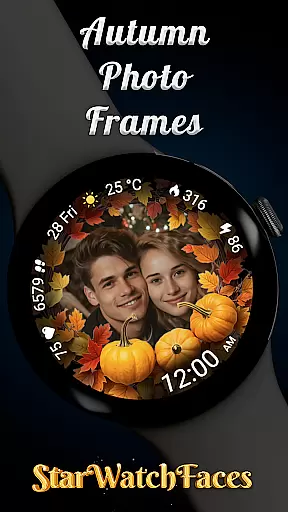
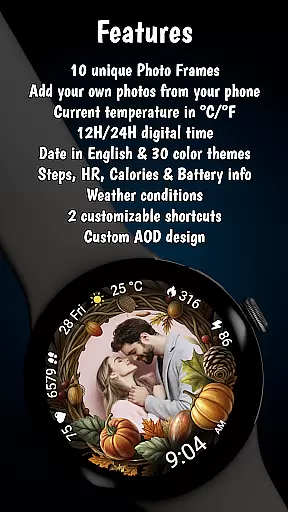
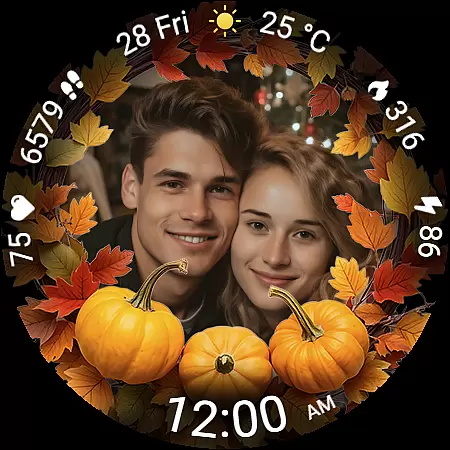
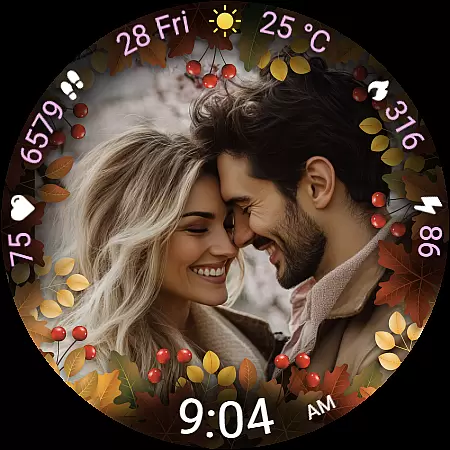
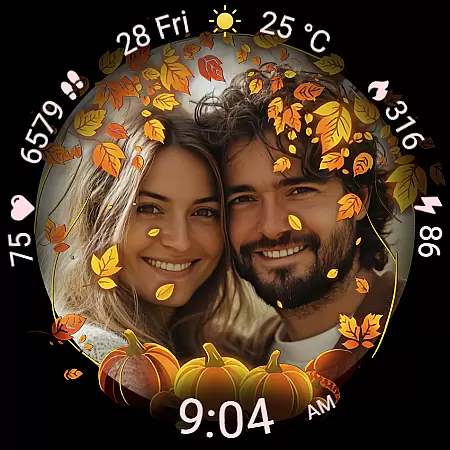
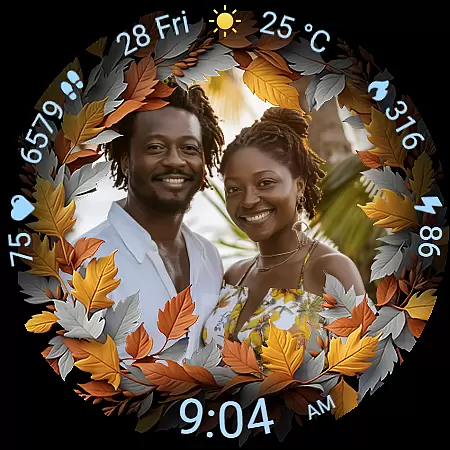
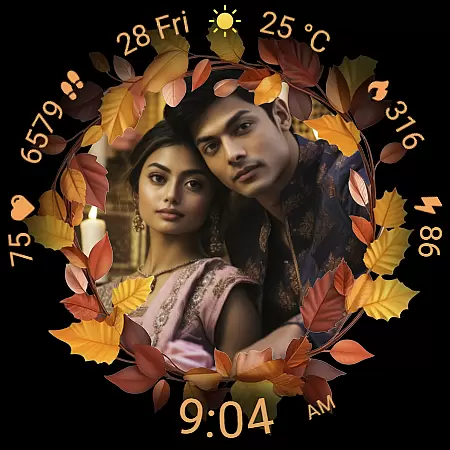
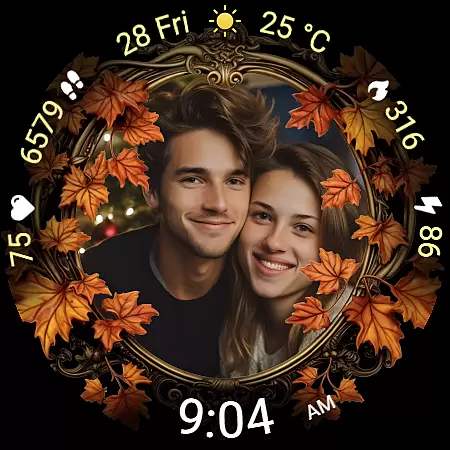
Autumn Photo Frames for WearOS is a lifestyle-enhancing watchface that combines personal memories with seasonal aesthetics. This app allows users to display cherished photos within beautifully designed autumn-themed frames directly on their Wear OS smartwatches. With 10 unique frames and 30 color themes, it offers extensive customization options while providing essential smartwatch functionalities like heart rate monitoring, step counting, and weather updates.
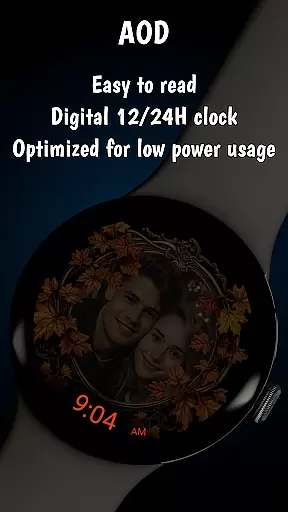
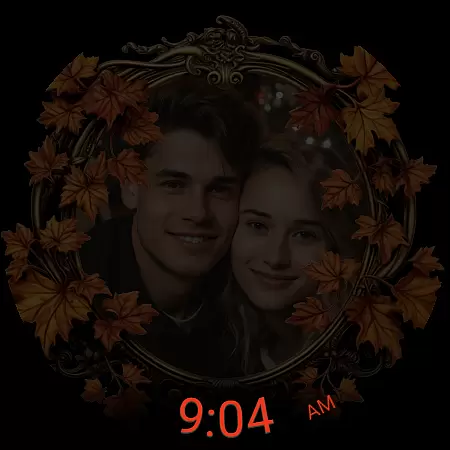
The watchface supports both digital time displays in 12h/24h formats and English date presentation, alongside practical features such as battery status and calorie tracking. Its Always-On Display (AOD) ensures optimal visibility while maintaining efficient power consumption. The Autumn Photo Frames watchface transforms your wearable into a personalized gallery, making it perfect for users who value both style and functionality in their daily lives.
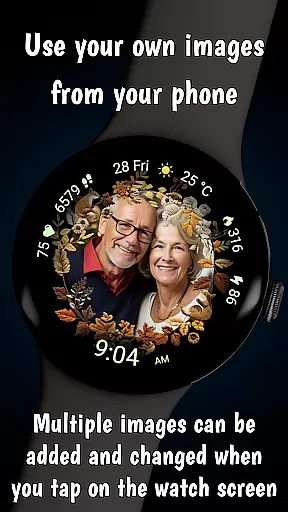
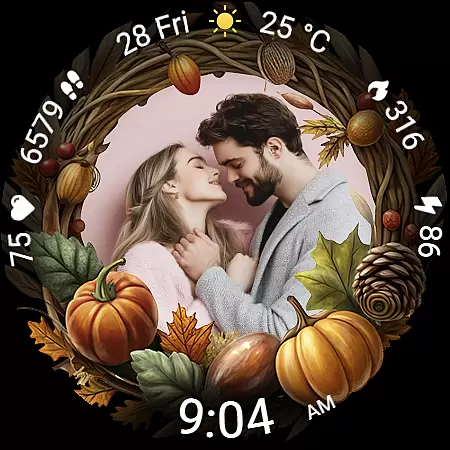
Autumn Photo Frames stands out with its innovative blend of personalization and practicality. The core feature allows users to set custom photos from their phone using either the Wearable app for Samsung devices or the Pixel Watch app for Pixel watches. These images are displayed within elegantly designed autumn-themed frames, each incorporating rich seasonal colors and decorative elements.
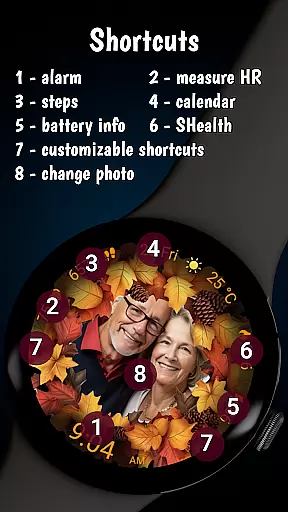
Beyond its photo-centric design, the watchface includes comprehensive health and convenience features. Users can view real-time heart rate data, track daily steps and calories burned, and access current weather information with temperature readings in both Celsius and Fahrenheit. The inclusion of two customizable shortcuts provides instant access to frequently used apps, while the optimized low-power performance ensures all these features run smoothly throughout the day.
What truly sets this watchface apart is how it balances emotional connection with technological sophistication. By transforming the smartwatch into a wearable photo album, it creates a deeper personal attachment to the device while delivering essential metrics through its sophisticated interface.
The Autumn Photo Frames watchface for Wear OS offers a comprehensive lifestyle experience by integrating personal memories with practical smartwatch functionalities. This application goes beyond simple timekeeping by allowing users to customize their watch faces with meaningful photos, making it an ideal choice for those who value both aesthetics and utility.
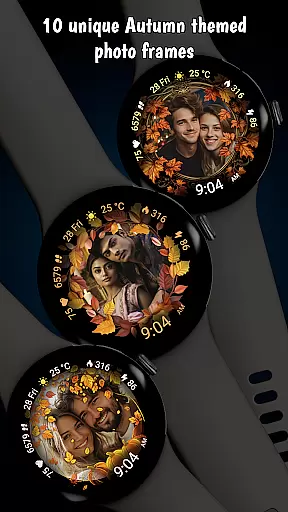
With 10 unique autumn-themed frames, users can select from various designs that suit their personal style or mood. These frames are not just visually appealing but also evoke the warmth and beauty of the autumn season, enhancing the overall lifestyle appeal of the application. The ability to switch between different frames ensures that users have a dynamic and engaging experience every day.
In addition to photo customization, the watchface provides essential features such as heart rate monitoring, step counting, calorie tracking, and weather updates. These health and convenience metrics cater to a modern lifestyle where staying informed and active is crucial. By combining these elements, the Autumn Photo Frames watchface becomes more than just a timepiece; it transforms into a personalized lifestyle companion.
Furthermore, the availability of 30 color themes and customizable shortcuts adds another layer of personalization, ensuring that each user can tailor the watchface to their specific preferences. This level of customization underscores the app's commitment to covering a wide array of lifestyle categories, making it a versatile tool for enhancing daily life.
The Autumn Photo Frames watchface stands out due to its authentic and credible content, which is meticulously designed to provide users with a genuine autumnal experience. Each of the 10 photo frames is crafted with seasonal colors and decorative elements that reflect the essence of autumn, ensuring that users receive an authentic representation of the season on their wrists.
All featured couples in promotional materials are AI-generated, maintaining transparency about the digital nature of these images. This approach reinforces the credibility of the content provided, assuring users that while the visuals are aesthetically pleasing, they remain digitally enhanced representations rather than misleading real-life imagery.
Moreover, the integration of practical features like heart rate monitoring, step counting, and weather information is backed by reliable technology. These features are not only useful but also add a layer of trustworthiness to the application. Users can depend on the accuracy of these metrics, knowing that they are supported by expertly developed algorithms and data sources.
Finally, the BOGO promotion further enhances the perceived value and authenticity of the product. By offering a free additional watchface with proof of purchase, the developers demonstrate confidence in their product lineup and encourage users to explore more of their offerings. This strategy not only boosts customer satisfaction but also solidifies the brand's reputation for delivering high-quality, credible content.
Highly customizable
Beautiful autumn designs
Comprehensive health tracking
Optimized battery usage
Unique personalization options
Limited to Wear OS
Requires companion app
Premium priced
Complex setup process
Weather data not real-time



Countdown to Christmas 2025 with festive games & activities in a virtual village
 4.80
4.80
Unique Dark Analog style for Wear OS watches.
4.5
Stay connected with your loved ones & vehicles | Share live GPS location updates
4.60
Immerse yourself in the serenity of lavender fields and white butterflies
4.0
Paranormal EVP, Ghost Box, Spirit box, ITC, Haunted, Spirit communication device
3.70
Spirit Communicator is a real paranormal ghost hunting app with many fun modes.
3.90
Digital smart watch face made for Wear OS.
4.70
The Wyze app is your gateway to a smarter life and a safer home.
4.40
Remotely monitor the time and temperature of food cooking on your grill.
4.60
A unique and customizable watch face which rotates its layout every minute.
4.80
Pay your rent, submit work orders and much more with the RentCafe Resident App.
4.70
A smart Siddur with halachic times
4.60
Retro animated weather with hourly forecast Watch Face for Wear OS
4.60
Premium floor cleaning robots
4.50
Unique "Isometric" style digital watch face for Wear OS
4.50
Earn points with every purchase with Moe Rewards.
4.20
Spiritus Ghost Box is an Audio and Visual ITC tool for paranormal research.
4.00
Connect to your Shark ROBOT™ from anywhere using the SharkClean™ App.
3.60
The cutest Autumn watchface featuring the adorable Mr. Squirrel
4.5

User Reviews