

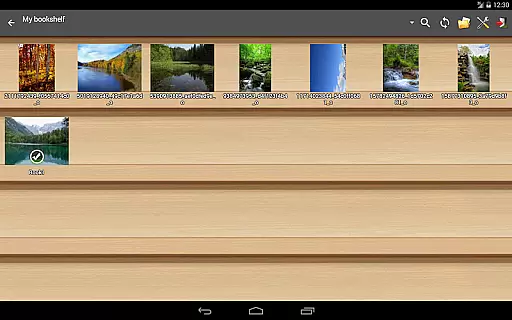
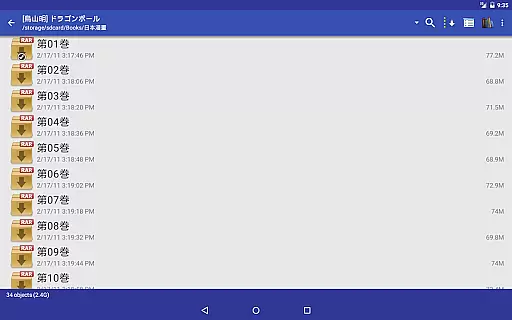
Perfect Viewer stands as a versatile and fast image, comic, and eBook viewer tailored for comic enthusiasts and digital readers alike. The app supports an extensive range of file formats including EPUB, HTML, TXT for eBooks, JPEG, PNG, GIF, BMP, WebP, TIFF for images, and CBZ/ZIP, CBR/RAR, 7Z/CB7, LZH, CBT/TAR for archives. With additional plugins, users can extend functionality to include PDF, XPS, and DJVU files.
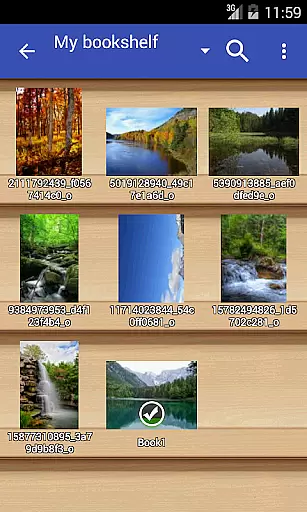
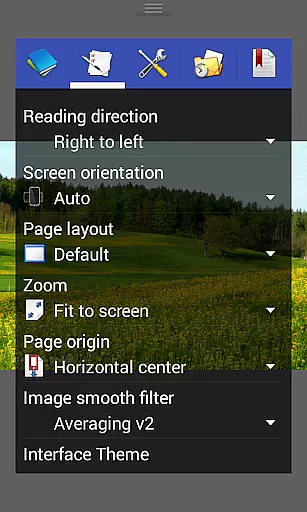
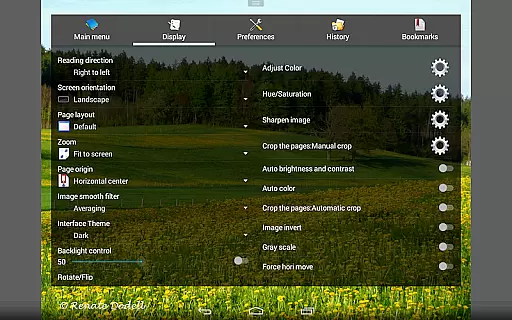
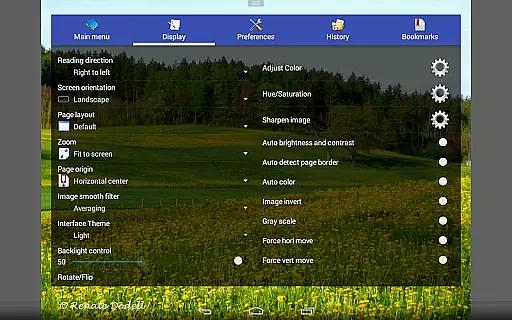
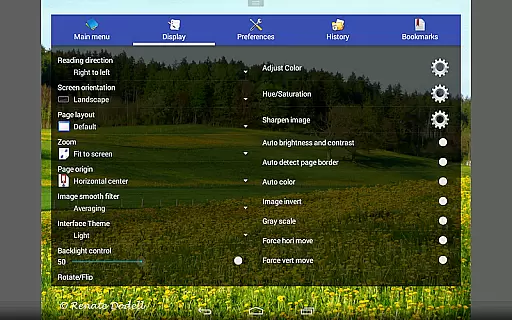
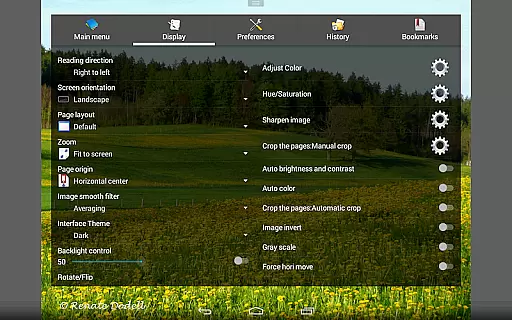
Beyond its core viewing capabilities, Perfect Viewer offers advanced features such as page layout customization, multiple viewer modes, and smooth filters for an enhanced reading experience. Users can enjoy left-to-right or right-to-left reading, set images as wallpapers, and manage their favorite content with ease. Its support for network file sharing and cloud services like Google Drive, Dropbox, and OneDrive makes accessing digital content seamless across devices.
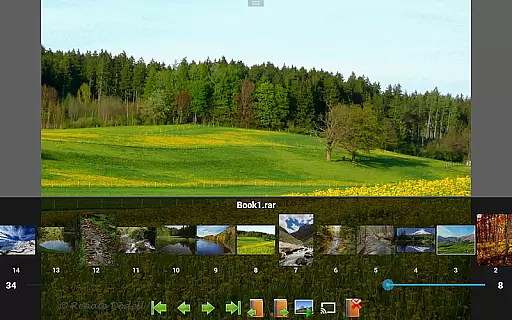
Perfect Viewer is packed with features that cater to both casual readers and comic aficionados. The app's ability to turn black and white images into four-colorized images (exclusive to donated users) adds a unique touch to the reading experience. With support for three distinct viewer modes - Page mode, Vertical scroll mode, and Horizontal scroll mode - users can customize their reading style according to their preferences.
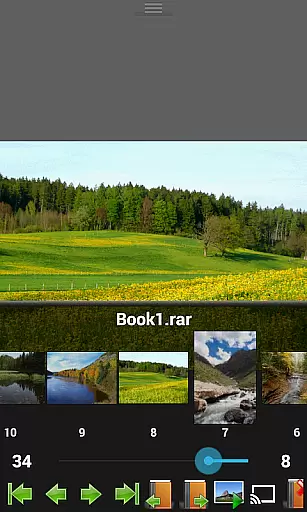
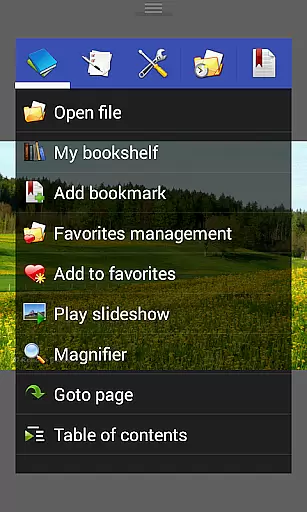
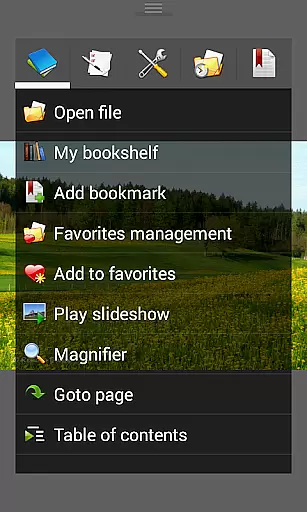
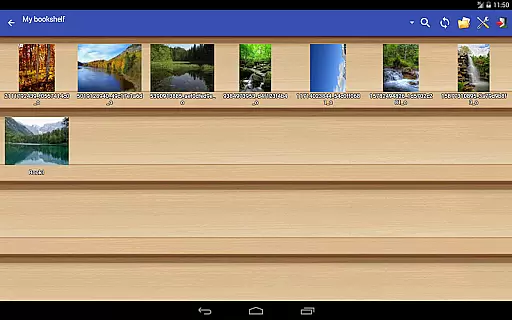
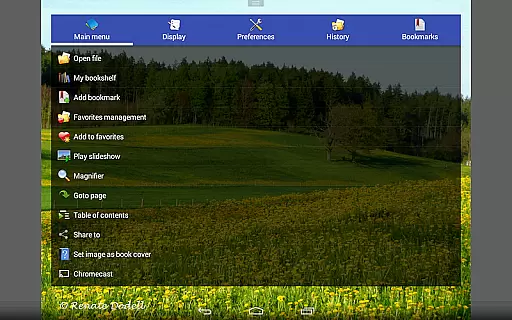
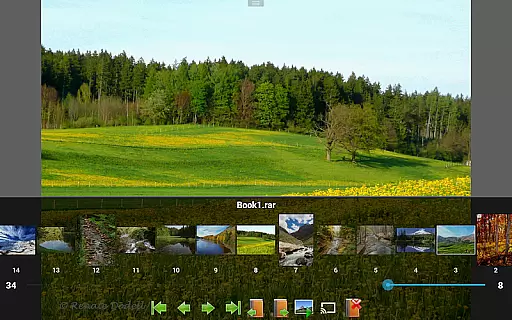
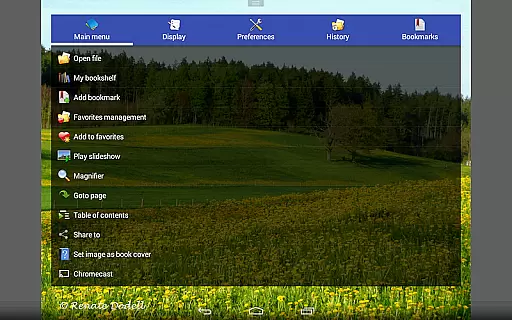
The app also includes five view modes ranging from full size to stretch, ensuring that content looks great on any device. Advanced functionalities such as pinch to zoom, fling gesture, and balloon magnifier enhance interactivity, while simple bookmarking and favorites management allow for easy organization. Additionally, Perfect Viewer's support for Google Chromecast enables users to cast their comics or eBooks onto larger screens for a more immersive experience.
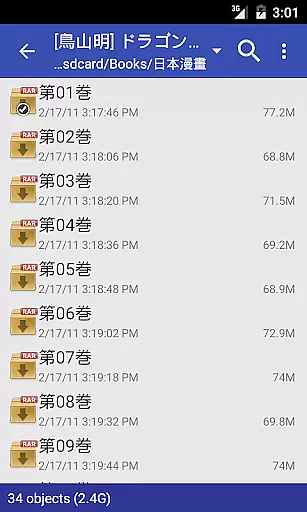
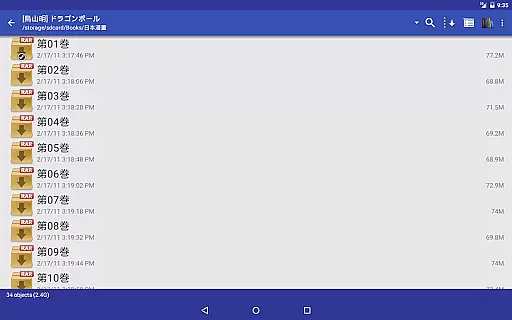
Perfect Viewer offers an extensive comic library that supports multiple file formats including CBZ/ZIP, CBR/RAR, 7Z/CB7, LZH, and CBT/TAR. This ensures that users can access a wide variety of comics without worrying about compatibility issues.
In addition to supporting various comic file formats, the app also allows users to open files from network file sharing (CIFS/SAMBA), FTP, SFTP, FTPS, and OPDS. This feature significantly expands the range of accessible content, making it easier for users to discover and enjoy new comics.
The application further enhances its comic library by integrating with cloud services like Google Drive, Dropbox, and OneDrive through an additional plugin. This integration enables users to seamlessly access their digital collections stored in the cloud, ensuring they have their favorite comics at their fingertips no matter where they are.
Perfect Viewer places a strong emphasis on content authenticity and licensing. The app supports legally obtained comics and eBooks in various formats, ensuring that creators' rights are respected while providing users with high-quality reading material.
For users who require PDF, XPS, and DJVU file support, Perfect Viewer offers a dedicated plugin. This ensures that all types of documents are displayed accurately and authentically, preserving the original formatting and layout intended by the authors and publishers.
Furthermore, the app includes features such as setting images as wallpapers and adjusting image brightness, contrast, and gamma. These tools not only enhance the reading experience but also ensure that the visual integrity of the content is maintained, offering readers an authentic and enjoyable viewing experience.
User-friendly interface
Extensive format support
Advanced customization options
Cloud service integration
Google Chromecast support
Premium features require donation
Complex settings for beginners
Limited free colorization feature
Occasional crashes with large files
Ads in the free version

Alpha Manga is a Japanese manga app where you can read isekai manga.
 4.10
4.10
A free paradise specially built for comic lovers. When you step into this comic universe full of surprises, it is like opening a door to endless joy. You are immediately immersed in the wonderful world brought by reading and enjoy the infinite charm of reading.
4.4
Dive into creative online comics, short video, graphic novels and web novels!
4.60
Comic reader app: open ZIP, RAR, CBZ, CBR, and PDF files
3.00
Pocket Toons: Free Webtoons, Comics, & Manga - New Chapter Drops Everyday
4.30
The anime tv for fans Sud and Dub
4.20
from HipComic: Value Your Comic Book Collection with Just the Snap of a Photo.
3.80
Comics and stories from Japan
4.60
+Not your everyday comic. Everyday.
3.50
Catalog your collection. Just scan covers with your device camera. (US $20/yr)
4.80
Find free mangas in Spanish
4.70
TMOLector is an app to read all kinds of manga and stories!
4.50
The most popular comic book reader.
4.40
AsuraScans read manga, manhua, manhwa, and webtoon
3.90
Anime TV App: Watch all anime online,anime tv subtitles online with big anime tv
3.80
Comic Scanner - Book Value - Identify and sell your comic collection with AI.
3.80
Read official webcomics, webtoons, Korean manga & webnovels
3.70
Experience the largest selection of DC comics anywhere with DC UNIVERSE INFINITE
3.40
Goat sound simulator. This app makes for fun.
4.0

User Reviews