

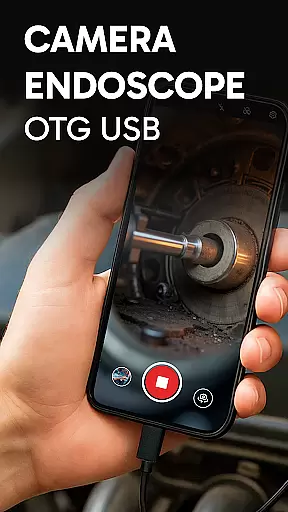
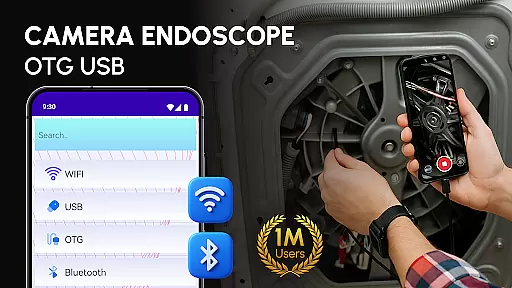
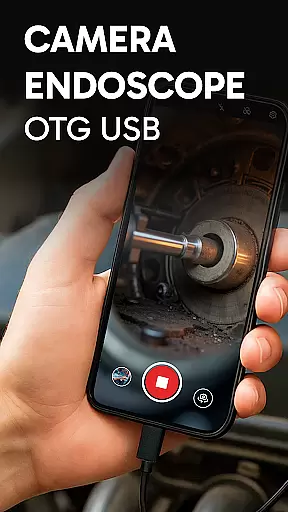
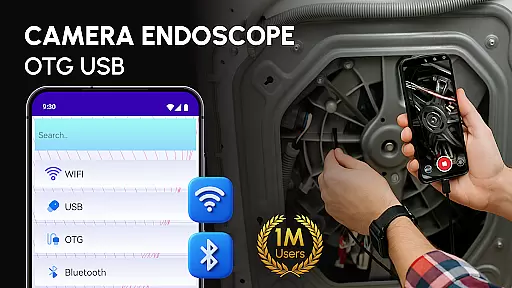
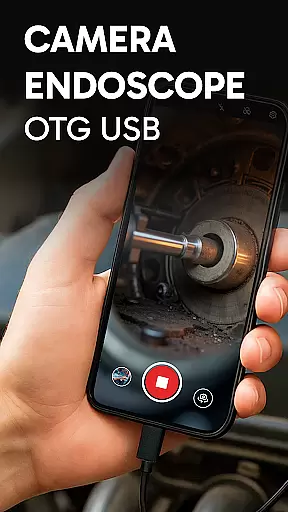
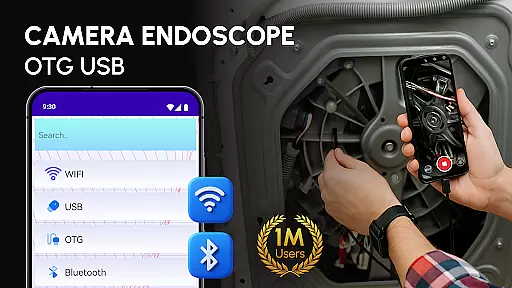
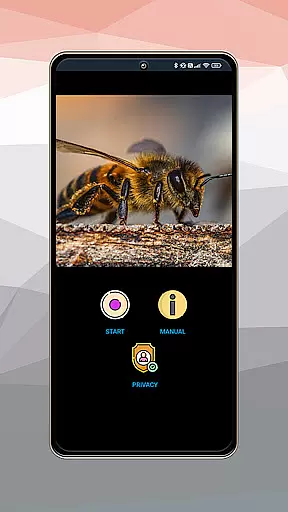
Camera endoscope / OTG USB is a versatile inspection tool that transforms your Android device into a professional diagnostic system. Designed for both professionals and hobbyists, this application supports real-time video capturing through external cameras connected via USB OTG interface.
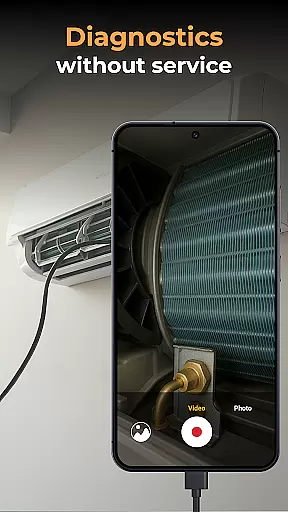
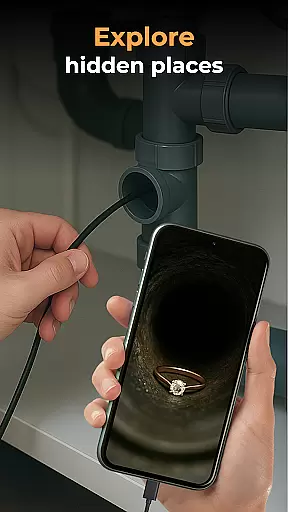
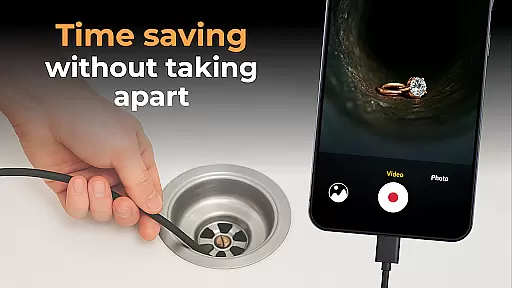
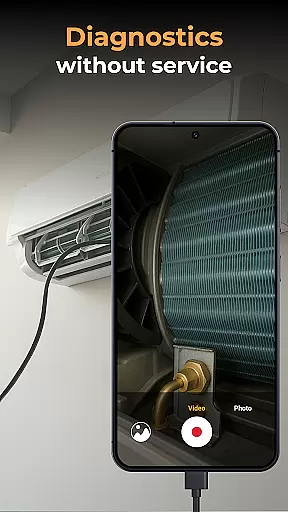
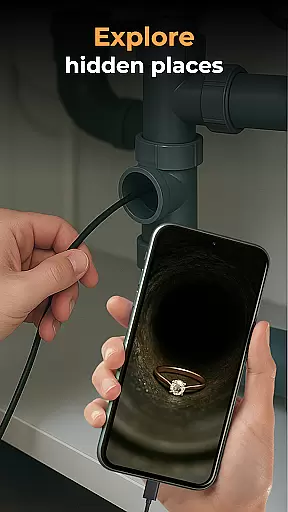
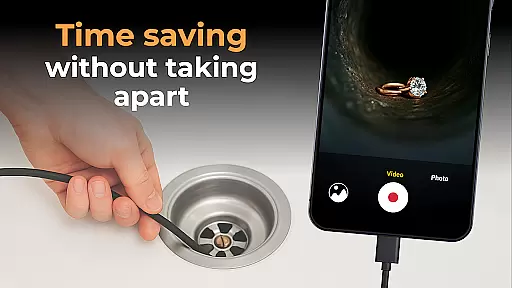
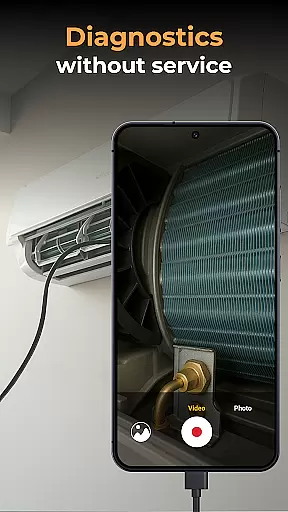
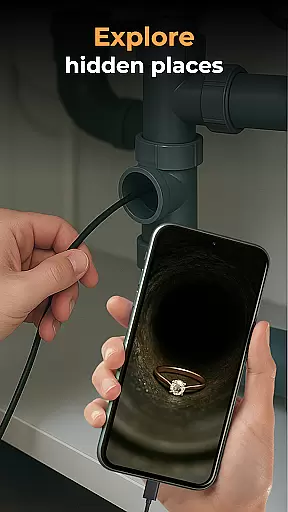
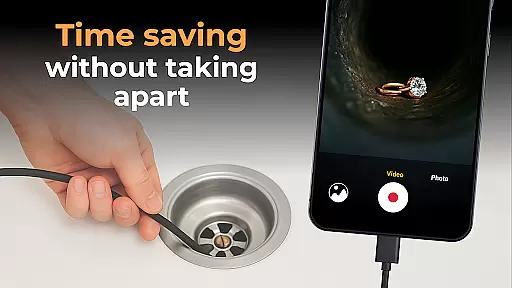
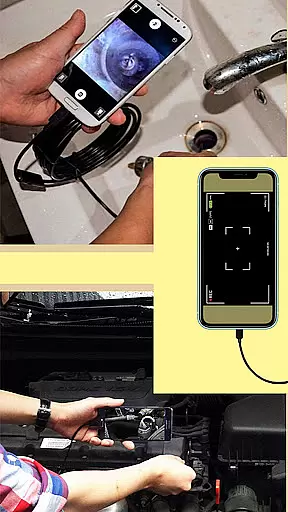
The app's core functionality lies in its ability to work seamlessly with various inspection tools including borescopes and microscopes. Users can conveniently record high-quality images and videos while exploring hard-to-reach areas, making it perfect for plumbing work, automotive repair, and electronics diagnostics.
What sets this application apart is its intuitive media management system and plug-and-play functionality. The built-in gallery organizes captured media efficiently, allowing users to view, delete, and share files with ease. This makes the Camera endoscope / OTG USB particularly valuable for technicians who need reliable visual documentation of their work.
The Camera endoscope / OTG USB application boasts several distinctive features that enhance its usability across different scenarios. First and foremost, the app supports real-time video streaming from external cameras, providing immediate visual feedback during inspections.
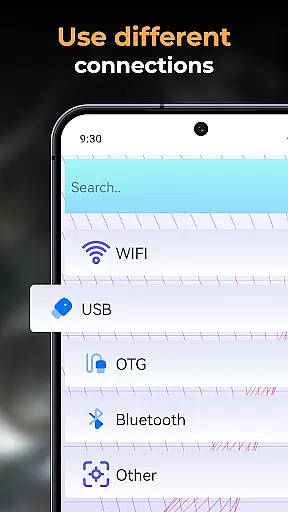
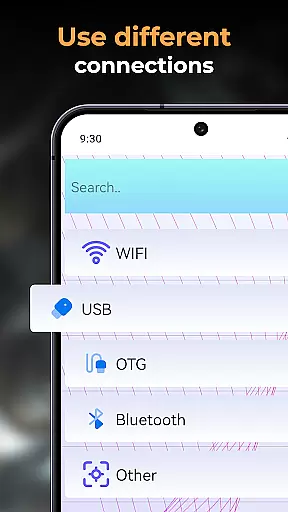
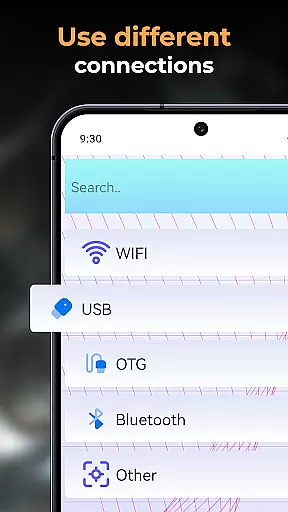
A key advantage is its compatibility with various devices through the USB OTG interface. This flexibility allows users to connect different types of inspection tools, from endoscopes for pipe examination to microscopes for detailed work. The application maintains stable connections even during complex operations, ensuring consistent performance.
Additional notable features include easy setup through OTG Connector Software, high-quality media recording capabilities, and comprehensive file management options. These characteristics make the application particularly suitable for professionals who require both reliability and efficiency in their diagnostic tools.
When evaluating an application like Camera Endoscope / OTG USB, functionality completeness refers to the app's ability to offer a wide range of features that cater to its primary purpose. This particular app excels in providing users with the tools necessary for transforming their Android devices into advanced inspection instruments.
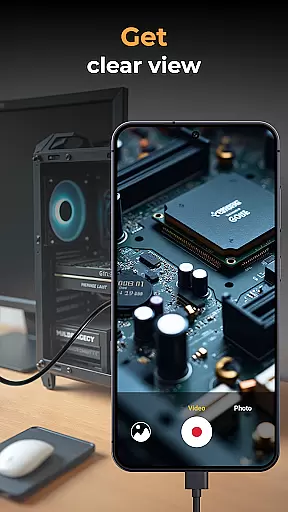
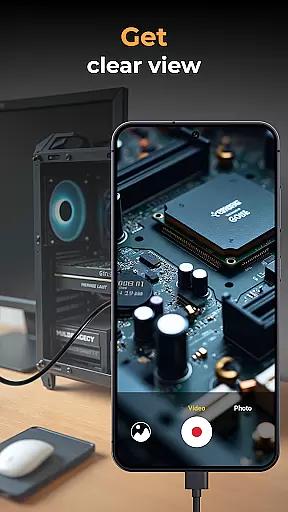
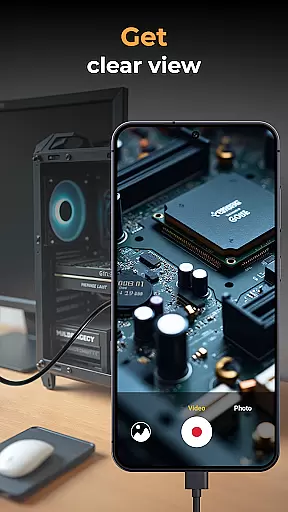
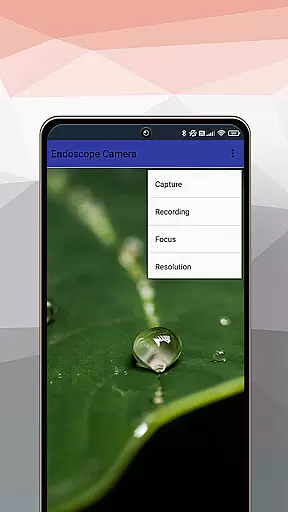
The app supports real-time video image capturing, making it indispensable for detailed inspections. It is compatible with various external devices such as borescopes and microscopes, which expands its utility beyond just one type of task or industry. Whether you're a DIY enthusiast or a professional technician, this versatility ensures that the app can adapt to many inspection needs.
Additionally, the app includes media management functions, allowing users to delete, view, and share their captured videos and images effortlessly. These features are crucial for maintaining an organized gallery of inspection records, which can be vital for both personal reference and professional documentation.
By covering essential aspects from live camera feeds to comprehensive media handling, Camera Endoscope / OTG USB demonstrates a robust functionality that empowers users across different fields to conduct thorough inspections with ease and efficiency.
Usability and operational smoothness are critical factors that determine how effectively users can interact with an application. For Camera Endoscope / OTG USB, these elements are manifested through its user-friendly interface and seamless performance, ensuring that even those new to endoscopic tools can navigate and utilize the app with minimal learning curve.
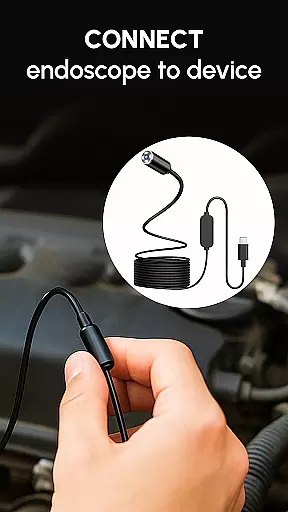
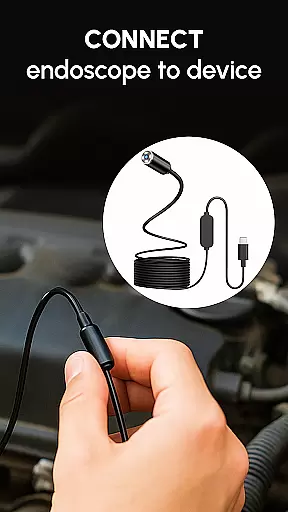
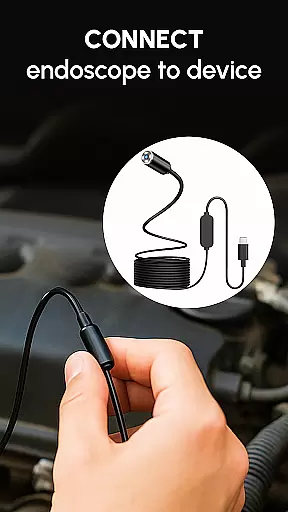
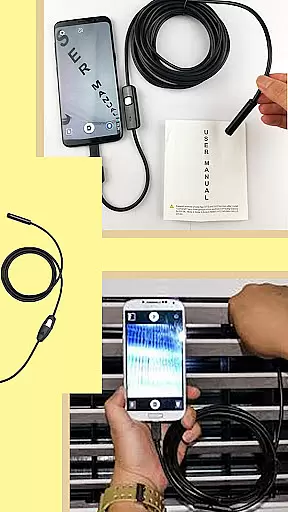
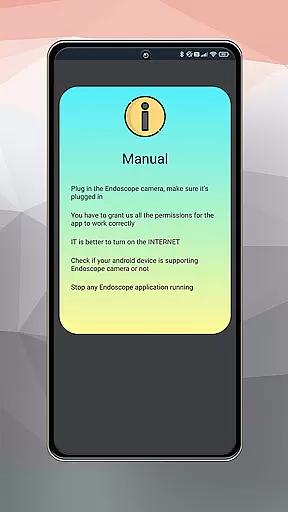
The setup process is straightforward, thanks to the app's support for USB OTG connectivity. Users simply need to connect their compatible devices via a USB OTG cable, launch the app, and they are ready to access a live view. This plug-and-play feature significantly reduces the time and effort required to start using the application for inspections.
Moreover, the app maintains stable and fast connections, whether it's used for pipe inspections or detailed work requiring microscope attachments. This reliability is crucial when examining hard-to-reach areas where precision and clarity are paramount.
Overall, Camera Endoscope / OTG USB delivers a smooth operational experience by combining easy setup procedures with consistent performance, enabling users to focus on their inspection tasks without being hindered by technical difficulties or complex controls.
User-friendly interface
Real-time video capture
Wide device compatibility
Efficient media management
Stable connection performance
Limited free features
Requires OTG adapter
Device compatibility issues
No cloud backup option
Basic editing tools

Collection of high-quality, trendy skins and outfits!
 4.0
4.0
Block and secure the microphone and protect from secret listening and recording.
4.50
Collection of Maps and Mods for Dmod
3.30
You can remote control and play much easier.
4.10
Enjoy hours of entertainment with our Roblox mobile games app
4.5
Recite Quran Majeed القران with special 16 line real Kuran page in hand
4.30
a wireless controller that provides a seamless and gaming experience for players
3.80
DamonSx2 is the open Source LGPL Emulator
3.20
The best PS2 games from your childhood come to life in their mobile version!
4.00
Explore The Holy Quran Majeed for Muslim. Listen to MP3 Quran & Al Quran Kareem.
4.80
Enjoy Minecraft Mod Scary Neighbor Granny for Minecraft PE.
4.30
An impressive collection of tools, characters, weapons, skins and more!
4.30
Unlock the hidden menus of your phone with our mobile secret codes app.
4.20
A Pydroid Quick Install repository provider.
4.00
Ps2 plugins for 64 bit artitechture
3.70
CloudEye 365 is a easy-handling APP
3.60
Mirror phone to TV effortlessly! Stream, share & connect with Airplay ease.
3.60
Mobs maker Minecraft help MCPE creators make their own mob by using Blockbench
3.50
Read Quran pak offline & listen online mp3 Quran in Al Quran Majeed app
4.5
User Reviews