

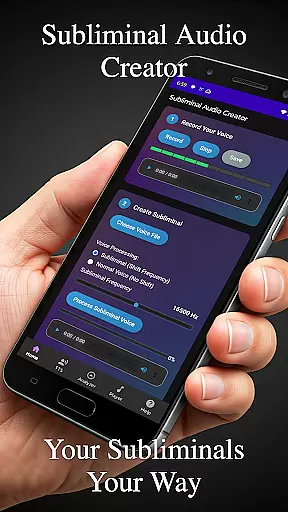
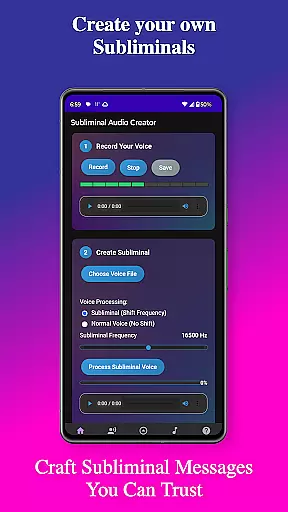
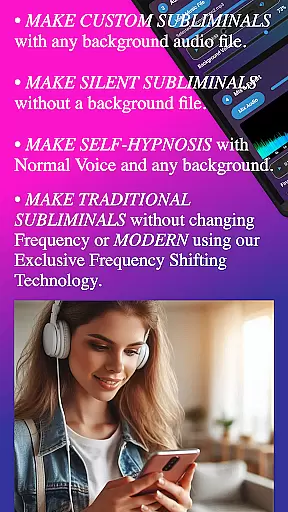
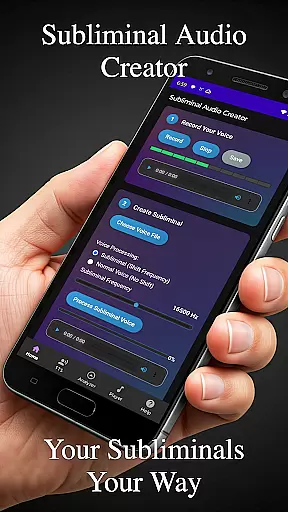
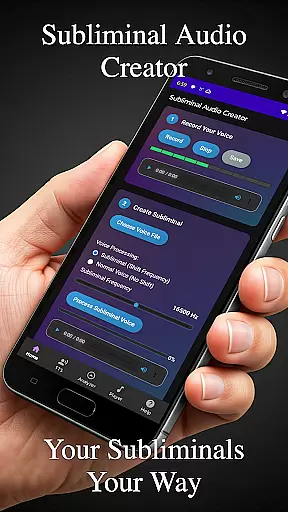
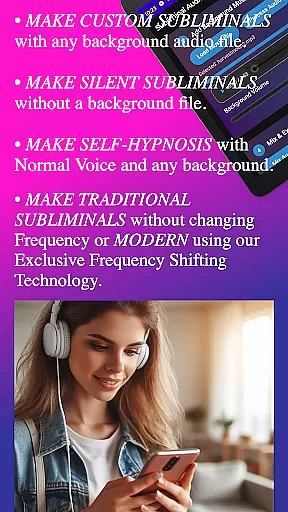
Subliminal Audio Creator is a comprehensive tool designed for creating personalized subliminal audio tracks, self-hypnosis recordings, and meditation music. This professional-grade app allows users to combine voice recordings or text-to-speech affirmations with background music or ambient sounds, producing high-quality subliminal audio files that cater to personal development needs.
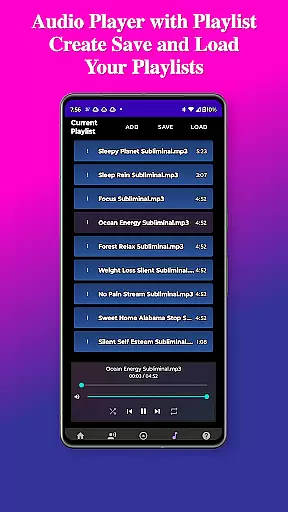
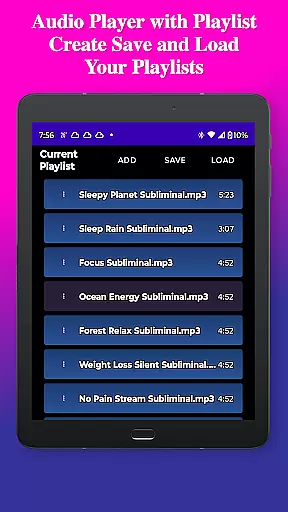
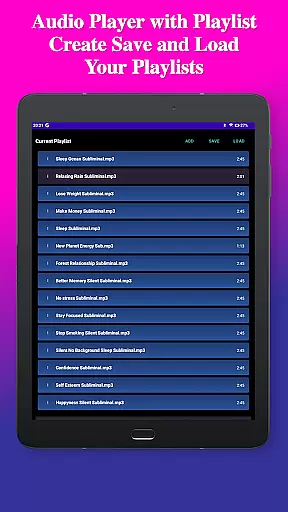
The app features an intuitive interface with advanced controls for adjusting subliminal frequencies, volumes, and creating seamless audio loops. With built-in audio analysis tools, users can visualize frequencies and ensure perfect mixes. The inclusion of a full-featured MP3 player with playlist support, along with wireless streaming capabilities to Chromecast devices and Bluetooth connectivity, makes it versatile for various listening environments.
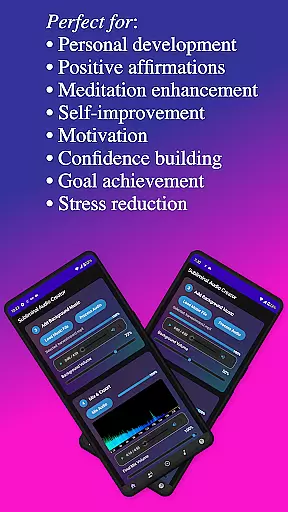
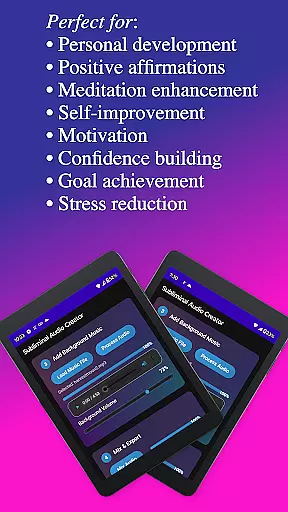
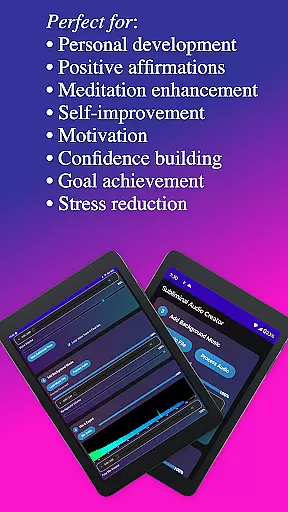
Perfect for those interested in positive affirmations, meditation enhancement, motivation boosting, and overall personal growth, Subliminal Audio Creator offers a one-time purchase model with no ads or subscriptions, ensuring uninterrupted access to its powerful features for lifelong personal transformation.
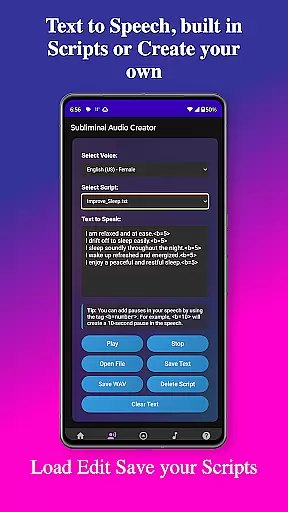
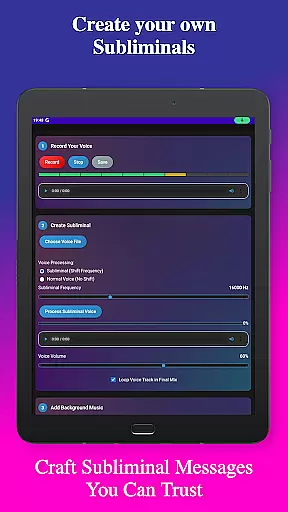
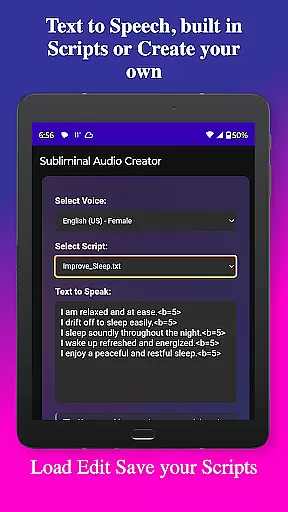
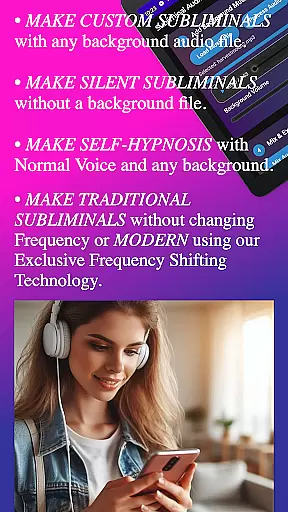
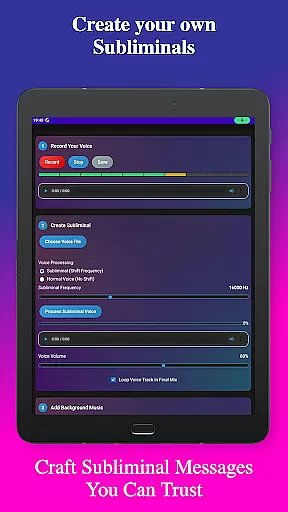
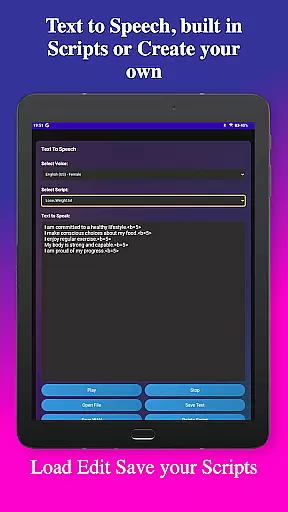
Subliminal Audio Creator stands out with its extensive feature set tailored for both beginners and advanced users in the self-improvement domain. Key functionalities include voice recording with crystal-clear quality, allowing users to capture their affirmations perfectly. The text-to-speech capability supports multiple voice options and custom pauses between affirmations, enhancing the customization experience.
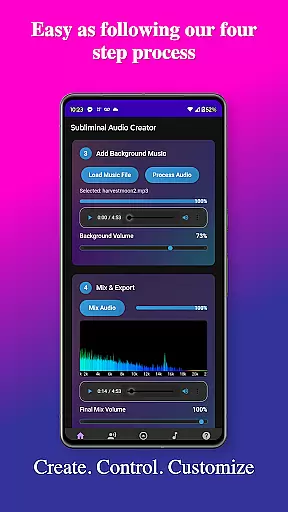
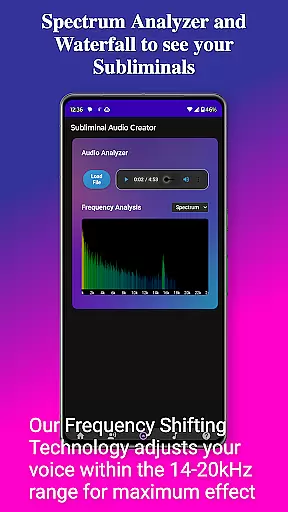
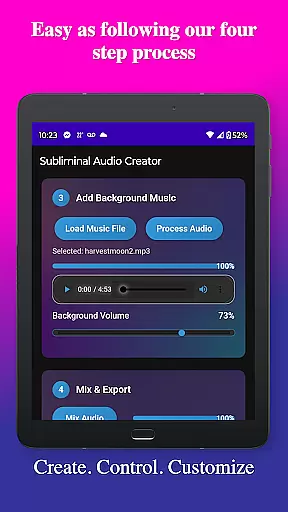
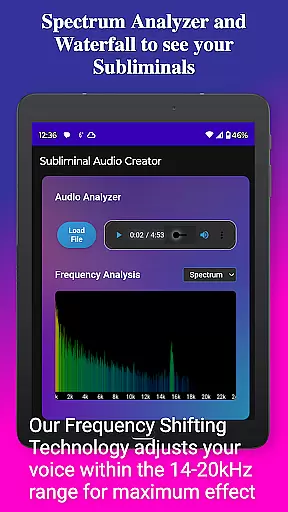
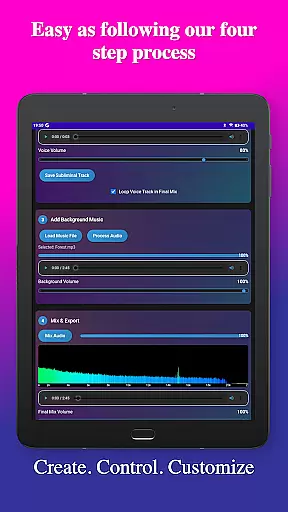
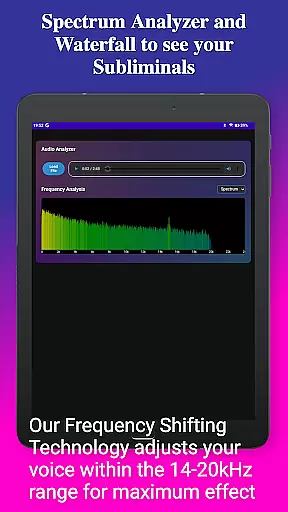
Background music mixing is another highlight, enabling users to blend affirmations with included tracks or personal music libraries, with independent volume adjustments for optimal balance. The real-time audio analyzer provides detailed frequency visualization through waterfall displays, ensuring users can verify and adjust subliminal frequencies effectively.
Advanced playback features such as Google Cast support, background playback, and media control integration make the listening experience seamless. The app's user-friendly interface, featuring a clean design and step-by-step creation process, combined with organized file management for saving and exporting projects in MP3 or WAV formats, ensures that users can efficiently manage their audio creations while enjoying a comfortable viewing experience with the available dark theme.
Subliminal Audio Creator offers a unique approach to personalized planning through its comprehensive audio creation tools. The app allows users to craft tailored subliminal messages and affirmations that align with their specific personal development goals.
With features like voice recording, text-to-speech conversion, and customizable background music, users can create audio tracks that resonate with their individual needs. The ability to adjust subliminal frequencies and volumes ensures each track is perfectly suited for its intended purpose, whether it's boosting motivation or enhancing meditation practices.
The inclusion of pre-written scripts and the option to write custom ones provide flexibility in planning one's personal growth journey. Users can save and manage their scripts, making it easy to track progress and refine their approach over time.
This level of customization empowers users to design a personalized plan that evolves with them, ensuring continued engagement and effectiveness in achieving their self-improvement objectives.
Visualizing progress is crucial in maintaining motivation and tracking the effectiveness of personal development efforts. Subliminal Audio Creator addresses this need through its built-in audio analyzer, which provides real-time feedback on created tracks.
The frequency spectrum analyzer and waterfall display offer detailed visual representations of audio characteristics, allowing users to verify the quality and composition of their subliminal mixes. This feature helps ensure that each track meets the desired specifications for optimal impact.
By monitoring these visual indicators, users can make informed adjustments to their audio creations, leading to more effective subliminal messages. The ability to visualize frequency distribution and audio quality helps maintain consistency across different tracks.
This progress visualization tool not only enhances the technical quality of creations but also serves as a motivational aid, providing tangible evidence of improvement and mastery in audio creation skills over time.
User-friendly interface
High-quality audio output
Extensive customization options
No ads or subscriptions
Versatile playback capabilities
Requires storage permission
Limited free features
Premium-priced app
Complex for beginners
Specific use case

“Overcoming pain based on EMDR” helps you to alleviate chronic pain and stress.
 4.10
4.10
Your Health Has Met Its App (℠)
3.90
Optimization for TRT & Enhanced Athletes
4.1
HRV4Training helps you optimize goals and improve performance. No sensors needed
3.30
The Official Blood Type Diet® App - know your categorized foods anytime.
4.50
Your AI pet BFF. Talk, play, and beat anxiety in this calming game.
4.60
Grow with self-tests and personal routine.
4.30
Track heart rate & HRV in 30s! Get live health insights and anomaly alerts
4.40
Your Health Assistant
3.90
sobriety counter app to help and motivate people to stop drinking alcohol.
4.90
Weight loss app: home workout for women to lose weight & burn calories.
4.80
A brain game that moves you
4.70
Load the bar with this barbell & plate calculator. It's leg day, not brain day!
4.70
Build Healthy Habits!
4.60
Binaural Beats - Fully Customizable Waves - Pure Sound - No Loops
4.50
Interval timer for High Intensity Interval Training, Tabata and Circuit Training
4.20
Looking to take control of your health? Our psychology-based programs can help.
4.10
The app helps you address digestive symptoms based on the Fast Tract Diet.
3.50
Measure real-time wrist & ambient temperature with your Galaxy Watch (Wear OS)
3.20

User Reviews