

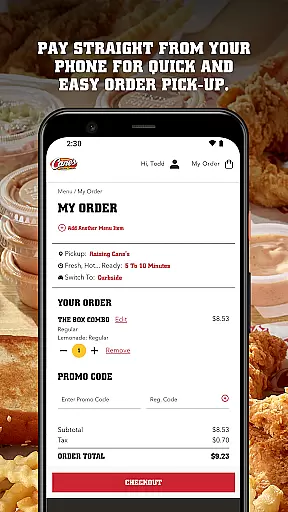
Raising Cane's Chicken Fingers app is the ultimate solution for ordering their signature One Love® chicken finger meals. Designed specifically for food lovers, this app allows users to skip long lines by ordering ahead and customizing their favorite meals with just a few taps. The app also supports seamless payment directly from your phone, ensuring quick and easy order pick-up.
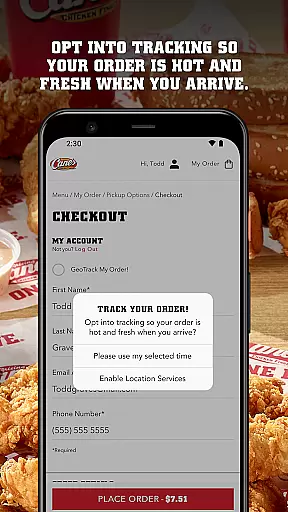
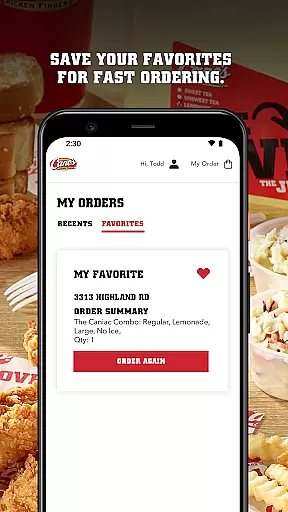
One of the standout features is Tasty Tracking, which ensures that your chicken is fresh and hot every time you pick it up. Additionally, Quick Reordering lets you save your favorites for faster future orders. Whether you're a regular customer or new to Raising Cane's, this app enhances your dining experience by offering convenience and customization options tailored to your preferences.
The Raising Cane's Chicken Fingers app offers several key features that make it an essential tool for any fan of their chicken. First, the Order Ahead functionality allows users to bypass in-store queues by pre-ordering their preferred meals exactly as they like them. This feature not only saves time but also ensures that your meal is prepared fresh upon your arrival.
Another significant feature is Pay Ahead, which enables users to complete transactions directly through the app, streamlining the pick-up process. The Tasty Tracking system keeps you updated on the status of your order, guaranteeing that your food is served hot and fresh. Lastly, Quick Reordering enhances user convenience by saving favorite orders, making subsequent purchases quicker and more efficient.
These features collectively provide a seamless and enjoyable user experience, setting the app apart in the Food & Drink category by focusing on speed, convenience, and quality service.
Locating your nearest Raising Cane's Chicken Fingers has never been easier. The app provides a seamless store locator feature that ensures you can find your favorite chicken finger meals quickly and efficiently.
By leveraging advanced geolocation technology, the app pinpoints your current location and lists nearby stores with precision. This functionality is crucial for customers who are on the go and looking to either pick up their orders or dine in.
The store locator not only displays the address and distance of each outlet but also includes essential details such as operating hours and contact information. This comprehensive approach allows users to plan their visits better and ensures they never miss out on their One Loveu00ae experience.
With real-time updates and an intuitive interface, finding a Raising Cane's store is hassle-free, enhancing customer satisfaction and convenience.
Raising Cane's Chicken Fingers app offers robust delivery and pickup options, ensuring that quality chicken is just a few taps away. Whether you're at home or on the move, the app makes it simple to get your meal exactly how you like it.
The ORDER AHEAD feature lets you skip the line by allowing you to customize and place your order in advance. This saves time and guarantees your meal is prepared fresh upon your arrival. Additionally, the PAY AHEAD option streamlines the pickup process by enabling payment directly through the app.
Tasty Tracking keeps you informed about your order status, ensuring your chicken is fresh and hot when you arrive to pick it up. For those who prefer delivery, the app provides transparent information regarding delivery times and fees.
These features collectively enhance user experience by offering flexibility, speed, and reliability in receiving their favorite meals.
User-friendly interface
Fast ordering process
Secure mobile payments
Fresh and hot food guarantee
Convenient reordering system
Limited menu options
Occasional bugs reported
Geographic limitations
No delivery option
Requires internet connection
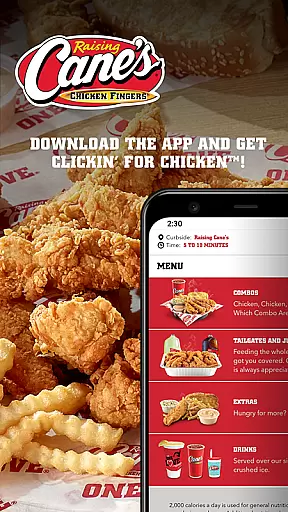
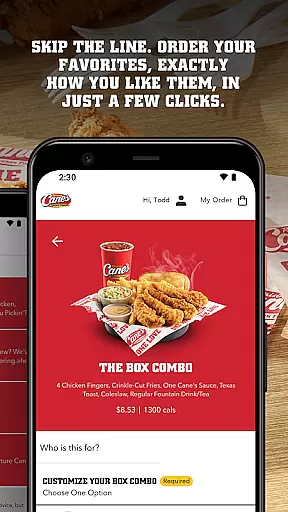
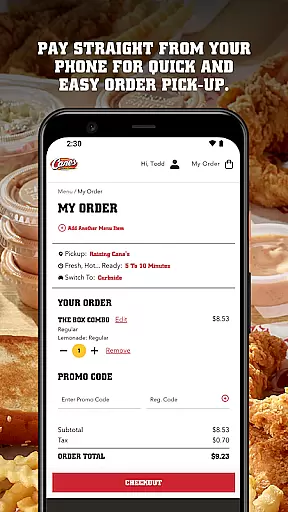
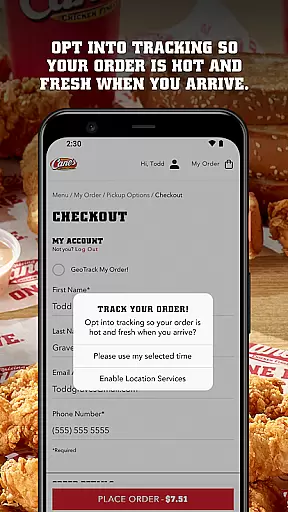
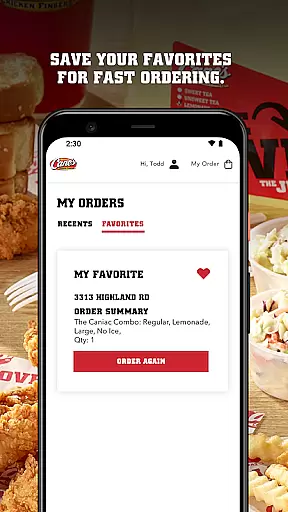
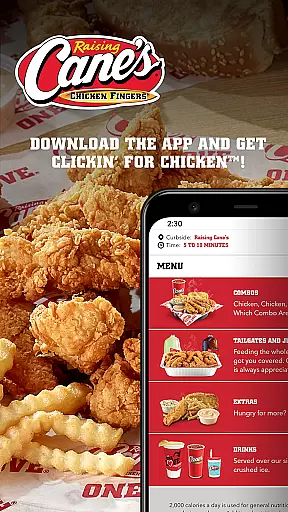
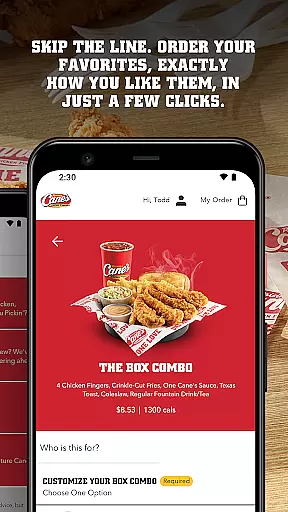
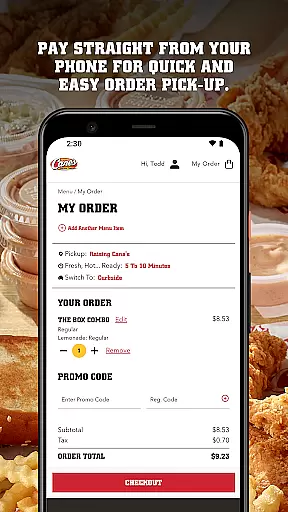
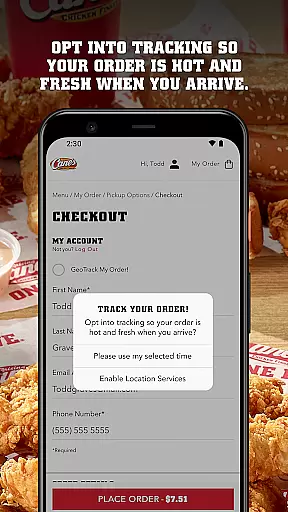
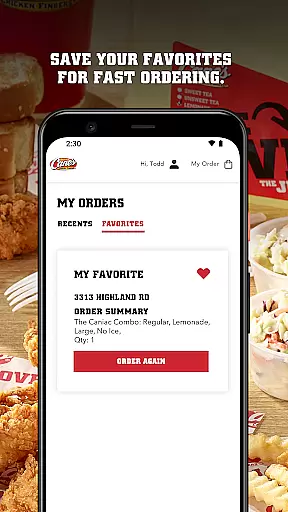
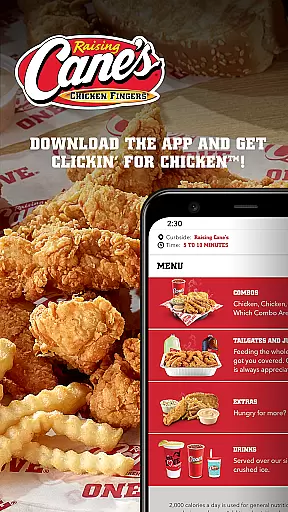
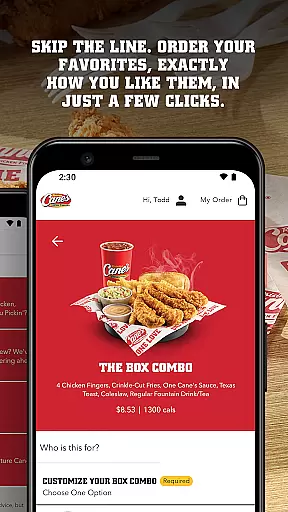

Easy and fast ordering, improved customization, and an enhanced guest experience
 4.20
4.20
Get 20% Back at thousands of 4+ star restaurants when you pay using inKind
4.90
Delicious cocktail recipes you can make with ingredients you already have.
4.40
Home baked, made easy! Passionate baking with Mauela Kjeilen @passionforbaking
4.40
Order Beer, Snacks & More 24/7
4.20
Order from local pizzerias
4.20
NEW digital gift cards available in exclusive designs!
4.60
Enjoy Exclusive Deals, Rewards, Gas Benefits, and 24/7 Food Delivery!
4.90
Order, Deals & Rewards
4.20
Enjoy all your Legendary favorites at Texas Roadhouse!
4.80
Tons of tasty options, ready in an instant! Order for pickup or delivery.
4.70
Order for Pickup and Delivery
4.70
Get Rewards, Easy Ordering & Exclusive Offers
4.70
Earn rewards when you order online for delivery or pickup from Sonic Drive-In.
4.60
Find the perfect restaurant for any occasion on OpenTable.
4.60
Discover. Create. Plate.
4.40
Eating fresh just got a whole lot better with the new Subway app.
4.20
KFC-US Mobile App
3.30
Fix bad slushies with SlushIQ tools for Ninja Slushi, Iceman, and home mixers.
4.2

User Reviews