

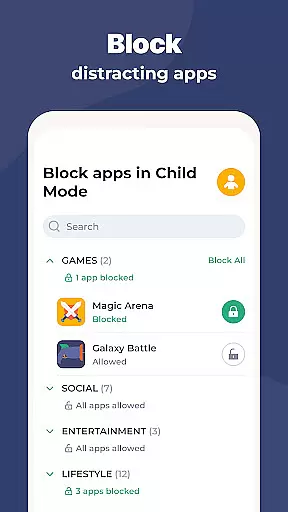
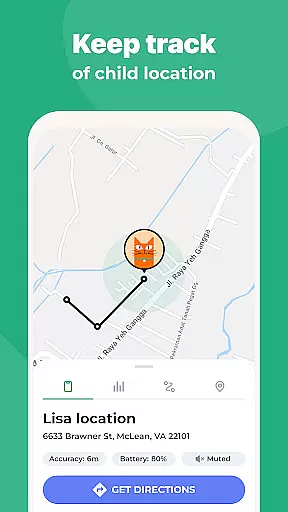
Kidslox Parental Control App is a comprehensive solution for parents seeking to manage their children's digital habits effectively. This app allows parents to control screen time, track location, block inappropriate content, and monitor app usage across multiple devices including Android, iOS, Windows, and Mac. With features like instant lock, screen time scheduling, and location tracking, Kidslox ensures a safe and balanced digital environment for kids.
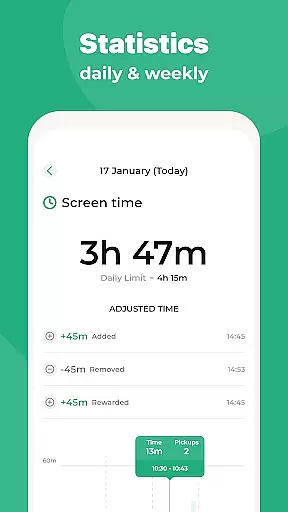
The app also provides detailed activity reports, web filtering, and the ability to set up geo-fenced zones. Parents can establish healthy usage patterns by setting daily time limits and rewarding extra screen time for completing tasks. The inclusion of custom modes enables blocking specific apps at certain times, promoting appropriate behavior. Available as a mobile app, desktop version, and online access, Kidslox offers versatile parental controls that cater to modern family needs.
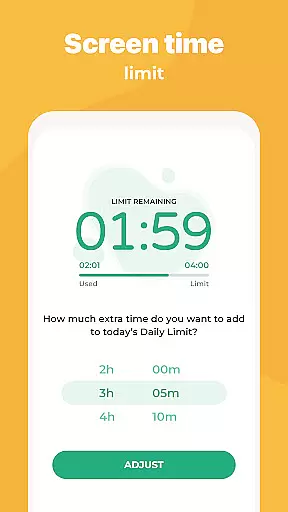
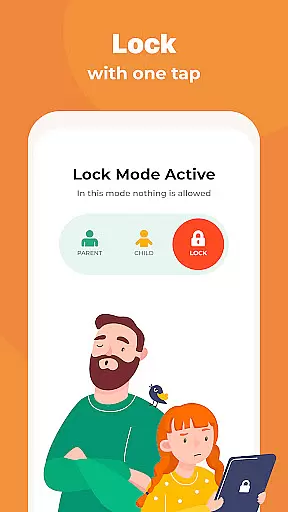
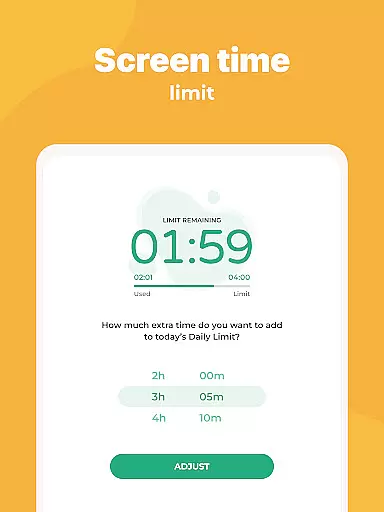
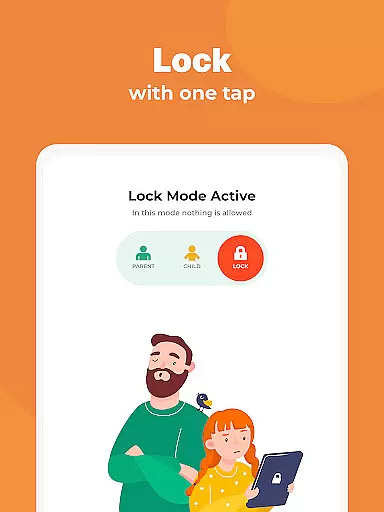
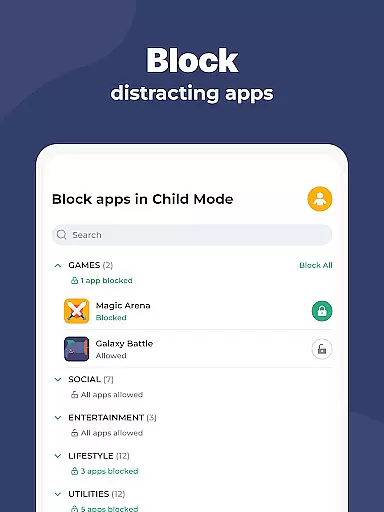
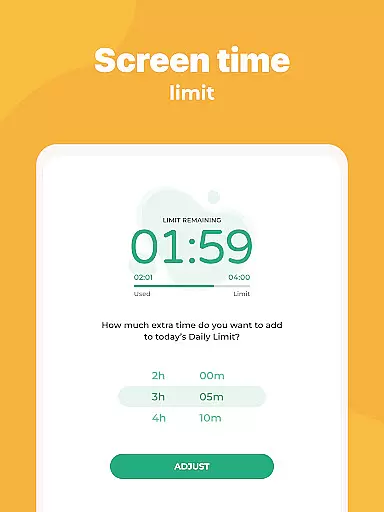
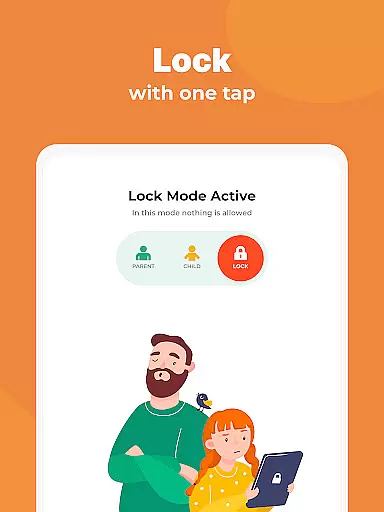
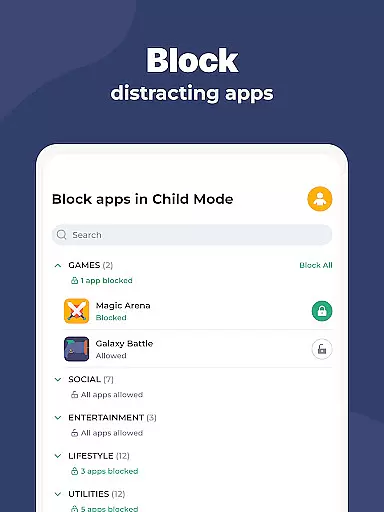
Kidslox stands out with its robust feature set tailored for parental control. The instant lock functionality allows parents to remotely block apps on both Android and iPhone devices. Screen time schedules enable setting fixed times when the child can use their smartphone, such as implementing a bedtime curfew. Daily time limits ensure that devices are locked once the allocated screen time is reached.
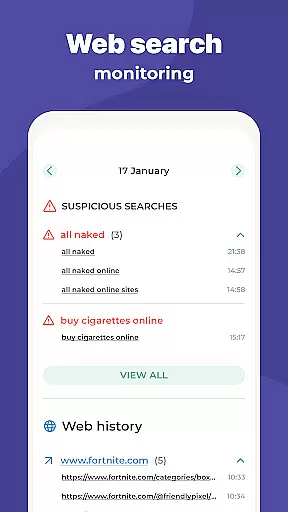
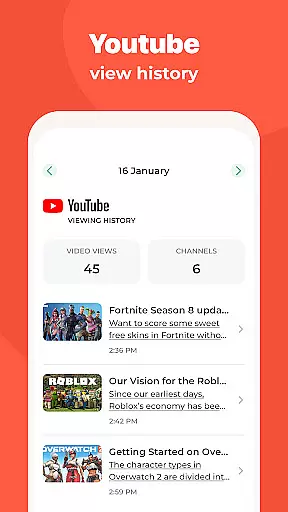
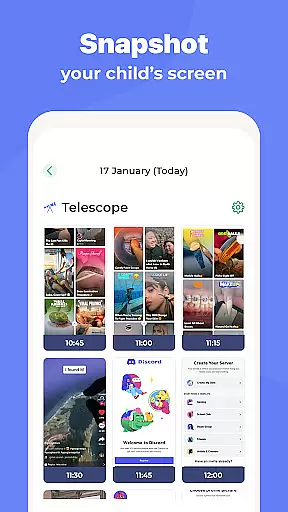
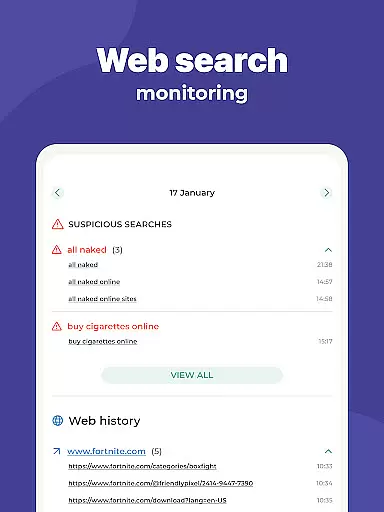
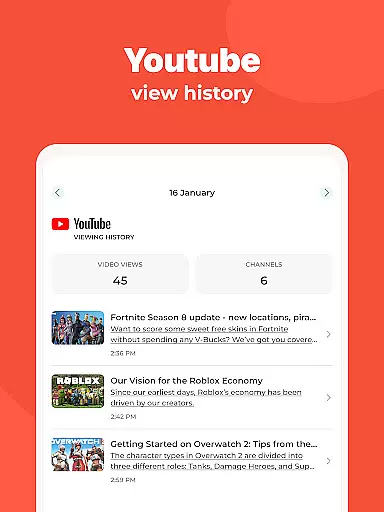
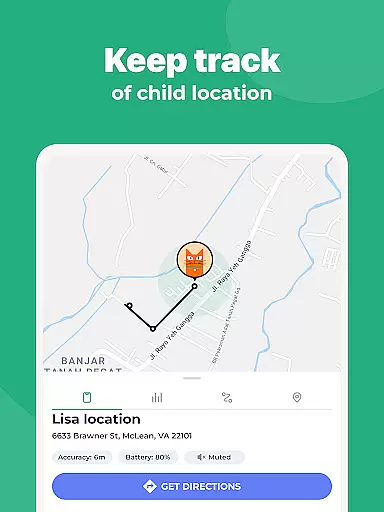
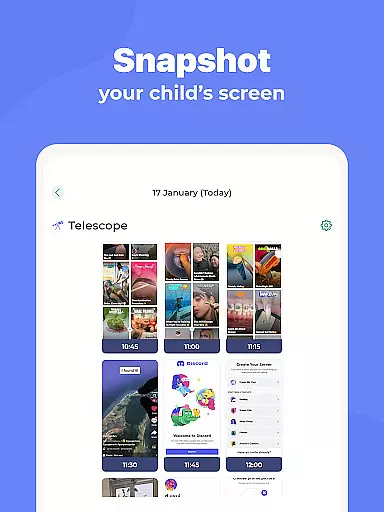
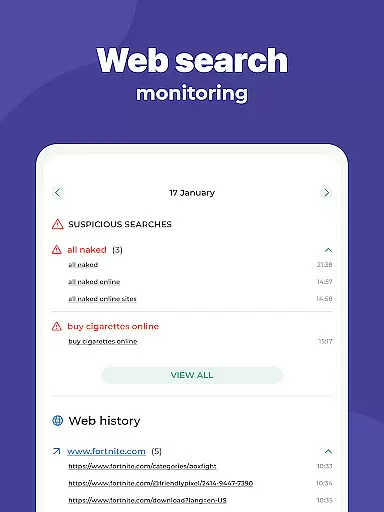
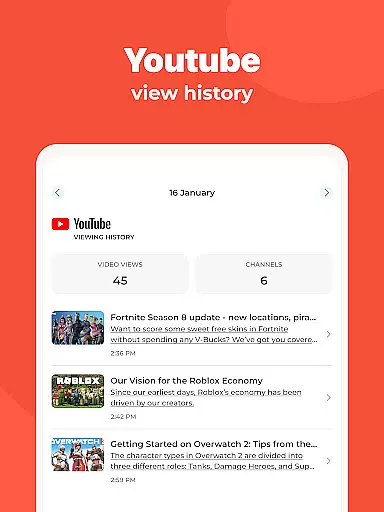
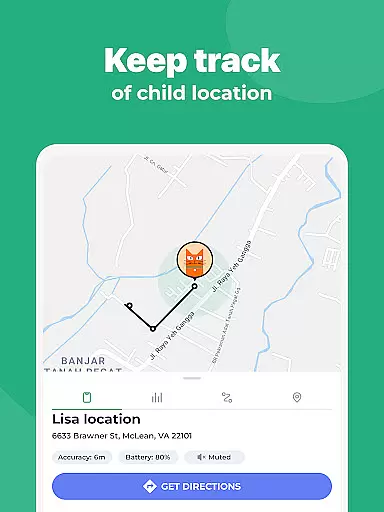
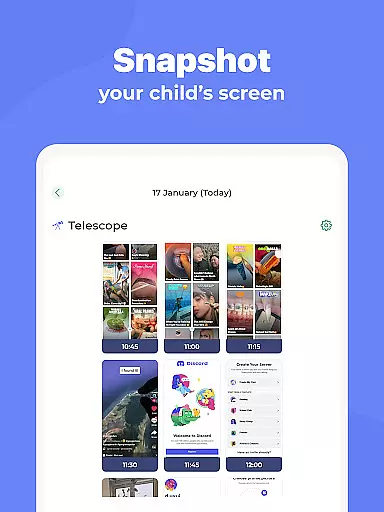
Parents can also reward their children with additional screen time for completing chores or homework. Monitoring activities provide insights into app usage, web surfing history, and overall screen time. Custom modes offer flexibility by allowing educational apps during study time while restricting gaming to leisure hours. Location tracking via GPS helps parents stay informed about their child's whereabouts and receive notifications for predefined zones.
Content blocking features filter out adult content, in-app purchases, and enforce safe search settings on browsers. The app supports multi-platform usage, ensuring consistent control over various devices within the household. With an intuitive interface and reliable support, Kidslox empowers parents to create a secure digital space for their children.
When it comes to parenting apps, the credibility of content and expert validation are paramount. Kidslox Parental Control App ensures that all features are developed with child psychology and digital safety expertise in mind. The app's functionalities are designed based on proven methodologies for managing screen time and promoting healthy digital habits.
The parental control tools provided by Kidslox have been reviewed by child development specialists. These experts ensure that features like screen time scheduling, app blocking, and location tracking align with modern parenting practices. This validation gives parents confidence that they're using a scientifically-backed solution to manage their children's device usage.
Parents benefit from knowing that Kidslox incorporates professional insights into its monitoring systems. The app's ability to track web activities, filter inappropriate content, and maintain safe search parameters reflects careful consideration of both technological and psychological aspects of digital parenting.
This expert-informed approach helps families establish balanced digital routines while maintaining necessary safeguards. With Kidslox, parents can be assured they're implementing age-appropriate controls that support their children's healthy development in the digital age.
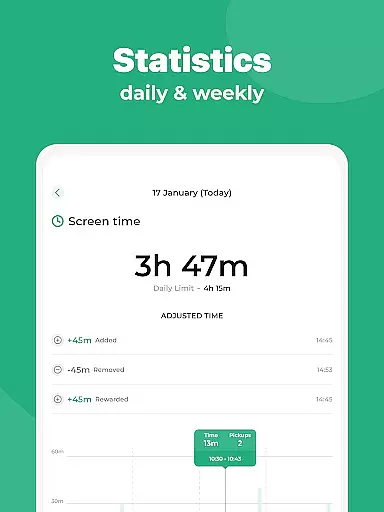
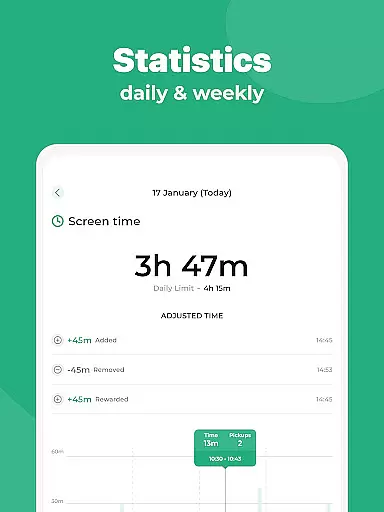
Accurate growth tracking is essential for effective parental control applications. Kidslox excels in this area by providing precise monitoring of children's digital activities across multiple devices. The app tracks various metrics including screen time duration, app usage patterns, and website visit history with reliable accuracy.
The application's tracking capabilities extend beyond simple time measurements. It monitors behavioral patterns, helping parents understand when and how their children use digital devices. This includes detailed reports on which applications are used most frequently and at what times of day, enabling parents to make informed decisions about appropriate usage limits.
Kidslox maintains high standards of data accuracy through its cross-platform tracking system. Whether children use Android devices, iPhones, or desktop computers, parents receive consistent and reliable information about their digital activities. This comprehensive tracking helps identify potential issues early and supports the development of healthy technology habits.
With its accurate growth tracking features, Kidslox empowers parents to effectively monitor their children's digital development. The app's precise reporting tools enable families to maintain appropriate boundaries while encouraging responsible device usage throughout different stages of childhood development.
Comprehensive parental controls
Multi-platform compatibility
Real-time location tracking
Detailed activity monitoring
Customizable screen time settings
Requires constant internet connection
Permissions may raise privacy concerns
Limited free trial period
Paid subscription model
Complex setup for beginners

All-in-one pregnancy app, contraction timer, kick counter & due date calculator
 4.40
4.40
Parental Control including Screen time control, GPS tracking, App/Game blocker.
3.90
The Baby’s Bounty App is your hub to register for our diaper banks in Nevada
3.70
FamilyMode helps you manage your family’s digital lives—at home or on the go.
4.30
Join over 1MM parents & professionals who've used OFW to navigate co-parenting
4.40
Introduce real food to baby with First Foods® Database, baby led weaning BLW
4.80
Speech Therapy Exercises For All!
4.40
Pregnancy+ App has helped 80m moms track their pregnancy with info & support!
4.80
App/Game blocker & GPS tracker
4.50
All-In-One Pregnancy Tracker, Your Baby's Milestones, Growth Stages & Parenting.
4.90
FamilyAlbum helps you share, save, and remember your child's special moments.
4.80
The Most Trusted Co-Parenting App.
4.60
GPS phone tracker: find kids on map. Location tracking and parental control.
4.50
It is a screen time management tool for games and mobile applications
4.50
Real-time family location with consent, check-ins & SOS—private by default.
4.40
Cherish every beat - capture your baby's heart sounds with our app
4.30
Family parental control app: limit screen time, block apps, GPS tracker.
4.20
Happiest Baby App replaces the SNOO App (the mobile companion to SNOO & SNOObie)
3.20
Lullabies, Night Light & Age-based Routines to help your baby fall asleep
4.4

User Reviews