

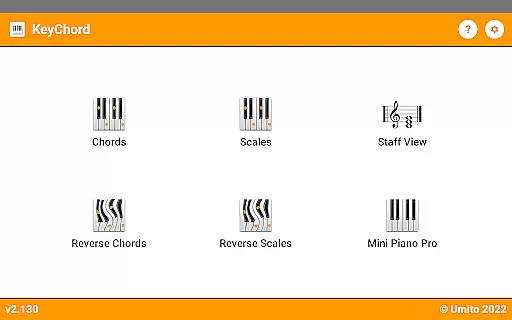
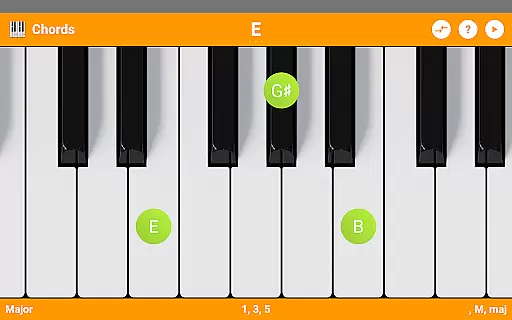
KeyChord is an innovative reference app designed for musicians and piano enthusiasts who need a comprehensive tool to explore chords and scales. This dynamic dictionary allows users to look up and experiment with all types of chords and scales using an intuitive virtual keyboard interface. The app stands out with its 88-key multitouch piano, offering a realistic playing experience directly on your mobile device.
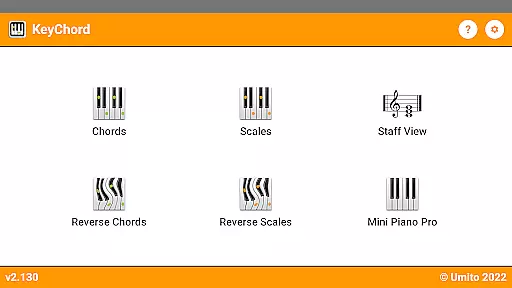
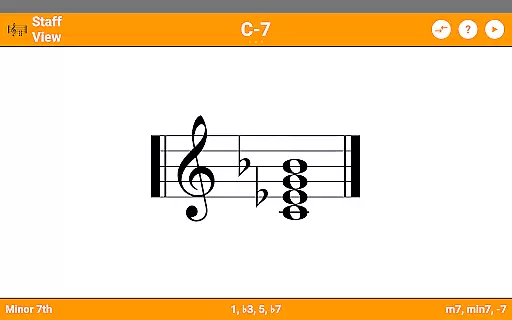
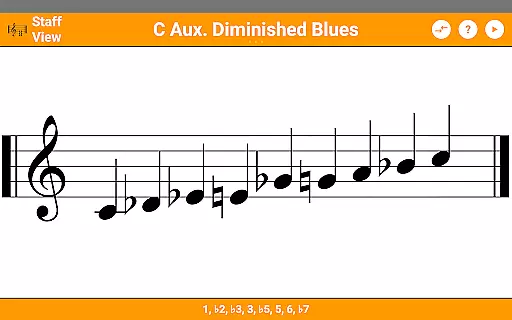
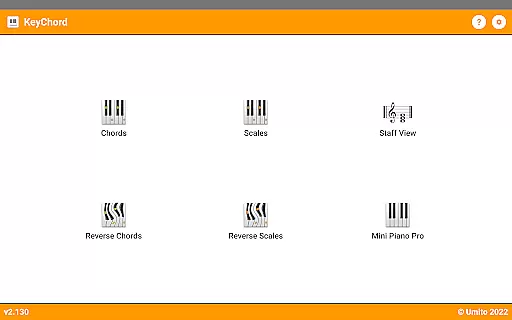
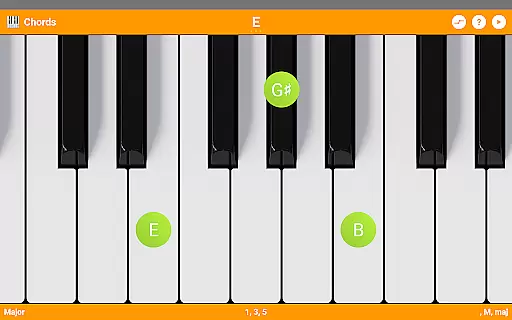
Beyond just being a static reference, KeyChord provides interactive features such as reverse chord and scale lookup, staff view, and the ability to hear every chord and scale played back. Whether you're a beginner learning basic chords or an advanced musician exploring complex progressions, KeyChord adapts to your needs by letting you create and modify chords anywhere on the keyboard. Its versatility makes it suitable for both study sessions and creative composing.
The app's value extends beyond traditional music theory education. With dark mode support, favorite and recent chord saving, and MIDI recording capabilities that let you set compositions as ringtones, KeyChord becomes an essential companion for modern musicians seeking convenience and functionality in their musical journey.
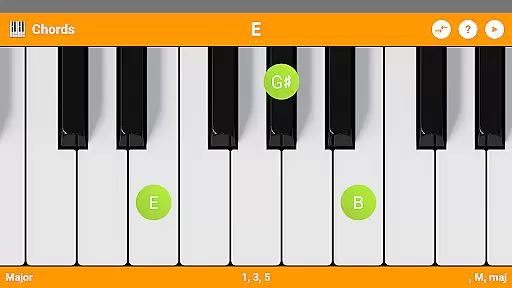
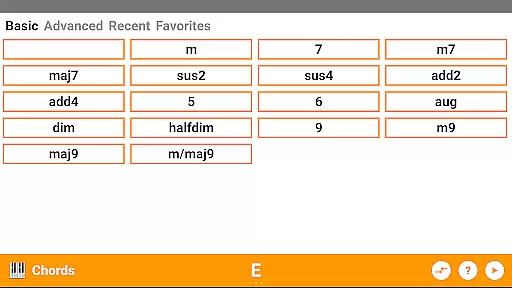
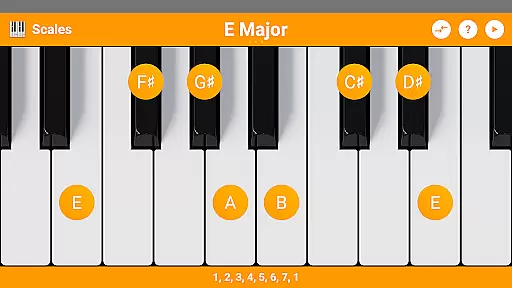
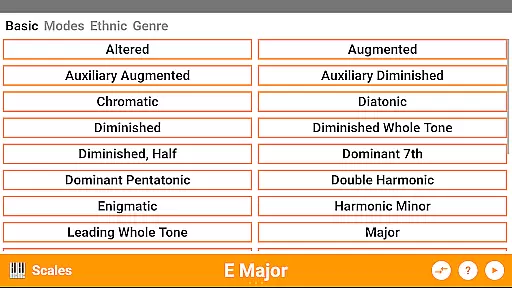
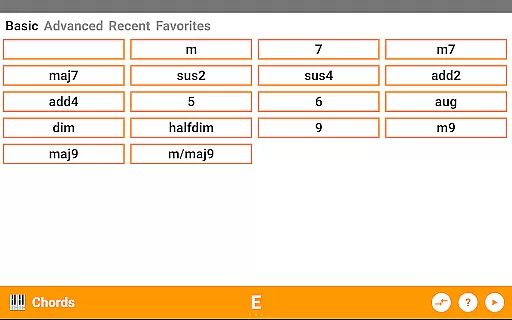
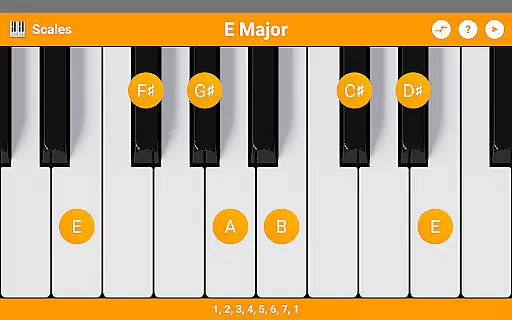
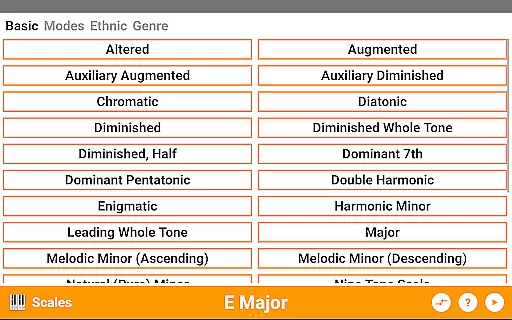
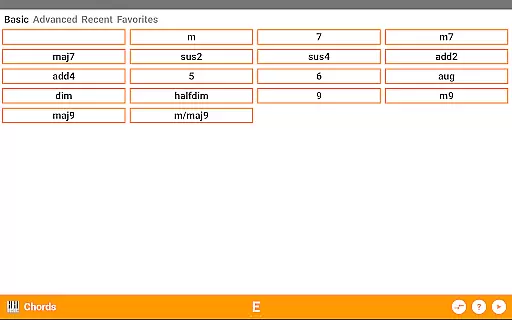
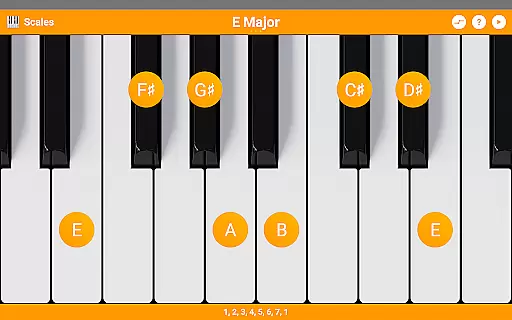
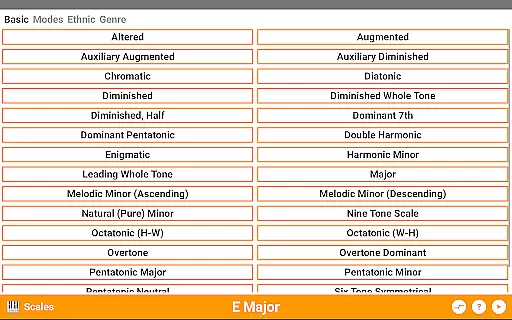
KeyChord distinguishes itself through its extensive feature set tailored specifically for music exploration. With over 50 chord types and 100 scale types available, musicians have unprecedented access to a vast library of musical possibilities. The app goes beyond simple definitions by providing detailed information about note names, component intervals, and inversions, giving users a deeper understanding of musical structures.
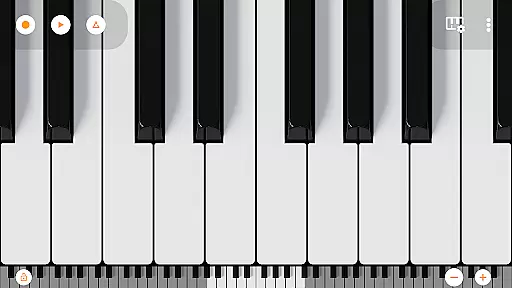
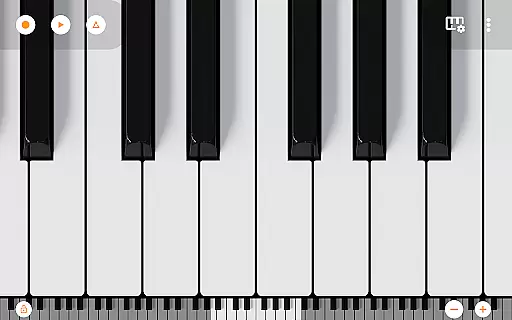
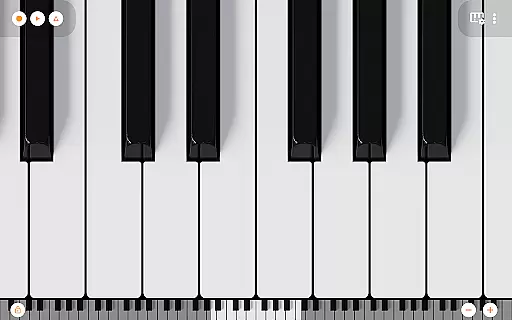
One of the standout features is the reverse chord and scale lookup functionality, which allows users to identify unknown chords or scales they encounter during practice or composition. The app supports partial chords and missing notes, making it an invaluable tool for analyzing complex musical pieces. Additionally, the integrated 7-octave scrollable multitouch mini piano, featuring 128 different sounds from Mini Piano Pro, offers a hands-on approach to learning and experimentation.
Practical features like audio playback in all modes, dark mode support, and the ability to record songs as MIDI files enhance the overall user experience. These capabilities ensure that whether you're practicing scales, composing new pieces, or simply exploring music theory concepts, KeyChord provides the necessary tools to support your musical growth and creativity.
KeyChord offers an extensive virtual library of musical resources, featuring over 50 chord types and 100 scale types. This vast collection ensures that musicians of all levels have access to a comprehensive range of materials for practice and performance preparation.
The app's content is crafted with accuracy and authority in mind. Each chord and scale is generated dynamically, ensuring that users receive authentic and reliable information. This approach eliminates the limitations of static databases, providing an experience akin to consulting a meticulously curated e-book library.
Copyright authenticity is maintained through KeyChord's unique method of generating musical content on-the-fly. Rather than reproducing pre-existing works, the application creates chords and scales based on established music theory principles, ensuring that all information is both original and properly attributed.
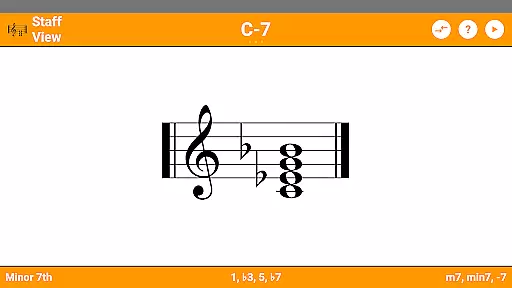
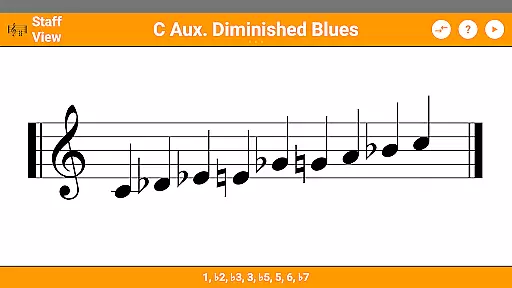
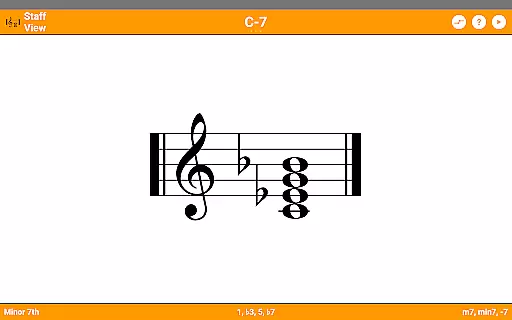
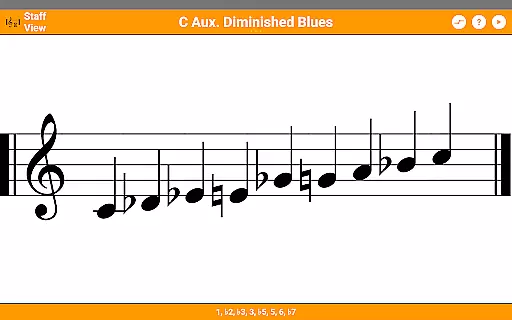
Musicians benefit from this robust library through features like reverse lookup and staff view, which enhance learning and experimentation. The inclusion of Mini Piano Pro further enriches the experience by allowing users to immediately apply theoretical knowledge to practical playing.
KeyChord demonstrates exceptional format compatibility through its versatile functionality across various musical contexts. The app supports multiple interaction methods, including tap and long-press gestures, enabling users to explore chords and scales in ways that suit their individual learning styles.
The inclusion of a 7-octave scrollable multitouch minipiano with 128 different sounds showcases the app's broad compatibility with various musical formats and playing techniques. This feature allows musicians to experiment with different sound profiles and playing methods, from classical to contemporary styles.
Audio playback capabilities are seamlessly integrated into all modes of operation, ensuring consistent performance across different devices and usage scenarios. Users can hear every chord and scale they create, with support for dark mode enhancing visibility in various lighting conditions.
Additional compatibility features include MIDI recording functionality and ringtone creation options. These tools enable users to export their musical creations in widely accepted formats, facilitating sharing and integration with other music production software and hardware systems.
User-friendly interface
Comprehensive music database
Real-time audio feedback
Customizable learning options
Cross-functional utility
Steep learning curve
Occasional performance lag
Limited free content
Advanced features locked
Interface cluttered

Flora of Virginia Project (www.floraofvirginia.org)
 5.00
5.00
Master AKC Rally signs with in-depth hints, diagrams, and expert guidance.
4.50
ISAIAH EXPLAINED with Avraham Gileadi Ph.D.
4.00
Zerobooks Light Novel Reader by GOLDENAGATO
4.20
KJV Bible works offline with Audio, Hebrew & Greek lexicon (concordance) & more!
4.20
The Original & Authentic Crystals, Gemstones, Rocks & Minerals Encyclopedia.
4.60
Daily rosary and gospel reflections for catholic
4.90
Read the Quran in Arabic alongside its translation, with color coded Tajweed.
4.50
Follow complex state CCW permit laws and lawfully carry firearms in each state.
4.80
Discover Stars and Planets: Live Map Shows Current Constellations in Full Detail
4.70
This is the pro version King James bible Offline that we have
4.70
Offline translator from english to spanish, and from spanish to english.
4.50
Mirror Bible - eye-opening paraphrase translation of the NT by Francois du Toit
4.30
Provides location information of vehicle Shift Interlock releases.
4.30
"BIG A, little a. What begins with A?"
4.10
A companion for prayer, with Azan alarm, Quibla direction, and Holy Quran book
4.10
“There was one last piece of cake. My little sister said ‘Me too!’”
4.00
Unlock more features in Lithium and show your support. Expand for details.
4.00
Novels, audiobooks, ebooks & fanfiction. Read anytime, anywhere!
3.40

User Reviews