

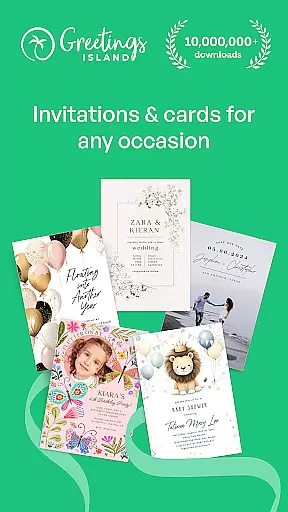
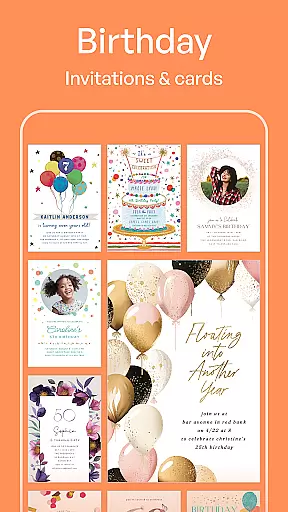
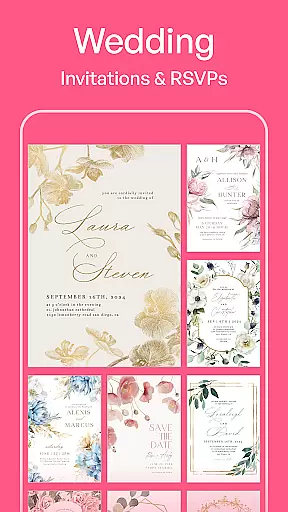
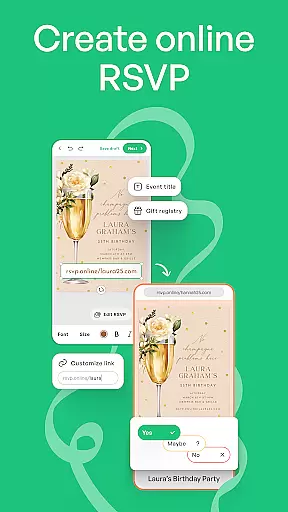
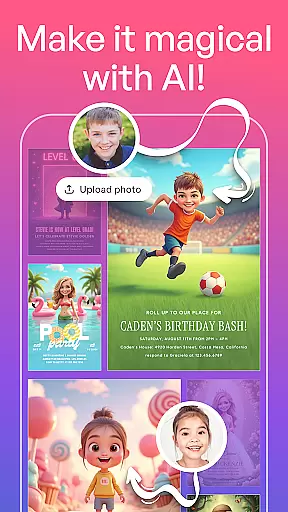
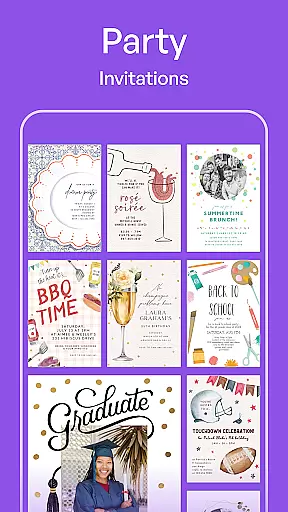
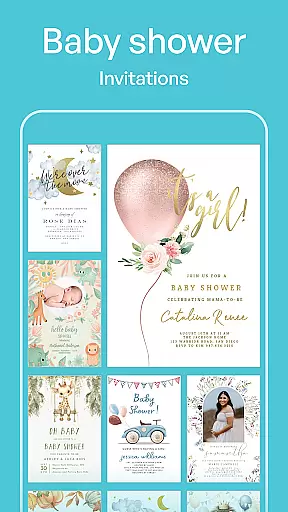
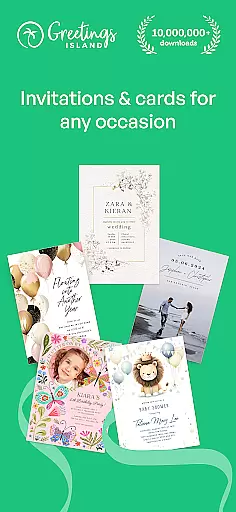
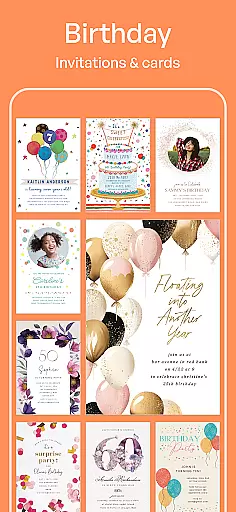
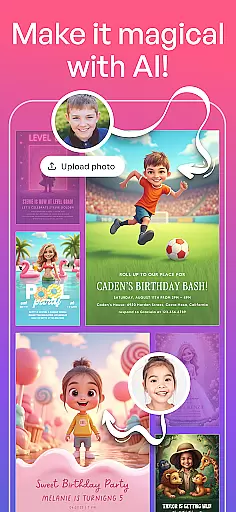
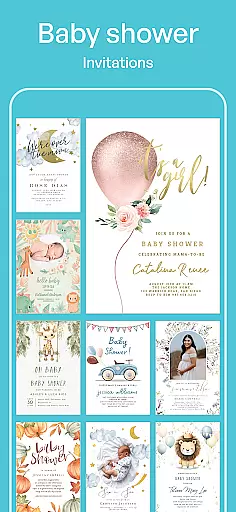
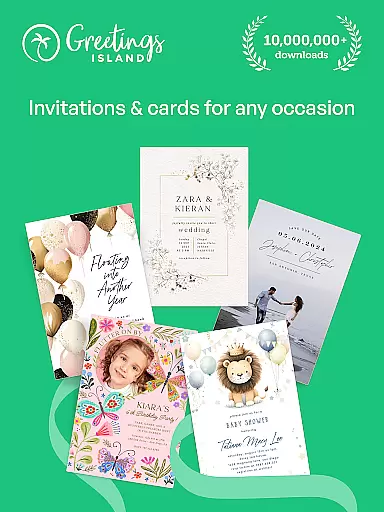
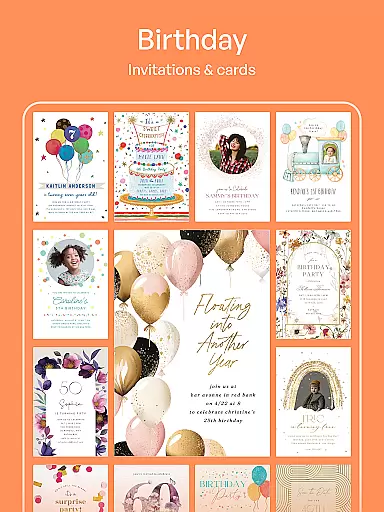
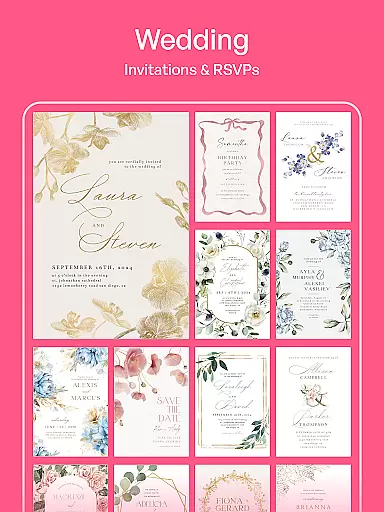
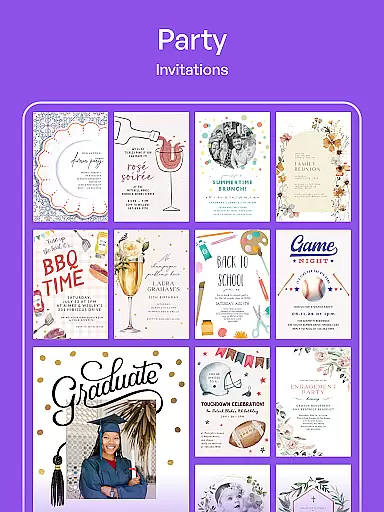
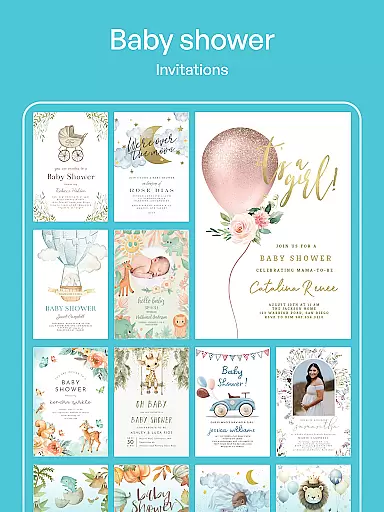
Invitation Maker is a comprehensive design app tailored for creating personalized invitations and greeting cards. With its intuitive interface, users can effortlessly craft stunning digital invites for various occasions including weddings, birthdays, baby showers, and parties. The app provides professionally designed templates that are fully customizable, allowing users to personalize text, colors, and photos to match their event theme.
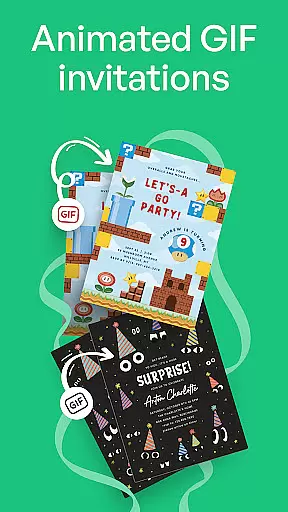
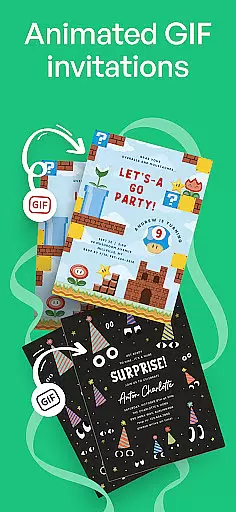
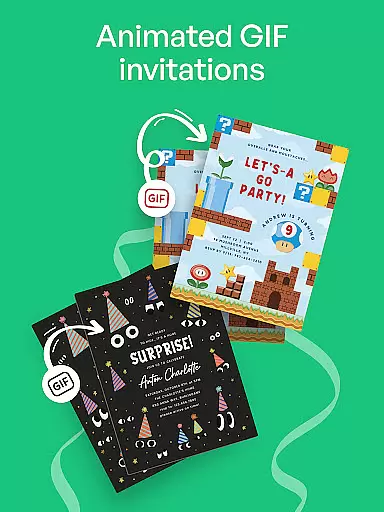
Beyond basic invitation creation, the platform supports an all-in-one solution for designing save-the-dates, flyers, and other event-related materials. Its paperless invite feature enables instant sharing via email or social media, making it an eco-friendly choice. Whether planning a small gathering or large celebration, Invitation Maker streamlines the process while delivering professional-quality results.
Invitation Maker stands out with its extensive template library featuring over 5,000 designs catering to different events. Users can choose from pre-designed layouts or customize every detail to create unique invitations. The app's customization options include advanced text editing, color palettes, and photo integration, ensuring each card reflects the creator's vision.
Premium users enjoy additional benefits such as an ad-free experience, no watermarks on final designs, and access to exclusive templates. The app also offers seamless social media integration, allowing users to share their creations directly to platforms like Facebook and Instagram. This combination of creative freedom, convenience, and professional-grade tools makes Invitation Maker a top choice for anyone seeking to design memorable event invitations.
Creating tasks with detailed customization is essential for event planning. Invitation Maker excels in this area by providing users with a robust platform to design and manage invitations tailored to various events. The app offers an extensive range of templates that can be personalized, ensuring each invitation or card aligns perfectly with the occasion's theme and the user's preferences.
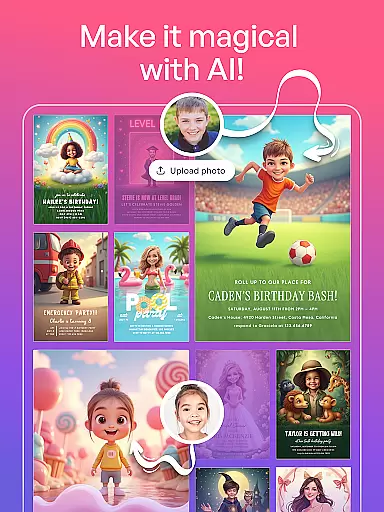
The level of detail available in customization is impressive. Users can modify text, adjust colors, and incorporate personal photos into their designs. This flexibility allows for the creation of unique and memorable invitations that capture the essence of the event. Whether it's a wedding, birthday, or corporate gathering, Invitation Maker ensures that every element of the invitation reflects the desired ambiance and style.
Moreover, the app supports the creation of various types of event materials beyond invitations, such as save-the-dates, flyers, and greeting cards. This all-in-one capability streamlines the planning process, enabling users to maintain consistency across all event communications. With these features, Invitation Maker not only simplifies task creation but also enhances the overall event experience through meticulous attention to detail.
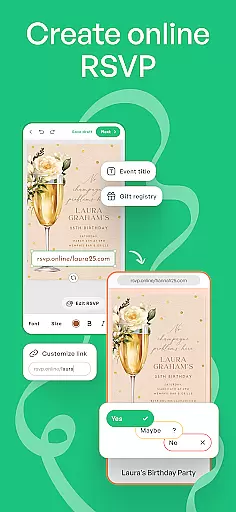
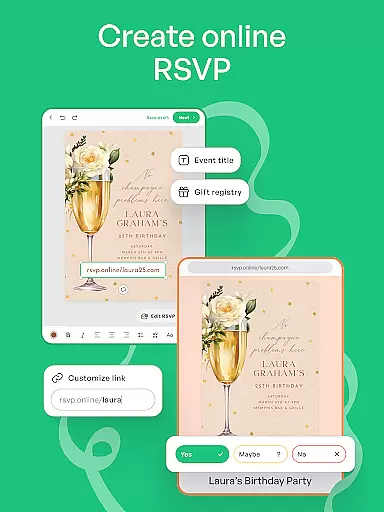
Effective reminder settings are crucial for timely event management. Invitation Maker addresses this need by integrating practical reminder functionalities within its platform. Users can set up reminders for sending out invitations and managing RSVPs, ensuring no important date or task is overlooked during the planning process.
The app's reminder system is designed to keep users organized and on schedule. By leveraging digital technology, it sends prompt notifications via email or social media, reminding recipients to respond to invitations or take necessary actions. This feature significantly reduces the chances of missed responses and helps maintain accurate guest lists.
In addition to reminders for invitees, Invitation Maker also benefits users by keeping them informed about upcoming deadlines related to their events. This dual functionality enhances both planner and participant experiences, making event coordination smoother and more efficient. Overall, the reminder settings in Invitation Maker contribute greatly to successful event execution by maintaining clear communication and organization throughout the planning stages.
User-friendly interface
Wide template selection
Fully customizable designs
Paperless sharing options
Premium features available
Free version has limitations
Watermark on free designs
Ads in free version
Premium subscription required
Advanced tools need payment



The calendar app in this 2026 year see all dates.
 4.20
4.20
Microsoft Build is an annual developer conference hosted by Microsoft
4.20
The KRUU app - plan, celebrate, remember
4.80
Everything you need for the Best Thursday Ever.
4.40
The Official Football Ticketing App for Fans in Qatar
4.1
RAISE-365 makes fundraising easy and fun!
3.20
Introducing the official Magic: The Gathering app for mobile.
4.20
Connect with an ecosystem of 5M+ eventgoers and organizers.
4.50
Buy tickets for any event!
3.90
Plan your wedding for free on the go: vendors, budget, website and checklists!
4.80
The Ultimate Tournament Hub
4.70
Buy and Sell Tickets for Concerts, Sports, and Theater.
4.70
Discover events & experiences in NYC, LA, Chicago, DC, Miami and more!
4.70
For weddings, parties & events
4.60
Get live football here
4.30
Instant photo sharing for every occasion
3.80
Watch live football matches and streaming events on our Arabic TV app!
3.50
An App for Bhutanese
4.3
The Official App
4.4

User Reviews