

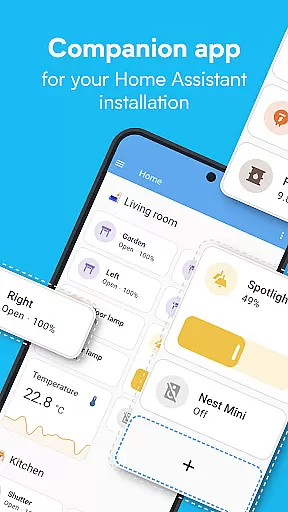
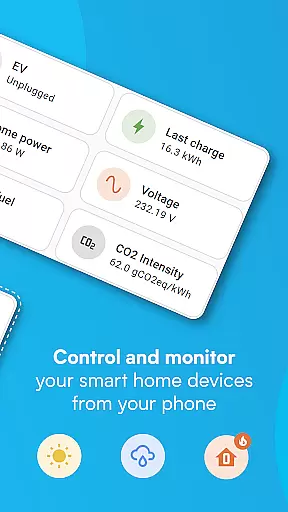
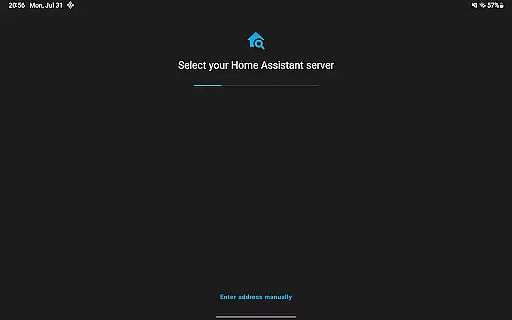
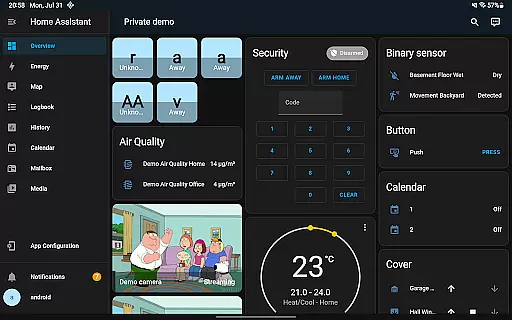
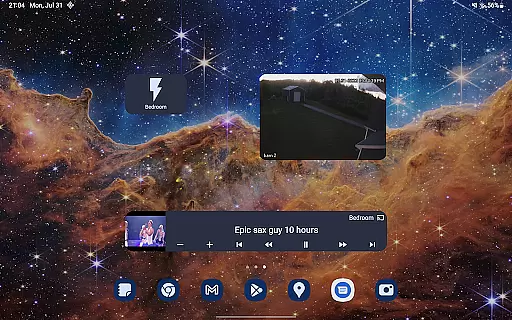
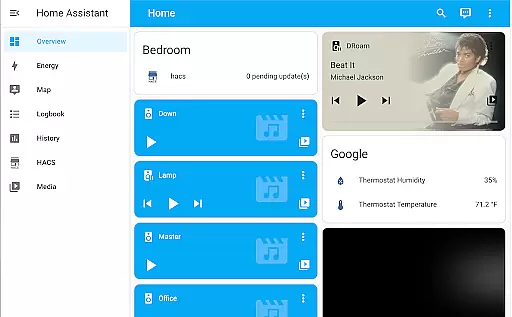
Home Assistant is a comprehensive smart home solution that prioritizes privacy, choice, and sustainability. This app allows you to access your Home Assistant instance on the go, providing control over thousands of smart devices from major brands. It supports automatic discovery and quick configuration of new devices like Philips Hue, Google Cast, and Sonos.
The app enables automation of your entire home, ensuring devices work in harmony. You can set up scenarios such as dimming lights during movie time or turning off heat when you're away. With local data storage, your home's information remains private, and you can connect via open standards including Z-Wave, Zigbee, Matter, Thread, and Bluetooth.
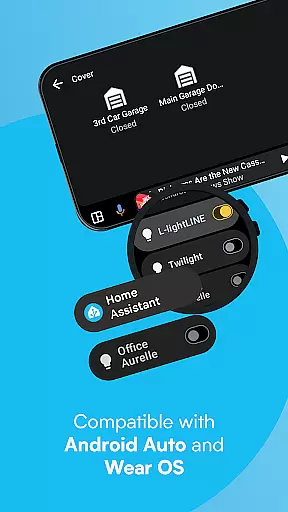
Whether at home or away, Home Assistant Cloud provides secure remote access. The app also unlocks smartphone capabilities for home automation, sharing location and sensors for advanced automations. Notifications keep you informed about home events, and Android Auto functionality lets you control your home from your car.
Home Assistant offers an extensive range of features designed to enhance your smart home experience. One of its standout capabilities is the ability to control the whole home from a single app, integrating with the biggest names in smart home technology. The app automatically discovers and configures new devices quickly, supporting popular brands like Philips Hue, Google Cast, Sonos, IKEA Tradfri, and Apple HomeKit compatible devices.
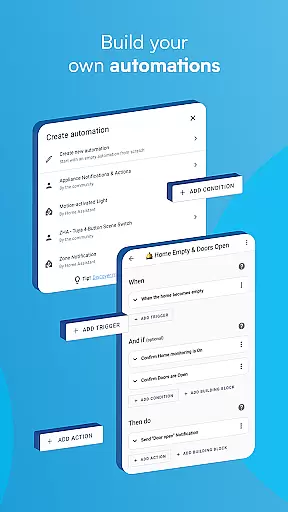
Automation is at the heart of Home Assistant, allowing users to create complex scenarios where all devices work together seamlessly. For example, you can have your lights dim when starting a movie or turn off heating when the house is empty. Privacy is paramount, and the app ensures your data stays within your home, using it to show trends and averages privately.
Additionally, the app leverages smartphone features for smarter automation. You can securely share your location to automate heating and security systems. Your phone's sensors can be integrated into Home Assistant for automations based on steps taken, battery level, connectivity, and more. Notifications alert you to important home events, and Android Auto functionality extends control to your car, enabling actions like opening the garage or disabling the security system.
When it comes to managing your smart home, ensuring the authenticity and reliability of connected devices is crucial. Home Assistant excels in this area by providing users with a trustworthy platform that supports a wide range of brands and devices.
The app automatically discovers and configures new devices like Philips Hue, Google Cast, and Sonos, making sure each addition to your smart home ecosystem is genuine and properly integrated. This automatic configuration process not only simplifies setup but also enhances security by reducing the risk of connecting to counterfeit or poorly secured devices.
Furthermore, Home Assistant's compatibility with open standards such as Z-Wave, Zigbee, Matter, Thread, and Bluetooth ensures that users can connect to a multitude of certified devices. This commitment to open standards guarantees that every device listed within the system is authentic and reliable, giving users peace of mind.
By maintaining data locally and offering secure remote access through Home Assistant Cloud, the app ensures that all property listingsu2014your smart devicesu2014are authentic, verified, and under your control, enhancing both privacy and security.
Home Assistant offers an extensive suite of home management features designed to give users complete control over their smart home environment. With its ability to connect to thousands of smart devices and services from the biggest brands, it stands out as a comprehensive solution for home automation.
One of the key strengths of Home Assistant is its powerful automation capabilities. Users can create complex automations that make all devices work in harmony. For example, lights can dim when you start watching a movie, or the heating system can turn off when you're away from home. These automations are highly customizable, allowing users to tailor them to their specific needs and preferences.
In addition to automation, the app leverages smartphone features to enhance home management. It securely shares your location to automate heating, security, and more. The app also utilizes your phoneu2019s sensors for advanced automations based on steps taken, battery level, connectivity, and other factors.
Notifications play a vital role in home management, alerting users to important events such as detected leaks or doors left open. With full control over these notifications, users can stay informed about their homeu2019s status no matter where they are. Moreover, Android Auto functionality allows users to control their home directly from their car dashboard, adding another layer of convenience and accessibility.
User-friendly interface
Extensive device compatibility
Strong focus on privacy
Robust automation capabilities
Active community support
Steep learning curve
Limited voice command
Requires technical setup
No built-in cloud
Occasional bugs
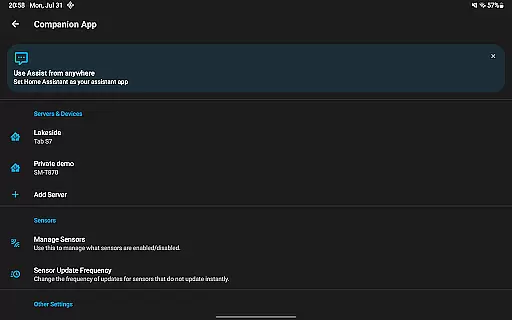
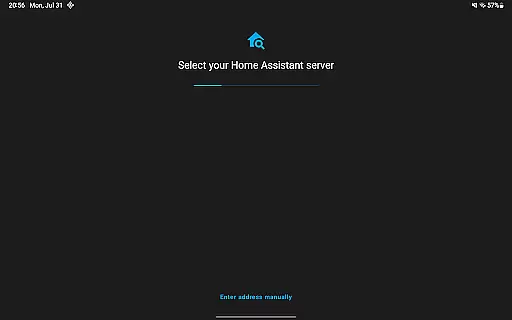
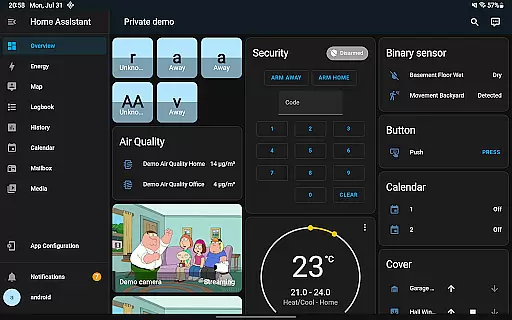
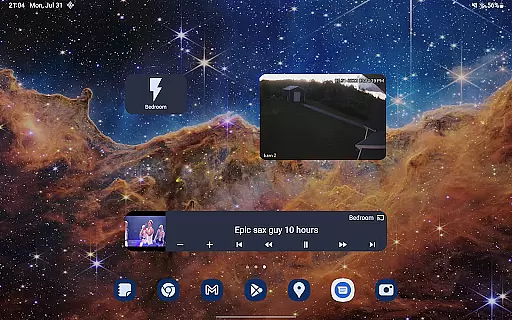
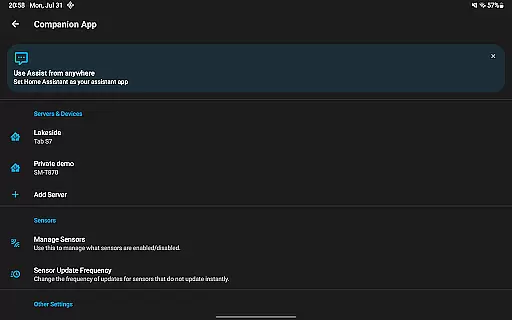
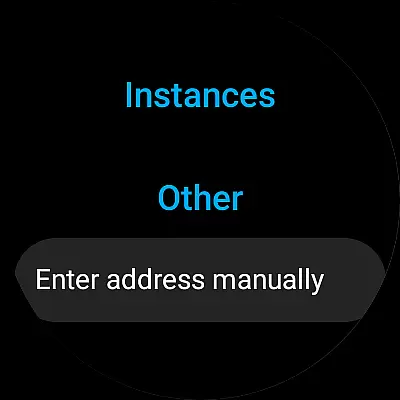
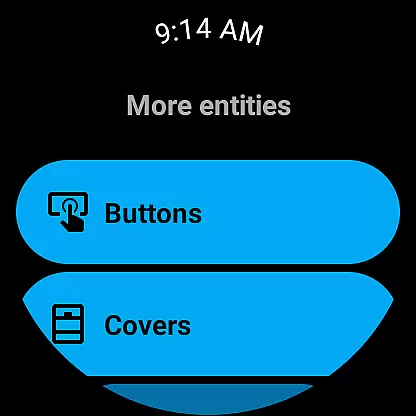
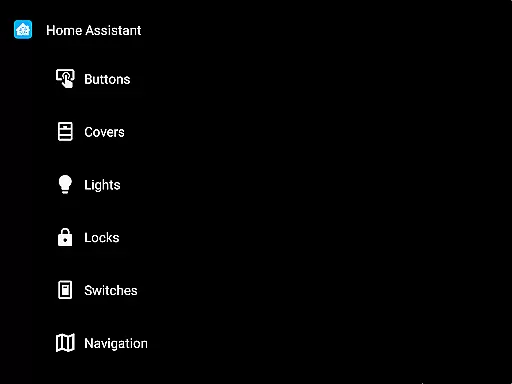
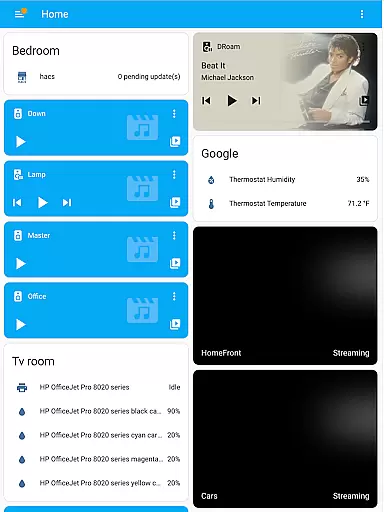
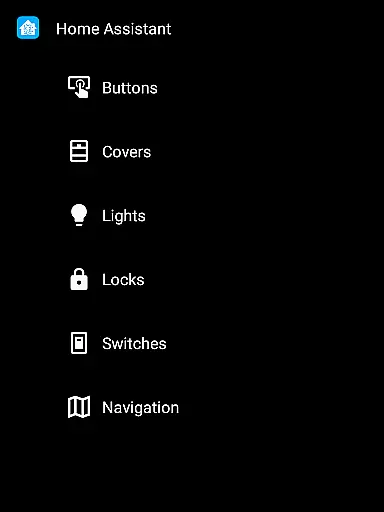

For all of your Airthings devices
 4.30
4.30
PRO Version of GLB AR Viewer
4.0
Home Ideas | Renovation Advice | Local Pros. Go From Dream to Home with Houzz.
4.70
B-hyve Pro App for landscape irrigation professionals
4.70
Our app allows Sunrun customers to monitor systems, pay bills, and get support.
3.80
Night Owl Protect helps you secure, protect, and connect your world!
4.60
Search for Homes, Rentals, Agents & Schools
4.70
Apartment finder for apartments for rent. Compare prices, amenities & rentals.
4.50
Make your phone a surveillance camera remote with a home camera app for Android!
4.40
Convert your Phone to HiSense Smart TV Remote Control
4.70
Tailored Care Guides For Houseplants, Indoor Plants, Garden Plants & Flowers.
4.60
The Merkury Smart app makes it easy to control your smart devices.
4.50
AI Home Designer & Room Planner: Decorate your interior space with AI
4.40
Plan your remodel AI home renovation easily using planner 5D and home decor AI.
4.40
Fully control your Philips TV with this all-in-one remote control app.
4.20
Samsung remote app helps control all Samsung Smartthings TVs. Fast and Stable!
4.10
Floor Plan Creator Home Design with 2D interior design and 3d view.
3.90
Draw house plans, floor plans 3d & house design with house plan drawing 3d app
3.60
Universal TV Remote for TV, control all Smart TVs with your mobile phone.
4.5


User Reviews