

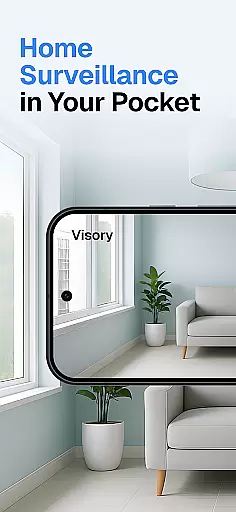
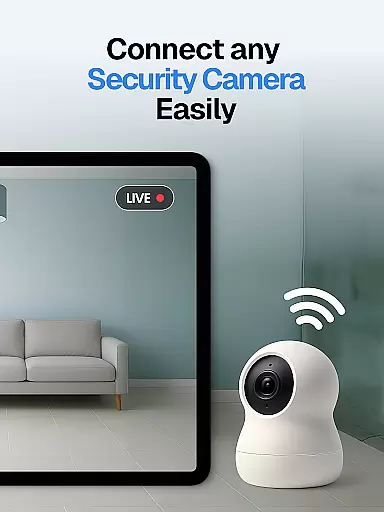
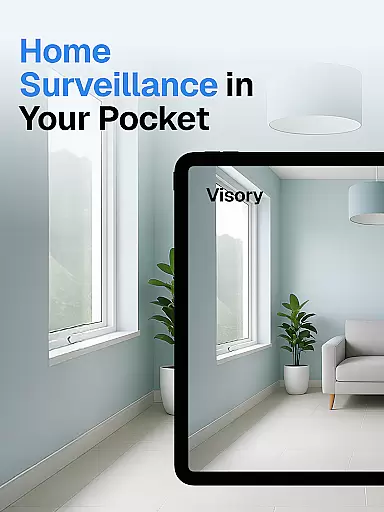
Surveillance Camera is a feature-rich home monitoring solution that transforms your mobile devices into a smart CCTV system. This HD wireless IP camera app allows users to remotely monitor their homes, pets, and loved ones with ease. The app's cross-platform compatibility enables seamless connection between Android and iOS devices, creating a versatile surveillance network.
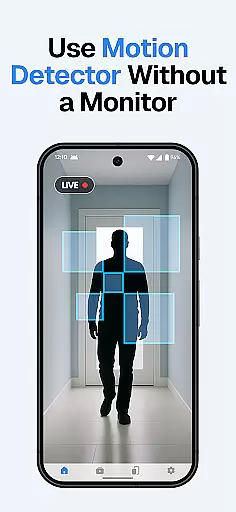
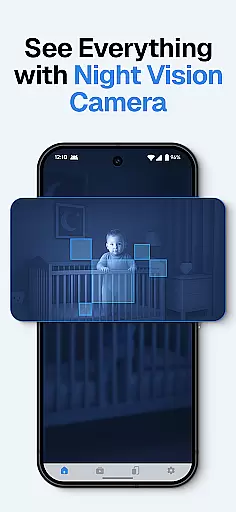
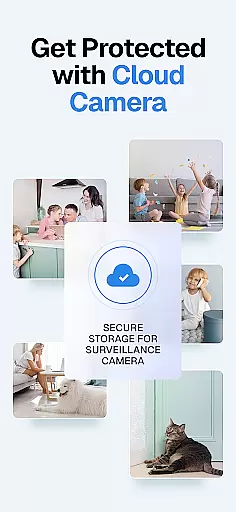
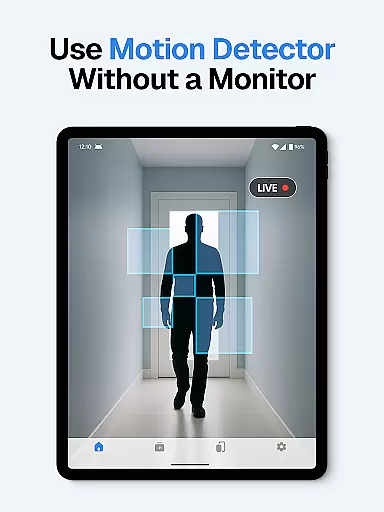
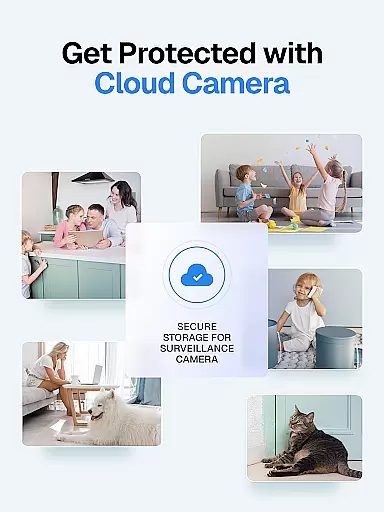
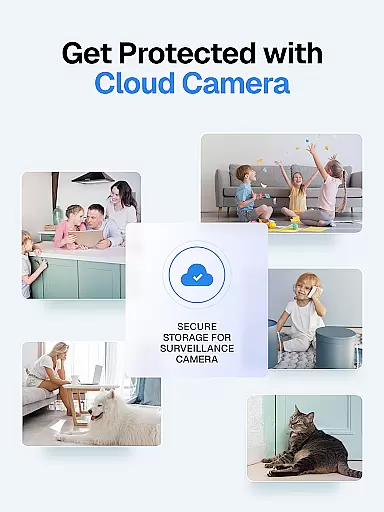
The application excels in providing comprehensive security features including motion detection, sound alerts, and night vision capabilities. Whether you need to check on your baby, monitor elderly family members, or keep an eye on your property, this app delivers real-time monitoring with instant notifications. Its cloud-based storage system ensures all recordings are safely stored and accessible from anywhere.
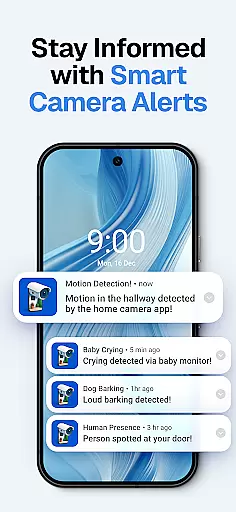
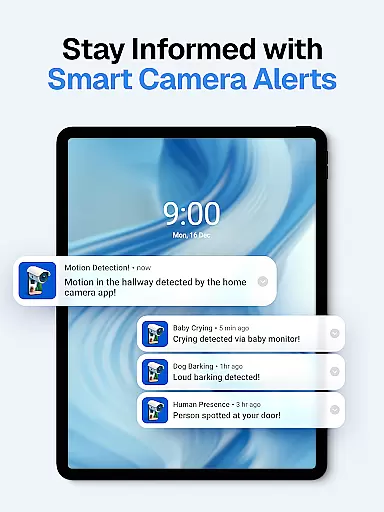
Particularly useful for pet owners and families, Surveillance Camera offers specialized features like dog bark and baby cry detection. The app's one-time payment model and ability to link multiple devices make it a cost-effective solution for home security needs. With its intuitive setup process and robust functionality, it serves as an excellent tool for creating a personalized home monitoring system.
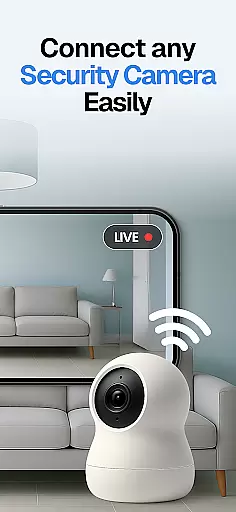
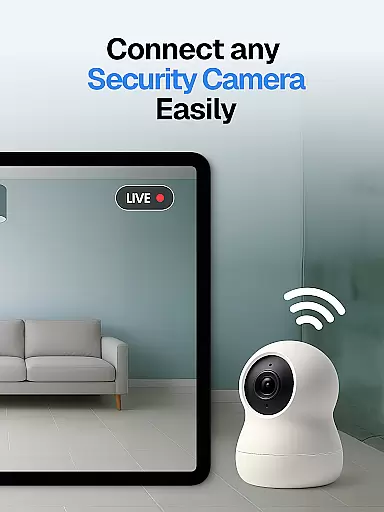
Surveillance Camera distinguishes itself through its comprehensive feature set designed for modern home security needs. The app's core functionality revolves around its ability to link multiple devices together, creating a network of surveillance cameras that can be monitored remotely. Its QR code setup system simplifies the device pairing process, allowing users to quickly establish their monitoring system.
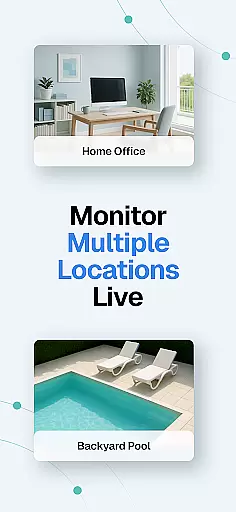
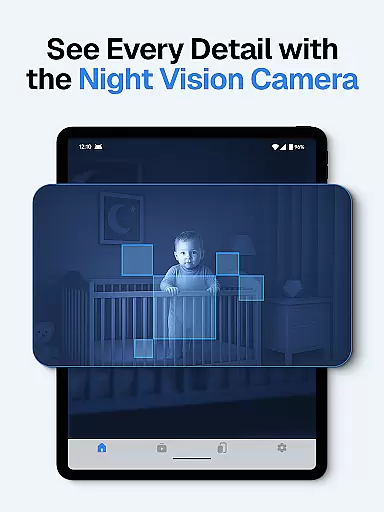
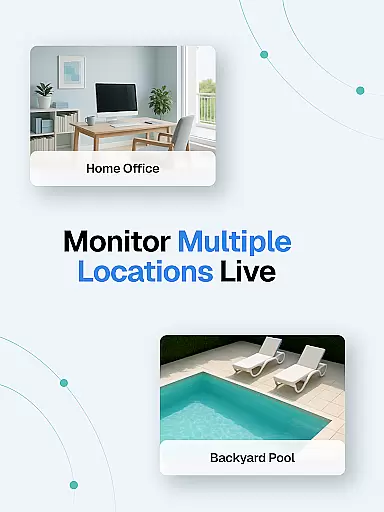
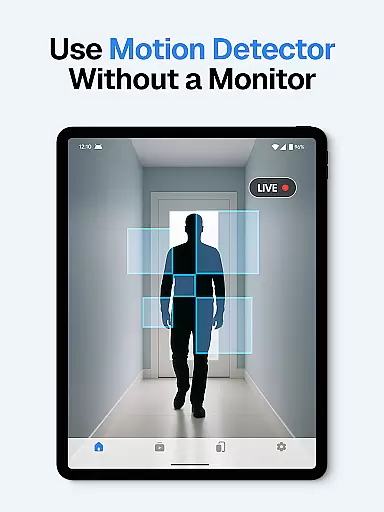
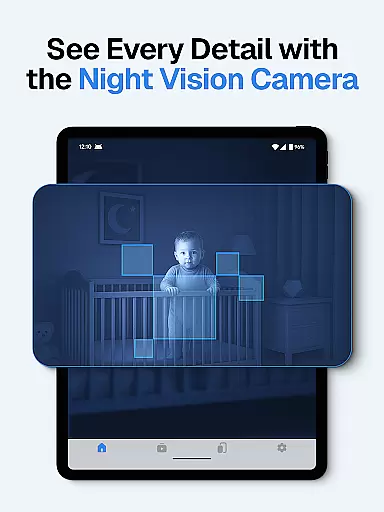
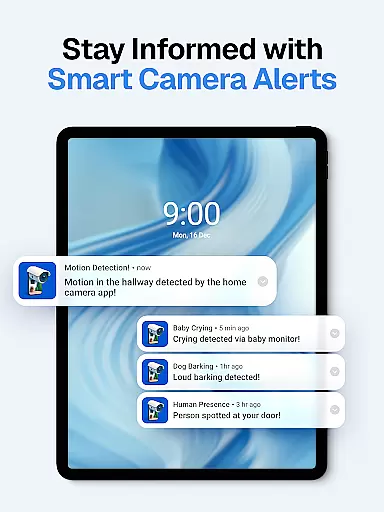
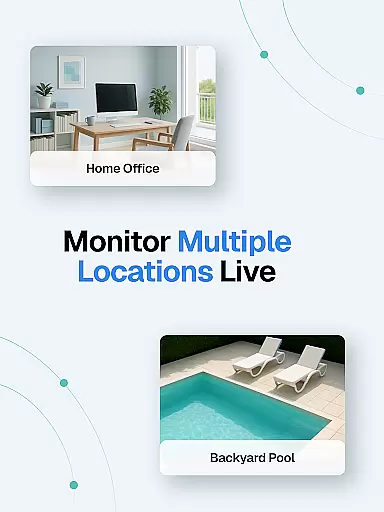
The application supports simultaneous live streams from multiple devices, making it possible to monitor different areas of your home at once. Advanced detection features include motion, sound, baby cry, and dog bark recognition, each triggering instant alerts to keep users informed about important events. The automatic night vision mode ensures 24/7 monitoring capability, even in low-light conditions.
Security and privacy are prioritized through encrypted connections and strict no-data-collection policies. The app's cloud storage system automatically saves recordings while maintaining user privacy. Additional notable features include quick device linking, multi-device support, and smart alert systems that help users maintain comprehensive home security without compromising convenience or privacy.
In the context of home security and monitoring, ensuring the authenticity of property listings is crucial. The Surveillance Camera app addresses this by providing a reliable and accurate representation of your home environment. This feature ensures that users can trust the video feeds they receive from linked devices.
The app employs advanced verification mechanisms to guarantee that all connected cameras are legitimate and authorized. By linking two devices through a secure QR code scan, users create a verified network of surveillance cameras. This process eliminates the risk of unauthorized access or fake camera streams.
For homeowners, this means peace of mind knowing that the footage they monitor is genuine and up-to-date. Whether checking on pets, elderly family members, or home security, users can be confident in the authenticity of their surveillance system.
This commitment to verified property representation extends to the app's cloud storage system, where all recordings are securely saved. With regular updates and encrypted connections, the Surveillance Camera app maintains the highest standards of property listing authenticity.
Effective home management requires comprehensive tools for monitoring and maintaining household security. The Surveillance Camera app excels in this area by offering robust features specifically designed for modern home management needs. These capabilities extend beyond basic surveillance to create a complete smart home solution.
The app supports multiple live streams simultaneously, allowing users to manage several areas of their home at once. This feature is particularly useful for large properties or multi-room monitoring. Users can easily switch between different camera views and maintain full awareness of their home environment.
Advanced detection systems form another key aspect of the app's home management capabilities. The sound and motion detection feature sends instant alerts when unusual activity is detected, while specialized algorithms can identify specific sounds like baby cries or dog barks. This targeted approach to home monitoring helps users respond quickly to important events.
Additional features such as automatic night vision and smart alerts further enhance the home management experience. These tools work together to create a comprehensive security system that operates 24/7, providing continuous protection and valuable insights into home activities.
User-friendly interface
Cross-platform compatibility
One-time payment model
Cloud storage integration
Advanced detection features
Requires multiple devices
Dependent on internet connection
No free version available
Limited offline functionality
Premium cloud storage costs




Technology powering many in-home services for residents across the United States
 3.80
3.80
Draw your floor plan smartly. Make house design blueprint with home planner app
3.60
This Fire TV Remote control's your Fire TV Device and Insignia Fire TV Remote
3.70
Control the scent and ambiance of your home and car, right from your phone.
4.50
Innovative and budget-friendly housing options
4.60
Design your dream home with 3D planning app, Visualize your dream home in 3D.
4.20
Fire & Power Safety
4.50
Plan your remodel AI home renovation easily using planner 5D and home decor AI.
4.40
Connect with reliable pros for maintenance services, plumbing, and home design!
4.80
Home Ideas | Renovation Advice | Local Pros. Go From Dream to Home with Houzz.
4.70
B-hyve Pro App for landscape irrigation professionals
4.70
Map-based search app for apartments and homes for rent.
4.60
Make Renting Easy
4.40
For all of your Airthings devices
4.30
Control your Vivint Smart Home with the next generation Vivint App.
4.30
Smart AI plant care schedules, Real plant experts, support & Thriving community!
4.20
Use Home by ShowingTime to easily manage showings, tours, feedback and more
3.60
Find paints using a Color Muse & ColorSnap® Match
3.60
Universal TV Remote for TV, control all Smart TVs with your mobile phone.
4.4

User Reviews