

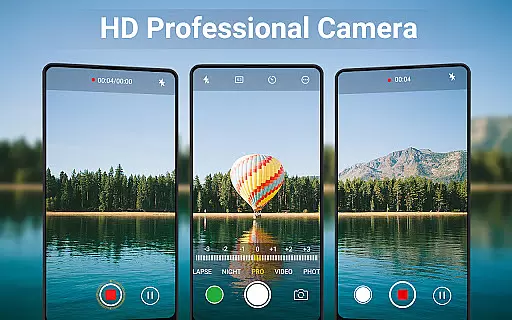
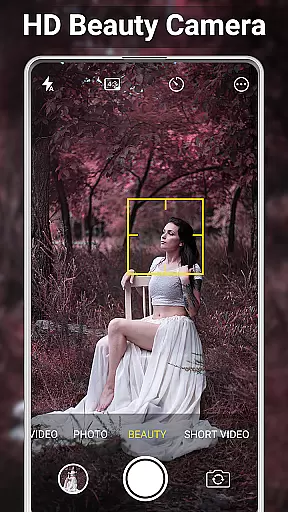
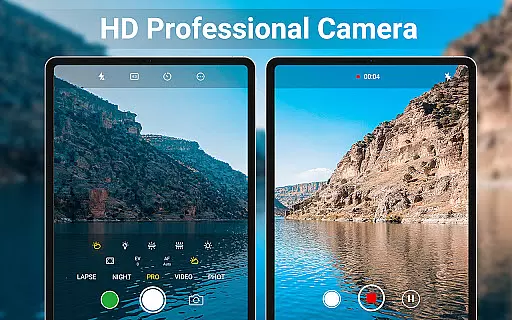
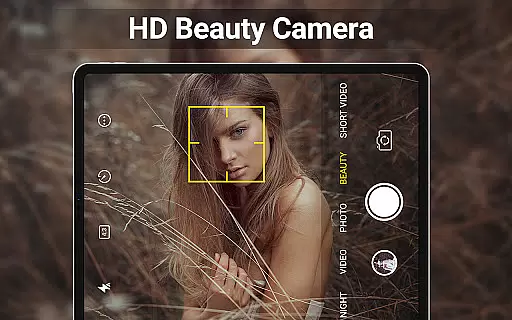
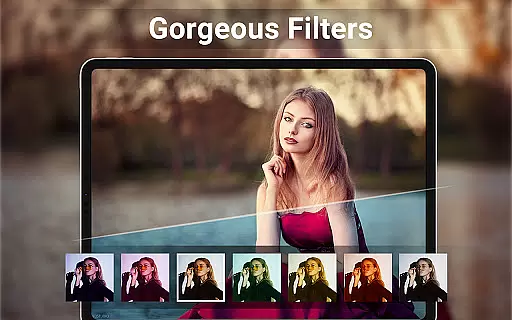
HD Camera for Android is a feature-rich beauty camera app designed to capture stunning 4K photos and videos. The application offers professional-grade capture modes, real-time filters, and advanced face detection technology, ensuring users can take high-definition selfies and videos with ease on their Android devices.
Beyond its core functionality, HD Camera provides powerful editing tools that allow users to adjust photo settings, create photo collages, and trim videos effortlessly. With additional features like HDR support, continuous shooting, and customizable save paths, this app caters to both amateur photographers and social media enthusiasts looking to enhance their content.
Whether you're capturing everyday moments or preparing images for social media, HD Camera transforms your photography experience by combining professional tools with user-friendly features, making it an essential app for Android users who demand quality and versatility in their mobile photography.
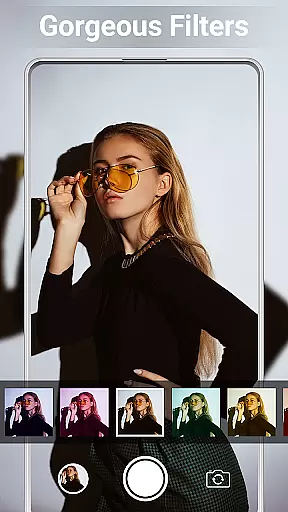
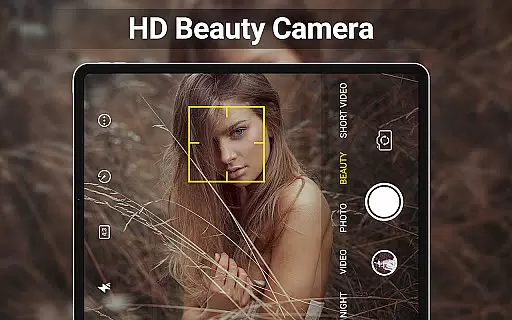
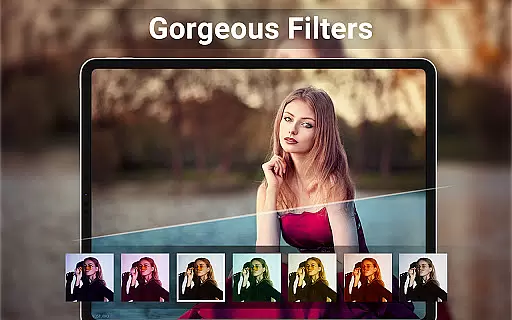
HD Camera stands out with its comprehensive suite of professional features tailored for mobile photography enthusiasts. The app's intelligent face detection and auto-stabilization capabilities ensure every shot is perfectly framed and focused, while the real-time filter preview allows users to see effects before capturing their photos or videos.
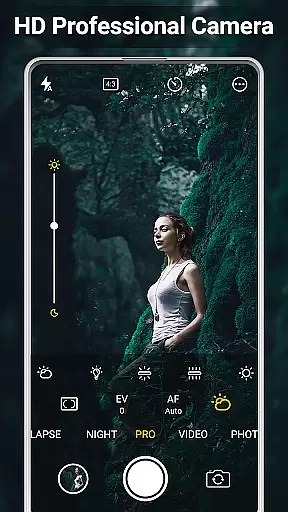
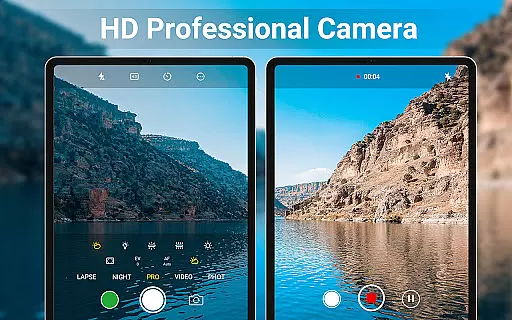
The app includes advanced camera pro features such as scene modes, color effects, white balance adjustments, ISO settings, and exposure compensation. These tools provide users with extensive control over their photography, enabling them to produce studio-quality results directly from their mobile devices.
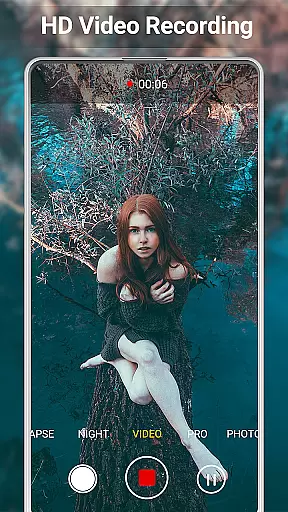
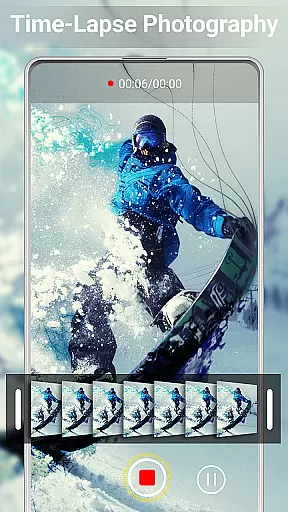
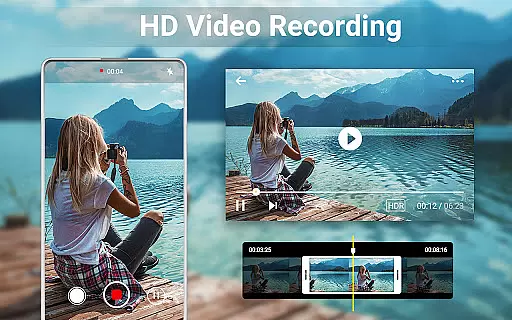
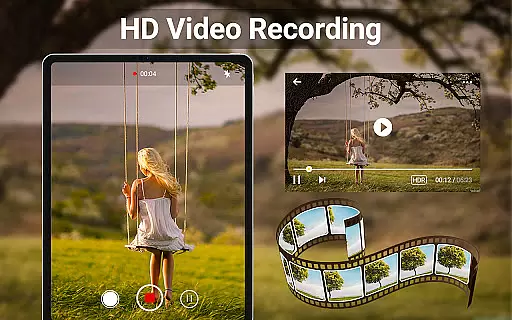
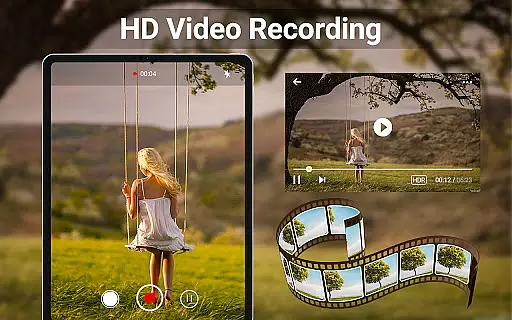
Additional standout features include HDR support, quick snap functionality, continuous shooting mode, and professional video recording capabilities. Users can also benefit from practical options like capture timers, external SD card storage, golden ratio guidelines, GPS tagging, and customizable photo annotations, making HD Camera a complete solution for both casual and serious photographers.
When it comes to beauty and photography applications, having a comprehensive product database is crucial for user satisfaction. HD Camera for Android offers an extensive range of features that cater to both amateur and professional photographers. The app includes advanced functionalities such as 4K camera support, professional capture modes, and real-time filters, ensuring users can access a variety of options to enhance their photography experience.
The application's product database extends to include essential tools like face detection, auto-stabilization, and various scene modes. These are complemented by adjustable settings for color effects, white balance, ISO, and exposure compensation. Such depth ensures that users have the flexibility to experiment with different photographic styles and conditions, making every photo capture a personalized experience.
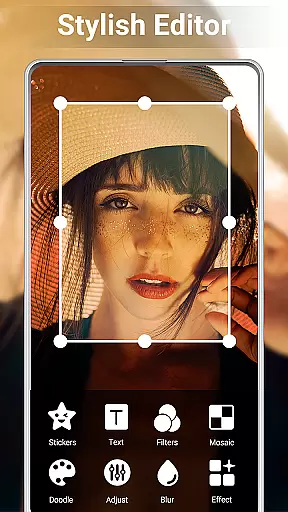
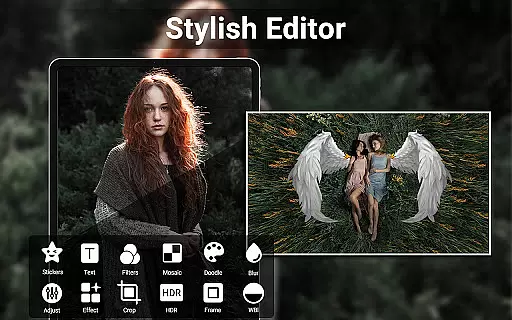
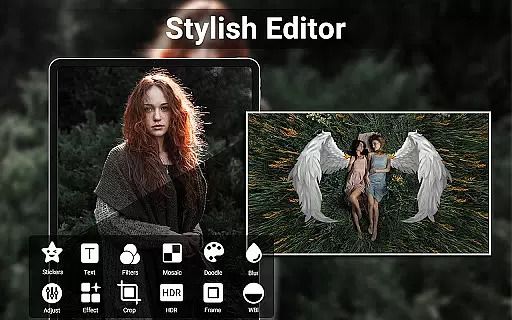
Moreover, HD Camera doesn't stop at just capturing images; it also provides robust editing capabilities. Users can adjust brightness, contrast, vignette, fade, and temperature, among other parameters. With additional features like photo collage creation and video trimming, the app empowers users to fully edit and finalize their media without needing multiple applications.
Ultimately, the depth of the product database in HD Camera translates into tangible benefits for users. Whether they're looking to apply geotags, timestamps, or custom text to their photos, the app delivers both creativity and convenience. This positions HD Camera as not just a tool for taking pictures, but as a comprehensive platform for all photography-related needs.
Personalization is key in delivering a satisfying user experience, especially in beauty and photography apps. HD Camera for Android excels in this area by offering precise personalization options that allow users to tailor their camera experience according to their preferences. From customizable capture settings to a wide array of real-time filters, the app ensures that each user can achieve their desired photographic outcome.
The app's personalization precision is evident in its professional-grade features. Users can fine-tune settings such as scene modes, color effects, white balance, and exposure compensation. This level of control enables photographers to adapt quickly to different environments and lighting conditions, ensuring consistently high-quality results tailored to individual shooting styles.
HD Camera further enhances personalization through its editing tools. The inclusion of a photo editor allows users to adjust various parameters like brightness, contrast, and vignette, providing the means to perfect every image post-capture. Additionally, the collage maker feature lets users express creativity by combining multiple images into a single, cohesive piece, adding another layer of personal touch to their work.
By focusing on personalization precision, HD Camera not only meets but exceeds user expectations. The ability to apply date stamps, location coordinates, and custom text to photos adds a unique signature to each capture. This dedication to personalization ensures that users can rely on HD Camera to produce content that is authentically their own, enhancing both usability and overall satisfaction.
User-friendly interface
Advanced camera controls
Real-time filter effects
Professional editing tools
4K video recording
Occasional shutter sound
Interface may feel complex
Consumes device resources
Limited free features
Requires learning curve

Glow up with science: cosmetics, ingredients scanner, tracking & face analysis
 4.10
4.10
A tool that brings skin care and technology together at your fingertips.
4.50
Make beautiful Hairstyles for girls with your own hands in little bit of time
4.00
Healthier, more beautiful with Medicube Digital Clinic AGE-R!
4.10
Face Makeup Camera: Photo makeup app and perfect Lipstick app, beauty lip filler
4.70
Download Today
4.40
Beauty/age defining ai coach guides you through the exercises in daily routine.
3.30
The all new Cosmo Prof app offers exclusive pro products, deals, and training.
4.00
Top brand haircare & fragrance
4.60
Unleash your (Pro)tential with the hottest hair, nails and beauty brands!
4.60
Beauty Camera - Selfie Camera with beauty editing tool, makeup, filter, sticker
4.60
Beauty Camera - Selfie Camera with sweet selfie, makeup, filter, sticker, editor
4.50
DSLR Hd camera capture high quality 4k hd picture with filters and blur editor
4.50
Beauty Camera AI Photo Editor with effect, filter, makeup tools for photo editor
4.30
Seasonal color palette, my personal color, hair color changer, makeup, wardrobe
4.20
Try On Style with AI: Virtual Dressing Room & Personal Fashion Stylist App
4.00
Change your hairstyle and color instantly with AI-powered virtual makeovers.
3.90
Color haircut changer style on
3.30
Enjoy convenience wherever you are with the Tune Up, The Manly Salon app.
3.20

User Reviews