

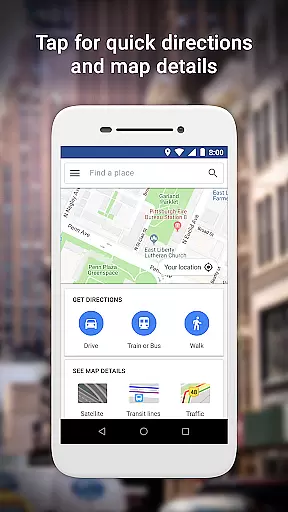
Google Maps Go is a lightweight Progressive Web App designed for devices with limited memory and unreliable networks. It offers essential mapping features while taking up 100 times less space than the full Google Maps app.
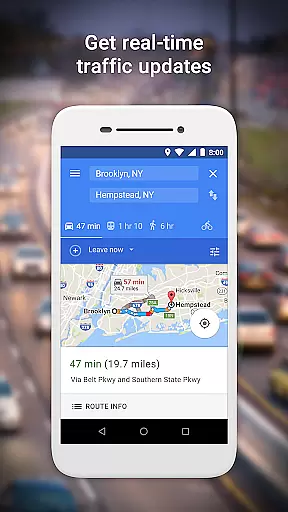
The app provides real-time traffic updates, directions, and transit information for various modes of transportation. Users can search for places, access contact details, and explore local businesses with customer reviews and images. Its efficient performance makes it ideal for users in regions with connectivity challenges.
With support for 70+ languages and comprehensive maps for 200 countries, Google Maps Go ensures global accessibility. The app's streamlined design delivers fast and reliable navigation without compromising functionality, making it a practical choice for budget devices.
Google Maps Go stands out with its optimized performance on low-end devices. The app combines multiple transportation modes to find the fastest routes, including two-wheelers, buses, and ferries. Real-time traffic data helps users plan their trips efficiently.
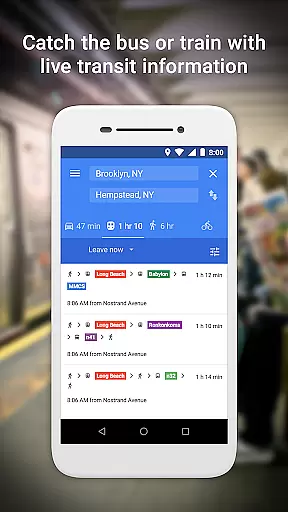
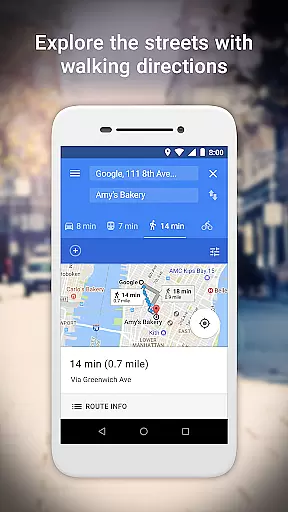
Users can access live public transport schedules for metros, buses, and trains, along with step-by-step directions. The app also supports searching for local businesses, viewing customer reviews, and saving favorite locations for quick access. These features ensure a smooth user experience even on slower networks.
Additional capabilities include detailed maps with satellite and terrain views, business information for over 100 million places, and transit data for 20,000 cities. This robust feature set makes Google Maps Go a versatile tool for navigation and exploration.
When using Google Maps Go, users can trust the authenticity of booking and planning their trips. The app provides reliable information on routes, transit schedules, and directions, ensuring that every booking or planning process is based on accurate data.
Google Maps Go offers real-time traffic updates and city transit information, which allows users to make informed decisions about their travel plans. Whether you are looking for the fastest route combining different modes of transportation or need live public transport schedules, the app delivers timely and trustworthy details.
The step-by-step directions and route previews help in planning trips efficiently, giving users confidence in their travel arrangements. This level of detail ensures that users can rely on Google Maps Go for authentic and precise trip planning.
Google Maps Go enhances price transparency by providing comprehensive details on various transportation options. Users can compare different modes of travel such as buses, metros, taxis, and ferries to choose the most cost-effective route.
The app's detailed business information for over 100 million places includes insights into local restaurants and businesses, helping users make economical choices. By reading customer reviews and viewing pictures of food, users can decide on the best places to go without any hidden costs.
Furthermore, Google Maps Go is free to use and does not require any in-app purchases, making it a transparent tool for travelers. With no additional charges or subscription fees, users can enjoy the full range of features without worrying about unexpected expenses.
Lightweight design
Real-time traffic
Multi-modal routing
Global language support
Offline functionality
Limited offline maps
No advanced features
Requires Chrome
Less detailed maps
Fewer customization options
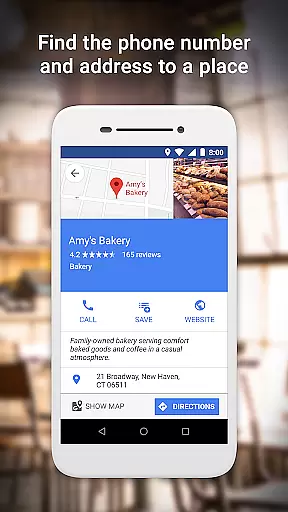
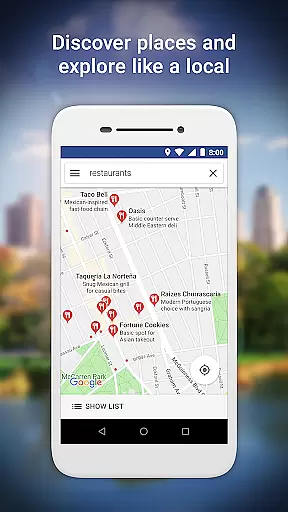
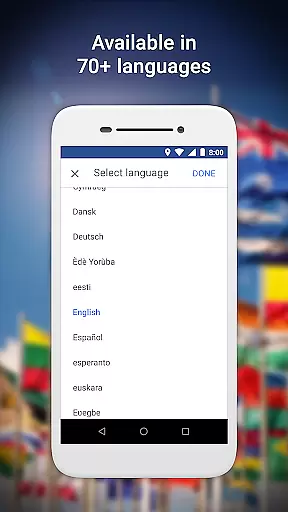

Maps Speedometer shows your current speed in any app
 3.60
3.60
The mobile panorama panel. Works offline - worldwide!
4.40
Take your pick from over 5 million accommodation deals from major booking sites.
4.40
Bus tickets at unbeatable prices with routes across the US. All aboard FlixBus!
4.70
All-in-one delivery and taxi app. Ride, food, & grocery delivery app.
4.80
With the Spirit Airlines app, easily manage all your trips in one place.
4.70
Maps, Wait Times, Park Hours
4.40
The United app puts valuable travel information in the palm of your hand.
4.70
Get the app that knows where you’re going - view your flight, check in & more
4.50
One app, 300,000+ travel experiences, tours, and tickets you’ll remember.
4.90
Manage your travel on Delta with access to boarding passes, flight info & more.
4.80
Save on gas and convenience with the earnify™ App
4.70
Book neighborhood dog boarding, dog walking, pet sitting, and doggy day care.
4.60
Stack Upside with your current credit & debit rewards for even more cash back!
4.50
The Official Freedom Trail Foundation app.
4.30
Mix of explore game, travel mapping & tracking to memorize everywhere you go
3.60
Everything you need for your trip in one place with the Volaris app.
3.60
Every Diners, Drive-in & Dives location in one place! Your guide to Flavortown!
3.00
The #1 Parent App in Brevard County
4.5
User Reviews