

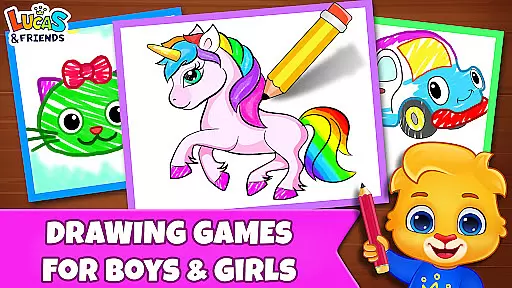
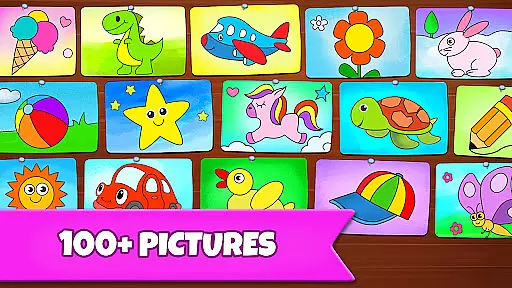
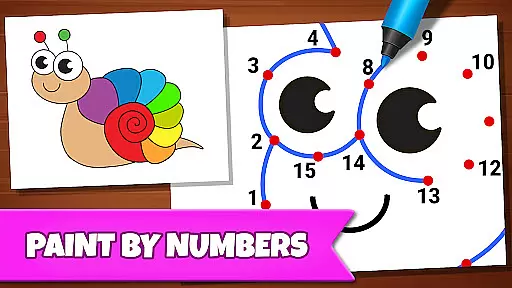
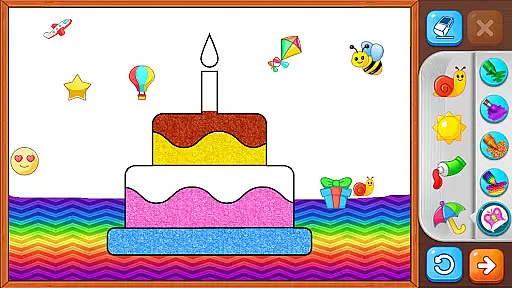
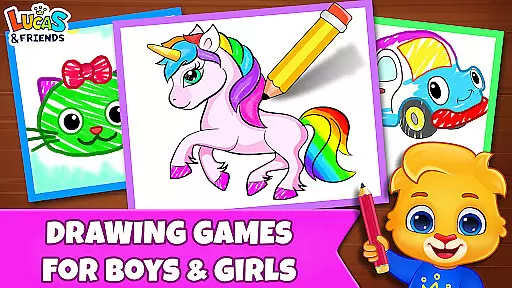
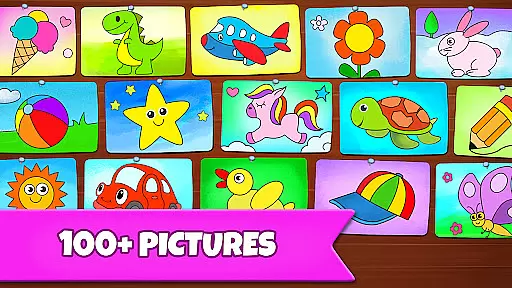
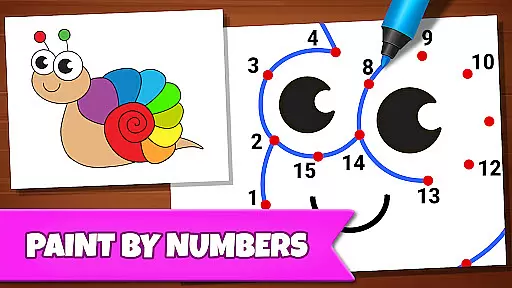
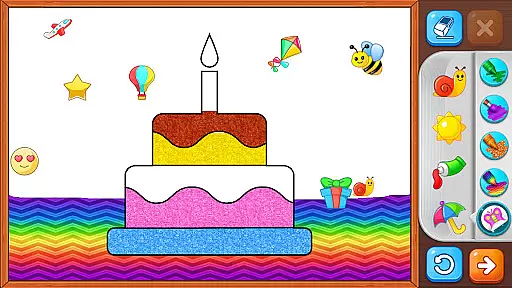
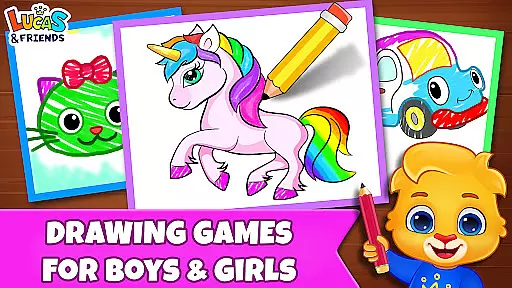
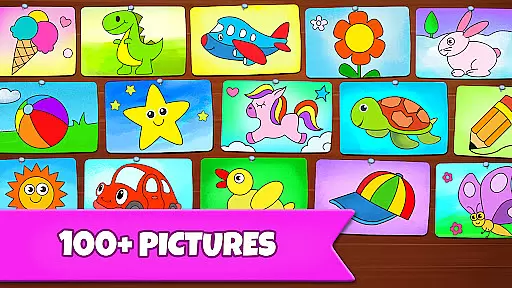
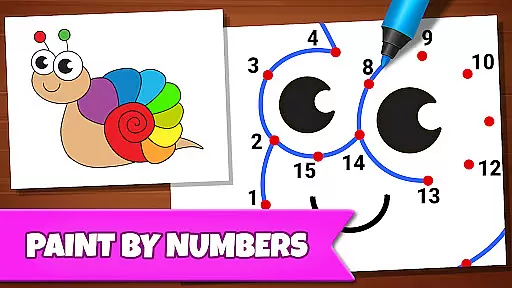
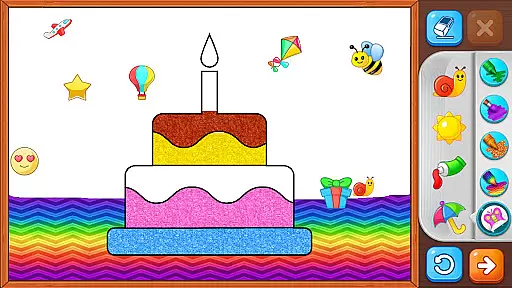
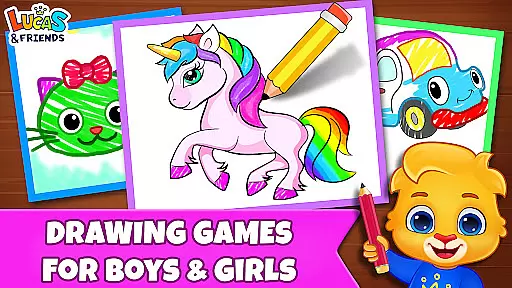
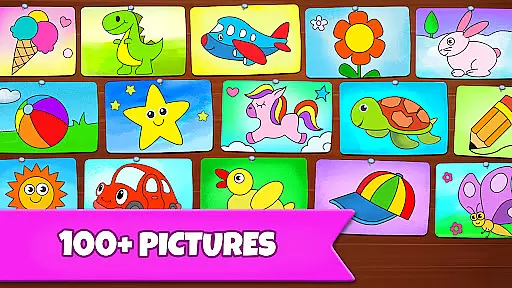
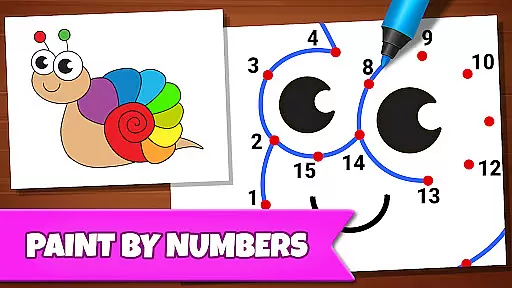
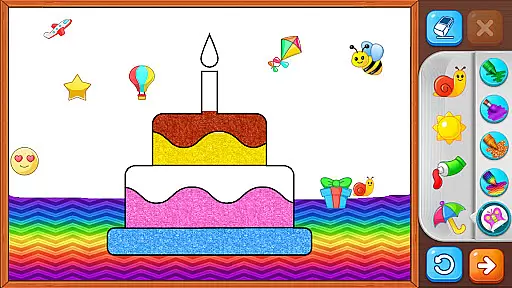
Drawing Games: Draw & Color is an educational app designed to engage children in creative learning through various drawing and coloring activities. The app offers multiple modes such as Learn to Draw, Auto Draw, Connect & Color, Connect the Dots, Memory Drawing, and Glow Paint, each crafted to teach different skills like shape recognition, number familiarity, and memory enhancement.
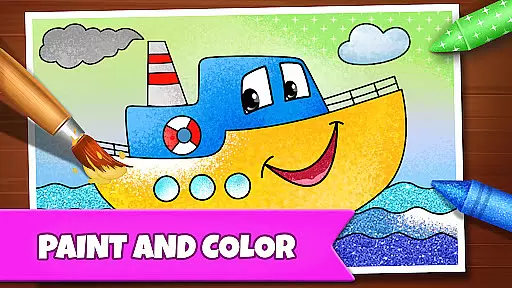
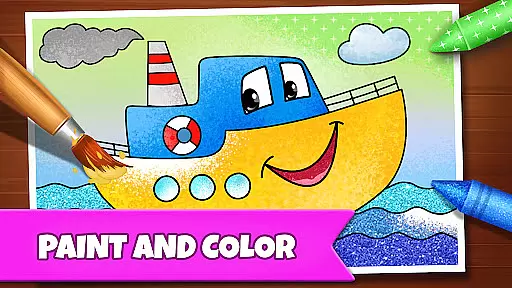
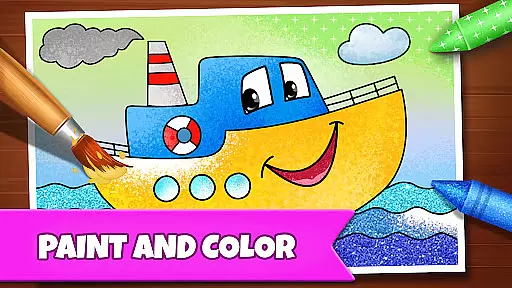
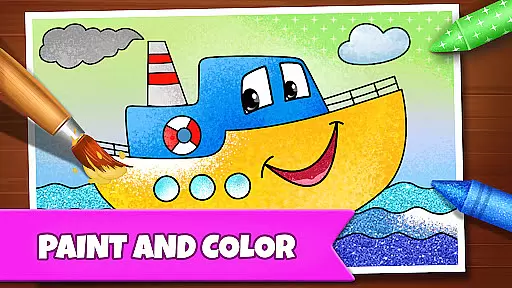
Children can enjoy a safe and fun environment where they can express their emotions and build confidence by painting and coloring. With interactive features that combine a coloring book with paint-by-numbers games, this app provides hours of entertainment while subtly imparting essential cognitive skills. It's completely free, ensuring accessibility for all kids without any hidden costs or distractions from ads or in-app purchases.
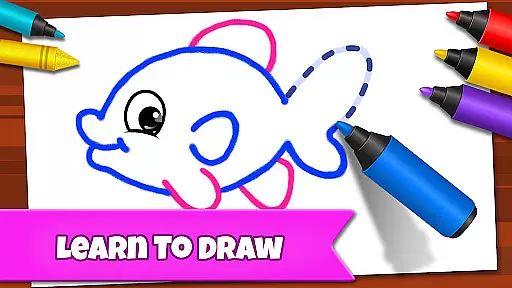
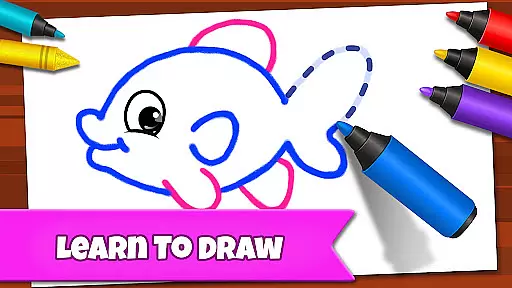
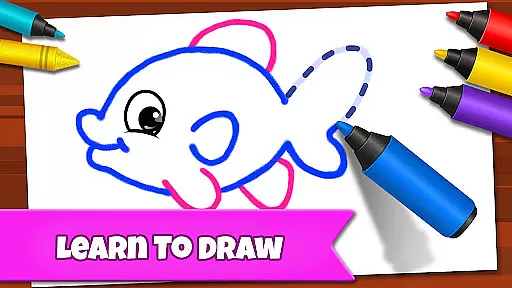
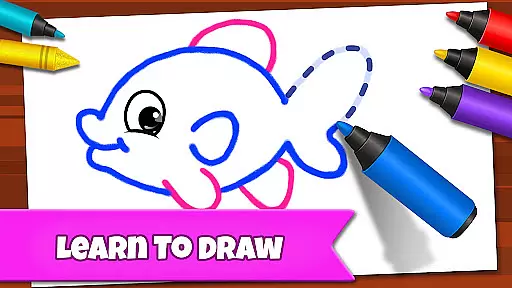
The app boasts several unique features tailored to enhance children's creativity and learning experience. One standout feature is the Learn to Draw mode, which teaches kids step-by-step how to draw pictures, fostering artistic skills and patience. Another innovative aspect is the Memory Drawing mode, where lines appear briefly before vanishing, challenging children to replicate them from memory, thus improving recall abilities.
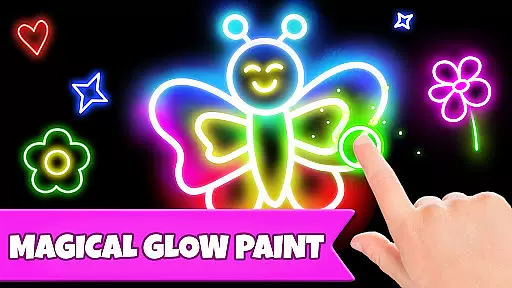
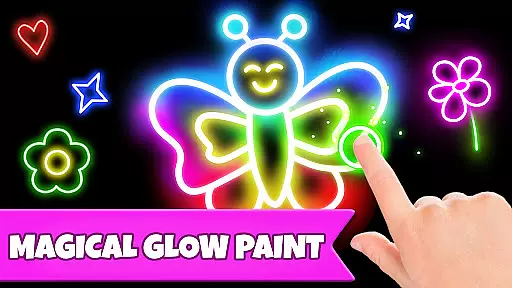
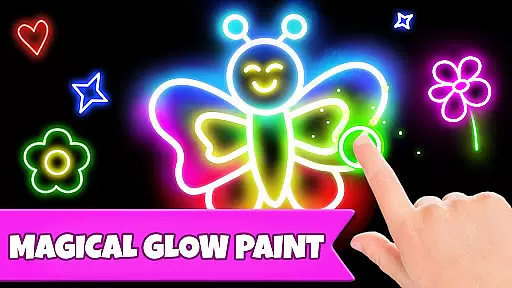
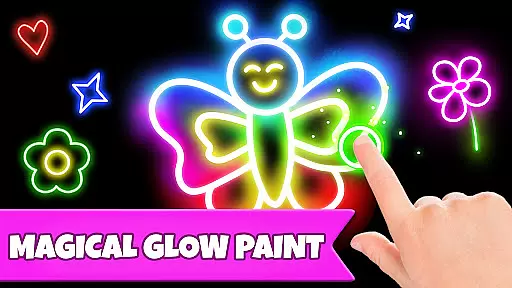
Additionally, the Glow Paint mode adds an element of excitement with glowing paint colors, making the drawing process more engaging. The absence of in-app purchases and advertisements ensures uninterrupted focus on educational content. These carefully designed features collectively contribute to a holistic development approach, keeping kids entertained while enhancing their cognitive and motor skills.
In educational apps, content authority and curriculum alignment are crucial for ensuring that children receive accurate and relevant learning experiences. Drawing Games: Draw & Color offers a comprehensive approach to teaching kids essential skills through various drawing activities.
The app provides structured modes such as Learn to Draw and Connect the Dots, which are designed to teach shapes, numbers, and picture recognition. These activities align with early childhood education standards, making it easier for parents and educators to integrate them into learning routines.
By engaging in these creative tasks, children not only learn artistic skills but also develop cognitive abilities. The step-by-step drawing instructions help build confidence and understanding, while memory games enhance recall and focus.
Overall, Drawing Games ensures that its content is both authoritative and aligned with educational goals, providing a safe and enriching environment for young learners to grow and thrive.
Gamification in educational apps enhances the learning experience by incorporating game-like elements that motivate and engage users. Drawing Games: Draw & Color successfully integrates gamification techniques to make learning fun and interactive for children.
The app features multiple modes like Auto Draw, Glow Paint, and Memory Drawing, each offering unique challenges and rewards. These modes encourage exploration and experimentation, allowing kids to learn through play. For instance, connecting dots to reveal pictures or using glowing paints adds an element of surprise and delight.
Moreover, the absence of in-app purchases and ads ensures uninterrupted learning sessions. This approach keeps children focused on their tasks without distractions, promoting deeper engagement with the educational content.
By combining entertainment with education, Drawing Games creates an immersive environment where kids can enjoy hours of creative fun while developing important skills. This seamless integration of gamification and learning makes the app a valuable tool for parents and educators alike.
User-friendly interface
Educational and entertaining
Multiple drawing modes
No in-app purchases
Ad-free environment
Limited advanced features
Basic color options
Not suitable for older kids
Occasional bugs
Simple graphics

Spark your little ones’ imagination!
 3.80
3.80
Absorbing, highly visual, effective learning of multiplication, division
4.0
Woof! The very first official Hey Duggee app for CBeebies' new favourite show.
3.70
Create stories and build your own virtual world for your avatar!
3.00
Preschool learning games: 123 numbers game for kids, abc learning for toddlers
4.70
Explore, create, and play with Hello Kitty and all her friends!
4.60
Cute coloring games for girls! Draw, paint & decorate with endless colors.
4.70
The kids phonics and reading app that's helped millions of kids learn to read
4.00
Fun game for preschoolers to learn addition, subtraction, counting and math!
4.50
Enjoy coloring with wide variety of 1000+ coloring games for kids & drawing game
4.50
Creative beauty & fashion
4.50
Glow Doodle! Baby Coloring & Drawing games for toddlers: Color and Learn! NoAds!
4.40
Games, music, crafts and coloring with cats
4.10
CASHFLOW - The Investing Game
4.00
Daycare full of baby games! Take care of cute toddlers & play fun mini-games!
3.90
Dress up, Makeover, and Party! Design a Wonder World!
3.90
Join Duggee and the Squirrels as they practice their counting!
4.2
Little Explorer – Garage, Kitchen and Bathroom
4.3
Join Rus and his friends to save Pear Island!
4.4


User Reviews