

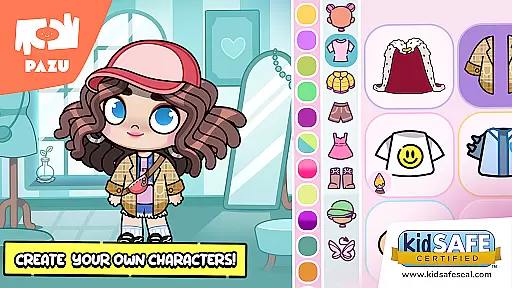
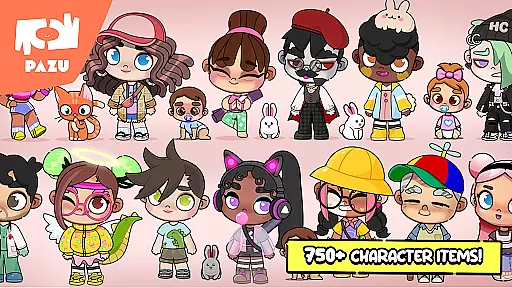
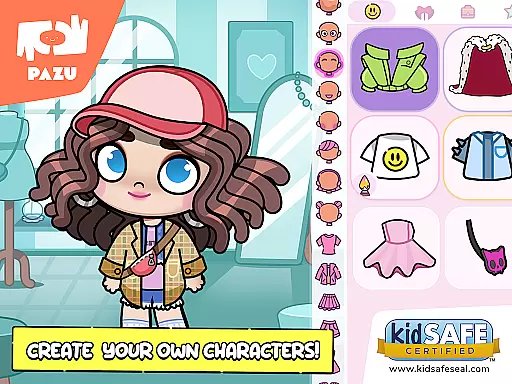
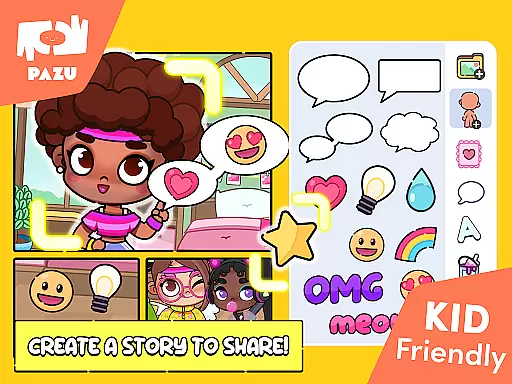
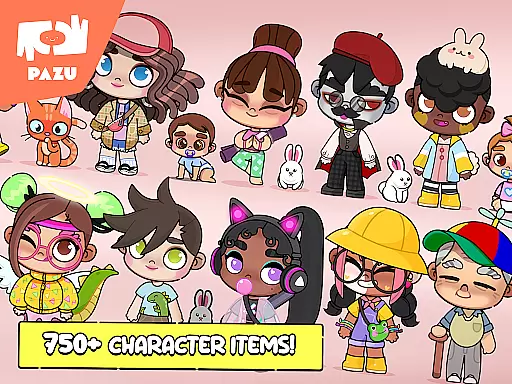
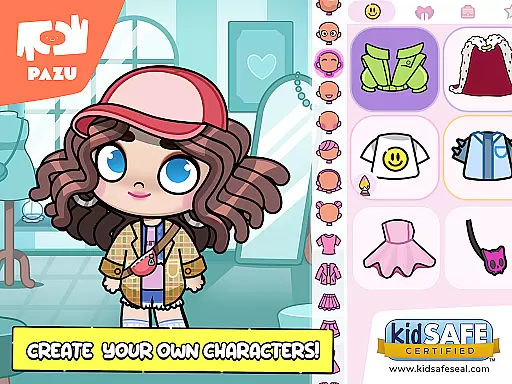
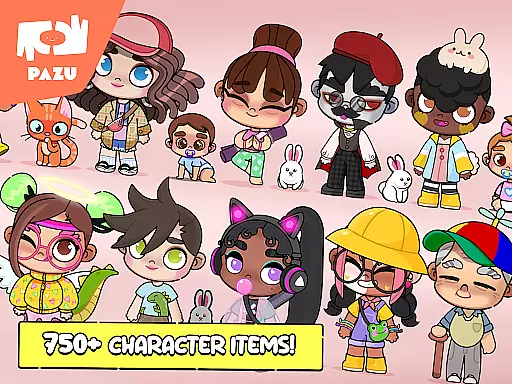
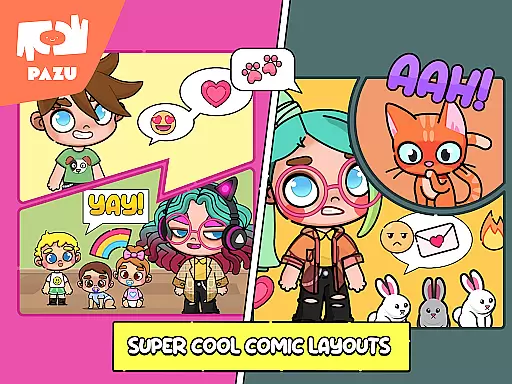
Avatar Maker Dress up for kids is an innovative educational app that allows children to design and customize their own cartoon characters. This avatar creator offers a wide range of features including hairstyle selection, skin color customization, facial expression choices, and various accessories like masks, hats, and glasses.
The app provides endless creative possibilities through its extensive library of items and accessories. Children can express their imagination by creating unique avatars, decorating rooms, and using the avatars as profile pictures or wallpapers. With parental controls and no ads, it ensures a safe and uninterrupted learning experience.
This app is particularly useful in educational settings where creativity and self-expression are encouraged. By engaging with Avatar Maker, kids can develop their artistic skills while having fun customizing their characters.
Avatar Maker Dress up for kids stands out with its comprehensive customization options. The app allows users to choose between boy and girl avatars, offering a vast selection of personalized faces, hairstyles, and expressions. Each element can be customized in detail, from skin and hair color to specific facial features like eyes, mouth, and eyebrows.
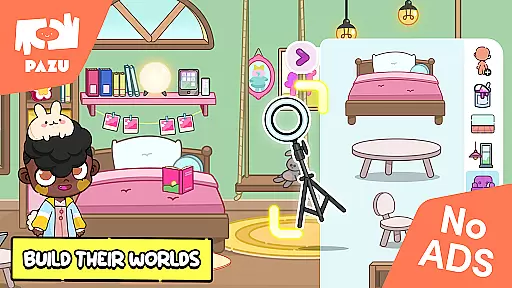
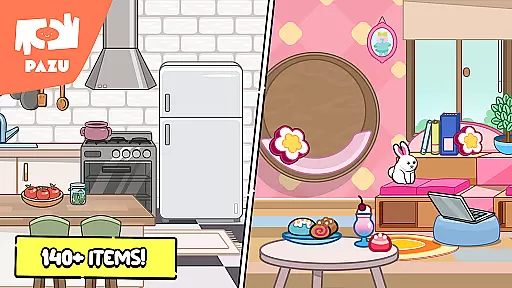
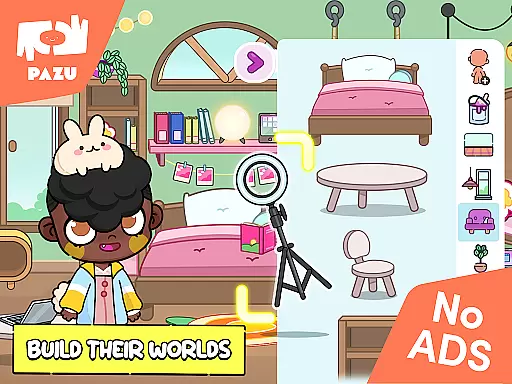
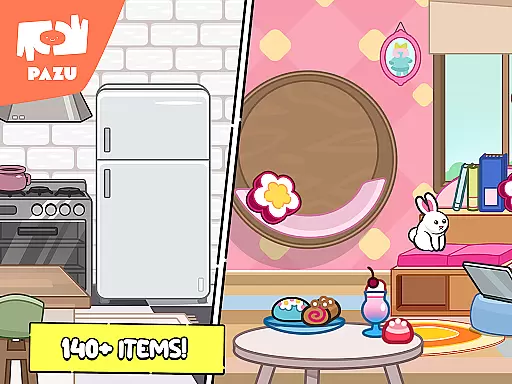
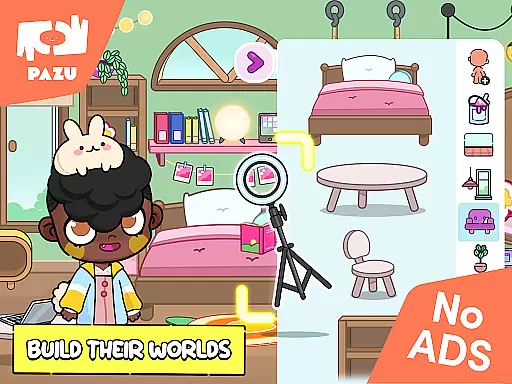
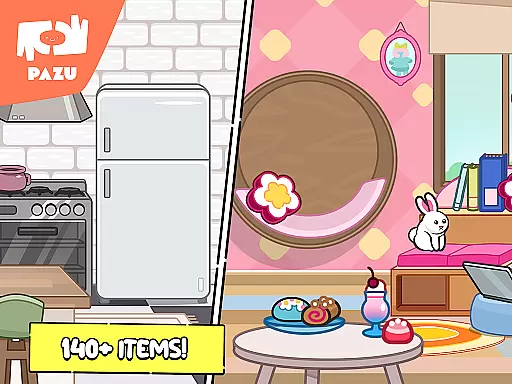
Beyond character creation, the app includes a feature to decorate rooms with numerous furniture items and accessories. Users can create dream spaces alongside their avatars, enhancing the overall creative experience. The inclusion of various backgrounds and clothing items adds depth to the customization process.
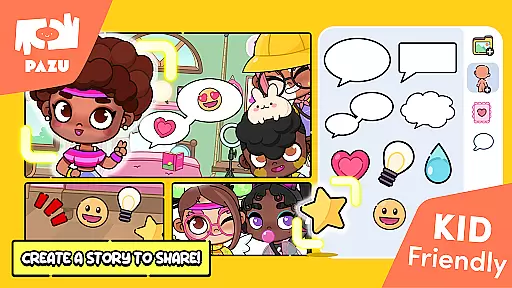
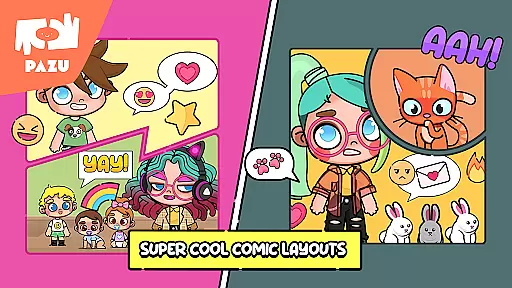
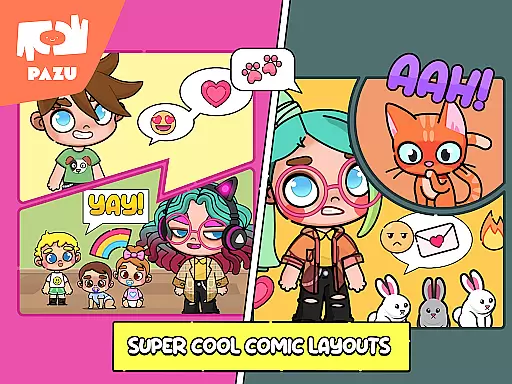
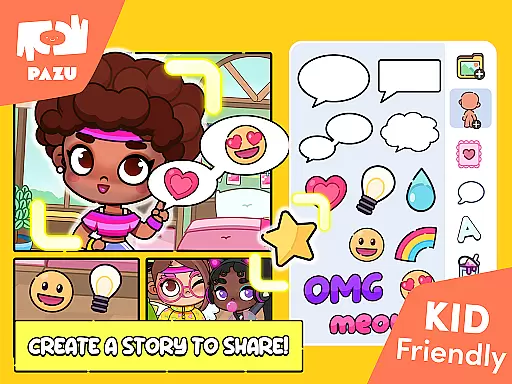
Additional features include the ability to use avatars as wallpapers or profile pictures, share them with friends, and enjoy the app without any ads. Parental controls ensure a secure environment, making it suitable for young learners to explore digital creativity safely.
In the realm of educational gaming, content authority and curriculum alignment are crucial for ensuring that learning is both effective and credible. Avatar Maker Dress up for kids establishes its authority through a variety of features designed to engage and educate children. Developed by Pazu Games Ltd, a reputable publisher known for creating trusted educational content, this app provides a structured environment where creativity meets learning.
The app's vast array of customization options, including skin color, hairstyle, and clothing choices, aligns with creative expression elements often found in art curricula. By allowing children to experiment with different styles and aesthetics, it fosters an understanding of diversity and self-expression, which are important aspects of social-emotional learning objectives.
Moreover, the inclusion of various accessories such as masks, hats, glasses, and more offers an opportunity for discussions about cultural attire and personal identity. This not only enhances the childu2019s cognitive ability to categorize and conceptualize but also subtly introduces them to lessons in sociology and anthropology.
Avatar Maker Dress up for kids goes beyond mere play by embedding these educational components within its framework, thus achieving a commendable level of curriculum alignment while maintaining an engaging user experience.
Gamification-learning integration represents the fusion of game mechanics with educational content, creating an interactive and enjoyable learning process. Avatar Maker Dress up for kids excels in this area by transforming the act of designing an avatar into an immersive educational journey. The app leverages gamification elements such as character creation, room decoration, and accessory selection to deliver a dynamic platform for learning through play.
Children using this app can explore endless combinations of hairstyles, facial expressions, and outfits, each choice providing an opportunity to learn about colors, shapes, and design principles. This playful approach encourages experimentation and decision-making, key skills in problem-solving and critical thinking.
Furthermore, the ability to use avatars as wallpapers or profile pictures adds a layer of personal investment and pride in their creations, reinforcing positive learning behaviors. Sharing these creations with friends also promotes social interaction and communication skills, making the learning process collaborative and community-oriented.
By integrating comprehensive customization options with engaging gameplay, Avatar Maker Dress up for kids successfully merges entertainment with education, offering a prime example of effective gamification-learning integration.
User-friendly interface
Extensive customization
No ads
Parental controls
Safe environment
Limited advanced tools
Fewer adult features
Basic animations
Offline only
Simple graphics

Learn and practice multiplication and division
 4.5
4.5
Kids letter tracing technique, which is the first step in learning how to write.
4.30
Magical girl game where dreams come true. Collect & care for cute princesses!
3.80
Toddler Learning Games, Learn: Colors, Shapes, Puzzles, ABC ... ►NoAds!◄
4.50
Explore, create, and play with Hello Kitty and all her friends!
4.60
Baby Phone Game for Kids & Toddlers to Learn Sounds, Numbers, ABCs, Phone Calls
3.80
Play pretend & explore at the doctor's & school in Daniel Tiger's Neighborhood.
3.30
Enjoy coloring with wide variety of 1000+ coloring games for kids & drawing game
4.50
Design dreamhouses and dress up creatively in the ultimate role-playing game!
4.70
Puzzles, Cats and Programming
4.80
Preschool learning games: 123 numbers game for kids, abc learning for toddlers
4.70
Cute coloring games for girls! Draw, paint & decorate with endless colors.
4.70
OG Munchers - Play classic Number Munchers game on Android
4.40
Expert-designed fun interactive learning games to prep kids (2-5) for preschool.
4.00
Educational game for children about emergency and other service vehicles
3.80
Master your phonics letters and sounds with the Alphablocks!
3.80
Woof! The very first official Hey Duggee app for CBeebies' new favourite show.
3.70
A game to memorize
4.4
Creating emotional connections
4.4


User Reviews