

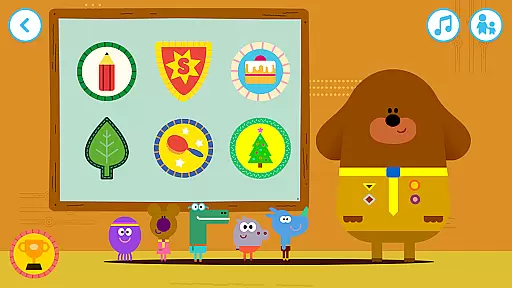
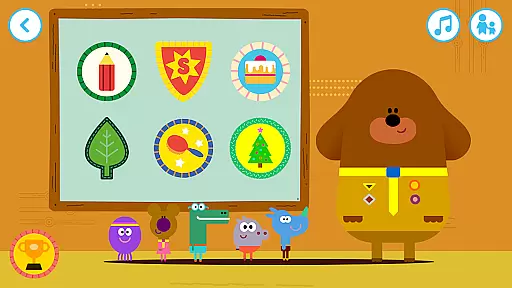
Hey Duggee: The Big Badge App is an educational app designed for preschoolers, offering a safe and ad-free environment. Children can join Duggee and the Squirrels at the Clubhouse to engage in fun activities that help them earn badges.
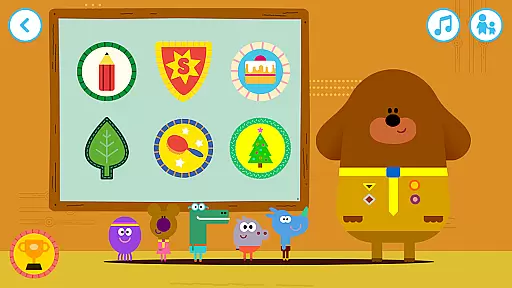
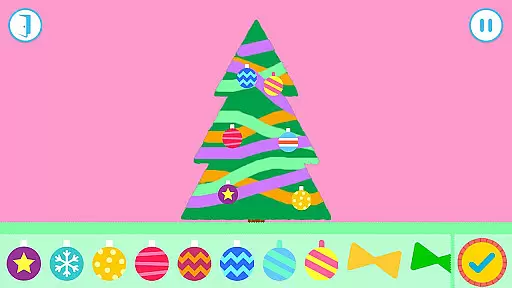
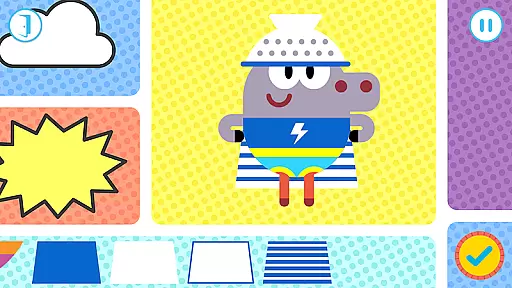
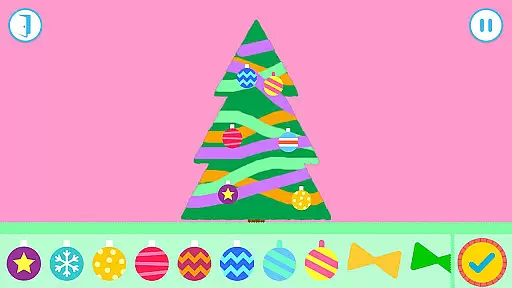
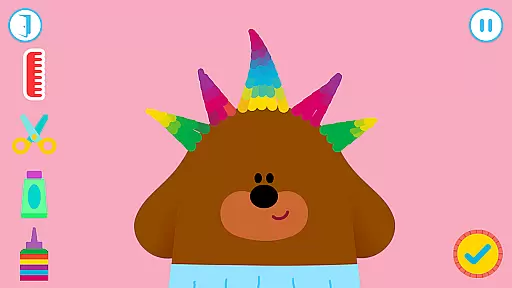
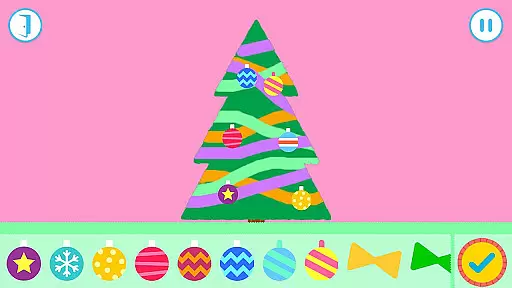
The app features six interactive games where kids can explore the Squirrel Club, interact with characters, and collect badges. Activities include styling Duggee's hair, drawing, dressing up as Super Squirrels, baking cakes, collecting leaves, and decorating Christmas trees. Each game encourages creativity and problem-solving while providing opportunities for parental engagement.
This app not only entertains but also educates young minds by promoting artistic expression, logical thinking, and social interaction through play. It's perfect for fans of the CBeebies show who want to extend their experience beyond television.
The Hey Duggee app offers a variety of engaging features tailored for young learners. With six distinct games, children can explore different activities such as hairstyling, coloring, dress-up, baking, leaf collecting, and Christmas tree decorating. These games are designed to be both entertaining and educational.
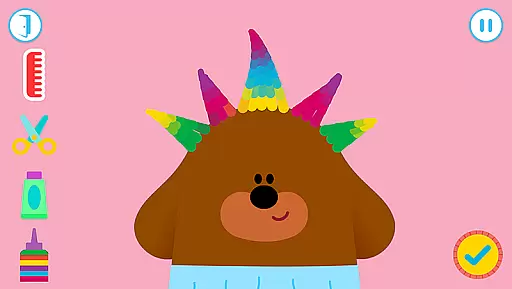
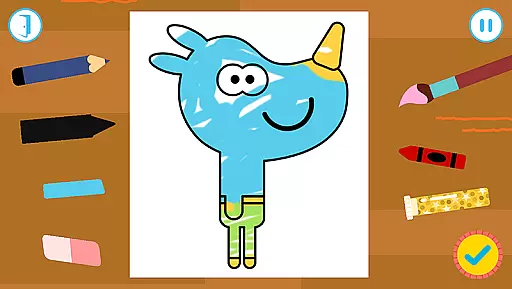
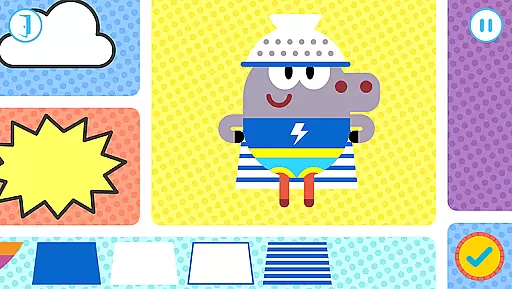
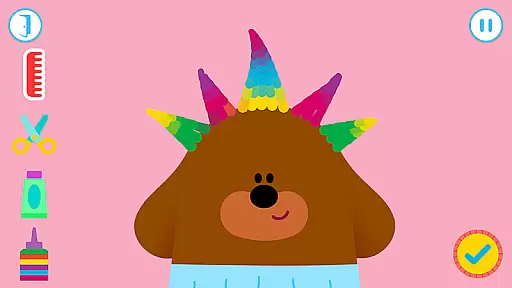
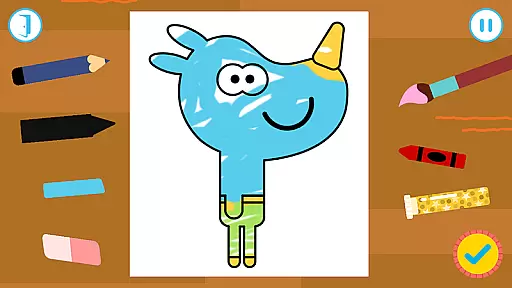
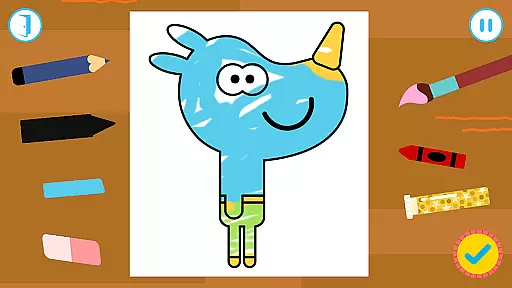
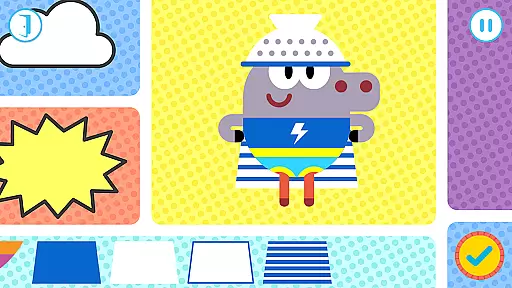
Each game within the app provides unique interactions. For instance, in the Hair Badge game, kids can cut, color, and style Duggee's hair using various tools. The Drawing Badge allows them to use different art supplies to create custom drawings of the Squirrels. Meanwhile, the Super Squirrel Badge lets them mix and match outfits to design heroic costumes.
These interactive elements foster creativity, fine motor skills, and decision-making abilities. By completing tasks and earning badges, children gain a sense of accomplishment and learn valuable skills in a playful setting. Parents can also participate, making it a shared learning experience.
When it comes to educational apps for children, content authority and curriculum alignment are crucial factors. Hey Duggee: The Big Badge App offers a safe and trusted environment that aligns with educational standards while providing fun activities. Each of the six games within the app is designed not only to entertain but also to help develop various skills such as creativity, problem-solving, and recognition of different shapes and colors.
The app's content is crafted by Studio AKA, an award-winning animation studio known for its innovative approach. This ensures that the learning material is both authoritative and engaging. For instance, in 'The Drawing Badge' game, children can experiment with different art tools, which encourages artistic expression and fine motor skills development. Similarly, 'The Leaf Badge' game turns kids into super-sleuths, prompting them to identify and collect specific types of leaves, thus enhancing their observational abilities.
Moreover, every activity culminates in earning a badge, instilling a sense of accomplishment and encouraging continued engagement with the educational content. By incorporating elements like these, Hey Duggee doesn't just entertain but also supports early childhood education through carefully curated experiences.
Gamification has become a pivotal aspect of modern educational tools, and Hey Duggee: The Big Badge App excels in integrating learning with playful gamified elements. The app cleverly wraps educational objectives within the context of earning badges, a concept familiar and appealing to its young audience. This method effectively transforms learning into an adventure where children are motivated to complete tasks and earn rewards.
Each game in the app focuses on a unique set of skills. For example, 'The Cake Badge' simulates baking, requiring players to follow instructions, measure ingredients, and decorate cakes u2013 all activities that subtly teach math concepts, sequencing, and creativity. Meanwhile, 'The Super Squirrel Badge' lets kids mix and match outfits, promoting decision-making and aesthetic judgment while keeping them engaged with fun superhero themes.
By combining these educational exercises with recognizable characters from the CBeebies show, the app ensures sustained interest and repeated play, which reinforces learning. The balance between enjoyment and education keeps children invested in their progress, making Hey Duggee: The Big Badge App a prime example of successful gamification in learning.
User-friendly interface
Educational content
Engaging activities
Safe environment
Creative freedom
Limited to Duggee fans
Requires camera access
No offline mode
Occasional bugs
Simple graphics

The Squirrels have been learning how to look after animal, now it's your turn!
 3.90
3.90
Absorbing, highly visual, effective learning of multiplication, division
4.5
Join Duggee and the Squirrels as they practice their counting!
4.3
A logic puzzle game for 1 - 3 players
4.2
Imagine, build and ride your own Rollercoaster!
3.90
Enjoy the fun kid's hospital play game with Cocobi, the little dinosaurs!
4.00
Creative beauty & fashion
4.50
Where Little Healers can Make a Big Difference!
4.00
Featuring the Numberblocks
3.60
Explore Dopples World, build your avatar life & create endless stories!
4.70
Learn numbers, letters, and shapes playing toddler balloon pop games ►NoAds◄
4.60
Amazing toddler coloring games for 2+. Enjoy painting games
4.60
Play virtual baby daycare simulator & be a babysitter, take care of cute babies!
4.60
Toddler Learning Games, Learn: Colors, Shapes, Puzzles, ABC ... ►NoAds!◄
4.50
Build your own BRIO railway!
4.30
Expert-designed fun interactive learning games to prep kids (2-5) for preschool.
4.00
Learn and practice multiplication and division
4.0
Perfect for Dino fans of all ages.Vivid illustrations.Fascinating_Facts.Narrated
4.0
Have fun learning Alef Beit
4.3


User Reviews