

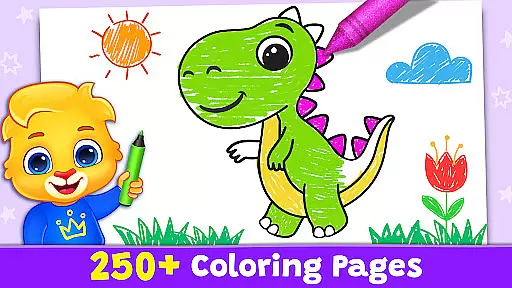
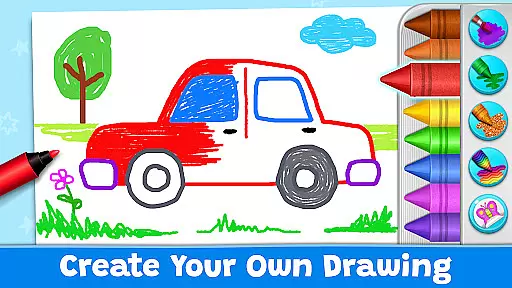
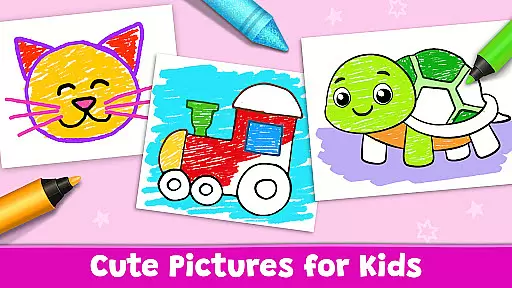
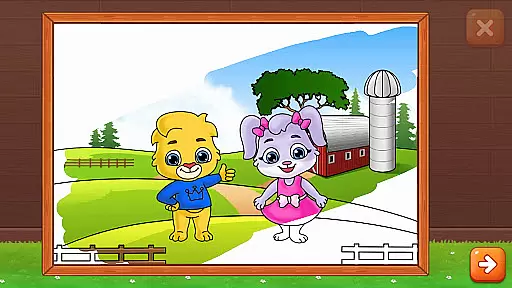
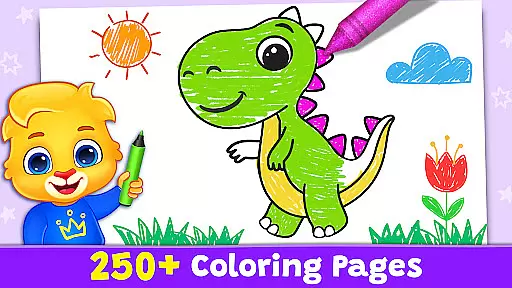
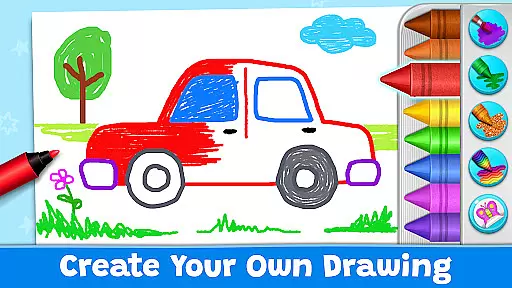
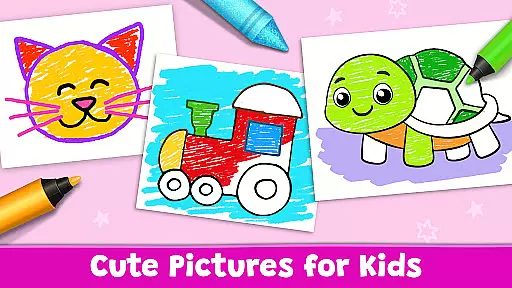
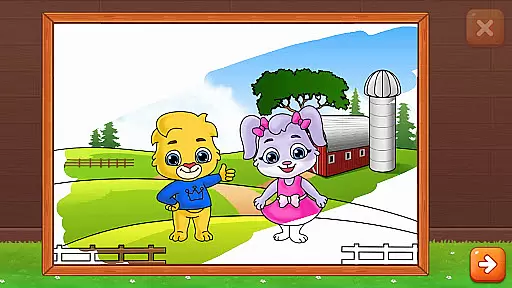
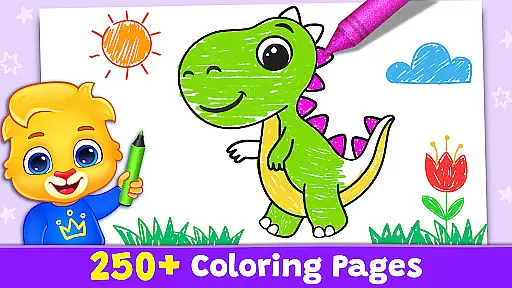
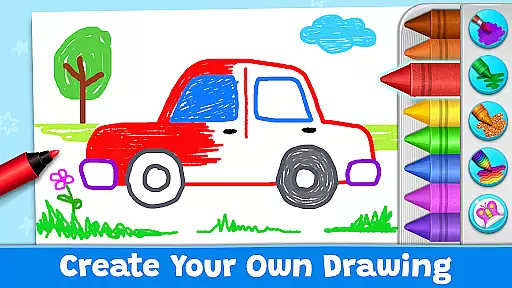
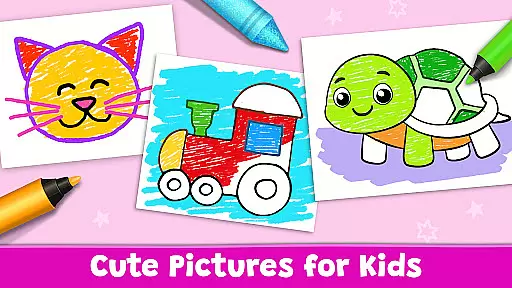
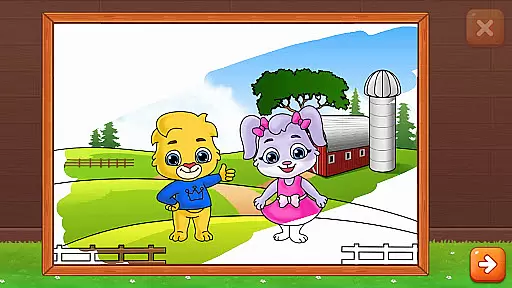
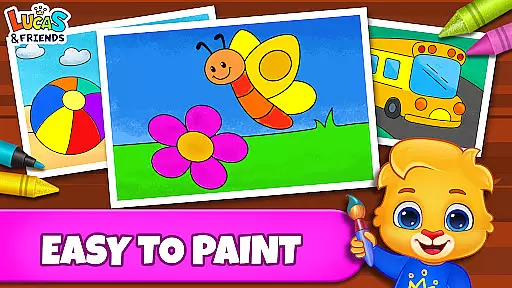
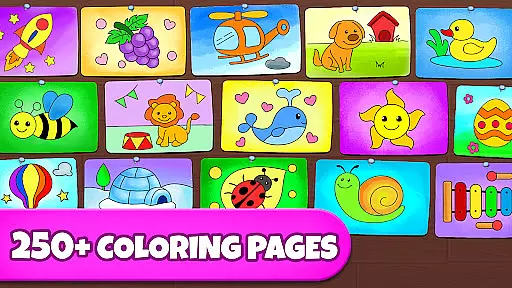
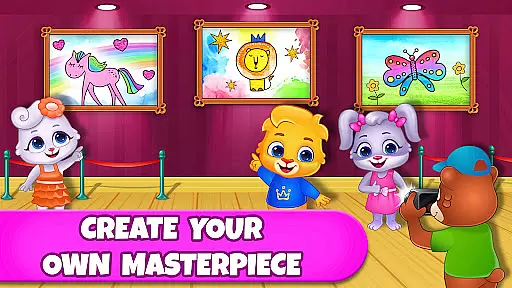
Coloring Games: Color & Paint is an educational app designed specifically for children, offering a delightful blend of creativity and learning. This free coloring book and painting app provides young users with a platform to explore their artistic talents through various engaging modes such as paint by numbers, color by numbers, doodling, and free coloring. The interface is crafted to be intuitive even for toddlers, ensuring that kids as young as one can navigate and enjoy the colorful world of art.
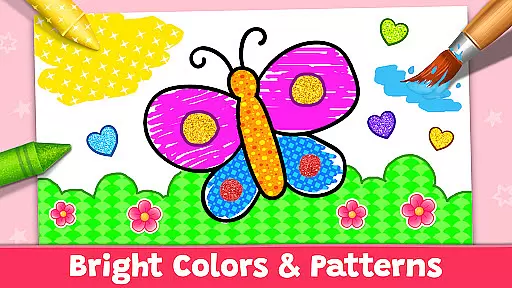
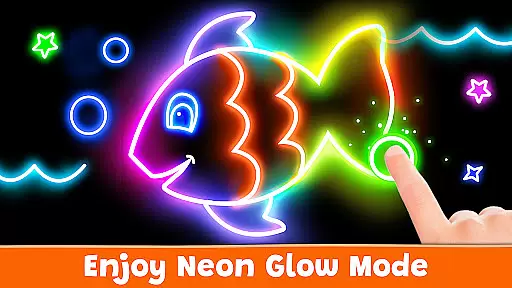
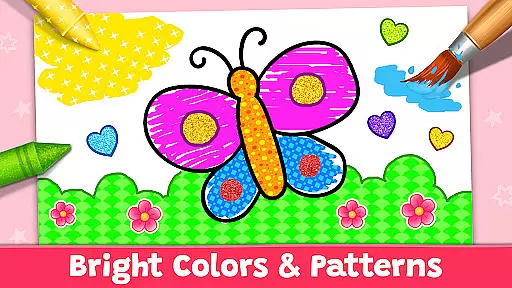
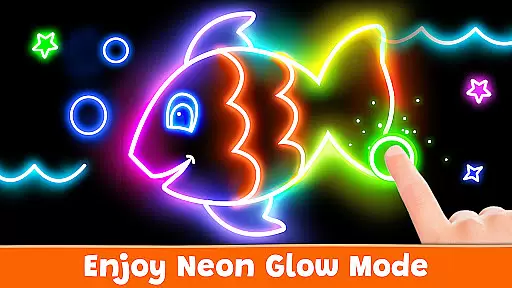
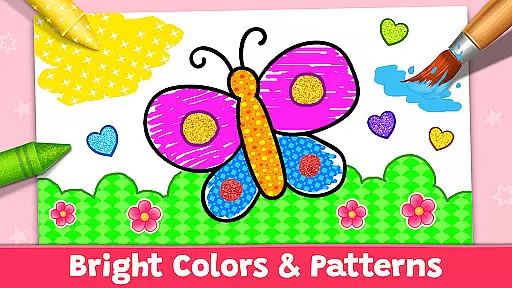
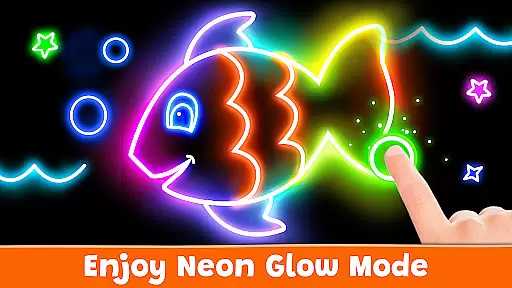
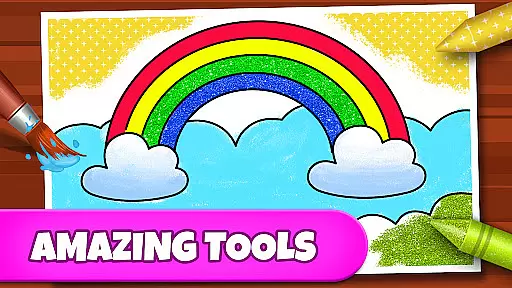
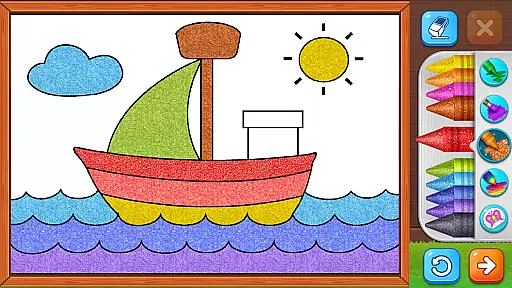
The app offers multiple creative tools including stickers, glitter, crayons, and unique patterns, allowing children to experiment with different styles and techniques. With features like Glow Pen for neon artwork and Number Paint for guided creations, Coloring Games ensures a diverse and enriching experience. Parents can monitor progress and customize settings, making it adaptable for various age groups and skill levels.
Designed with safety in mind, Coloring Games is completely free without ads or in-app purchases, providing a secure environment for kids to learn and have fun. Suitable for preschoolers, toddlers, and children of all ages, this app fosters creativity while offering educational value, making it an ideal choice for family-friendly entertainment.
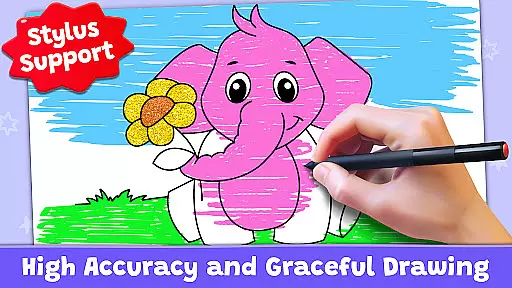
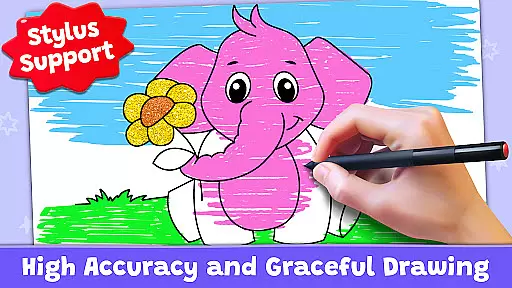
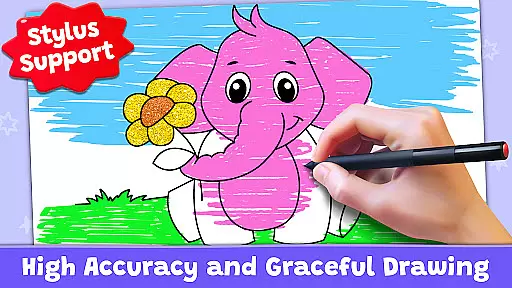
Coloring Games stands out with its rich array of features tailored to stimulate young minds creatively. One of the key highlights is the variety of coloring modes available, including Fun Paint, Color Fill, Drawing, Glow Pen, and Number Paint. Each mode offers unique tools such as stickers, glitter effects, and neon colors, enabling children to produce vibrant and diverse artworks.
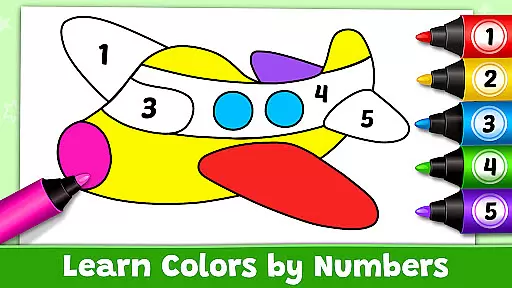
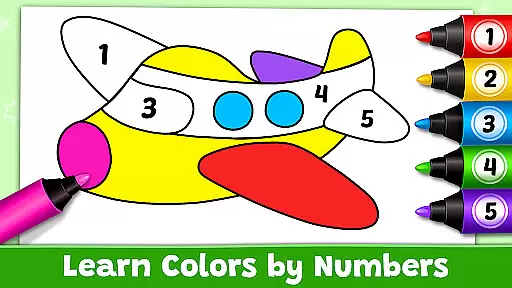
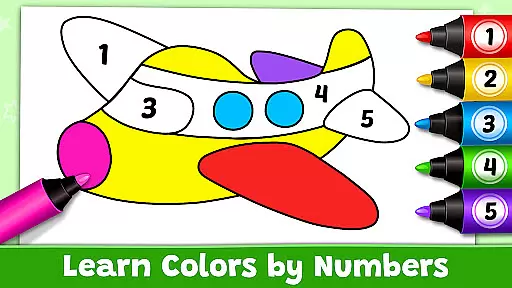
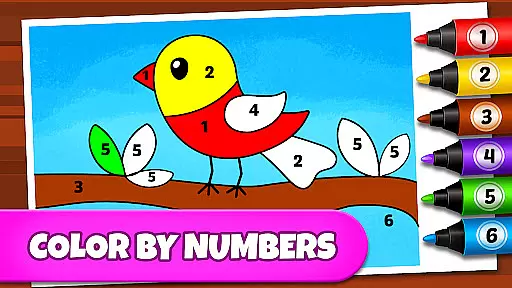
Beyond just coloring, the app incorporates educational elements seamlessly. For instance, the Number Paint feature helps children understand numbers and sequences while creating beautiful pictures. Additionally, the app allows parents to set up individual profiles for each child, thus tracking their progress and tailoring difficulty levels accordingly. This personalized approach enhances the learning experience significantly.
Another remarkable aspect is the app's commitment to providing a safe digital environment. Unlike many other children's apps, Coloring Games is entirely free of ads and in-app purchases. This ensures uninterrupted and secure playtime, giving parents peace of mind. Overall, these features collectively contribute to making Coloring Games a top choice for educational and entertaining content for kids.
In the realm of educational gaming, content authority and curriculum alignment are crucial for ensuring that learning is both effective and credible. Coloring Games: Color & Paint rises to this challenge by providing a platform where creativity meets education. The app offers various modes such as paint by numbers and color by numbers which are not only engaging but also subtly educational, helping children recognize colors, numbers, and patterns.
The developers at RV AppStudios, who are parents themselves, have crafted each feature with care, ensuring that it aligns with the developmental needs of children from toddlers to preschoolers. By integrating features like Number Paint, they've included an element of gamified learning that aligns with early childhood educational standards, making the process of learning through play both intuitive and enjoyable.
Parents can rest assured that their children are not only having fun but are also engaging with content that has been thoughtfully designed to support their cognitive development. With a plethora of coloring mini-games, the app provides countless opportunities for children to learn while they play, reinforcing important skills such as color recognition and fine motor control.
Gamification in learning transforms the educational experience into an interactive journey, fostering engagement and enhancing retention. Coloring Games: Color & Paint excels in this area by turning the act of coloring into an adventure filled with discovery and joy. Through its diverse modes, including doodling and free coloring, the app encourages children to explore their creativity while subconsciously acquiring new skills.
Each mode within the app, from Fun Paint to Glow Pen, is designed to captivate young minds and keep them engaged with vibrant visuals and responsive drawing tools. This approach seamlessly integrates learning objectives with playful activities, allowing children to develop their artistic abilities without even realizing they're learning.
Moreover, the app's commitment to being completely free of ads and in-app purchases ensures that the focus remains on uninterrupted learning. Parents can observe their children's progress as they navigate through different levels of complexity, witnessing firsthand how the app's design promotes sustained attention and enthusiasm for learning through gamified experiences.
User-friendly interface
Variety of creative tools
No ads or in-app purchases
Customizable profiles for kids
Educational and entertaining
Limited advanced features
Basic color options
Occasional performance lags
Simple graphics design
Few interactive elements


Stack the States® 2 makes learning US geography fun!
 4.50
4.50
Get points, learn Spanish, repeat. Speedrun your way to knowledge.
4.3
Play the fun princess party game for kids with Cocobi the little dinosaurs.
4.10
Tracing, phonics & spelling games for toddlers, preschool & kindergarten kids!
4.50
Learn numbers, letters, and shapes playing toddler balloon pop games ►NoAds◄
4.60
Play pretend & explore at the doctor's & school in Daniel Tiger's Neighborhood.
3.30
Enjoy coloring with wide variety of 1000+ coloring games for kids & drawing game
4.50
A fan of cute games? Try animal games & take care of fluffy virtual pets!
4.20
Fun baby games for kids. Play baby piano, musical instruments & nursery rhymes.
4.50
Explore Dopples World, build your avatar life & create endless stories!
4.70
Kids coloring games for boys! Fun drawing, painting & learning book for kids.
4.60
Fun educational jigsaw puzzles for kids and preschoolers.
4.50
Play and build with Bluey & friends in this fun LEGO® game!
4.40
Animal games! Adopt virtual pet dog, cat & rabbit to create your pet world!
4.10
Welcome to the dollhouse! Unboxing, doll games, dress up & cute pets await!
4.00
Master your phonics letters and sounds with the Alphablocks!
3.80
Explore & build the cute kitty city, create fun stories & discover surprises!
4.0
Draw shapes, mix colors, and dodge traps to defeat foes in the vibrant Art Zone!
4.4
A logic puzzle game for 1 - 3 players
4.5


User Reviews