

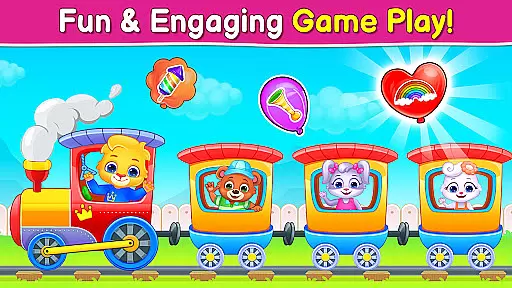
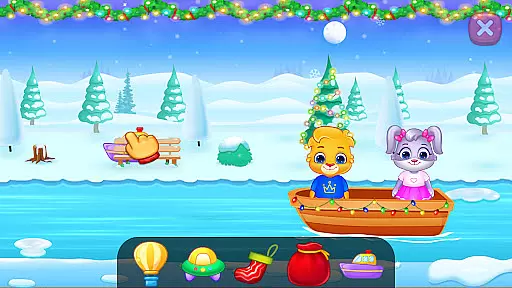
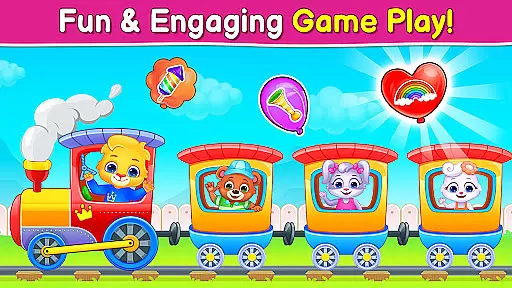
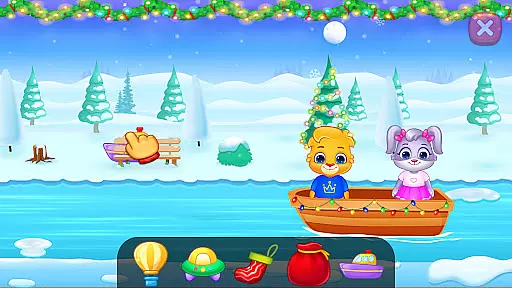
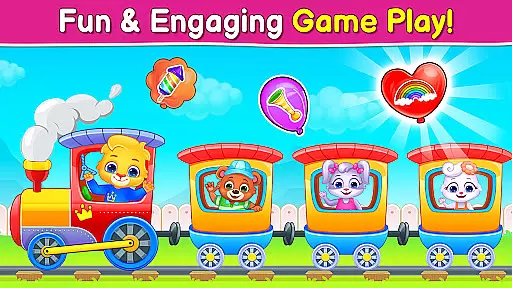
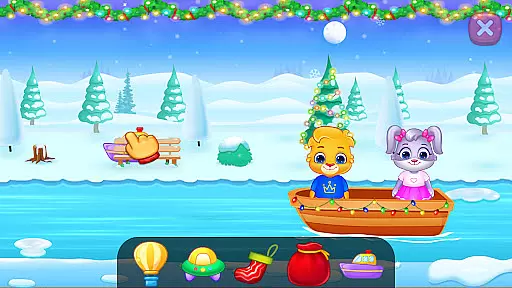
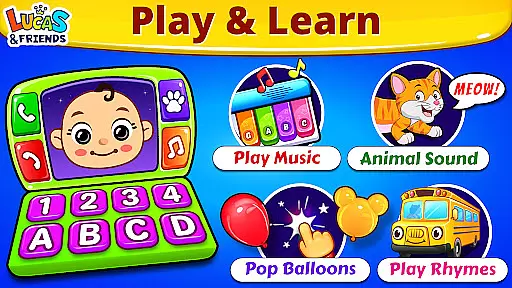
Baby Games: Piano & Baby Phone is an educational app designed to entertain and educate babies and toddlers through a variety of interactive mini-games. The app features activities such as matching animal sounds with pictures, popping balloons, and playing musical instruments. These games are crafted to develop attention, observational skills, memory, and fine motor control in children aged six months to two years.
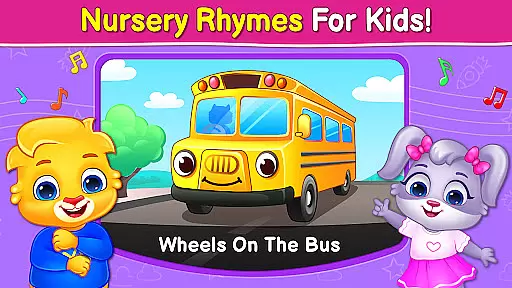
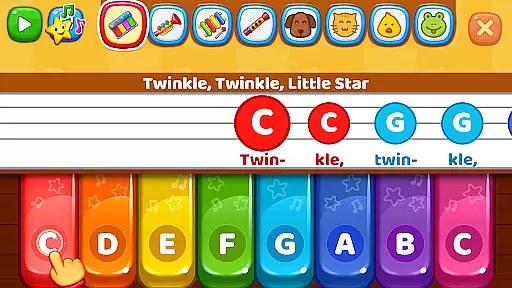
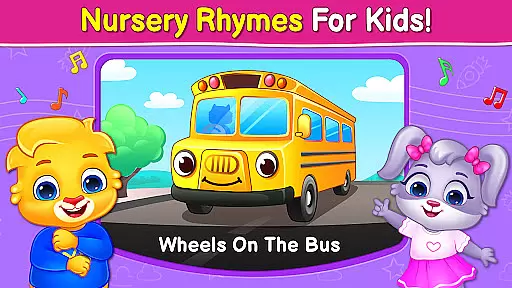
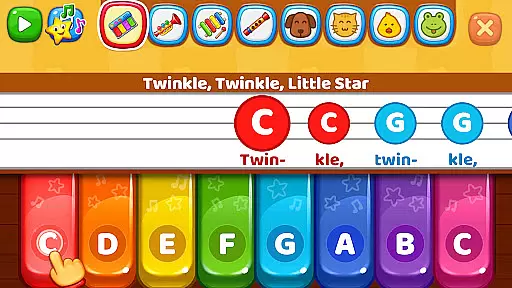
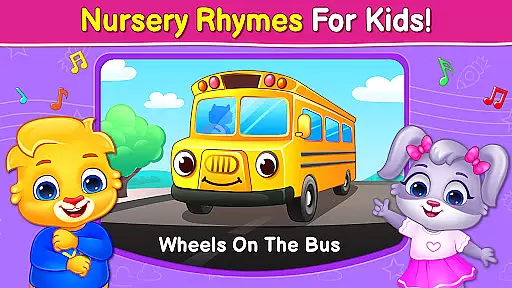
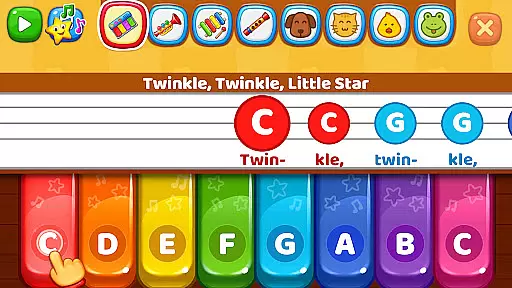
The interface is colorful and child-friendly, ensuring safety and ease of use for young children. With nursery rhymes like 'Twinkle Twinkle Little Star' and modes such as the Music Room and Pop 'n Play, this app provides hours of fun while facilitating early childhood learning. Parents can feel secure knowing that the app is free from third-party ads and in-app purchases, making it a safe choice for their children's education and entertainment.
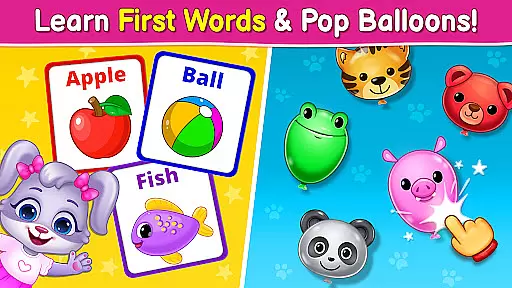
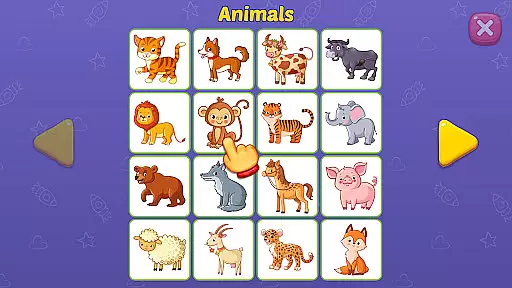
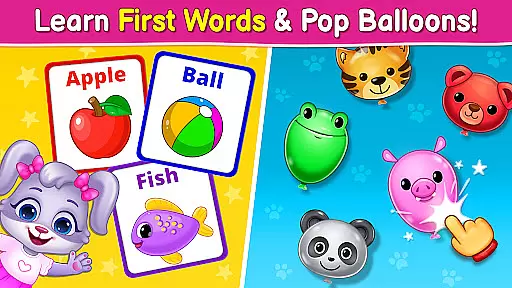
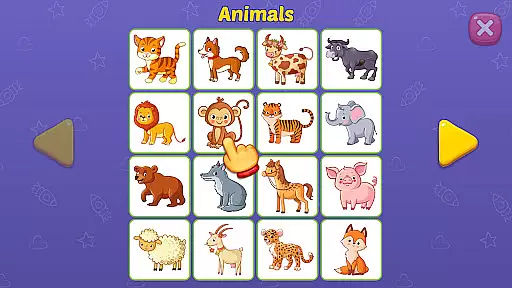
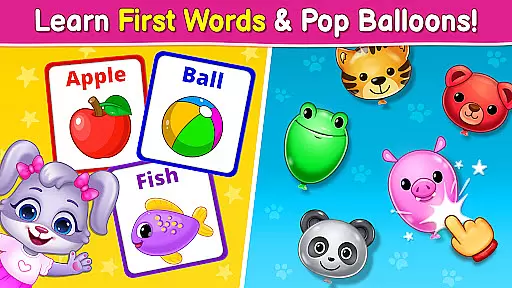
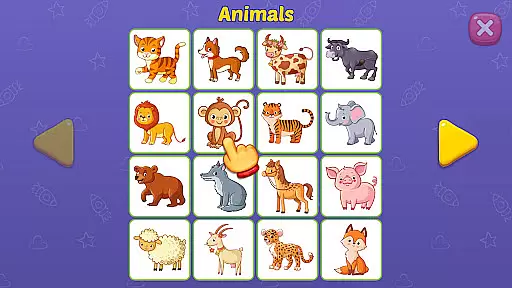
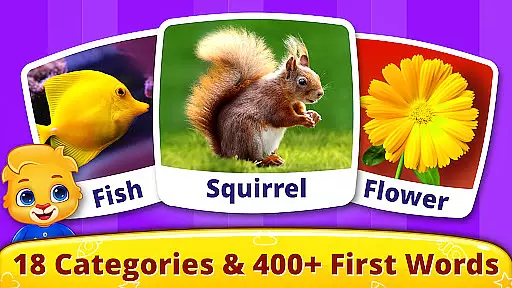
This app offers a rich selection of features tailored to engage and educate young minds. One of the standout components is the First Words game, where kids learn animal sounds and match them with corresponding images. This not only aids in language development but also enhances memory retention through interactive play.
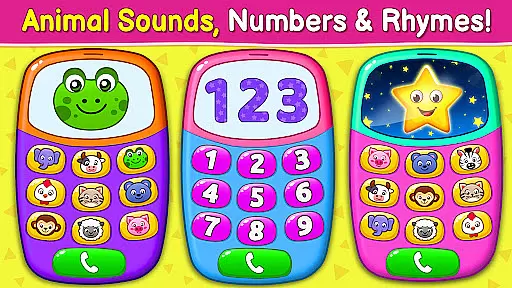
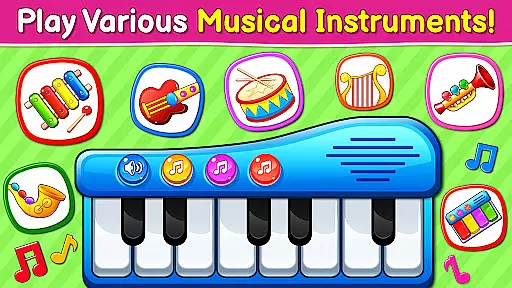
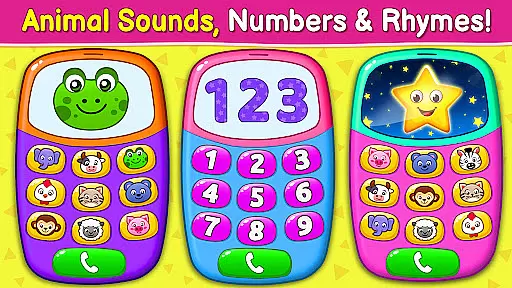
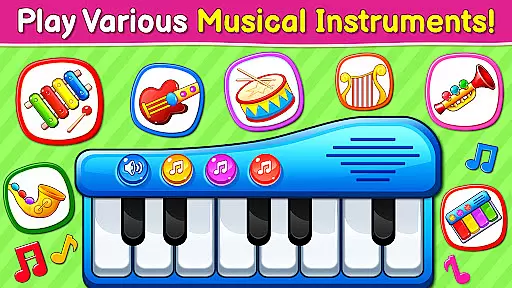
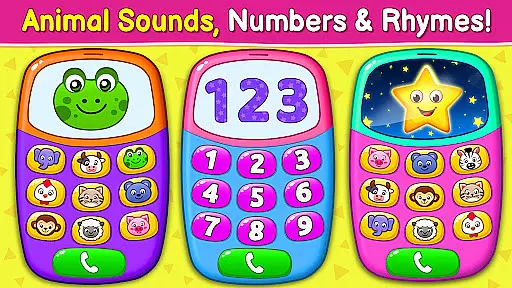
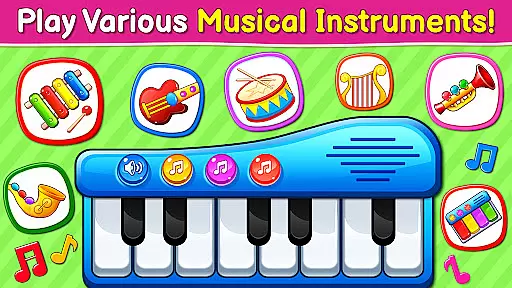
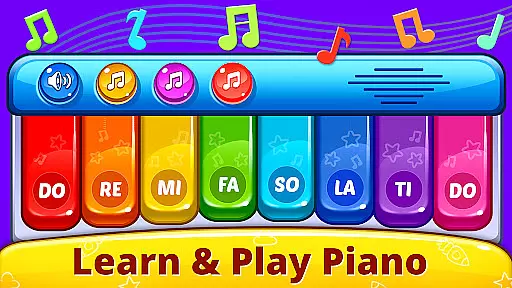
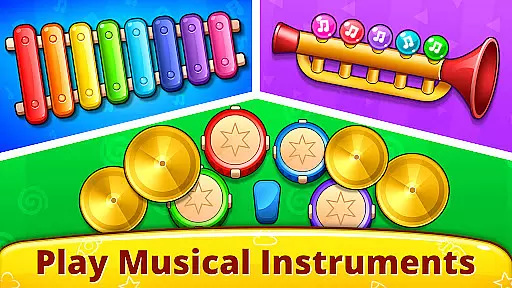
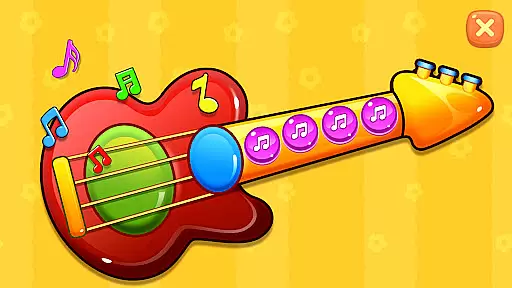
The Music Room feature lets toddlers explore different musical instruments such as pianos, drums, trumpets, and xylophones. By tapping on the screen, children can create melodies and hear real instrument sounds, fostering an appreciation for music from an early age. Additionally, the Baby Phone mode allows kids to make pretend calls to animals, listen to nursery rhymes, and learn about numbers, thus combining fun with foundational learning concepts.
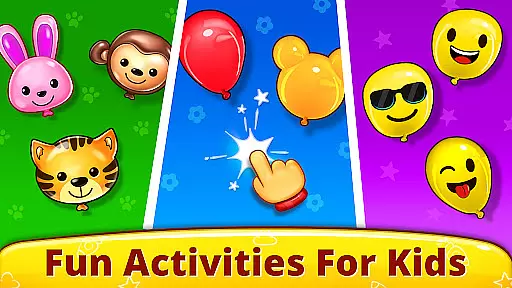
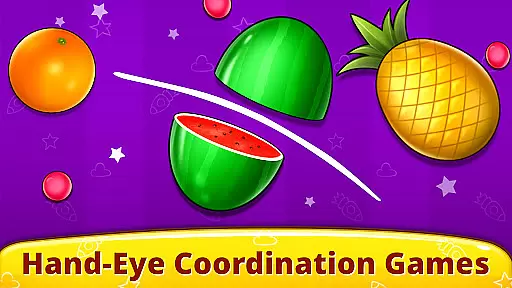
Other engaging features include the Pop 'n Play balloon popping game and the Fireworks display creator, both designed to improve hand-eye coordination and motor skills. Each feature is thoughtfully integrated to ensure a balanced mix of entertainment and educational value, making Baby Games: Piano & Baby Phone a comprehensive tool for early childhood development.
In the realm of educational applications, content authority and curriculum alignment are crucial for ensuring that learning is both effective and credible. Baby Games: Piano & Baby Phone positions itself as not just a source of entertainment but also as an educational tool designed to engage toddlers and young children in learning through play.
The app encompasses a variety of activities including the 'First Words' game which teaches children about animal sounds matched with corresponding images, thus laying down foundational knowledge in a fun and interactive way. The inclusion of nursery rhymes such as the ABC alphabet song and classics like 'Twinkle Twinkle Little Star' further aligns the app's offerings with early childhood education standards.
By integrating these elements, Baby Games provides more than mere amusement; it delivers structured learning experiences that resonate with recognized educational benchmarks. This approach ensures that while children enjoy the vibrant visuals and interactive games, they simultaneously absorb knowledge that complements traditional learning frameworks.
Parents can rest assured knowing that their child's engagement with Baby Games is not only enjoyable but also enriches their cognitive development in line with established educational curricula.
Gamification has become a pivotal strategy in merging enjoyment with education, and Baby Games: Piano & Baby Phone leverages this concept to foster a dynamic learning environment for young minds. By transforming standard learning objectives into engaging challenges, the app successfully captivates children's attention and motivates them to learn through exploration and play.
Within the app, features such as the Music Room offer a gamified experience where children can experiment with different musical instruments, tapping on the screen to produce real sounds. This interaction not only entertains but also enhances motor skills and sound appreciation, illustrating how game mechanics can be harnessed for educational purposes.
Moreover, the Pop 'n Play mode adds another layer of gamified learning by allowing kids to pop balloons and smash fruits, activities that require coordination and precision. These seemingly simple actions help develop fine motor control and observational skills, demonstrating the app's commitment to combining fun with functional skill-building.
Ultimately, Baby Games stands out as an exemplary model of gamification in education, proving that when properly integrated, gaming elements can significantly enhance the learning process, making it an enjoyable journey of discovery for children.
Engaging mini-games
Child-safe interface
Educational content
Ad-free experience
Easy navigation
Limited advanced options
No parental controls
Basic graphics
Repetitive gameplay
Occasional bugs

Learn and practice multiplication and division
 4.4
4.4
Create stories and build your own virtual world for your avatar!
3.00
Play the fun princess party game for kids with Cocobi the little dinosaurs.
4.10
Creative beauty & fashion
4.50
Fun step-by-step drawing & coloring app to learn and create art!
4.2
Master your phonics letters and sounds with the Alphablocks!
3.80
Help your child improve their number literacy with Numberblocks: Card Fun!
2.60
Play pretend & explore at the doctor's & school in Daniel Tiger's Neighborhood.
3.30
A fan of cute games? Try animal games & take care of fluffy virtual pets!
4.20
Amazing toddler coloring games for 2+. Enjoy painting games
4.60
Stack the States® 2 makes learning US geography fun!
4.50
Math Games For Kids To Learn Addition, Subtraction, Multiplication and Division.
4.30
Fun educational game: Learn, imagine, create, draw and color!
4.20
Animal games! Adopt virtual pet dog, cat & rabbit to create your pet world!
4.10
The Squirrels have been learning how to look after animal, now it's your turn!
3.90
Cure the patients to create your hospital story!
3.90
Create, Style, Repeat!
3.70
Absorbing, highly visual, effective learning of multiplication, division
4.5
Discover the infinite cycles of the universe
4.5


User Reviews