

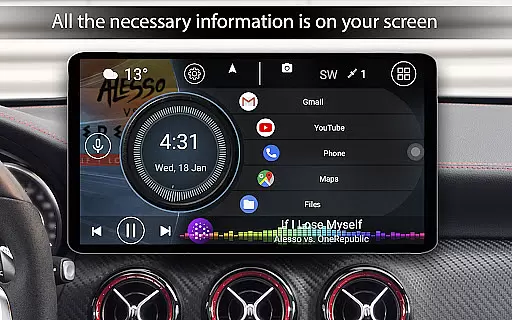
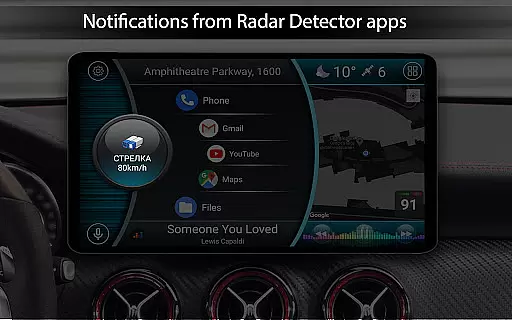
Car Launcher Pro is a specialized application designed for automotive use, enabling seamless control of Android-based car systems. It combines essential vehicle functions with user-friendly interface features.
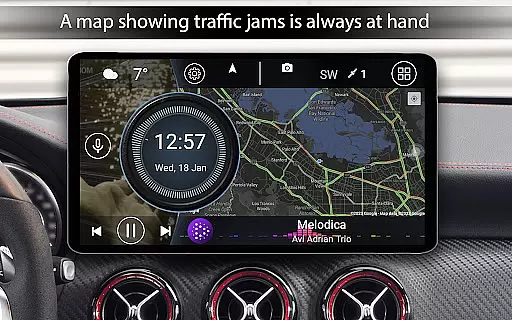
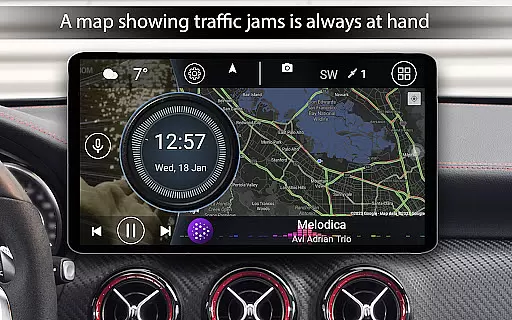
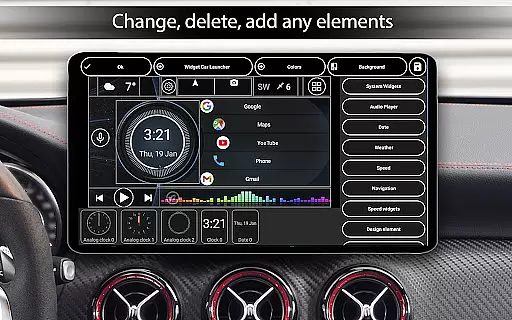
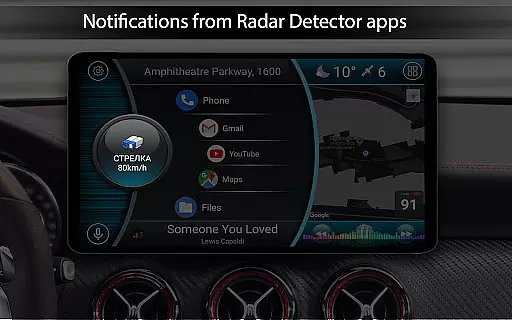
The app allows users to customize their dashboard with speed tracking, GPS data, and quick-access shortcuts to favorite apps. Its onboard computer functionality provides detailed trip statistics, making it an invaluable tool for drivers who need real-time vehicle performance monitoring.
Whether you're using a smartphone or an in-car entertainment system, Car Launcher Pro enhances your driving experience by offering both practical utility and personalization options tailored specifically for vehicles.
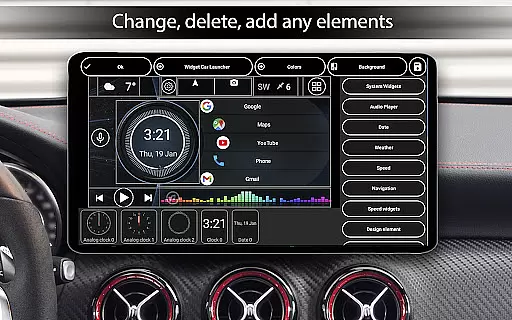
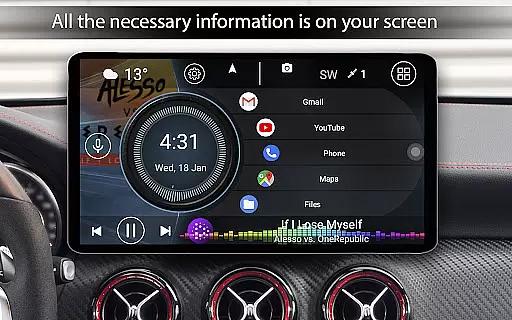
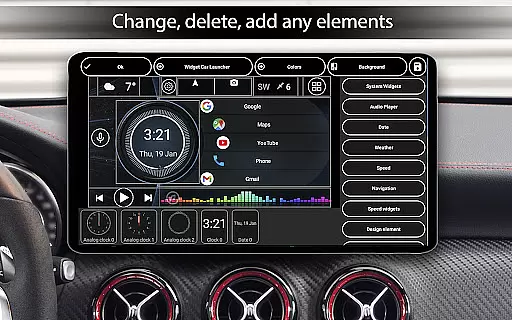
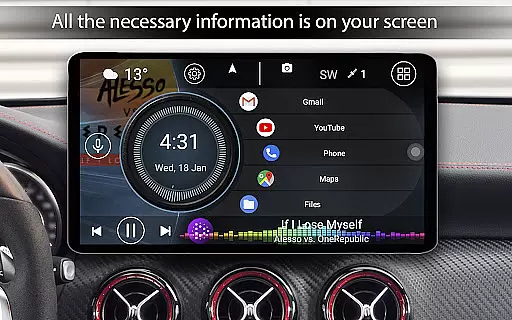
Car Launcher Pro offers a comprehensive suite of features that cater to vehicle owners looking for convenience and customization. The app transforms your car's interface into a fully customizable dashboard, complete with speed display, trip tracking, and more.
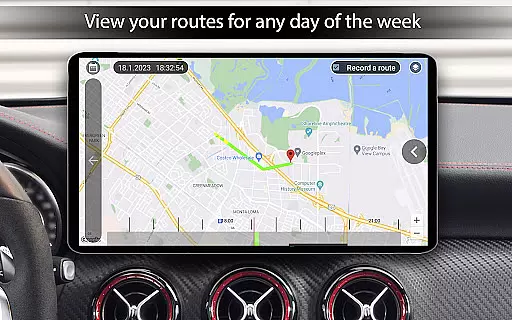
One standout feature is the slide menu, which includes an onboard computer displaying current speed, distance traveled, average speed, total operating time, and even acceleration metrics. Users can configure these parameters to show data for specific timeframes such as trips, daily, weekly, or monthly durations.
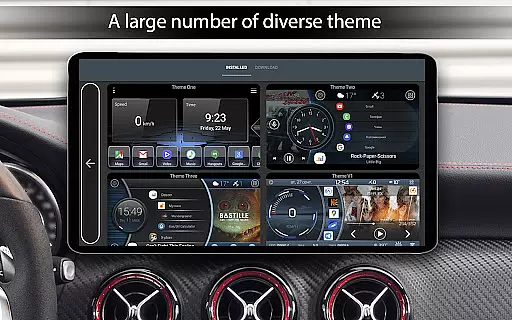
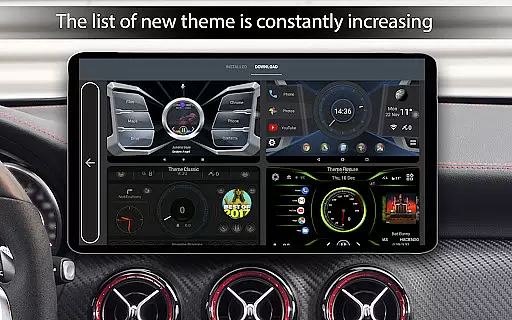
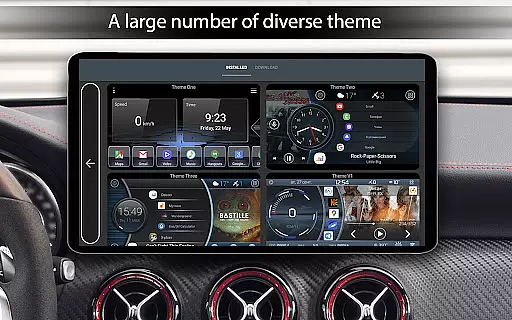
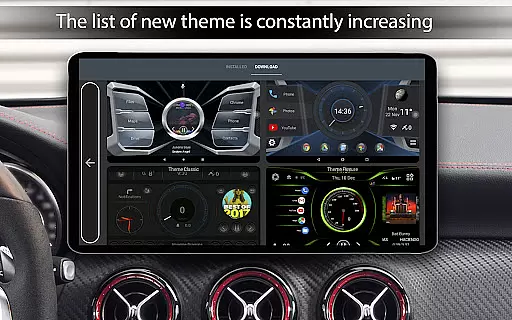
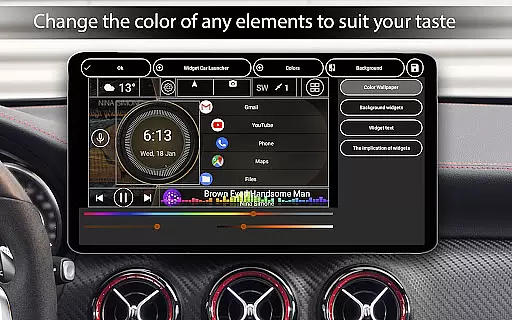
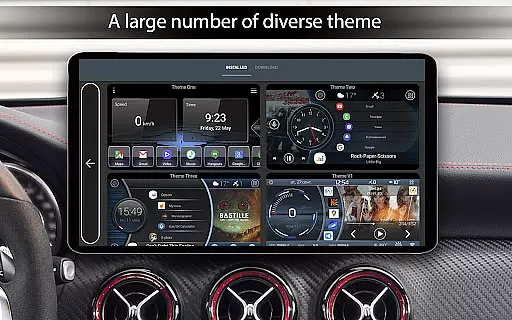
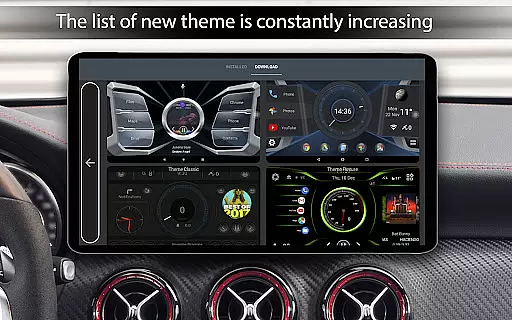
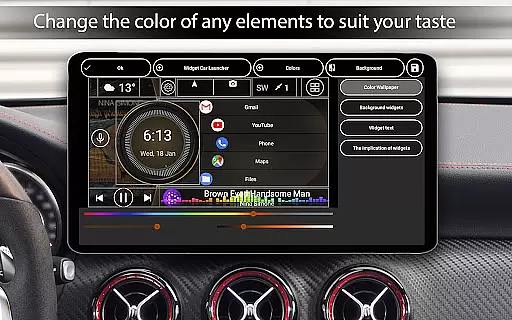
Additionally, the app supports third-party themes, widgets, and players, allowing further personalization. With automatic brightness control, weather updates, and location information, Car Launcher Pro ensures drivers have all necessary tools at their fingertips while maintaining focus on the road.
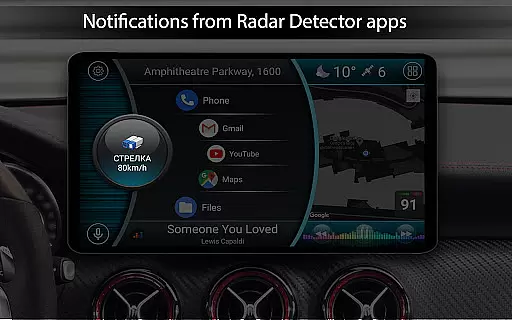
Car Launcher Pro offers a comprehensive suite of tools that provide detailed vehicle information, ensuring drivers have access to crucial data while on the road. This includes real-time speed readings based on GPS data, which is prominently displayed on the home screen for easy monitoring.
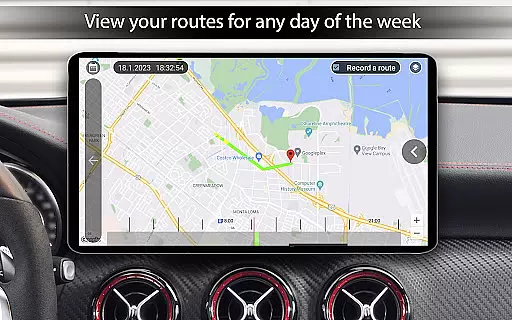
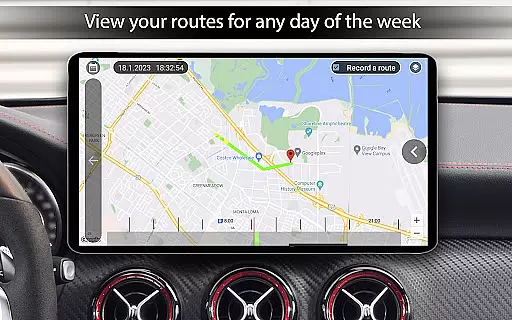
In addition to speed, the app features an onboard computer that calculates travel distance over various periods. Users can track their trips with precision and view statistics such as average speed, total driving time, maximum speed reached, and even acceleration times from 0 to different speed thresholds.
The ability to reset these metrics at any point allows for personalized tracking of driving performance. Whether it's for a single trip or aggregated over days, weeks, or months, this functionality supports informed decision-making regarding vehicle usage and maintenance.
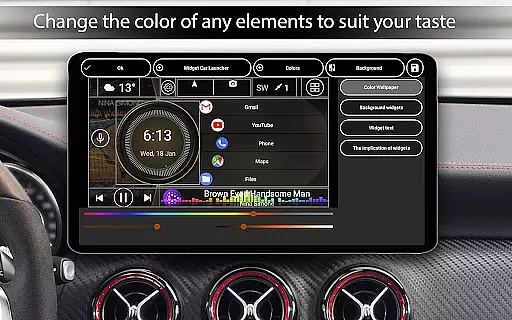
Furthermore, Car Launcher Pro enhances user experience by offering customization options for how vehicle information is presented. Drivers can choose between displaying speeds in kilometers or miles per hour, tailoring the interface to their preference and ensuring comfort and familiarity while driving.
While Car Launcher Pro focuses primarily on delivering robust vehicle information, it also excels in providing price transparency for its premium features. The app operates on a freemium model, where basic functionalities are available without charge, allowing users to explore its potential before committing financially.
For those seeking advanced capabilities, Car Launcher Pro clearly outlines the benefits of upgrading to the PRO version. This includes the ability to create multiple folders for organizing selected applications on the main screen, enhancing accessibility and personal workflow within the car environment.
Users appreciate knowing exactly what they gain with the paid upgrade, such as extended customization options for widgets and themes. These enhancements not only improve aesthetics but also contribute to a more intuitive and enjoyable user interface tailored specifically for automotive use.
By maintaining clear communication about feature sets and associated costs, Car Launcher Pro fosters trust among its user base. This approach ensures that customers feel confident in their purchasing decisions, knowing precisely what value they receive for their investment in the application.
User-friendly interface
Customizable dashboard
Real-time speed tracking
Comprehensive trip statistics
Third-party theme support
Complex setup process
Background GPS drains battery
Premium features locked
Limited free version
Occasional bugs reported


The Smarter Way Forward
 3.30
3.30
Practice the drills within MotoJitsu Master Riding Program Volume 1 & 2!
4.80
OBDII - ELM327 Terminal tool for 96-00 Volvos
4.50
Simplify your drive
3.90
Automotive Electrical Wiring Diagrams
4.40
Find, search, and browse 40,000+ used cars, SUVs, and trucks.
4.50
Find Fast EV Chargers | Charge Your Vehicle at 1,100+ Fast Car Charging Stations
4.60
Quick and easy car diagnostics to get you the right fix.
4.70
PayByPhone: A quick and easy way to pay for parking.
3.80
7-Day Returns on All Cars
4.80
Buy and sell your boat
4.70
Your go-to app for car, truck & SUV parts, DIY tools, and expert repair help.
4.70
Find Your Local Store or Shop Online for the Car, Truck, or SUV Parts You Need
4.70
OBD1 ECMs application. Data log or tune directly from your phone or tablet!
4.60
Realtime Charts is a plugin for the Torque Pro App (OBD 2 & Car)
4.20
By enthusiasts, for enthusiasts
4.00
Available in select states.
4.00
Read and delete OBD codes with any ELM327 OBD scanner. Coding functions included
3.40
Ferrari inspired analog & digital watch face with quick access and premium style
4.1

User Reviews