

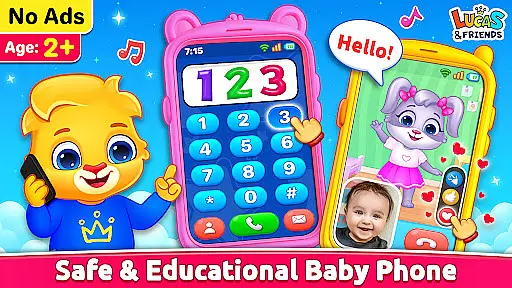
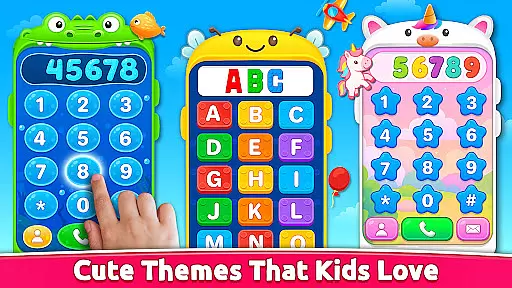
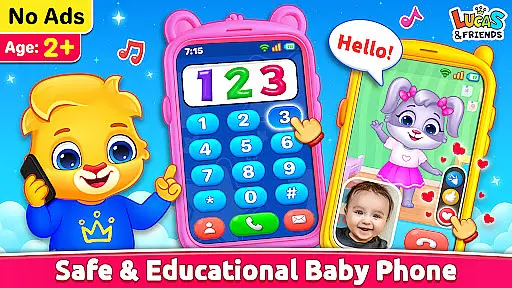
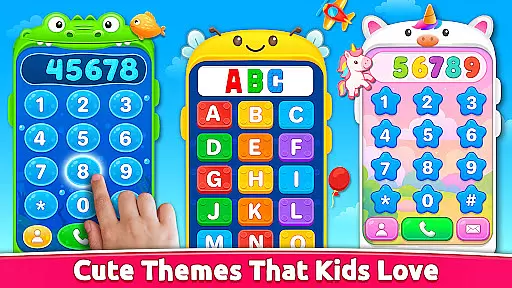
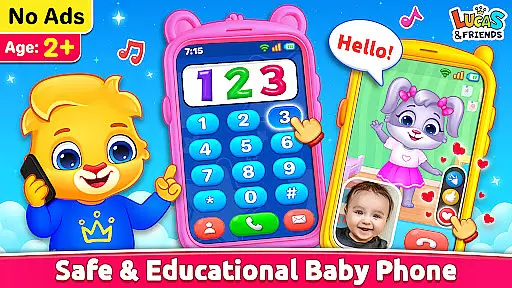
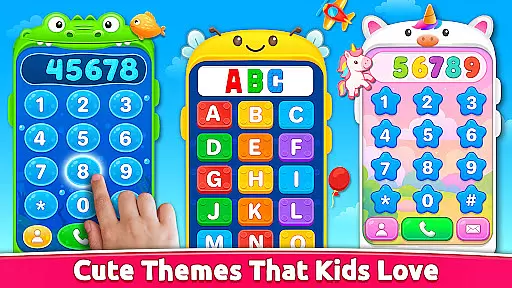
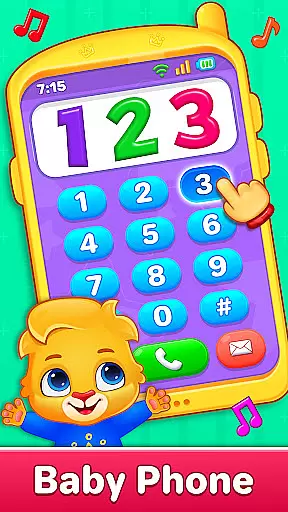
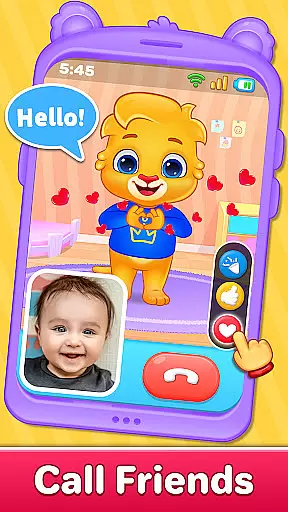
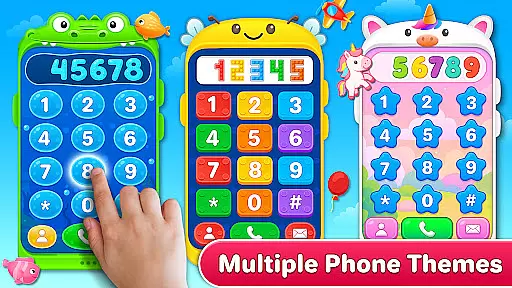
Baby Phone & Kids Games is an innovative educational app designed specifically for toddlers aged 1 to 5, turning screen time into a meaningful learning experience. This all-in-one app transforms a smartphone into a virtual toy phone, offering features like pretend calls, video chats, ABCs, music, coloring, and more in a safe environment guided by Lucas and Friends.
The app includes interactive activities such as phone calls with characters, toddler coloring fun, vehicle sounds, photo frames, and phonics learning. Each feature is crafted to promote cognitive development while providing entertainment. With its ad-free, offline play option and easy tap controls, it ensures a safe and engaging experience for young children.
Parents can feel confident letting their toddlers explore this app, as it combines education with fun in a secure digital space. Whether it's learning colors and shapes or enjoying sensory play with fireworks and sounds, Baby Phone & Kids Games offers endless opportunities for discovery and growth.
Baby Phone & Kids Games stands out with its variety of interactive features tailored for young learners. The app allows kids to engage in pretend phone calls with Lucas and Friends, where they can 'talk' to characters through cute voices and playful interactions. Another highlight is the video call mode, which brings these characters to life with animations and responsive expressions.
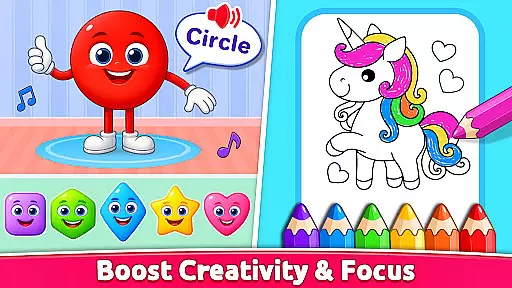
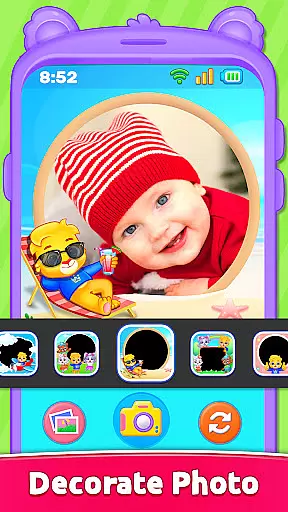
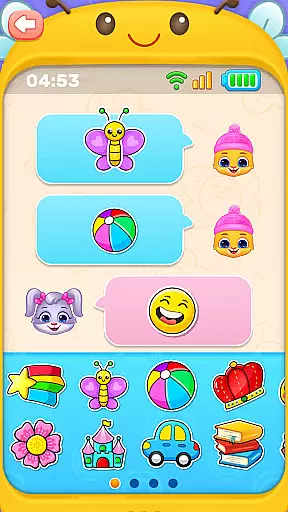
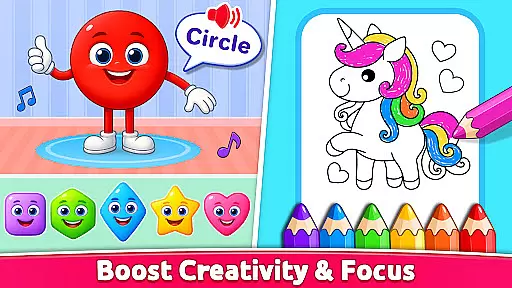
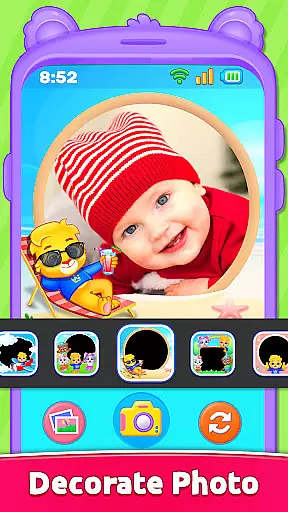
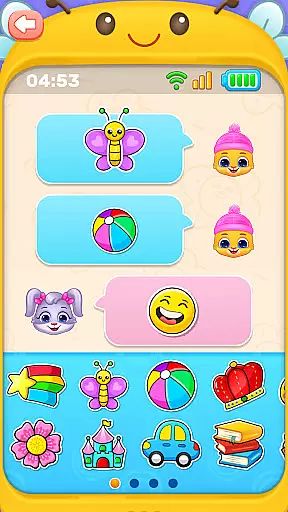
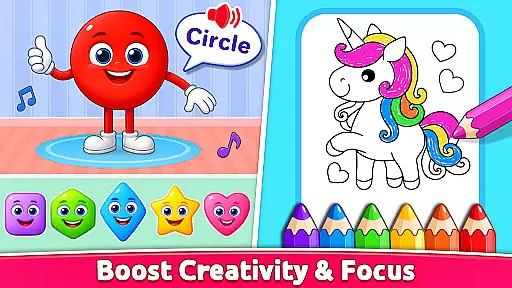
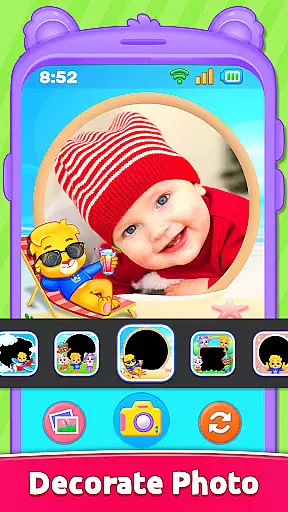
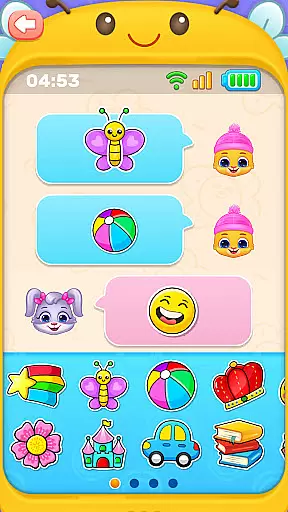
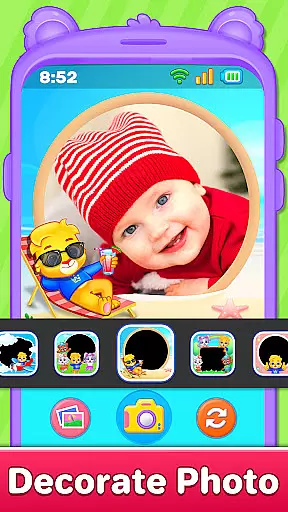
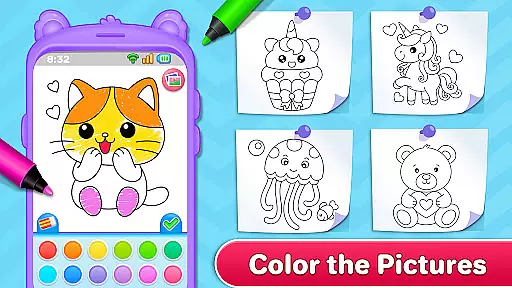
Creative activities include toddler coloring pages featuring animals, shapes, and characters, along with a photo frame feature that lets kids decorate pictures. Educational aspects are covered through ABC and 123 phonics learning modules, helping toddlers grasp letters and numbers interactively. Additionally, the app introduces early digital communication via emoji chats and sticker exchanges.
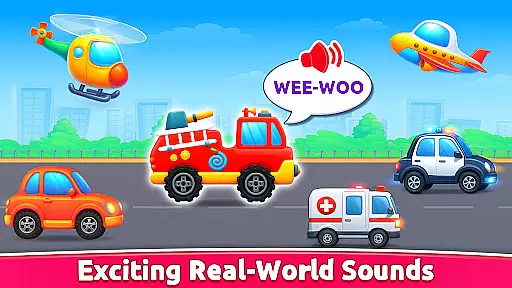
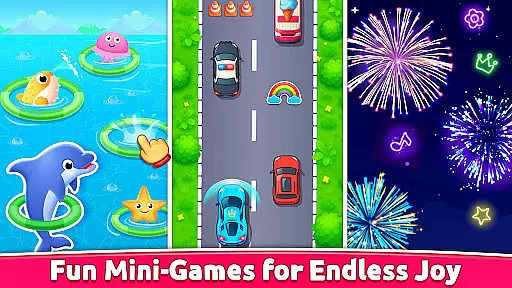
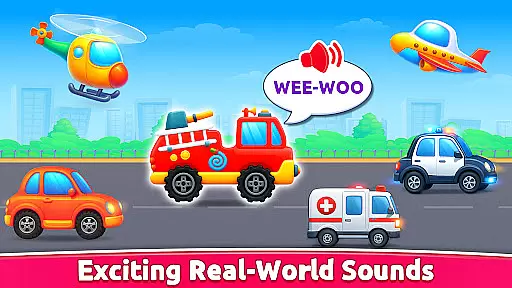
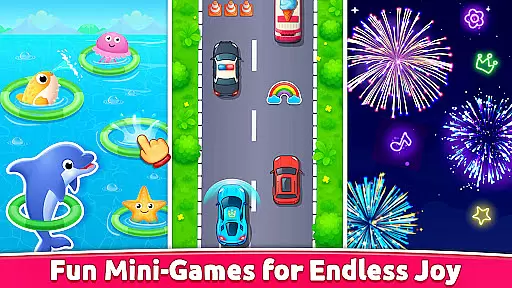
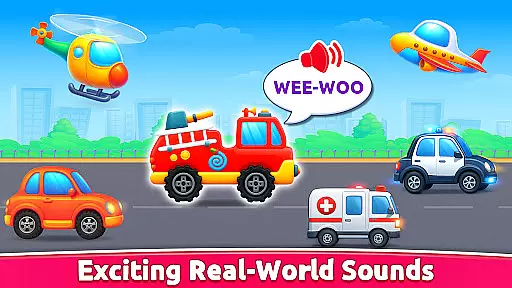
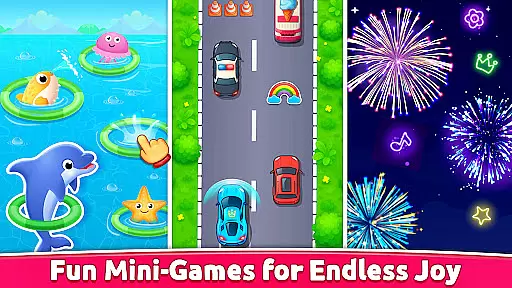
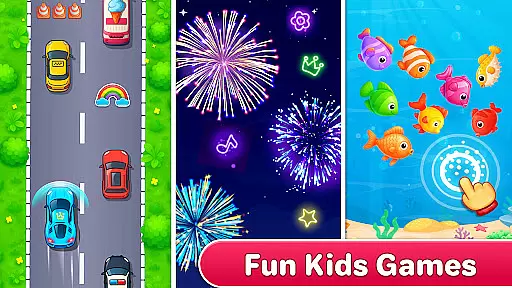
Sensory stimulation comes from exciting vehicle sounds and a fireworks mode, encouraging exploration and motor skill development. Designed with simplicity in mind, the app features large buttons, bright visuals, and intuitive controls, making it perfect for its target age group. These thoughtful design choices ensure both safety and engagement for young users.
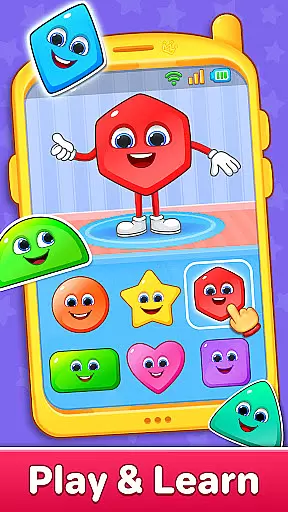
In the realm of educational applications, content authority and curriculum alignment are crucial for ensuring that learning is both effective and relevant. Baby Phone & Kids Games excels in this area by providing a suite of activities that are not only engaging but also pedagogically sound. The app includes features such as ABC & 123 Phonics Learning and Learn Colors & Shapes Through Play, which are designed to align with early childhood education standards.
The developers have worked closely with educators to ensure that each interactive game supports the developmental milestones expected in children aged one to five. For instance, the phonics section uses sound to teach letters and numbers, which is a method backed by educational research for early literacy development. This careful attention to curriculum needs makes Baby Phone & Kids Games a trusted tool for parents who value education alongside entertainment.
Furthermore, the app's dedication to being an ad-free environment ensures that toddlers remain focused on their learning journey without distractions. This approach not only enhances the authority of the content but also provides peace of mind to parents who seek safe digital play spaces for their children. With its robust combination of fun and foundational learning, Baby Phone & Kids Games stands out as a paragon of educational gaming.
Gamification-learning integration represents the fusion of game mechanics with educational content, creating an immersive experience that motivates and engages young learners. Baby Phone & Kids Games has mastered this technique by embedding learning objectives within playful interactions. Features like the Tap-to-Chat with Emojis & Stickers and Toddler Coloring Fun serve as conduits for developing communication skills and creativity while maintaining the joy of play.
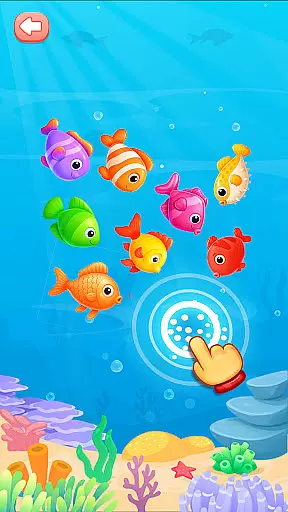
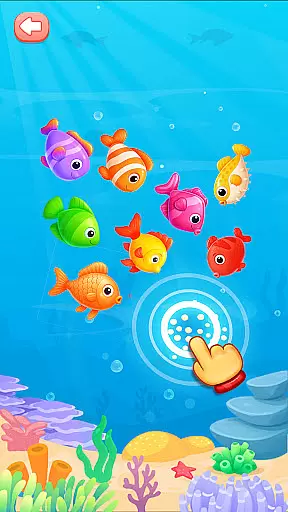
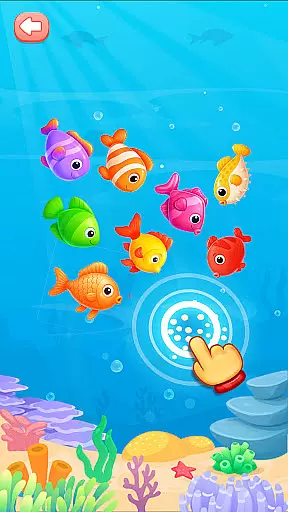
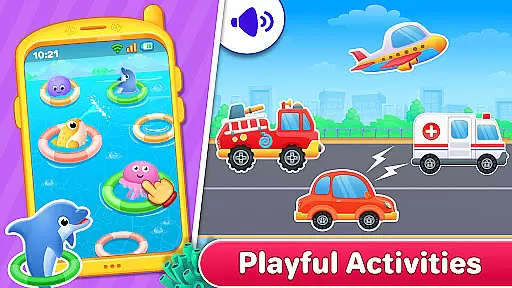
Each activity within the app is crafted to stimulate cognitive development through sensory play. For example, the Exciting Vehicle Sounds feature allows children to explore auditory stimuli, linking noises to their corresponding vehicles, thus enhancing recognition and memory retention. Similarly, the Fireworks Mode encourages sensory exploration and cause-and-effect understanding, as kids tap the screen to create bursts of colorful fireworks.
By transforming learning into a series of enjoyable challenges, Baby Phone & Kids Games ensures that toddlers remain engaged and eager to learn. The app's colorful phone options and pretend calls further reinforce real-world connections, making every interaction a potential learning moment. This seamless blend of gaming elements with educational goals exemplifies how technology can be harnessed to support early childhood development effectively.
Ad-free environment
Offline play capability
Interactive learning modules
Vibrant visual design
Safe user interface
Limited advanced features
No multi-language support
Basic parental controls
Restricted content variety
Device compatibility issues

Little Explorer – Garage, Kitchen and Bathroom
 4.4
4.4
Fun educational games for kids that teach number tracing, counting with modes!
4.50
Fun educational jigsaw puzzles for kids and preschoolers.
4.50
Explore, create, and play with Hello Kitty and all her friends!
4.60
Practice Early Literacy Skills and Build Vocabulary with Elmo & Cookie Monster!
3.90
Discover the infinite cycles of the universe
4.1
Featuring the Numberblocks
3.60
Create, Style, Repeat!
3.70
Create, design & explore Mia’s avatar game world! Dress up a dreamhouse you love
3.80
Tons of kids safety games, cartoons, and stories are included in one kids app!
4.70
Amazing learning and educational games for children of all ages.
4.70
Kids coloring games for boys! Fun drawing, painting & learning book for kids.
4.60
Tracing, phonics & spelling games for toddlers, preschool & kindergarten kids!
4.50
Play the fun princess party game for kids with Cocobi the little dinosaurs.
4.10
Welcome to the dollhouse! Unboxing, doll games, dress up & cute pets await!
4.00
Spark your little ones’ imagination!
3.80
Clean the messy house & play with cute kitty in this fun cleaning game for kids!
3.70
Get points, learn Spanish, repeat. Speedrun your way to knowledge.
4.0
A speed-learning English vocabulary game designed for user to reach proficiency
4.5


User Reviews