

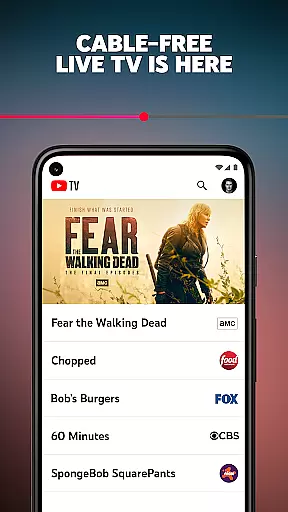
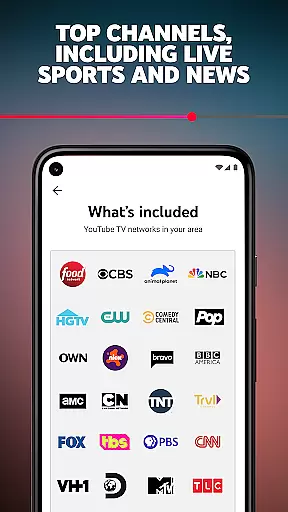
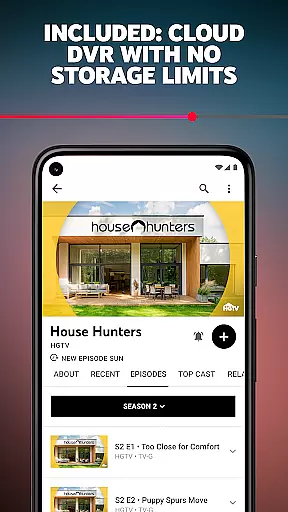
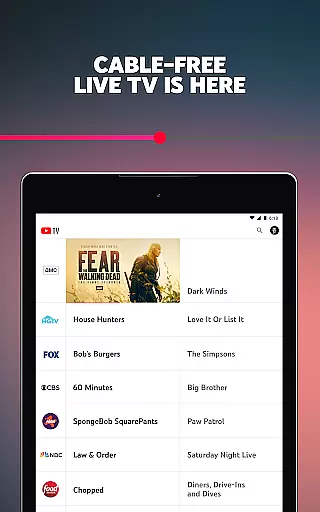
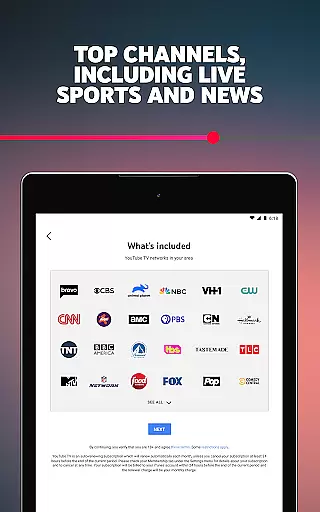
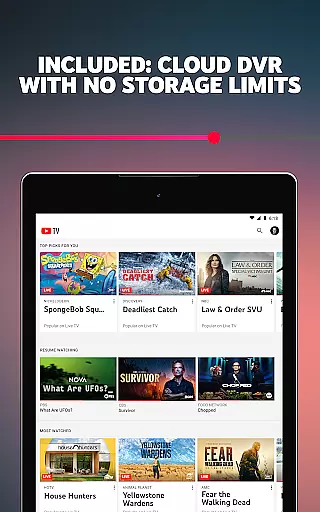
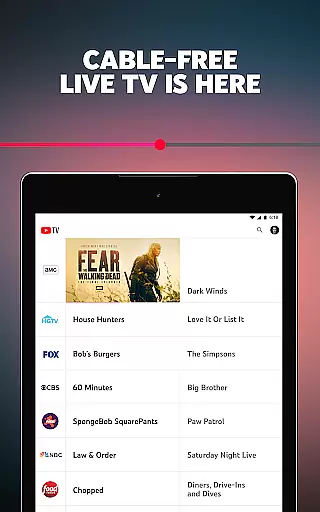
YouTube TV is a premier cable-free live TV streaming service that offers access to over 100 networks, including major broadcast channels like CBS, FOX, and NBC. It provides users with the flexibility to watch on multiple devices such as smartphones, tablets, computers, and smart TVs. The platform also features cloud DVR capabilities, allowing users to record live TV without storage limits, with recordings available for nine months.
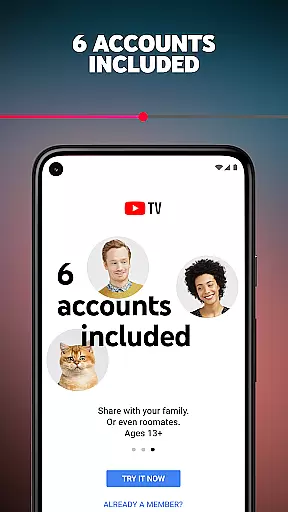
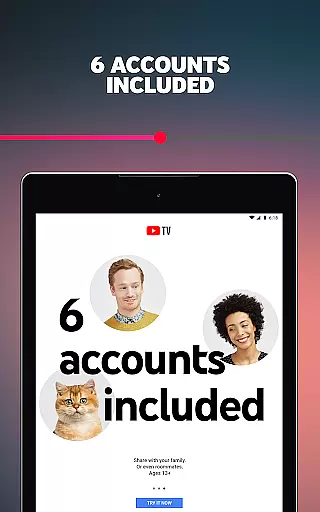
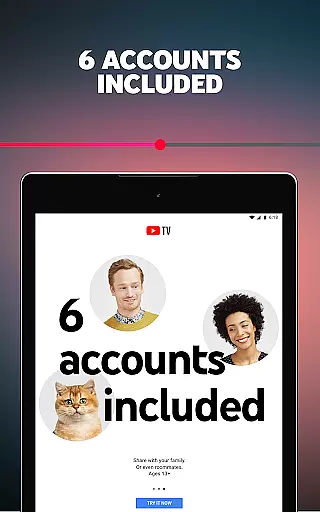
One of YouTube TV's standout features is its support for up to six accounts per household, each with personalized logins, recommendations, and DVR settings. This makes it an ideal choice for families or shared living spaces. Additionally, YouTube TV has become the exclusive home for NFL Sunday Ticket, enabling fans to watch every out-of-market Sunday game, further enhancing its appeal to sports enthusiasts.
The service operates on a month-to-month subscription model, offering users the freedom to cancel anytime without long-term contracts or cancellation fees. With its extensive channel lineup, including sports, entertainment, news, and kids' programming, YouTube TV delivers a comprehensive television experience tailored to diverse viewer preferences.
YouTube TV stands out with its robust feature set designed to enhance the modern TV viewing experience. One of its core functionalities is the ability to stream live TV from over 100 networks, including local sports and news channels, without the need for a traditional cable box. This positions YouTube TV as a versatile alternative to conventional cable services, appealing to tech-savvy consumers who prefer streaming content on their preferred devices.
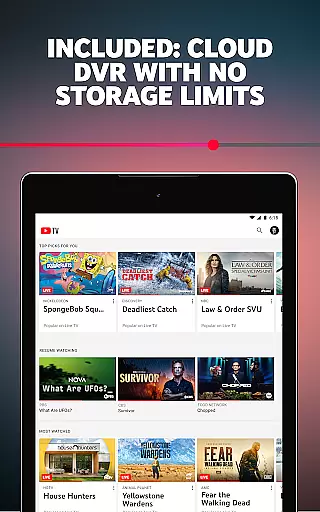
A key highlight is the unlimited cloud DVR feature, which stores recordings for up to nine months. This ensures users never miss their favorite shows or live events, while personalized recommendations and separate DVR settings for each account holder add a layer of customization. Furthermore, the inclusion of NFL Sunday Ticket as an exclusive offering allows subscribers to enjoy out-of-market football games, making it a top choice for sports fans seeking comprehensive coverage.
YouTube TV also emphasizes accessibility and convenience. Its multi-device compatibility enables seamless streaming across smartphones, tablets, computers, and smart TVs. The platform’s user-friendly interface simplifies navigation, while the absence of long-term contracts and flexible cancellation policies provide peace of mind for subscribers. These features collectively make YouTube TV a powerful tool for enjoying live and on-demand content effortlessly.
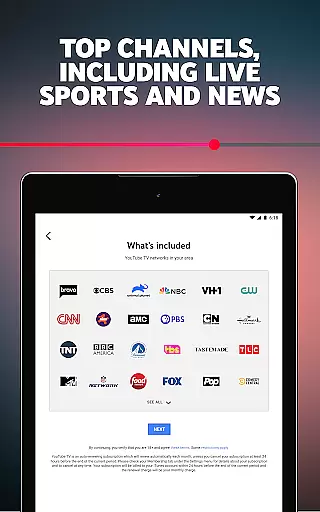
Content variety and freshness are crucial elements for any entertainment platform. YouTube TV excels in this area by offering a diverse range of channels from major broadcast networks like CBS, FOX, and NBC to specialized sports, entertainment, lifestyle, news, and kids' channels.
The service includes over 100 networks, ensuring that there is something for everyone. Whether you're into live sports, gripping dramas, or educational content for children, YouTube TV has it all covered. This extensive selection ensures users have access to the latest shows, games, and news as they happen.
YouTube TV also provides regular updates and adds new channels periodically, keeping the content fresh and engaging. Subscribers can enjoy not only current hits but also look forward to upcoming programs without worrying about missing out on popular trends or events.
By delivering such a wide array of options, YouTube TV keeps its audience entertained with both timeless classics and cutting-edge releases, making sure viewers always find what they love.
User engagement duration and retention are key metrics for evaluating the success of an entertainment service. YouTube TV addresses these aspects effectively through several innovative features designed to keep users hooked.
One standout feature is the cloud DVR service, which allows unlimited storage for recordings up to nine months. This ensures that users never miss their favorite shows or important events, encouraging longer viewing sessions and repeat usage.
Additionally, YouTube TV supports up to six accounts per household, each with personalized logins, recommendations, and DVR settings. This personalization enhances user satisfaction and increases the likelihood of retaining subscribers, as every family member can tailor the experience to their preferences.
With its seamless integration across multiple devicesu2014smartphones, tablets, computers, and TVsu2014YouTube TV makes it convenient for users to engage with content anytime, anywhere. Such flexibility boosts overall user engagement duration and solidifies customer loyalty.
Wide channel selection
No cable box required
Cloud DVR included
Multi-device streaming
Sports-focused packages
Higher subscription cost
Limited international access
No offline downloads
Regional restrictions apply
Auto-renewal default







Watch whatever you want, whenever you want, wherever you want.
 3.30
3.30
Journey to the world’s oldest rainforest and meet its Indigenous Custodians.
4.5
Stream live TV shows, sports, news, movies & more - all without cable.
3.00
5 funny and lovely ponies waiting for you to style them!
4.80
Christmas Globe: Transform your Wear OS device into a festive timekeeper!
4.3
The classic game of rock, paper, scissors
4.4
Official KennysGifs Stickers
4.20
Watch Reels, Drama Shorts & TV Series Anytime. Download DramaWave Now!
4.70
Watch New Episodes & Live TV
3.80
Wodfix Air aggregates popular online content for you.
4.80
Catalog & tracker of your DVD, Blu-ray & Digital Movie and TV Collection Library
4.80
Exclusive creator communities
4.70
Live TV, sports & holiday movies — stream on phone, tablet & TV
4.60
Series,Películas y Telenovelas
4.50
Atomus is a 10-finger multi-touch interactive visualizer.
4.30
Practice and master your ESP and intuition with five mode trainer.
4.20
Start EVP/Spirit Box tonight: real EMF, offline, recording. One-time purchase.
4.10
Necrophone is spirit box ghost hunting app made for spirit communication.
3.70
Collaboration with popular VTubers
4.2


User Reviews