

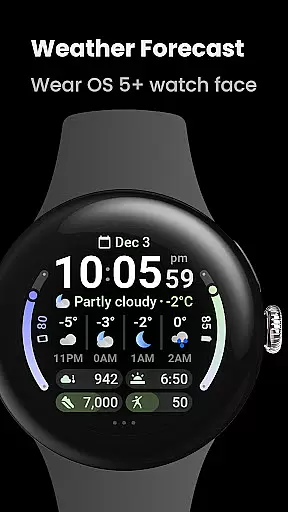
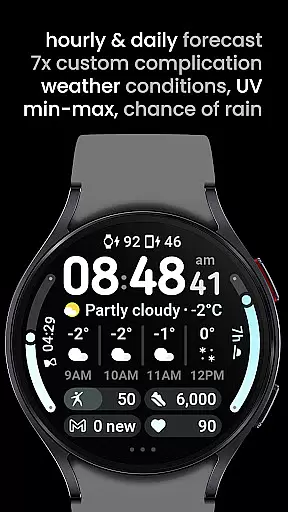
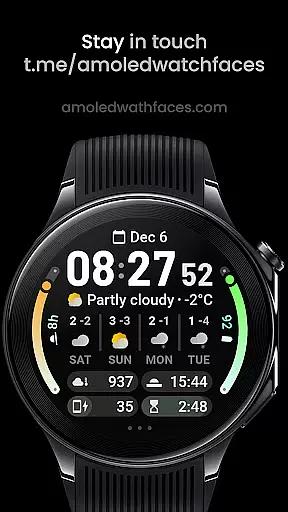
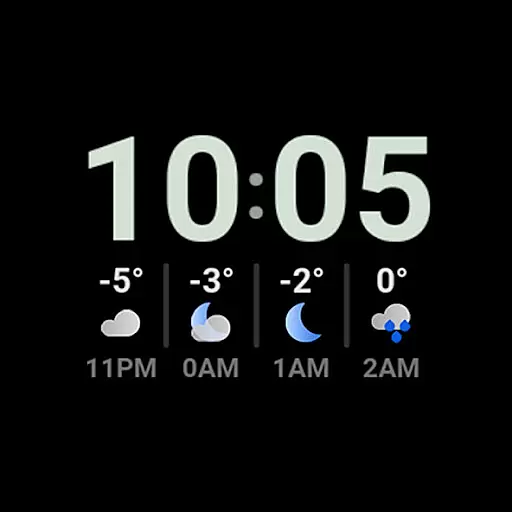
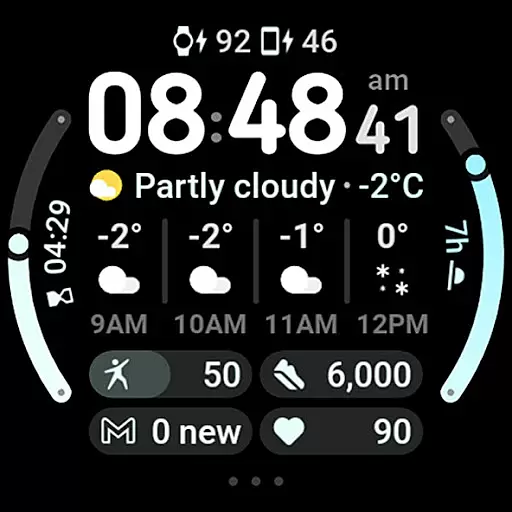
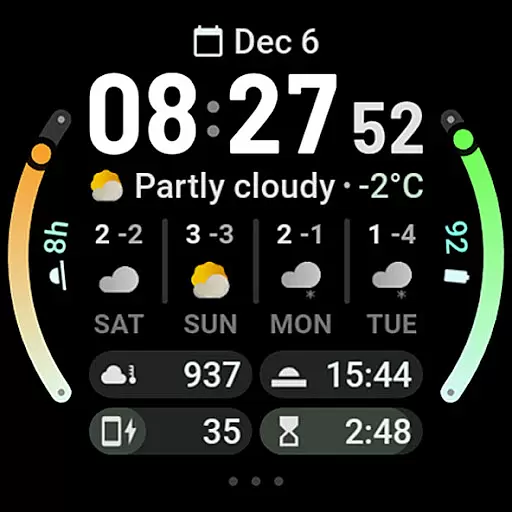
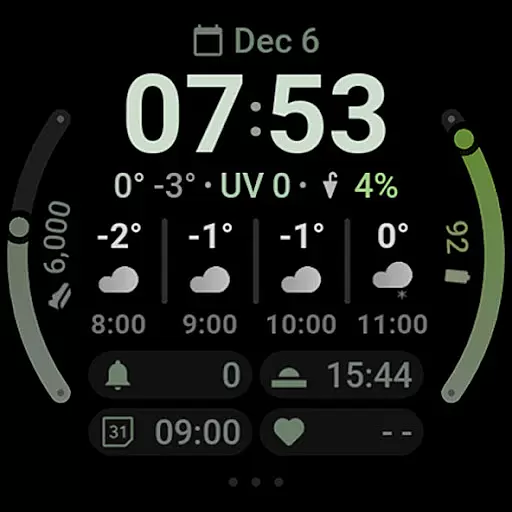
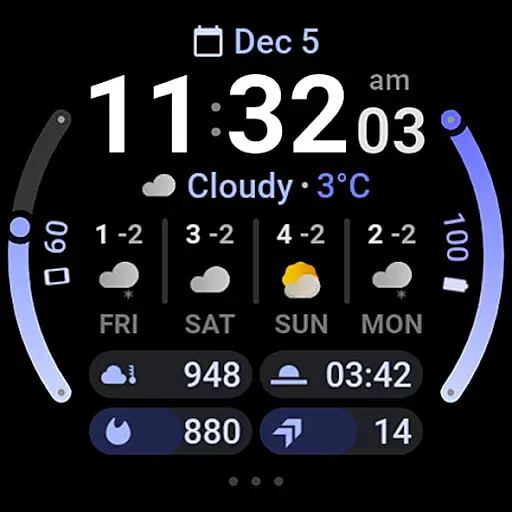
Weather Forecast Watch Face is a specialized application designed for Wear OS 5+ devices, providing users with comprehensive weather data directly on their smartwatch. The app displays current weather conditions, temperature, UV index, chance of rain, and both hourly and daily forecasts. Its intuitive design ensures that users can quickly access vital weather information.
Beyond basic weather data, the app offers advanced features such as animated weather stats, customizable watch faces, and interactive elements like tapping to switch forecast views or launch the weather app. With support for multiple languages, various color themes, and AOD looks, it provides a personalized experience. The app also supports up to seven custom complication slots, enhancing its utility by integrating with other apps.
This application is ideal for individuals who need quick access to weather updates without having to pull out their phone. Whether you're an outdoor enthusiast or someone who simply wants to stay prepared, Weather Forecast Watch Face delivers essential data in a user-friendly format, making it a valuable tool for daily wear.
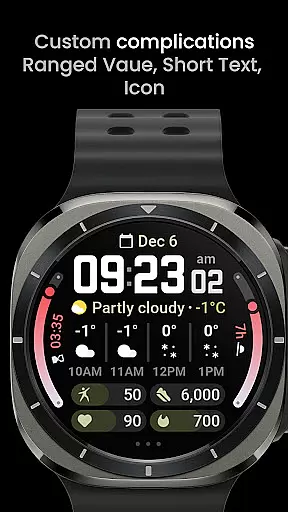
Weather Forecast Watch Face stands out with its robust feature set tailored for Wear OS 5+ users. One of its key features is the dynamic weather condition row that animates every five seconds, cycling through different weather stats. This keeps users informed about changing conditions without any manual input. Additionally, users can tap on the weather forecast section to toggle between hourly and daily forecasts, offering flexibility in how they view upcoming weather patterns.
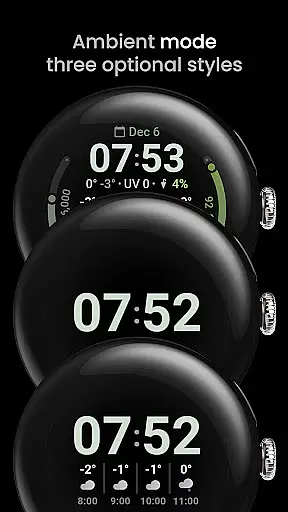
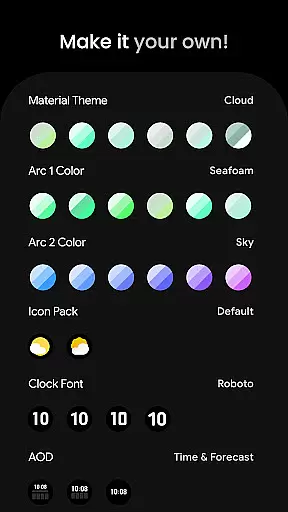
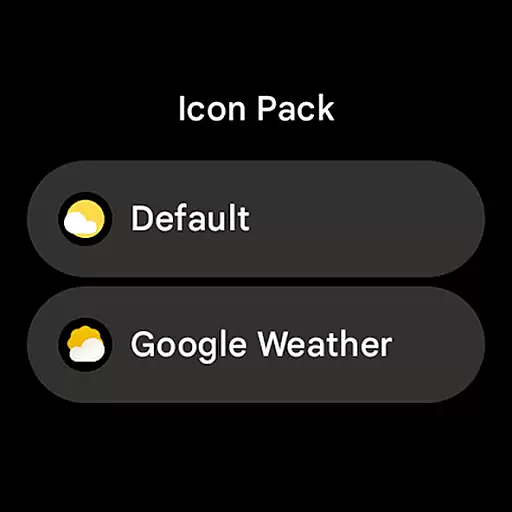
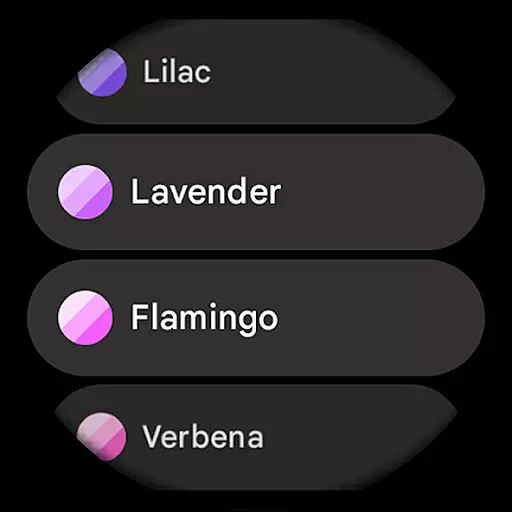
The app also includes extensive customization options. Users can choose from over 60 material themes and arc colors, two weather icon packs, and four digital clock fonts. It supports multilanguage functionality and offers three optional Always-On Display (AOD) looks. With seven custom complication slots, users can integrate various types of data, including ranged values, short text, and monochromatic icons, making the watch face not only informative but also versatile.
Practicality is further enhanced by interactive elements such as tapping the digital clock to open the alarm or tapping the three dots to access system settings. These features ensure that users can efficiently navigate their smartwatch while receiving timely weather updates. Overall, Weather Forecast Watch Face combines aesthetics with functionality, delivering a superior user experience for those seeking detailed weather insights on their wearable device.
Forecast Accuracy & Data Credibility is a crucial feature for any weather application, ensuring users receive reliable and precise weather information. Weather Forecast Watch Face provides comprehensive weather data including current conditions, temperature, UV Index, chance of rain, and hourly as well as daily forecasts.
This app aggregates data from credible sources to deliver accurate weather updates every five seconds. The animation between different weather stats keeps users informed about real-time changes in weather patterns, enhancing the overall reliability of the forecast provided.
Users benefit from having a dependable weather companion on their Wear OS devices. Whether planning daily activities or making critical decisions based on weather conditions, this watch face ensures that users have access to trustworthy and timely weather information right on their wrist.
Temporal & Spatial Forecast Range refers to the coverage and duration over which a weather application can provide forecasts. Weather Forecast Watch Face excels in delivering extensive temporal and spatial forecasts, covering not just immediate weather conditions but extending to detailed predictions for the next four days.
The app offers an impressive range of features such as switching between hourly and daily forecasts with just a tap, providing flexibility in how users access future weather outlooks. Additionally, it supports multiple languages and customizable complications, allowing personalized experiences tailored to individual preferences.
With its wide array of user configurations including material themes, clock fonts, and optional Always-On Display (AOD) looks, Weather Forecast Watch Face caters to diverse aesthetic tastes while maintaining robust functionality. This ensures that users can rely on both short-term and long-term forecasts without compromising on style or usability.
Comprehensive weather data
Customizable watch faces
Interactive UI elements
Supports multiple languages
Dynamic animations
Complex setup process
Limited to Wear OS
High battery usage
Occasional loading issues
Premium cost
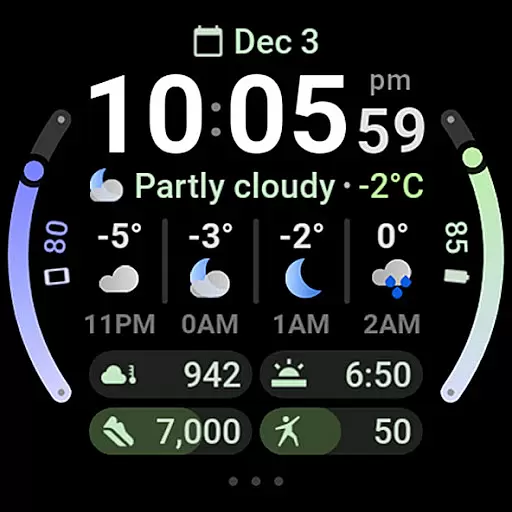

Live local weather updates: various widgets & radar maps & hourly forecast.
 4.70
4.70
Live Weather Forecast app with acu weather radar, weather alert & weather widget
4.80
The Weather Network TV App - Your weather when it really matters
2.90
Personal Weather Station PRO - Meteo monitor to check your WU info and charts.
4.20
The most accurate weather app, hourly and daily weather, severe weather alerts
4.50
Weather - Local weather forecast, weather daily & hourly, weather radar
4.80
Check forecasts, watch live news & track storms with FOX Weather.
3.80
My Aurora Forecast is the app for Northern Lights and Aurora Borealis alerts.
4.60
My Aurora Forecast Pro is the app for the Northern Lights and Aurora Borealis.
4.70
Local weather forecast app, your personal 7*24 local weather forecast assistant.
4.90
Hurricane Tracker, Rain Map
4.80
My Tide Times Pro is the only tide tables and forecasts application you'll need.
4.80
Get accurate rainfall and snowfall totals for pinpoint locations on a map.
4.60
Prepare for severe weather with notifications, future radar, and live alerts.
4.60
Local weather forecast, reliable daily weather report
4.30
Accurate Local Weather Forecast, let you easily understand the nearby weather!
4.20
Weather watch face for Wear OS 5+
4.10
Storm Radar, Alerts & Live Weather Forecasts Right on Your Home Screen
3.70
Dynamic weather watch face with glass effect, bold time & 7 complications.
4.2

User Reviews