

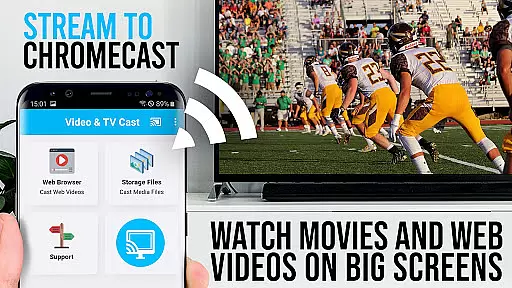
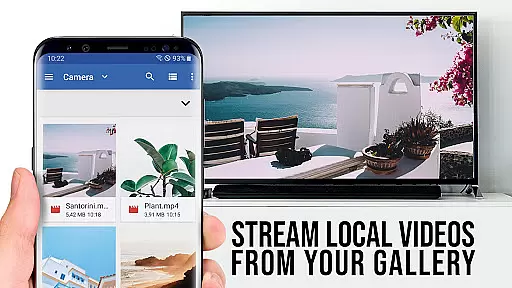
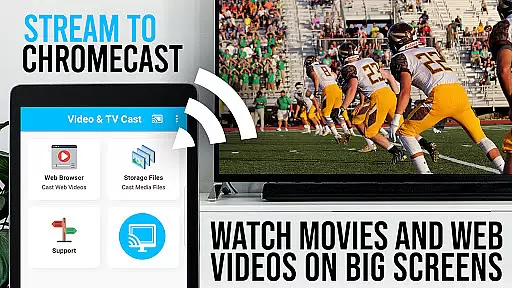
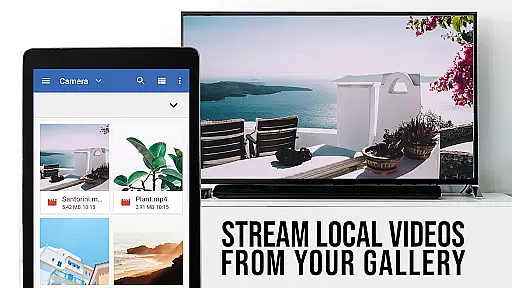
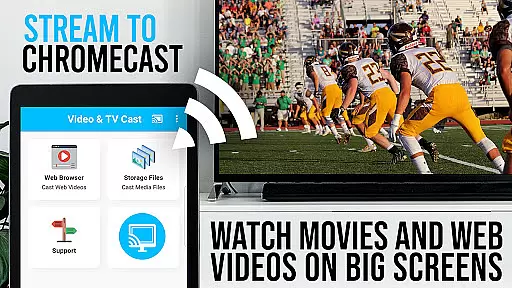
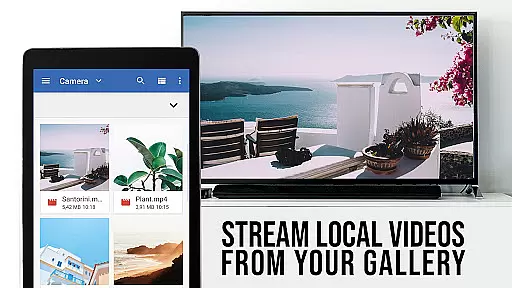
TV Cast Pro for Chromecast is the leading browser app designed specifically for streaming video content to Chromecast-enabled devices. With over 10 million users across Android and iOS platforms, it allows you to cast web videos, online movies, IPTV, livestreams, and live TV shows directly to your TV screen. The app supports various formats including MP4, M3U8, HLS livestreams, and Full HD content delivered over HTTPS.
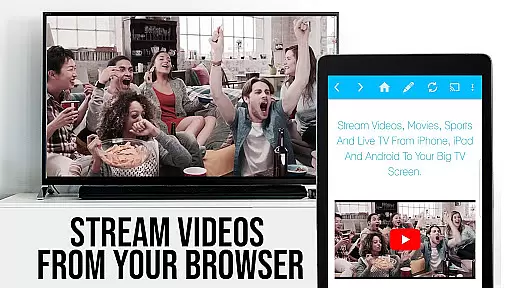
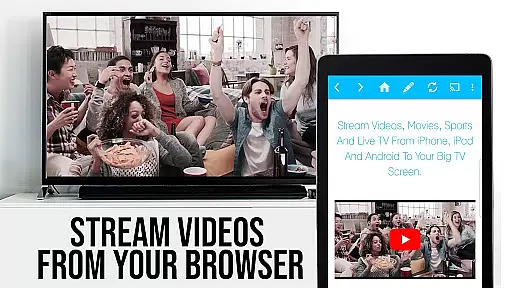
This premium application unlocks all advanced features, offering an enhanced casting experience compared to the free version. It works exclusively with Chromecast devices from Google and other Google Cast or Android TV-powered equipment. By browsing the web through the integrated browser, users can discover and cast embedded videos with a single tap, making it an essential tool for enjoying web-based media on larger displays.
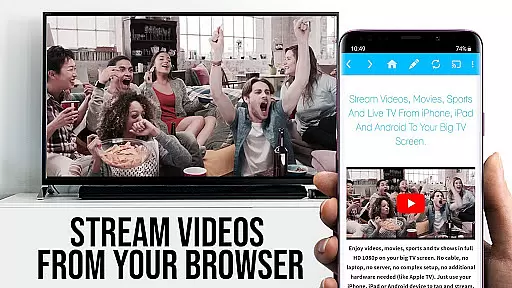
TV Cast Pro stands out with its comprehensive feature set tailored for seamless media streaming. The app's core functionality lies in its ability to detect and cast embedded videos from websites directly to Chromecast devices. Its intelligent detection system automatically identifies playable video content below the browser window, enabling instant casting with just one tap.
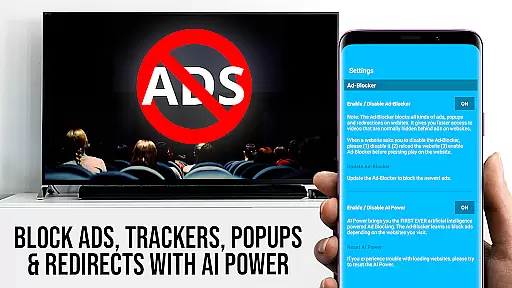
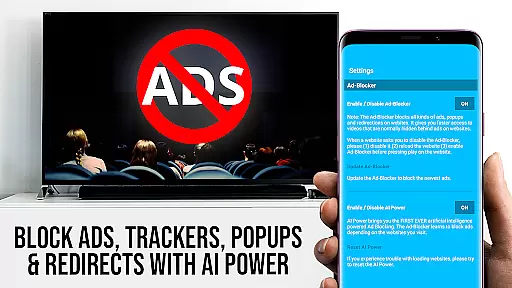
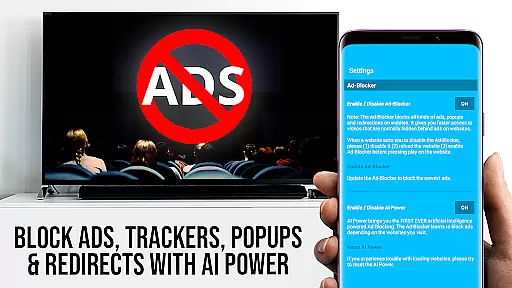
The PRO edition includes several exclusive features that enhance user control and convenience. The Remote Playbar provides advanced video controls such as scrubbing, forward, rewind, play, pause, and stop functions, synchronized across all connected devices. The built-in Ad-Blocker removes advertisements and popups from most websites, while the Desktop Mode allows users to view full desktop versions of websites. Additional professional features include unlimited bookmarks, customizable homepage settings, and enhanced security measures that protect user privacy by requiring minimal permissions.
TV Cast Pro for Chromecast offers a diverse range of content options, ensuring users can stream not just web videos but also online movies, IPTV, livestreams, and live TV shows directly to their largest screen.
The app supports various video formats including mp4, m3u8, hls livestreams, and even Full HD content over https, making it versatile for different types of media. This flexibility allows users to enjoy a wide array of content without worrying about compatibility issues.
With frequent updates and an active user base of 10 million across Android and iOS platforms, the app ensures that its features remain current and relevant. Users can trust that they are accessing the latest in streaming technology.
By providing access to both popular websites and niche channels, TV Cast Pro keeps its content fresh and engaging, catering to varied interests and preferences.
One of the standout features of TV Cast Pro for Chromecast is its ability to maintain high levels of user engagement through seamless integration with Chromecast devices. The Remote Playbar feature allows users to control video playback with advanced options like scrubbing, forward, rewind, play, pause, and stop, all synced across multiple devices.
This level of interactivity encourages longer viewing sessions as users have complete control over their entertainment experience. Additionally, the Ad-Blocker feature enhances user satisfaction by removing ads and popups from most websites, leading to uninterrupted viewing.
Bookmarks and Desktop Mode further contribute to user retention by allowing personalized navigation and access to desktop versions of websites, respectively. These features make it easier for users to return to their favorite content and explore new options.
Overall, TV Cast Pro's combination of interactive controls, ad-free browsing, and customizable settings helps ensure that users remain engaged and continue using the app regularly.
User-friendly interface
Wide format compatibility
Advanced remote controls
Effective ad-blocking
Desktop mode option
No DRM content support
Limited to Chromecast
Device mirroring absent
Occasional connectivity issues
Separate video playback required

Live TV, sports & holiday movies — stream on phone, tablet & TV
 4.60
4.60
Fire effects for your Philips Hue lights
4.20
Underrated short-drama gems that hit hard and keep your heart hooked.
4.50
Fetch money rewards all just for playing games. Cash out for gift cards in app.
4.50
The Xbox app keeps you connected to your gaming community.
4.50
Neon Christmas Tree Animated: Festive Wear OS watch face with fitness info
4.4
Everything FOX in one place. Watch FOX News, NFL, MLB, TV shows and more.
4.50
Bold original series & hit movies that don't hold back.
4.40
Watch TV shows, movies, and stream Live TV channels without a subscription!
3.80
Pathfinder 2e initiative tracker with bestiary, HP, reaction, conditions, etc
4.80
Hand-drawn, cartoon OC creator - original character creator
4.70
Watch Reels, Drama Shorts & TV Series Anytime. Download DramaWave Now!
4.70
Stream Movies & TV Series: Original Shows, Family Movies & New Releases Weekly
4.60
Official KennysGifs Stickers
4.20
Catch the latest episodes of The Voice or live stream NFL games with The NBC App
4.20
A companion app for the game Elite Dangerous
4.10
Start EVP/Spirit Box tonight: real EMF, offline, recording. One-time purchase.
4.10
Disney Stickers: Zootopia 2
4.0
Raise Christmas Magic with daily missions, magical scanners, and kindness.
4.5


User Reviews